How to Configure Automatic AI Model Fallback for Video Generation
Automatic AI model fallback sends a failed video step to a backup model. How to configure it.
By Bartu Varol · Sep 15, 2026 · 11 min read
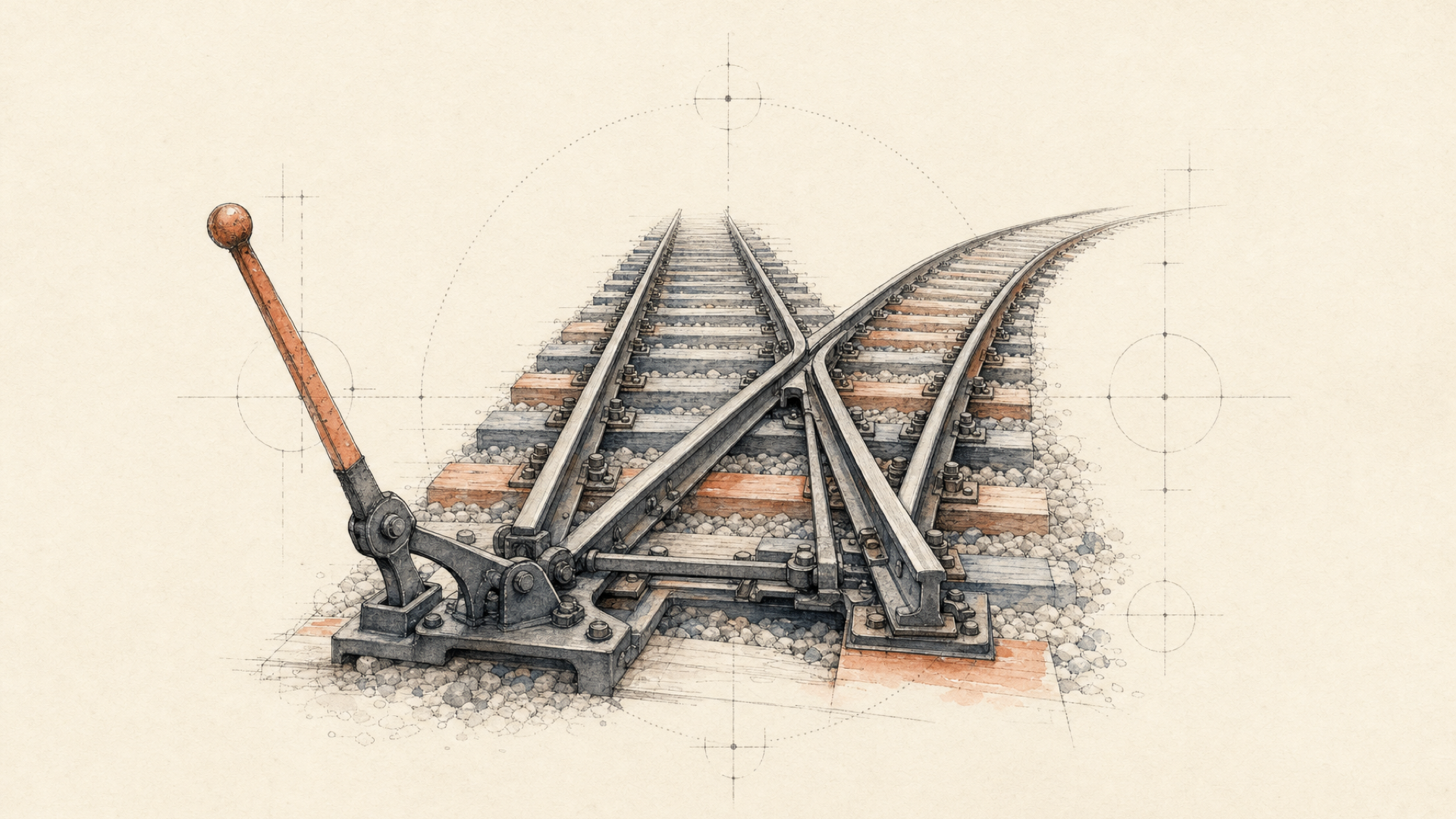
Automatic AI model fallback sends a failed model step to a predefined backup model. In each::workflows, the primary runs first; if it fails, the configured fallback runs; if both fail, the step fails.
For video, switching models is the easy part. The harder question is whether the backup preserves the product contract: the inputs, output constraints, and behavior your feature actually depends on.
So I use two tests for fallback:
- Can the backup complete the request?
- Can the product use what the backup produces?
Passing the first does not guarantee the second.
What happens when a video model falls back?
The documented workflow path is bounded:
| Primary model | Fallback model | Result |
|---|---|---|
| Succeeds | Not used | Workflow continues |
| Fails | Succeeds | Workflow continues with the fallback result |
| Fails | Fails | Step fails |
Primary model
     │
     ├─ succeeds ─────────────→ continue workflow
     │
     └─ fails
          ↓
     Fallback model
          │
          ├─ succeeds ────────→ continue workflow
          │
          └─ fails ───────────→ failed step
Because the alternative model belongs to the step configuration, your application does not have to catch the first failure and manually construct a second provider request. See the fallback configuration docs.
That fits asynchronous video generation well. Triggering a workflow returns an execution ID immediately; the application can then wait for the eventual result through execution polling or a workflow webhook.
There is a boundary worth making explicit. Some errors happen before the model step ever runs. The current trigger endpoint can reject invalid workflow inputs with 400, authentication with 401, or an invalid workflow/version with 404. A model fallback cannot recover from a request that never entered model execution. See Trigger Workflow.
Once execution reaches the model step, the fallback documentation gives a broader rule: if the primary model fails, the alternative runs. It does not publish a complete provider-error-to-fallback matrix.
Configure the fallback on the model step
A model step can contain a fallback object with its own model and parameters.
Here is a video-focused workflow definition using one image-to-video model as the primary and another as its fallback:
{
  "name": "Product Image to Video with Fallback",
  "definition": {
    "version": "v1",
    "input_schema": {
      "type": "object",
      "required": ["prompt", "source_image"],
      "properties": {
        "prompt": {
          "type": "string"
        },
        "source_image": {
          "type": "string"
        }
      }
    },
    "steps": [
      {
        "step_id": "generate_video",
        "type": "model",
        "model": "kling-v3-pro-image-to-video",
        "params": {
          "prompt": "{{inputs.prompt}}",
          "start_image_url": "{{inputs.source_image}}",
          "duration": "5",
          "aspect_ratio": "16:9"
        },
        "fallback": {
          "enabled": true,
          "model": "wan-v2-6-image-to-video",
          "params": {
            "prompt": "{{inputs.prompt}}",
            "image_url": "{{inputs.source_image}}",
            "duration": "5",
            "resolution": "1080p"
          }
        }
      }
    ]
  }
}
For REST workflow creation, the current endpoint is:
POST https://api.eachlabs.ai/v1/workflowsAuthentication uses:
Authorization: Bearer YOUR_API_KEYThe operation-specific Create Workflow documentation and the dedicated fallback page both currently use step_id in their examples.
The fallback object supports:
| Field | Purpose |
|---|---|
enabled | Enables or disables fallback |
model | Alternative model slug |
version | Optional fallback-model version |
params | Parameters passed to the fallback model |
Fallback parameters can use workflow template variables such as {{inputs.prompt}}.
The important part of the example is not the particular model pair. It is that the primary and fallback are mapped separately.
Map one product input into two model schemas
The application has one source image:
{{inputs.source_image}}The two current model schemas in this example expect it under different field names:
{{inputs.source_image}}
        │
        ├── primary  → start_image_url
        │
        └── fallback → image_url
kling-v3-pro-image-to-video currently uses start_image_url. wan-v2-6-image-to-video uses image_url. The Kling model also exposes fields such as aspect_ratio; the Wan model exposes controls such as resolution.
They solve the same broad image-to-video job. Their request contracts are still different.
This is why I treat fallback as a second model integration, not a copy of the first request.
The same issue can show up around duration, resolution, reference media, audio controls, negative prompts, seeds, or provider-specific settings. A workflow input such as source_image gives the application one stable product-level concept. The model configuration translates that concept into the schema each model accepts.
Fallback should preserve product intent, not a JSON object.
Retry, fallback, or stop?
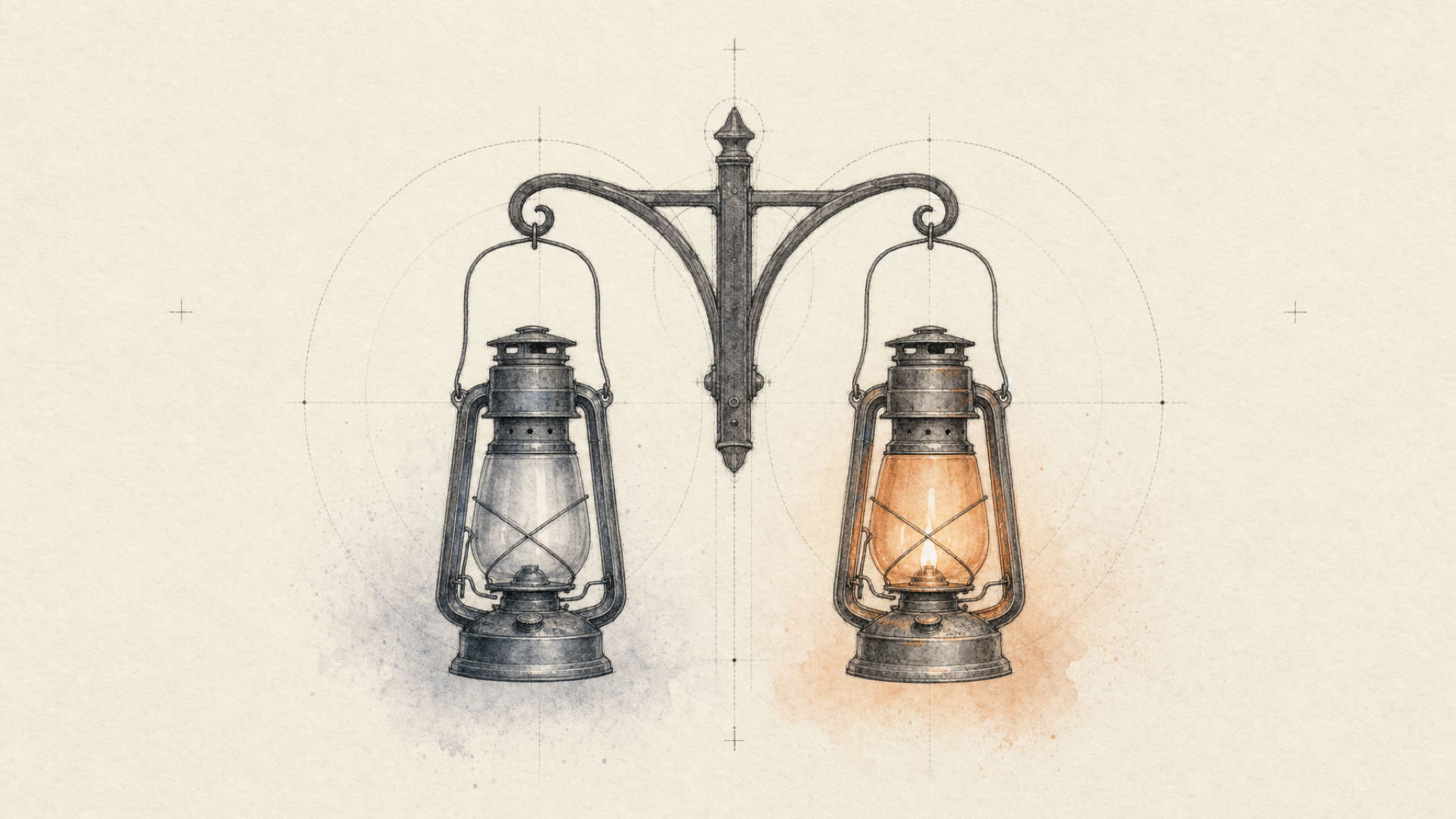
Retrying and switching models solve different problems.
Sometimes neither is appropriate.
| Failure situation | Default engineering response |
|---|---|
| Clearly transient failure where the same model may recover | Consider a bounded retry |
| Primary model cannot complete the generation | Consider a compatible fallback |
| Invalid trigger input | Fix or reject the input |
| Backup cannot satisfy a required capability | Do not use it as the fallback |
| Primary and backup both fail | Stop and surface terminal failure |
The each::labs Error Reference recommends exponential backoff for transient 429 and 500 HTTP errors. For the documented concurrency form of 429, waiting by itself does not create capacity; an in-flight execution has to settle. Retries still need a bound.
each::workflows separately documents retry configuration:
{
  "retry": {
    "max_attempts": 3,
    "backoff_multiplier": 2,
    "initial_delay_seconds": 1,
    "retry_on": ["timeout", "server_error"]
  }
}
Those fields and example retry_on values are current. What the workflow structure documentation does not currently establish is the runtime precedence between retry and model fallback when both are configured.
So I would not design around an assumed sequence like this:
primary
  ↓
retry primary exactly once
  ↓
fallback
unless that ordering has been established for the configuration you are using.
At the policy level, the distinction is cleaner:
Retry when another execution of the same model still makes sense.
Fallback when changing models is an acceptable recovery path.
Stop when neither action can repair the problem.
A generation retry is a different kind of retry
A lot of retry logic comes from conventional web applications.
For an idempotent read, repeating a failed request usually means asking for the same information again. Generative video is different. Another successful execution is another nondeterministic inference attempt. It may produce a different artifact and, depending on how the attempt settles, can create another billable generation.
That makes retry policy part of the product and cost model, not just network hygiene.
Canberk’s rule: Understand the semantics before applying the retry pattern. Decide which failures deserve another generation, bound the attempts, know when switching models is preferable, and give the request an end state.
An unlimited generation loop is not a reliability strategy.
A successful fallback can still fail the product
No, two video models should not be treated as interchangeable fallbacks simply because both accept the same modality. API compatibility tells you whether the backup can run. Workload testing tells you whether its result remains acceptable for your product.
Suppose the primary image-to-video model fails.
The fallback runs and returns a valid video.
Operationally, the request recovered.
Did the product recover?
Maybe not.
Canberk’s rule: A technically successful backup can still be a product failure. Two models can accept the same broad job while making different creative decisions.
That is why fallback chains should be designed for a use case, not simply for a modality.
“Both models generate video” is a filter. It is not an equivalence test.
For a utility workload, a valid clip at the required dimensions and duration may be enough. An avatar application, product catalog, branded creative tool, or identity-sensitive consumer feature may depend on much more.
A fallback candidate therefore has two compatibility tests.
Contract compatibility: can it perform the job?
Some requirements can be checked from schemas and documented capabilities:
- does it support image-to-video?
- can it accept the required reference input?
- can it produce a duration your feature supports?
- does it support the resolution you require?
- can its result feed the next workflow step?
These tell you whether the model is structurally viable as a backup.
They do not establish behavioral equivalence.
Product equivalence: is the result acceptable on your workload?
That usually requires testing.
| Requirement | Visible in API/schema? | Needs workload testing? |
|---|---|---|
| Returns video | Yes | No |
| Required duration supported | Yes | Usually no |
| Required resolution supported | Yes | Usually no |
| Reference image accepted | Yes | Partly |
| Identity remains acceptable | No | Yes |
| Camera behavior remains acceptable | No | Yes |
| Prompt interpretation remains acceptable | No | Yes |
| Output matches your visual acceptance bar | No | Yes |
The bottom half of that table is where fallback stops being an infrastructure problem and becomes a product problem.
A schema cannot tell you whether the backup will preserve a face closely enough for your application, follow a camera instruction the way your users expect, or respond well to prompts tuned for the primary model.
Define those requirements before choosing the fallback.
If identity cannot drift, test identity. If the clip has to fit a fixed publishing layout, framing belongs in the contract. If the feature promises a certain duration or resolution, confirm that the fallback can provide it.
Then run representative production inputs through both paths.
The wrong time to discover that the backup behaves differently is after the primary has gone down.
Quality-aware does not mean interchangeable
It is tempting to collapse this into one quality score. That usually hides the decision you actually need to make.
Video quality depends on the workload. A fallback can look aesthetically strong and still be wrong for the product because it changes identity, interprets motion differently, or breaks continuity.
So the useful question is not:
Which model makes the nicest video?
It is:
Which fallback fails in ways this product can tolerate?
Two applications using the same primary model can answer that question differently.
What if both video models fail?
A fallback path needs an end.
For a workflow model step with one configured fallback, the documented behavior is clear: if the primary fails and the fallback also fails, the step is marked failed.
At the workflow level, a failed execution can contain:
{
  "status": "failed",
  "error": "ExecutionFailed",
  "error_cause": "Step 'generate_video' failed: ..."
}
The current workflow webhook documentation uses ExecutionFailed and error_cause in its failure example.
Execution state is also available through:
GET https://api.eachlabs.ai/v1/workflows/executions/{executionID}The documented states include running, completed, failed, and cancelled; polling examples treat completed, failed, and cancelled as terminal. See Get Execution.
For asynchronous video generation, a webhook lets the application receive terminal execution state without maintaining a client polling loop.
primary failure
      ↓
fallback failure
      ↓
workflow failed
      ↓
webhook or execution polling
      ↓
application decides what happens next
The last step is yours.
Maybe the user gets an explicit retry button. Maybe the input needs to change. Maybe the job should be deferred. Sometimes the correct outcome is simply a useful error state.
Another model cannot fix every failure class. Bad upstream input can remain bad input. Shared validation or safety constraints can affect more than one model. And for some jobs, there may be no alternative model that satisfies the same product requirement.
Canberk’s rule: Routing cannot manufacture an equivalent model where none exists.
A terminal failure does not automatically mean the fallback architecture failed. Sometimes it means the system stopped at the boundary you intended.
Handle the terminal state in the webhook
A minimal handler can branch on workflow status:
app.post("/webhooks/workflow-completed", (req, res) => {
  const execution = req.body;

  res.status(200).json({ received: true });

  if (execution.status === "completed") {
    processCompletedVideo(execution.output, execution.step_outputs);
    return;
  }

  if (execution.status === "failed") {
    handleGenerationFailure({
      executionId: execution.execution_id,
      cause: execution.error_cause
    });
  }
});
This is control-flow code, not a complete production webhook verifier.
The Trigger Workflow API accepts an optional webhook_secret, but the current webhook documentation does not specify enough signature or header semantics to invent a verification implementation here.
The docs do explicitly recommend returning 200 OK promptly, processing asynchronously, using execution_id for deduplication, and handling both completed and failed executions. Failed webhook deliveries are retried automatically with exponential backoff.
Notice what the handler does not do: submit another video generation as soon as it sees failed.
The workflow has already exhausted the recovery path you configured. Anything beyond that is another product decision.
Observe fallback separately from normal success
Use fallback_used to identify that the backup served the step and primary_error to retain the primary failure.
A successful fallback can otherwise disappear inside an aggregate completion metric because the downstream result is still a video.
There is one documentation inconsistency to account for if you parse execution JSON directly. The Fallback Configuration page shows those fields inside completed-step metadata, while Workflow Structure separately describes a *_fallback step output carrying the same metadata. Until those pages converge, verify the exact execution shape your workflow returns instead of hard-coding a path from one example.
At the application level, I would also track:
- fallback frequency by primary model;
- primary failure reason;
- end-to-end latency when fallback runs;
- whether users reject or regenerate fallback outputs more often;
- completed-task cost when cost affects routing policy.
The first two tell you whether recovery fired.
The rest tell you whether recovery helped.
A fallback that returns valid videos but regularly sends the user back to “Generate again” can look perfectly healthy in an execution-success dashboard.
Test the failure path before you need it
A fallback you have never exercised is an assumption.
Before shipping:
- Run a known-good request through the primary.
- Force or simulate a primary failure.
- Confirm that the fallback executes.
- Confirm that workflow inputs resolve into the fallback's expected fields.
- Check duration, resolution, framing, reference handling, and other hard constraints.
- Inspect fallback metadata and the primary failure.
- Force the fallback to fail too.
- Confirm that the workflow reaches a terminal failed execution.
- Confirm that your webhook or polling path handles that state.
- Run representative production inputs through the backup and evaluate them against the same acceptance criteria used for the primary.
Steps 2 and 7 are easy to postpone because successful requests dominate normal development.
But fallback exists for the branch you hope not to see.
Test that branch before it becomes production traffic.
The same applies to product equivalence. One clean prompt working on both models proves very little. Use the inputs the product will actually receive: awkward images, long prompts, edge-case compositions, and identity-sensitive material that polished demo sets tend to avoid.
Workflow fallback and direct-model fallback chains are different surfaces
each::workflows is not the only current fallback surface in each::labs.
Inside a workflow, fallback belongs to an individual model step.
For direct asynchronous each::api predictions, each::labs also supports named fallback chains. Compatible alternatives are tried in configured order; the first successful model completes the original request. A chain is selected with:
{
  "fallback_selector": "video-production-fallback"
}
The chain configuration also maps the primary model's inputs to compatible alternatives. See the each::labs changelog.
If fallback belongs inside a larger media pipeline, workflow-level fallback keeps recovery inside that execution.
If your application makes one generation call and only needs model-level failover, the direct prediction path can be simpler.
An orchestration layer should remove complexity you already have, not add architecture for a problem that may never exist.
FAQ
What is model fallback in an AI API?
Model fallback is a predefined recovery path that calls an alternative model after the primary model fails. In each::workflows, fallback is configured on the model step. The primary runs first; if it fails, the fallback runs. If both fail, the step fails.
When does each::workflows run the fallback model?
The current fallback documentation says the alternative executes when the primary model fails. It does not publish a complete provider-error-to-fallback trigger matrix, so application logic should not depend on undocumented distinctions between individual failure types.
Does the fallback model need the same parameters as the primary?
No. The fallback has its own params object and can map the same workflow inputs into a different model schema. Current image-to-video models on each::labs already differ on fields such as start_image_url and image_url.
Should I retry a failed video generation before switching models?
A transient failure can justify a bounded retry; changing models is a separate recovery decision. each::workflows supports both retry and fallback configuration, but its current docs do not define their precedence when both are enabled.
What happens if both video generation models fail?
If the primary and configured fallback both fail, the model step fails. A failed workflow execution can report ExecutionFailed and error_cause through Get Execution or a webhook, allowing the application to handle the terminal state explicitly.
How can I tell whether fallback was used?
Check fallback_used and primary_error. If you parse the raw execution payload, verify the current response shape because first-party workflow docs presently show two fallback layouts.