AI Video Camera Movement Prompts: Dolly, Pan, Orbit & Crane Across Models
AI video camera movement prompts that work: dolly, pan, orbit and crane phrasing across models.
By Bartu Varol · Sep 14, 2026 · 11 min read
A camera prompt is not a camera API.
An AI video camera movement prompt describes how the virtual camera should translate or rotate relative to the subject during a shot. Name the physical move, add direction or speed where needed, make clear what should remain fixed, and give an end framing when the path needs one. The same wording can still behave differently across video models.
Ask several models for a slow dolly in, pan left, or clockwise orbit around the subject, and the words may survive while the shot changes. One model may move the camera through the scene. Another may mostly tighten the framing. Another may move the subject when the camera was supposed to move.
The vocabulary transfers. The behavior does not.
This guide focuses on four movements—dolly, pan, orbit, and crane—and how to make those instructions less ambiguous across Veo 3.1, Kling O3, and Seedance 2.0.
The useful question is not whether a model recognizes the word orbit. It is whether the resulting camera follows the path you asked for.
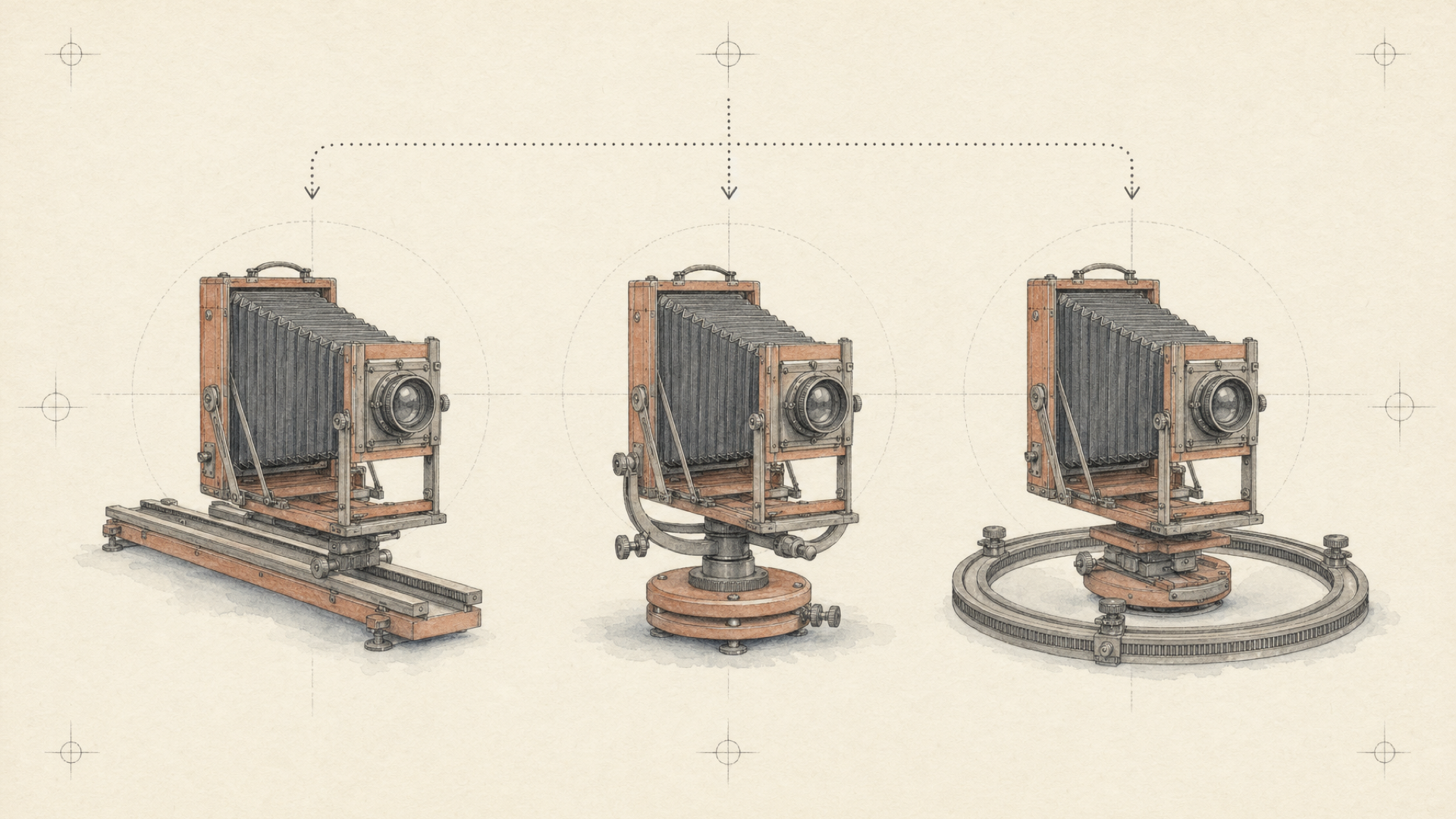
Camera vocabulary is portable. Camera behavior isn't.
Film terminology gives us good shorthand.
A dolly moves the camera through space. A pan rotates it horizontally from a fixed position. An orbit moves it around a subject. A crane changes its physical height.
Those definitions are stable. The model behavior behind them isn't.
A video model has to resolve the camera instruction alongside scene geometry, subject motion, framing, style, physical plausibility, and everything else in the prompt. Two systems can accept the same sentence and make different decisions about that bundle.
The mistake I see when teams move prompts between models is treating a prompt that worked once as portable configuration. It isn't. A longer, supposedly “improved” prompt can even make another model worse if the extra language conflicts with how that model interprets camera direction.
Canberk Sinangil
Prompt enhancement has to understand the target model, not just make every prompt longer.
The current each::labs model pages expose some of those surrounding differences. Veo 3.1 Text to Video has inputs including enhance_prompt and auto_fix. Kling O3 Standard Text to Video exposes controls including shot_type, negative_prompt, and cfg_scale. Seedance 2.0 Text to Video documents natural-language camera direction as part of its cinematic control.
None of that proves which model performs a better orbit. It explains why a camera phrase should not be treated like portable code.
The practical unit is:
movement + target model + observed output + correction
How to compare camera-prompt adherence
A useful comparison has to isolate the camera instruction.
Give one model a horse running through a desert, another a product on a turntable, and a third a person walking through Tokyo, and you may get three impressive clips. You still learn very little about relative camera control.
For each movement, keep the test as close as possible to:
- the same scene;
- the same subject behavior;
- the same core camera clause;
- the same direction;
- equivalent duration and aspect ratio where supported;
- no dialogue or audio requirement;
- no second camera move unless that is what you are testing.
The input schemas are not identical, so this does not mean sending byte-for-byte identical JSON. The semantic test stays constant; the surrounding request still has to match the model.
Canberk Sinangil
Everyone shipped a unified API. Nobody shipped unified meaning.
A shared prompt field does not make orbit mean exactly the same thing to three different video models.
What counts as following the prompt?
Do not reduce the comparison to one “quality” score.
A beautiful clip can miss the requested shot completely. A rougher clip can execute the camera path correctly.
Inspect these six dimensions instead:
| Dimension | What to look for |
|---|---|
| Movement type | Did the requested physical movement happen? |
| Direction | Did it move in the requested direction? |
| Motion ownership | Did the camera move, or did the subject move instead? |
| Path completion | Did the requested movement continue far enough to count? |
| Extra motion | Did the model introduce an unwanted zoom, tilt, track, or rotation? |
| Subject stability | Did the subject remain usable while the camera moved? |
The first five describe camera adherence. Subject stability matters in production, but keep it separate. Otherwise you start rewarding or penalizing the clip for something other than the behavior being tested.
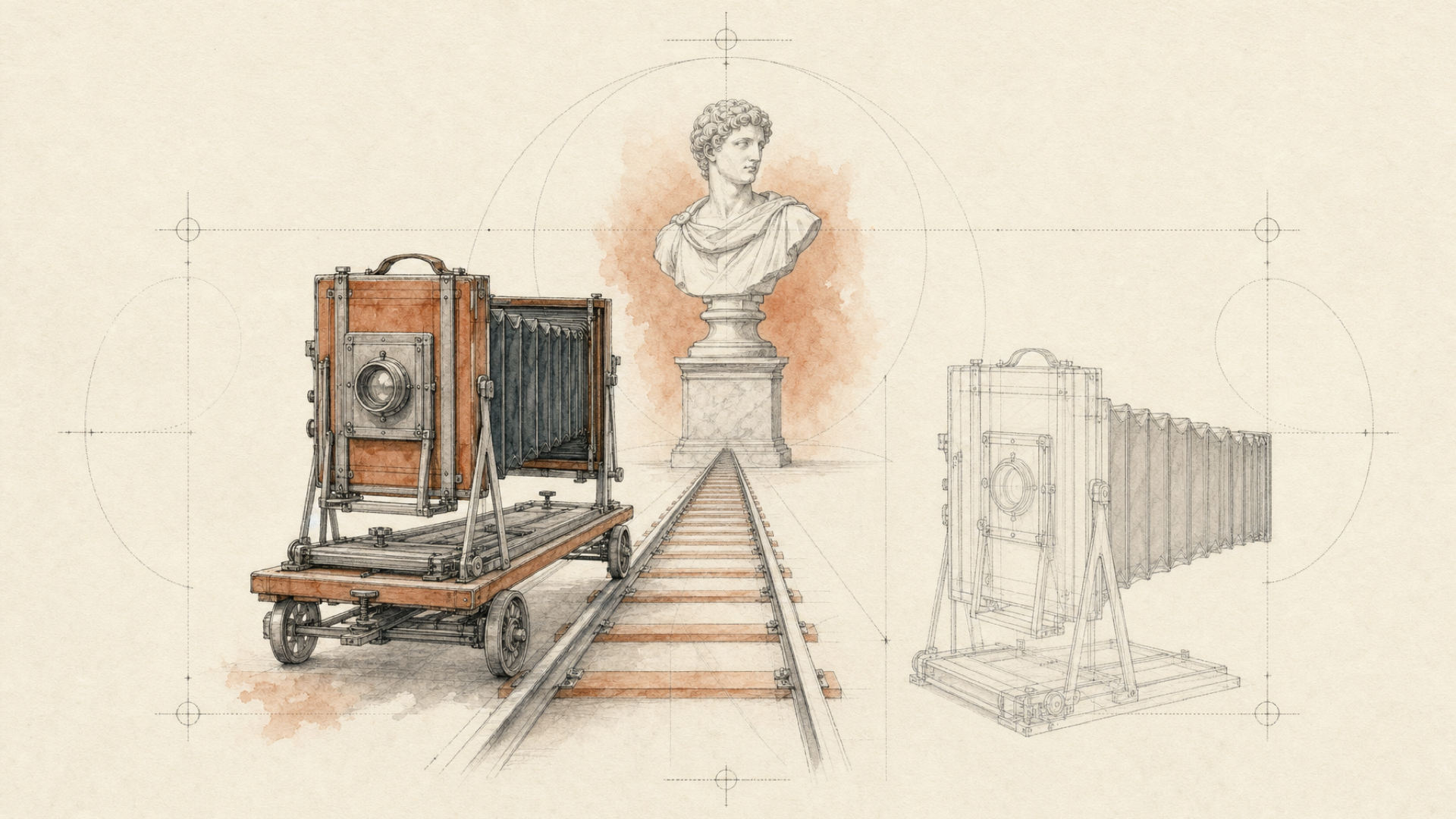
Dolly: did the camera move, or did the model just zoom?
A dolly changes the camera's position in space.
When the camera moves toward a subject, foreground and background relationships change with the viewpoint. A zoom can also make the subject larger in frame, but the camera does not have to travel forward.
That difference gives you something concrete to look for in the output.
Use a stationary subject and a scene with enough depth for translation to show up:
A ceramic sculpture stands motionless in the center of a quiet gallery. The camera performs a slow dolly in toward the sculpture, moving physically forward from a medium-wide shot to a close shot. The sculpture remains still. No zoom.
The gallery is incidental. The physical definition of the move is the test.
If dolly in produces something that looks more like a zoom, do not respond by making the whole prompt more elaborate. Make the geometry less ambiguous:
Camera physically moves forward through the gallery toward the stationary sculpture. Background perspective changes as the camera advances. Start medium-wide and end close. Keep the focal length stable.
Every clause does not have to help every model. The point is to replace shorthand with the physical relationship you actually need.
Pan: keep the camera planted
A pan rotates the camera left or right from a fixed position.
If the whole camera travels sideways, that is a different move—closer to a truck or lateral track.
Give the test enough stationary geometry to reveal translation:
A row of food stalls stretches across a night market. From a fixed camera position, slowly pan from left to right across the stalls. The camera rotates horizontally in place and does not move sideways.
The extra language is there to remove ambiguity, not to make the line sound more cinematic.
A bad pan is not always “no pan.” The model might preserve the requested direction but translate the camera, shift the subjects instead, or add a second movement.
Those failures look similar at a glance. They need different fixes.
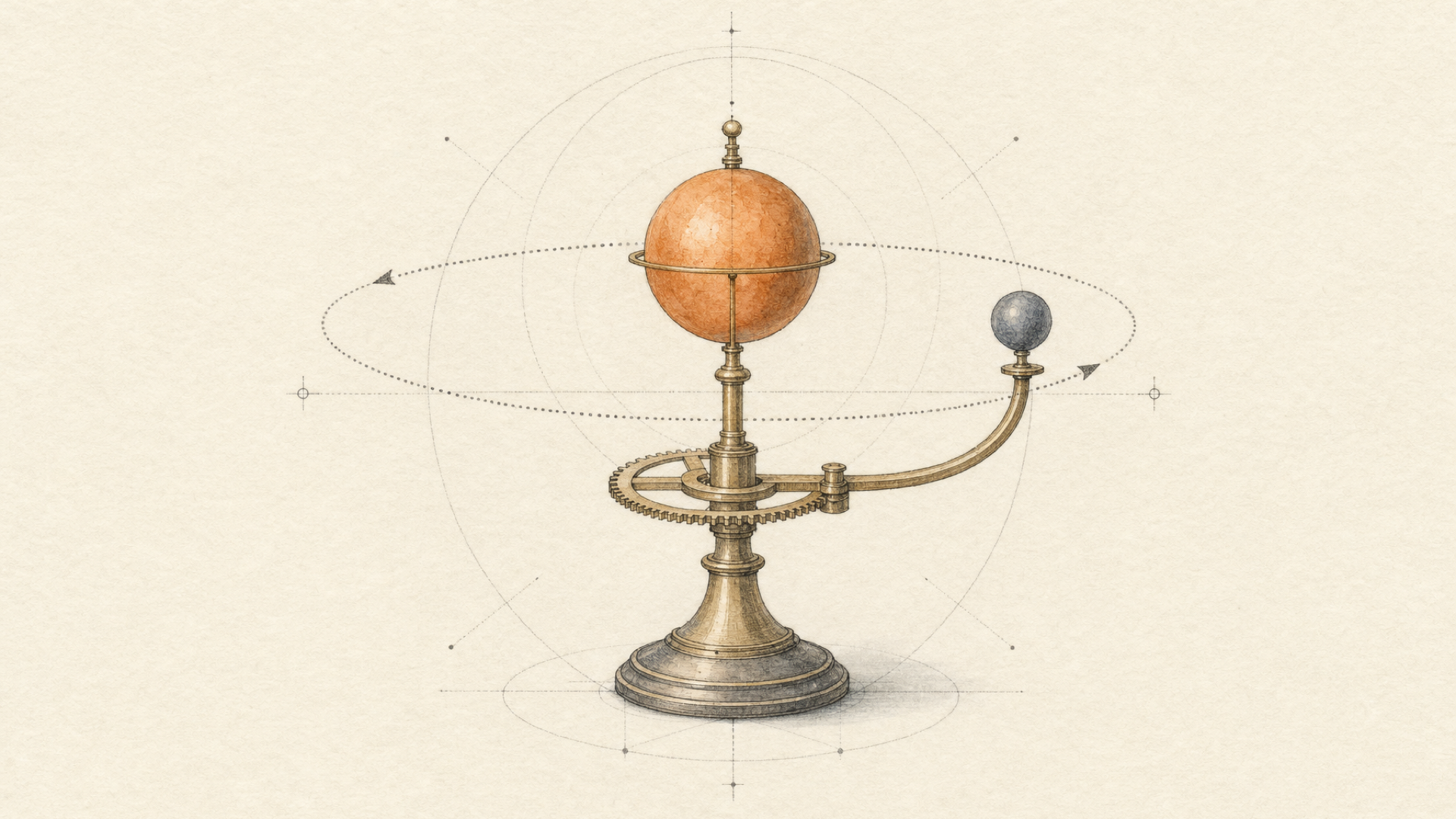
Orbit: where camera language gets ambiguous
Orbit is harder.
“Orbit around the subject” sounds precise, yet it leaves several decisions open:
- Who stays still?
- How large is the arc?
- Which direction does the camera travel?
- Does its distance from the subject remain constant?
- Where does the shot end?
The model has to fill in those gaps.
Instead of:
Cinematic orbit around the product.
define the geometry:
A sneaker remains completely stationary on a pedestal. The camera moves clockwise through a 90-degree arc around the sneaker, maintaining a constant distance and keeping the sneaker centered. The sneaker does not rotate. Start at a three-quarter front view and end at a side view.
Almost none of that is stylistic.
Camera moves. Subject stays still. Clockwise. 90 degrees. Constant distance. Known endpoint.
An orbit can otherwise be approximated in several visually plausible ways that are wrong for the shot.
If the subject rotates instead of the camera, assign the roles explicitly:
Camera moves clockwise around the stationary subject. Subject orientation remains fixed relative to the room.
If distance matters:
Camera maintains a constant radius from the subject.
And if a large viewpoint change becomes unstable, test a smaller arc before adding another paragraph of prompt text. A smaller arc reveals less of the scene than a full orbit, so it is a useful variable when viewpoint changes start causing problems.
The bigger move is not automatically the better shot.
Crane: vertical translation is not a tilt
A crane changes the camera's physical height.
A tilt rotates the camera upward or downward while staying in roughly the same position.
With limited scene depth, the two can look superficially similar. Make the test expose the difference:
A cyclist stands still at the center of an empty courtyard. The camera cranes slowly upward from eye level to a high wide view, physically rising above the courtyard while keeping the cyclist near the center of frame. Do not simply tilt upward.
The question is simple: did the viewpoint actually rise?
If the camera appears to stay planted while the view merely rotates upward, the output is not doing the same physical job as a crane shot.
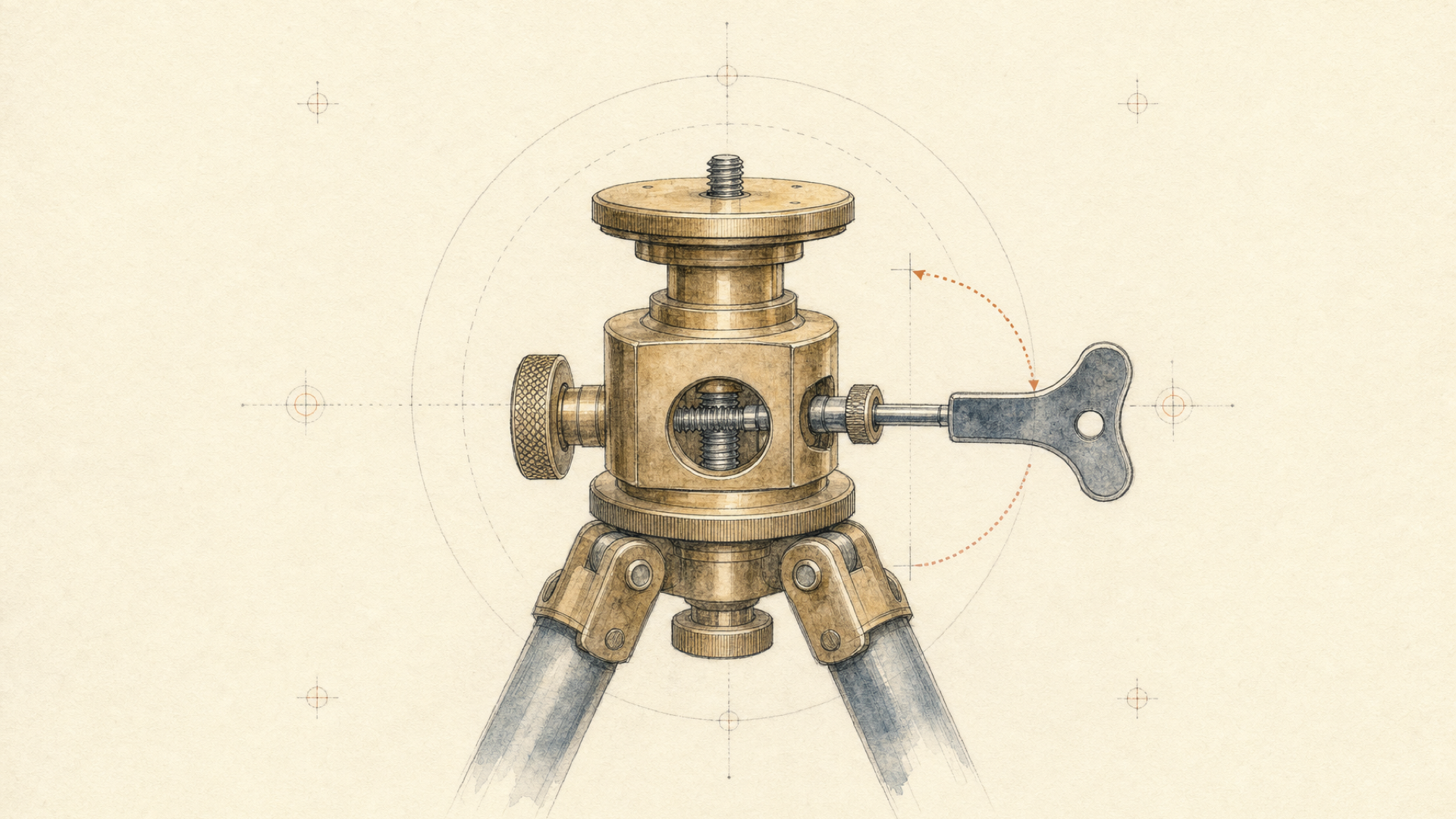
What to change when a camera prompt goes wrong
“Make the prompt more detailed” is not a useful diagnosis.
More detail helps when it removes a specific ambiguity. Extra adjectives, lighting notes, or another five camera terms just give the model more instructions to reconcile.
Use the failure itself to decide what to clarify:
| Failure | Prompt adjustment to test | What it clarifies |
|---|---|---|
| Subject rotates during an orbit | Camera moves around the stationary subject. Subject does not rotate. | Motion ownership |
| Dolly behaves like a zoom | Camera physically moves forward... keep focal length stable. | Translation vs. framing change |
| Pan drifts sideways | Camera rotates horizontally from a fixed position. | Rotation vs. translation |
| Movement ends vaguely | Add starting and ending framing | Path completion |
| Several moves blend together | Isolate one movement first | Competing instructions |
Tune for the target model, not a generic prompt library
Reusable prompt libraries tend to hide this part.
A prompt tuned for one model can be actively unhelpful to another. Models differ in instruction literalness, camera-language inference, and how much surrounding context they reward.
If one model responds well to slow dolly in while another needs camera physically moves forward toward the stationary subject, the second prompt is not universally better. It is better for the model and shot that needed the clarification.
Veo 3.1 Text to Video, for example, currently exposes an enhance_prompt input. If you are testing literal camera-language adherence, prompt rewriting is a variable to control rather than something to leave on without thinking about it.
Which model should you use for camera movement?
There should not be one permanent answer.
A model may behave well on a simple push-in and less predictably on a larger orbit. Another may execute the requested path while losing subject stability as the viewpoint changes.
Those failures are not equivalent. Your product may care deeply about one and barely notice the other.
The useful comparison is movement-specific:
| Movement | What to compare |
|---|---|
| Dolly | Physical translation, parallax, accidental zoom |
| Pan | Fixed camera position, correct rotation direction |
| Orbit | Camera vs. subject motion, arc completion, distance consistency |
| Crane | Real vertical translation, start/end framing, accidental tilt |
Do not turn this into a 1st / 2nd / 3rd league table unless the same ordering genuinely survives across the movements.
The better question is:
Which model fails in a way this shot can tolerate?
That is also why camera comparisons should be dated. A useful prompt is a description of current model behavior, not a law of cinematography.
Reproduce the comparison with each::api
Camera behavior changes. A comparison is more useful when you can rerun it.
All three model families in this article are available through each::labs, so you can submit equivalent tests without maintaining three separate provider integrations.
The current text-to-video slugs are:
veo3-1-text-to-video
kling-o3-standard-text-to-video
bytedance-seedance-2-0-text-to-video
Their surrounding inputs differ. Do not hard-code one universal input object.
each::api uses:
https://api.eachlabs.aiwith Bearer authentication:
Authorization: Bearer YOUR_API_KEYBefore creating a prediction, retrieve the live model metadata. The model-detail response includes the current version and the model's request_schema.
Current documentation identifies the preferred model-detail path as:
GET /v1/models/{slug}with the query-parameter form still available for backwards compatibility:
GET /v1/models/{slug}Use the returned metadata rather than copying a version number from an example page. Current first-party pages do not agree consistently on hard-coded model-version strings.
Predictions are created asynchronously with:
POST /v1/predictionand can be polled with:
GET /v1/prediction/{id}The current machine-readable prediction contract uses created, starting, processing, success, error, and cancelled.
A comparison harness can look like this:
# Framework example, not a drop-in universal request.
# Each model's input object must be built against its live request_schema.

import time
import requests

BASE_URL = "https://api.eachlabs.ai"
HEADERS = {
    "Authorization": "Bearer YOUR_API_KEY",
    "Content-Type": "application/json",
}

MODELS = [
    "veo3-1-text-to-video",
    "kling-o3-standard-text-to-video",
    "bytedance-seedance-2-0-text-to-video",
]

CAMERA_PROMPT = """
A ceramic sculpture stands motionless in the center of a quiet gallery.
The camera performs a slow dolly in, physically moving forward from
a medium-wide shot to a close shot. The sculpture remains still.
"""


def get_model(slug):
    response = requests.get(
        f"{BASE_URL}/v1/models/{slug}",
        headers=HEADERS,
    )
    response.raise_for_status()
    return response.json()


def create_prediction(slug, version, model_input):
    response = requests.post(
        f"{BASE_URL}/v1/prediction",
        headers=HEADERS,
        json={
            "model": slug,
            "version": version,
            "input": model_input,
        },
    )
    response.raise_for_status()
    return response.json()["predictionID"]


def wait_for_prediction(prediction_id):
    while True:
        response = requests.get(
            f"{BASE_URL}/v1/prediction/{prediction_id}",
            headers=HEADERS,
        )
        response.raise_for_status()
        prediction = response.json()

        if prediction["status"] in {"success", "error", "cancelled"}:
            return prediction

        time.sleep(2)


for slug in MODELS:
    model = get_model(slug)

    # Build this object from model["request_schema"].
    # Keep CAMERA_PROMPT semantically constant across models.
    model_input = build_camera_test_input(
        schema=model["request_schema"],
        prompt=CAMERA_PROMPT,
    )

    prediction_id = create_prediction(
        slug=slug,
        version=model["version"],
        model_input=model_input,
    )

    result = wait_for_prediction(prediction_id)
    record_test_result(slug, model["version"], result)
The helper functions build_camera_test_input and record_test_result are intentionally application-specific. The first maps the controlled experiment onto the live schema of each model. The second should save the prompt, returned model version, generation settings, output, and test date.
Keep that record.
An API can continue returning successful responses while output behavior changes. A provider-side improvement can still be a regression for your product if camera interpretation, identity behavior, or another production-critical characteristic shifts underneath it.
No endpoint change is required for that to happen.
Canberk Sinangil
An improvement on their side can be a regression on yours. Nobody sends an email about that.
Treat the comparison as a dated test, not a permanent league table. Rerun it against current model versions when the decision matters.
And if you use one model, already know its behavior for your workload, and have no reason to compare providers, call it directly. Multi-model comparison should remove uncertainty you actually have, not add architecture for a hypothetical future problem.
FAQ
Do camera movement prompts work the same across all AI video models?
No. Dolly, pan, orbit, and crane are useful shared vocabulary, but they are not a standardized camera-control language. Different models can turn the same natural-language instruction into different camera paths, framing changes, or subject motion.
What should an AI video camera movement prompt include?
Start with the physical camera move, then add direction or speed where it matters. Make the camera-subject relationship explicit, state what should remain fixed, and add a start or end framing when the path needs a clear destination.
What is the difference between a dolly and a zoom in AI video?
A dolly physically changes the camera's position in the scene. A zoom changes the field of view. Both can make the subject appear larger, so look for perspective and parallax changes rather than subject size alone.
How do I make the camera orbit instead of rotating the subject?
Assign the roles explicitly: Camera moves clockwise through a 90-degree arc around the stationary subject. The subject does not rotate. Camera maintains a constant distance. Exact adherence still depends on the target model.
Which AI video model is best for camera control?
There is no useful permanent answer at the model-family level. Compare the movement you actually need, on the current model version and your own scene distribution. A model that behaves well for a pan may not be the one you prefer for an aggressive orbit or an identity-sensitive crane shot.


