Wan | v2.6 | Image to Video
Wan 2.6 is an image-to-video model that transforms images into high-quality videos with smooth motion and visual consistency.
- Runtime (p50)
- 1m
- Estimated price
- $0.10–$0.15 per second, depending on resolution
Overview
wan-v2.6-image-to-video — Image-to-Video AI Model
Developed by Alibaba as part of the wan-v2.6 family, wan-v2.6-image-to-video transforms static images into cinematic 1080p videos up to 15 seconds long, with native audio synchronization and multi-shot narrative consistency that outperforms typical image-to-video AI models.
This lightweight flash variant excels in rapid inference for production workflows, preserving subject structure, lighting, and framing while generating smooth, realistic motion from a single input image and text prompt—ideal for creators seeking Alibaba image-to-video solutions without chaotic movements or identity drift.
Users upload JPG, PNG, or WebP images (up to 50MB) alongside prompts describing motion, enabling quick generation of short-form content like promotional clips or concept visuals via the wan-v2.6-image-to-video API.
Capabilities
- Generates high-fidelity 1080p videos from images with fluid motion and lighting consistency
- Native audio generation with precise lip-sync, dialogue, sound effects, and background music
- Multi-shot storytelling with coherent character consistency and smooth match cuts/transitions
- Supports aspect ratios like 16:9, 9:16, 1:1 for versatile framing
- Photorealistic outputs with strong temporal coherence and detail retention
- Motion transfer from reference videos or images, including camera logic and pacing control
- Multilingual prompt understanding (Chinese, English, others) for global use
- Versatile for text-to-video, image-to-video, reference-to-video modes
Use cases
Use Cases for wan-v2.6-image-to-video
Content creators turn product photos into engaging promo videos: upload a static image of a gadget and prompt "smooth pan around the device on a modern desk with soft lighting and subtle activation sounds," yielding a 1080p clip with synced audio for TikTok or Instagram Reels.
Marketers building e-commerce visuals use multi-shot capabilities to animate lifestyle scenes, inputting a character image with "multi-shot sequence: person walks into kitchen, pours coffee, smiles at camera with morning ambiance audio," maintaining consistency for compelling ads without studio shoots.
Developers seeking Alibaba image-to-video API integrate it for app prototypes, feeding user-uploaded images and prompts to generate personalized video previews, leveraging fast inference and lip-sync for interactive demos or virtual try-ons.
Filmmakers experiment with concept art: start with a storyboard frame prompting "cinematic zoom into fantasy landscape with wind rustling leaves and distant echoes," producing 15-second tests with natural motion and effects to refine pitches efficiently.
Tips & tricks
How to Use wan-v2.6-image-to-video on Eachlabs
Access wan-v2.6-image-to-video seamlessly on Eachlabs via the Playground for instant testing—upload an image (JPG/PNG up to 50MB), add a motion prompt, select duration (2-15s), resolution (720p/1080p), and optional audio— or integrate through the API/SDK for production apps, receiving high-quality 30 fps MP4 outputs with audio sync in minutes.
---Technical spec
What Sets wan-v2.6-image-to-video Apart
wan-v2.6-image-to-video distinguishes itself in the image-to-video AI model landscape through its distilled flash architecture, delivering 720p or 1080p MP4 outputs at 30 fps in 2-15 seconds with average run times around 150 seconds—optimized for fast, scalable inference.
- Native audio-visual sync with lip-sync and ambient effects: Generates synchronized sound matched to scene context and lip movements from image prompts alone, enabling realistic dialogue or effects without post-production. This empowers users to create complete audiovisual clips instantly, perfect for social media reels.
- Multi-shot narrative consistency: Maintains subject fidelity across multiple shots with coherent transitions, a wan-v2.6 exclusive for storytelling sequences from a single starting image. Developers integrating image-to-video AI models gain tools for dynamic, professional-grade narratives without stitching clips manually.
- Restrained, cinematic motion control: Produces stable animations with natural camera movements and high frame rates, reducing common AI jitter for photorealistic or stylized outputs up to 1080p. This supports versatile short-form content like ads or previews with minimal iteration.
Input formats include images and optional audio (MP3, WAV), outputting H.264-encoded videos ready for professional use.
Things to be aware of
- Experimental multi-shot chaining achieves longer narratives but may vary in transition smoothness
- Known quirks: Better with clear input images; complex scenes can show minor motion jitter
- Performance: 14B variant offers higher fidelity but slower than 5B; cloud-optimized, no local GPU needed
- Resource requirements: Higher for 1080p/15s (e.g., increased latency/cost scaling with duration)
- Consistency strong across shots/characters, improved over Wan 2.5 per user benchmarks
- Positive feedback: Praised for integrated audio sync, speed, and production-ready quality
- Common concerns: Limited to 15s per clip; occasional need for prompt tweaks to avoid artifacts
Key considerations
- Use clear subjects with good lighting in input images for best animation results
- Enable prompt_expansion for short prompts to generate detailed internal scripts
- Set seed to a fixed integer for reproducible results or -1 for random variation
- Balance resolution and duration trade-offs: higher resolutions like 1080p increase processing time and cost
- Employ negative prompts to avoid artifacts like watermarks, text, distortion, or extra limbs
- For optimal motion, describe specific camera moves, story beats, and styles in prompts
- Limit to short clips (5-15s) per generation; chain multi-shots for longer narratives
- Test CFG scale at 1 for image-to-video to maintain stability
Limitations
- Restricted to short durations (max 15s per generation), requiring chaining for longer videos
- Optimal for 480p-1080p; no native 4K support currently
- May exhibit minor inconsistencies in highly complex motions or low-quality input images
Related models
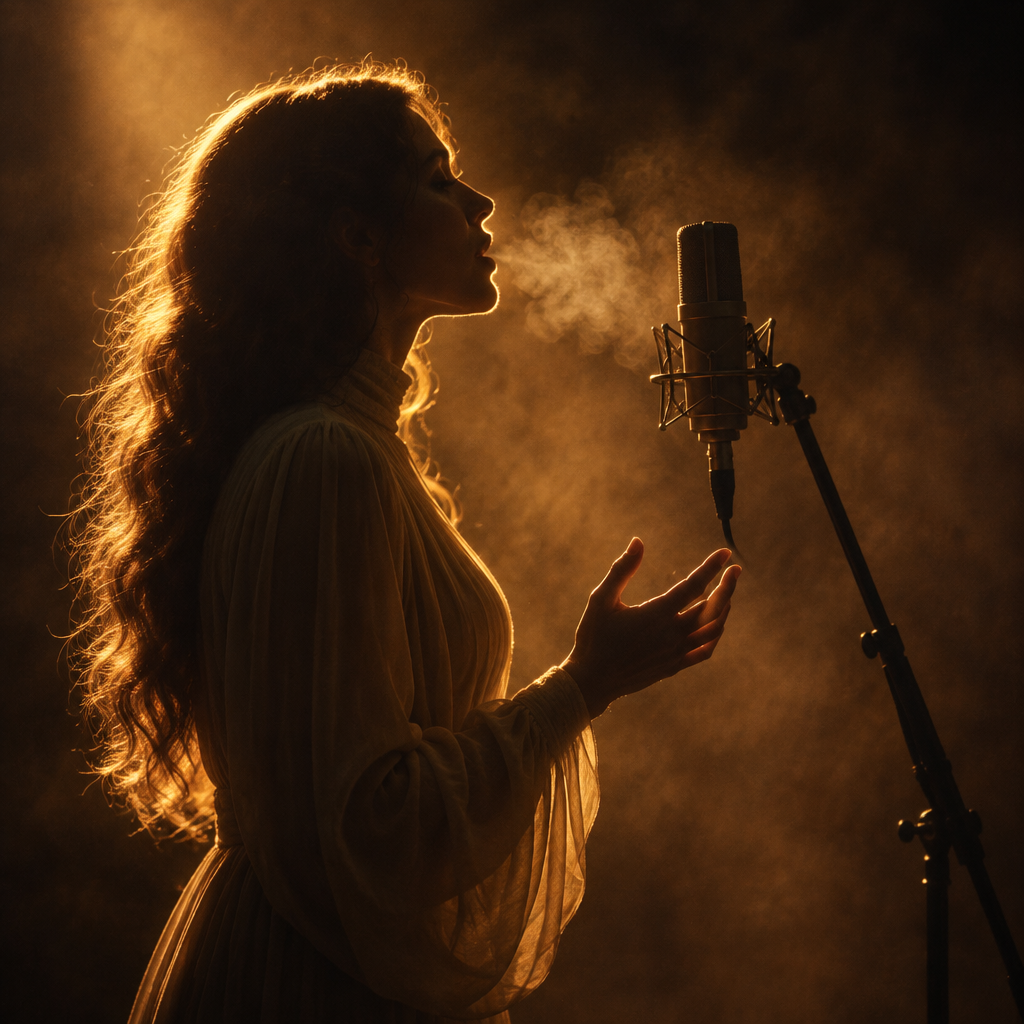
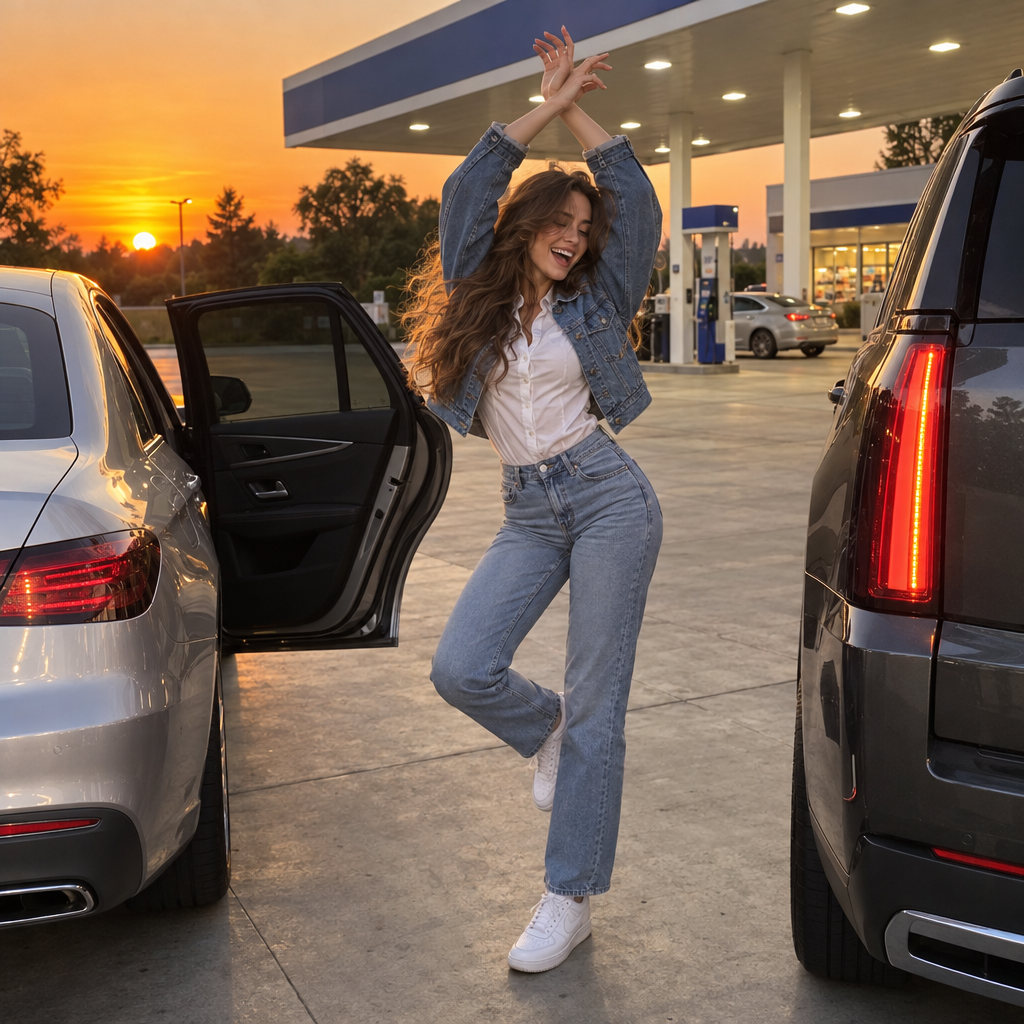
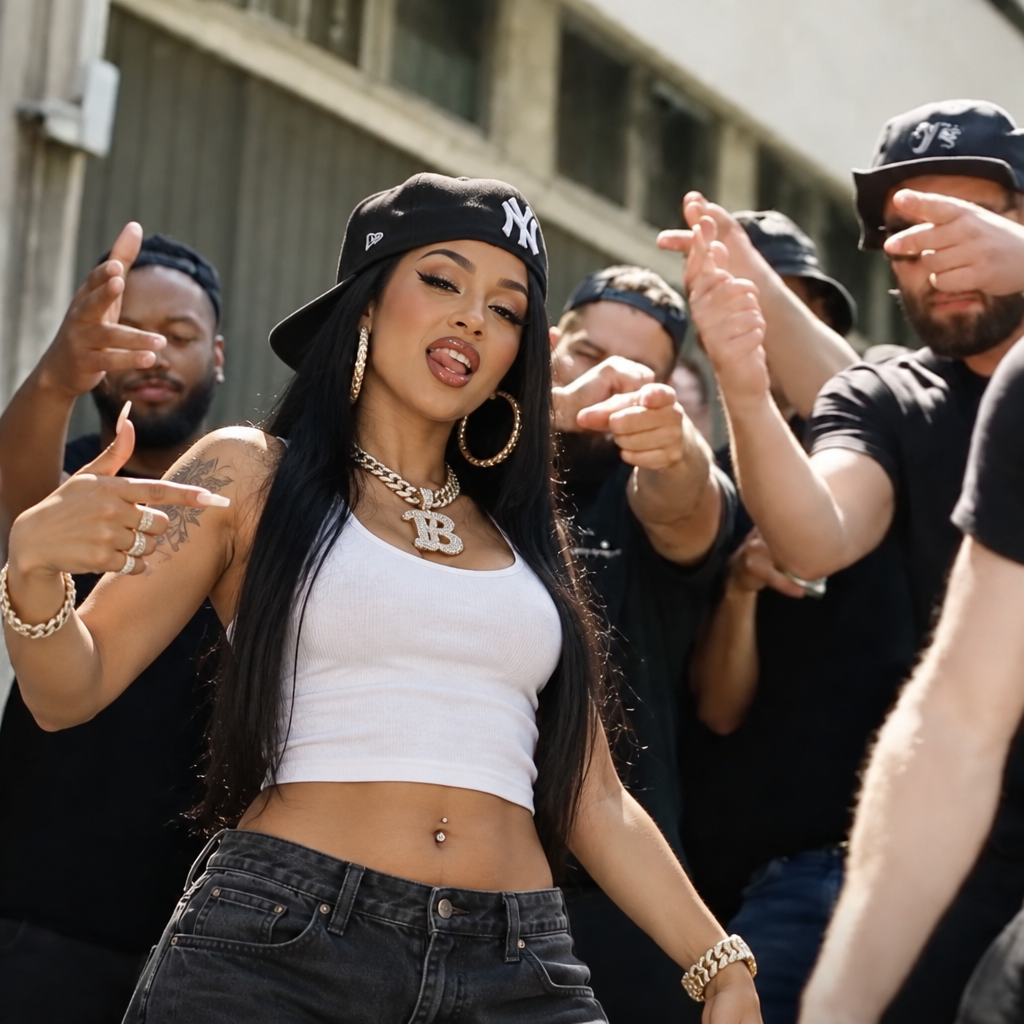
4 models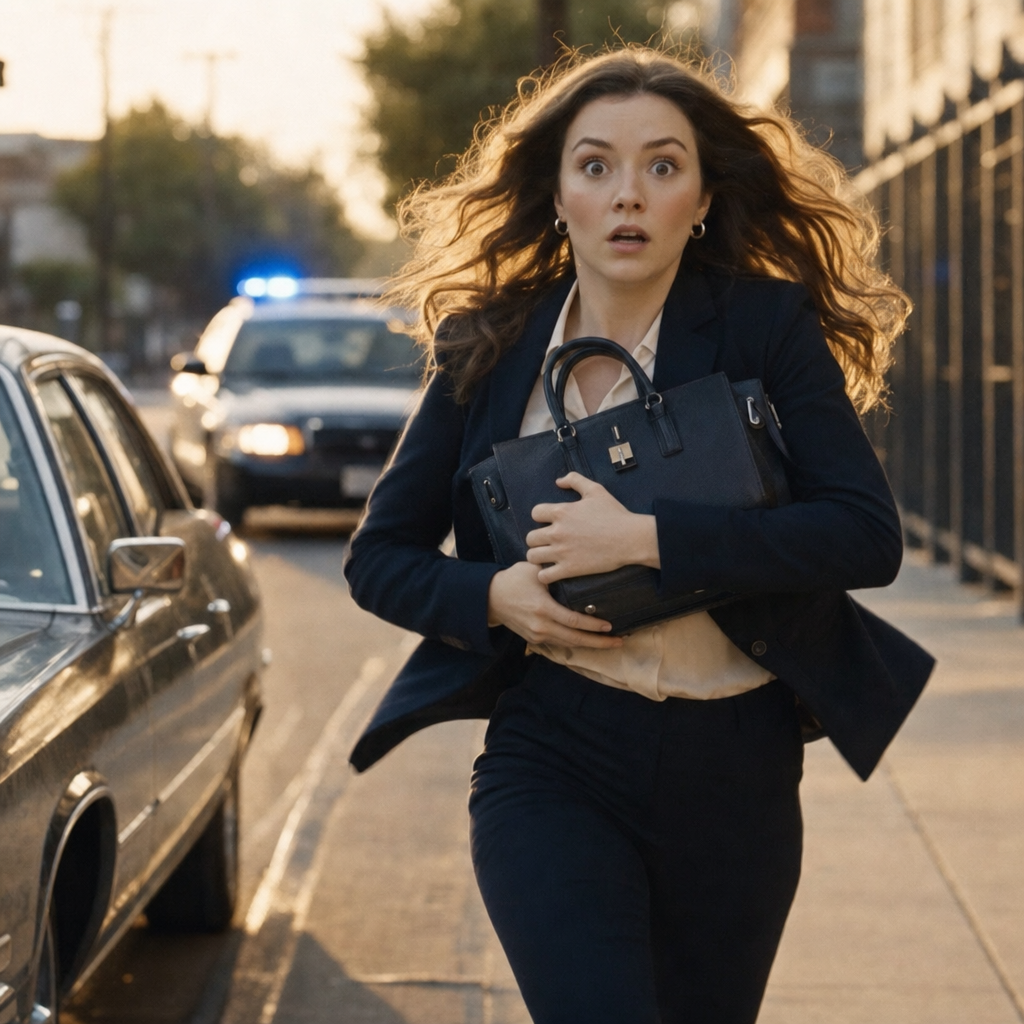
About Wan | v2.6 | Image to Video
What is Wan v2.6 image-to-video and what video quality does it produce?
Wan v2.6 image-to-video is Alibaba's latest image-to-video generation model that creates high-quality, motion-consistent video clips from static input images. It delivers improved temporal coherence, smoother motion trajectories, and better scene understanding compared to earlier Wan versions, supporting a range of video lengths and styles for commercial and creative applications.