Kling | v3 | Pro | Image to Video
Generates a video by smoothly animating the transition between a start frame and an end frame, guided by text-based style and scene instructions.
- Runtime (p50)
- 3m
- Estimated price
- $0.14 / unit
Overview
kling-v3-pro-image-to-video — Image-to-Video AI Model
Developed by Kling as part of the kling-v3 family, kling-v3-pro-image-to-video generates high-fidelity videos by animating transitions from a start image to an optional end image, guided by precise text prompts for motion, style, and physics-realistic effects. This pro-tier image-to-video AI model excels in preserving intricate details while delivering cinematic motion, making it ideal for creators seeking professional-grade outputs without manual editing. Users searching for "Kling image-to-video" or "image-to-video AI model" will find kling-v3-pro-image-to-video stands out for its superior physics simulation and style consistency in short-form cinematic clips.
Use cases
Use Cases for kling-v3-pro-image-to-video
Marketers can transform static product photos into engaging promo videos by providing a start image of a gadget and an end image of it in use, with a prompt like "smooth pan from static smartphone on table to hand-held scrolling app interface with realistic grip physics and subtle glow lighting"—leveraging end-image transitions and physics simulation for studio-quality ads without shoots.
Filmmakers and designers use kling-v3-pro-image-to-video for storyboarding complex shots, inputting character reference images plus multi-prompts for "tracking shot following a runner through a rainy urban street, water splashes with accurate inertia, transitioning to slow-motion stop at neon sign"—ensuring character consistency and real-world motion across scenes.
Developers building "Kling image-to-video API" apps for e-commerce animate user-uploaded images into 10-second clips with optional audio, like adding motion to fashion shots via "fabric flows naturally in wind, camera dolly zoom reveal, synced whoosh sounds"—streamlining personalized video content at scale.
Content creators prototype macro product visuals, feeding close-up textures with prompts for "gentle rotation revealing material details under soft light, physics-accurate shadows"—ideal for high-res outputs up to 15 seconds that highlight realism in social media reels.
Tips & tricks
How to Use kling-v3-pro-image-to-video on Eachlabs
Access kling-v3-pro-image-to-video seamlessly on Eachlabs via the Playground for instant testing, API for production integrations, or SDK for custom apps. Upload a start image (required), optional end image and negative prompt, specify duration (3-15s), CFG scale, sound, and motion via text prompt—outputs deliver 720p-1080p videos with physics-realistic transitions ready for download or embedding.
---Technical spec
What Sets kling-v3-pro-image-to-video Apart
kling-v3-pro-image-to-video differentiates itself through end-image support for controlled transitions, enabling seamless morphing between start and end frames while maintaining structural fidelity—unlike basic models limited to single-image animation. This allows developers integrating "Kling image-to-video API" to craft precise narrative arcs in applications like dynamic product demos.
Superior physics-driven motion ensures realistic gravity, inertia, and camera movements such as pans or tracking shots, producing grounded, film-like results that generic image-to-video tools often distort. Content creators benefit by generating believable interactions, like fluid object handling, directly from static images.
Technical specs include 720p to 1080p (up to 4K in pro workflows) resolutions, durations of 3-15 seconds, optional synchronized audio, and multi-prompt support for complex scenes, all at pro-level quality with negative prompts for refined control.
- End-image guidance for smooth start-to-end transitions, perfect for "image-to-video AI model" sequences with defined endpoints.
- Native audio sync and physics accuracy, outperforming standard tiers in cinematic realism.
- Flexible 3-15s durations at high resolutions, ideal for "best image-to-video AI" searches demanding pro outputs.
Related models
4 models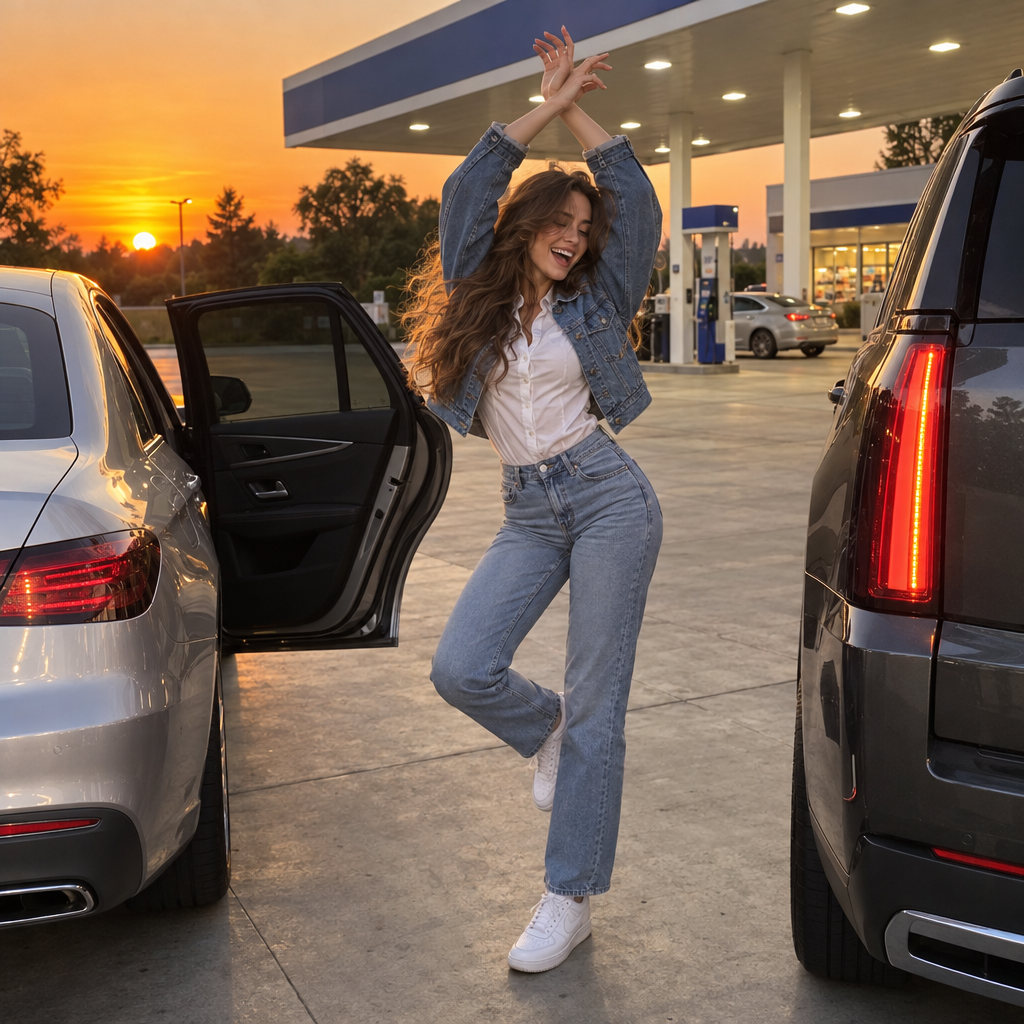
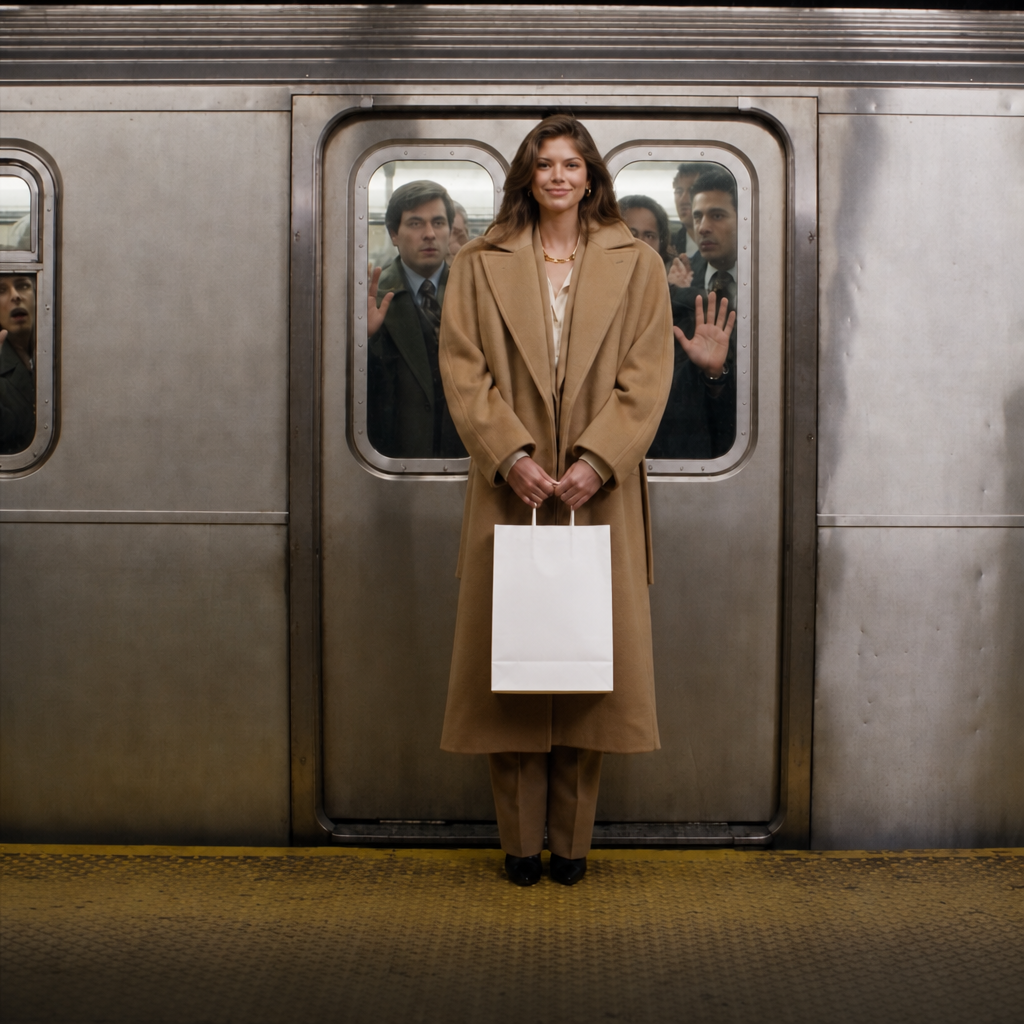

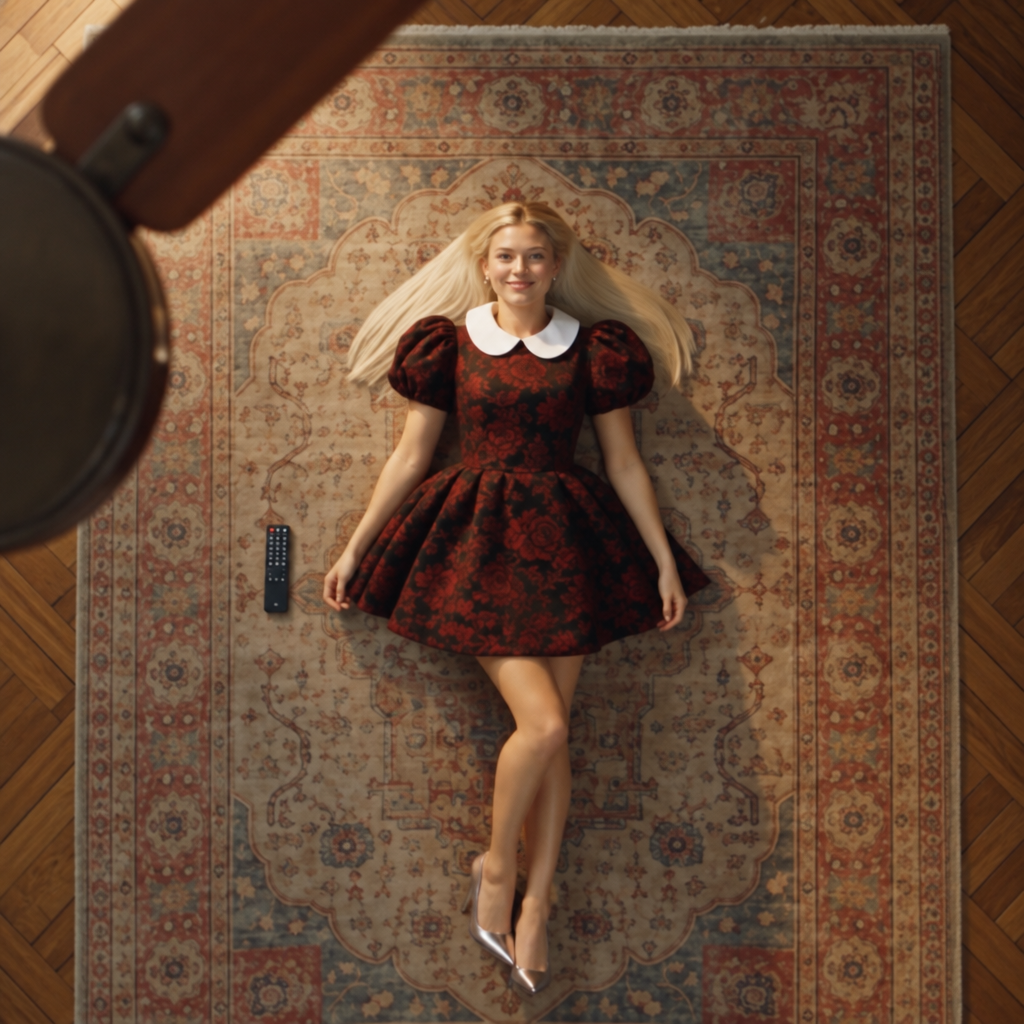
About Kling | v3 | Pro | Image to Video
What is Kling V3 Pro Image-to-Video on eachlabs?
Kling V3 Pro Image-to-Video is eachlabs' premium V3-generation model for animating images into videos. It delivers superior motion quality, enhanced detail preservation, and more cinematic output compared to the Standard version. Ideal for professional content production, it is accessible through eachlabs' unified API for seamless high-quality image animation.