AI Avatar Video APIs for Talking Photos and UGC Ads in 2026
AI avatar video APIs for talking photos and UGC ads: models, costs and integration paths.
Talking photos, product demos, and UGC ads are not the same job
Your creative team sends three briefs in one week. Animate a founder's headshot so it reads a script. Build a digital human that walks through a product demo. Ship vertical UGC-style ads where an avatar holds something up and talks like a real person. Same endpoint? Rarely. And if your pipeline was designed around one of those, the other two arrive as a rewrite.
That's the actual friction with avatar and talking-head APIs. The model label tells you almost nothing about whether it fits. What matters is what you're holding: a single portrait, a portrait plus a recorded voice track, a written script that needs synthetic speech, or a reference video whose motion you want transferred onto a new character. Some models take audio as the motion signal. Some take a driving clip. Some generate speech and gestures from a prompt.
So the decision starts with input and motion needs. From there, this piece walks through matching each job to the right generation path, a capability comparison across named models, the implementation details that decide whether a first demo ships, and the questions worth asking before you commit.
When a talking-photo API is the right fit
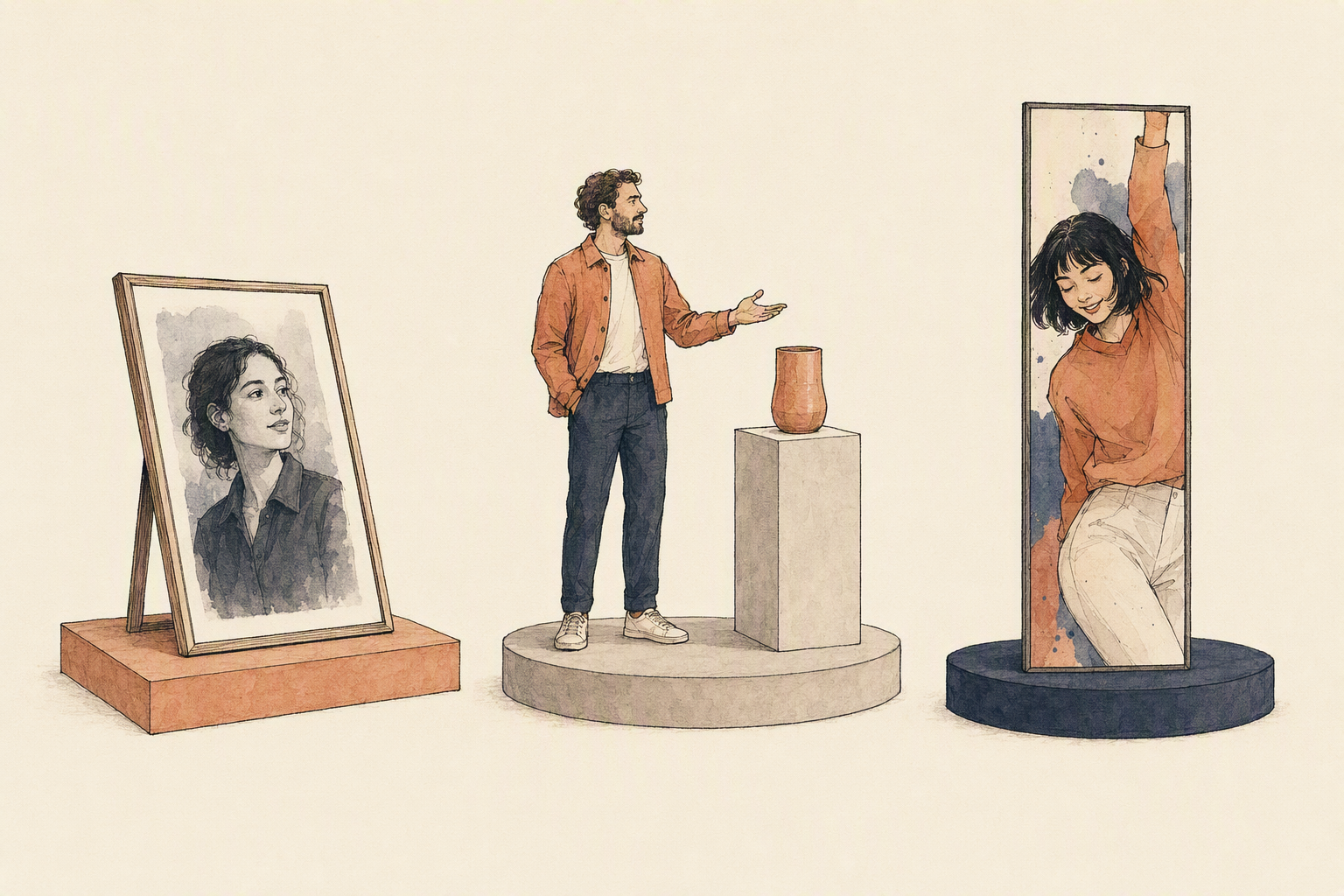
You already have the portrait. You just need it to speak. That's the whole case for this workflow: one still image, one script or audio track, and speech-driven facial motion out the other side. No set, no camera, no reshoot when the copy changes.
What the endpoint actually wants matters more than the model name. A clean, front-facing face crop with the eyes and mouth unobstructed. Audio that isn't fighting room noise, or a script the model voices itself. A format that preserves facial detail rather than crushing it. Eachlabs's model page for OmniHuman describes v1.5 driving expressive performance from a single image and up to 30 seconds of audio at 1024×1024 — useful framing for how short these clips are meant to be.
Good for explainers, product announcements, and vertical social cuts. The constraint is honest and unavoidable: bad portrait, bad output. And this isn't a full-body digital human — that's a different pipeline, with different inputs.
When you need a digital human for product demos
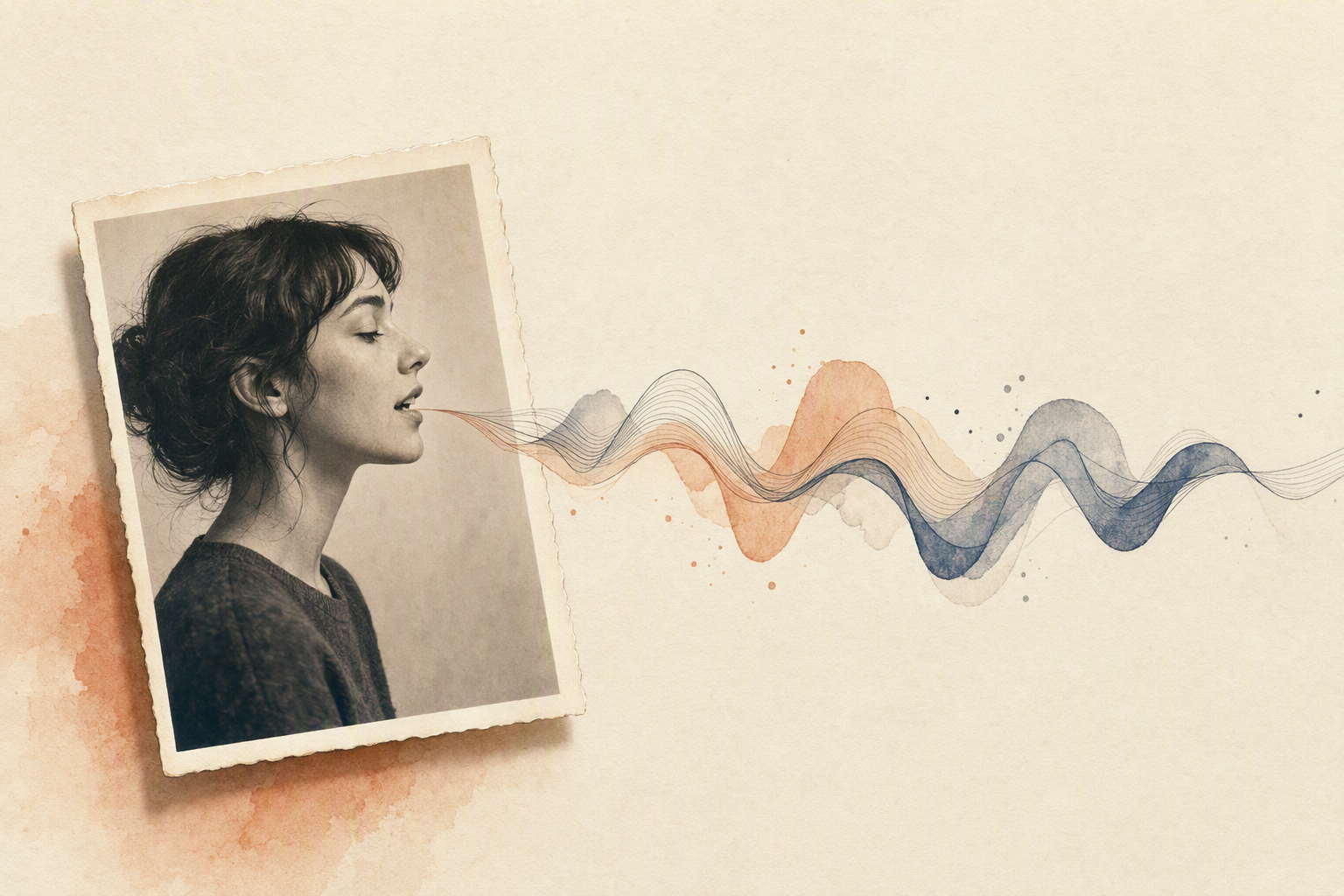
A talking photo sells one moment. A product walkthrough needs the same presenter to hold up across six clips, three script revisions, and a rerecorded voiceover. That's a different job. Identity consistency, believable body movement, and repeatable framing matter more than a single impressive render.
Reach for this workflow when you're producing onboarding clips, guided walkthroughs, or narrated feature explanations. Three inputs decide the outcome: a clean reference image, your script or audio, and a call on whether motion should follow the audio or a reference video. Eachlabs's OmniHuman documentation describes portrait, half-body, and full-body shots driven by audio, reference video, or both — useful when gesture timing has to match a real demo recording.
The honest tradeoff: control costs setup. Reference-led motion means sourcing driving footage and normalizing inputs before anything renders. Avatar and talking-head APIs won't rescue a bad source portrait.
When UGC-style avatar ads need tighter motion control
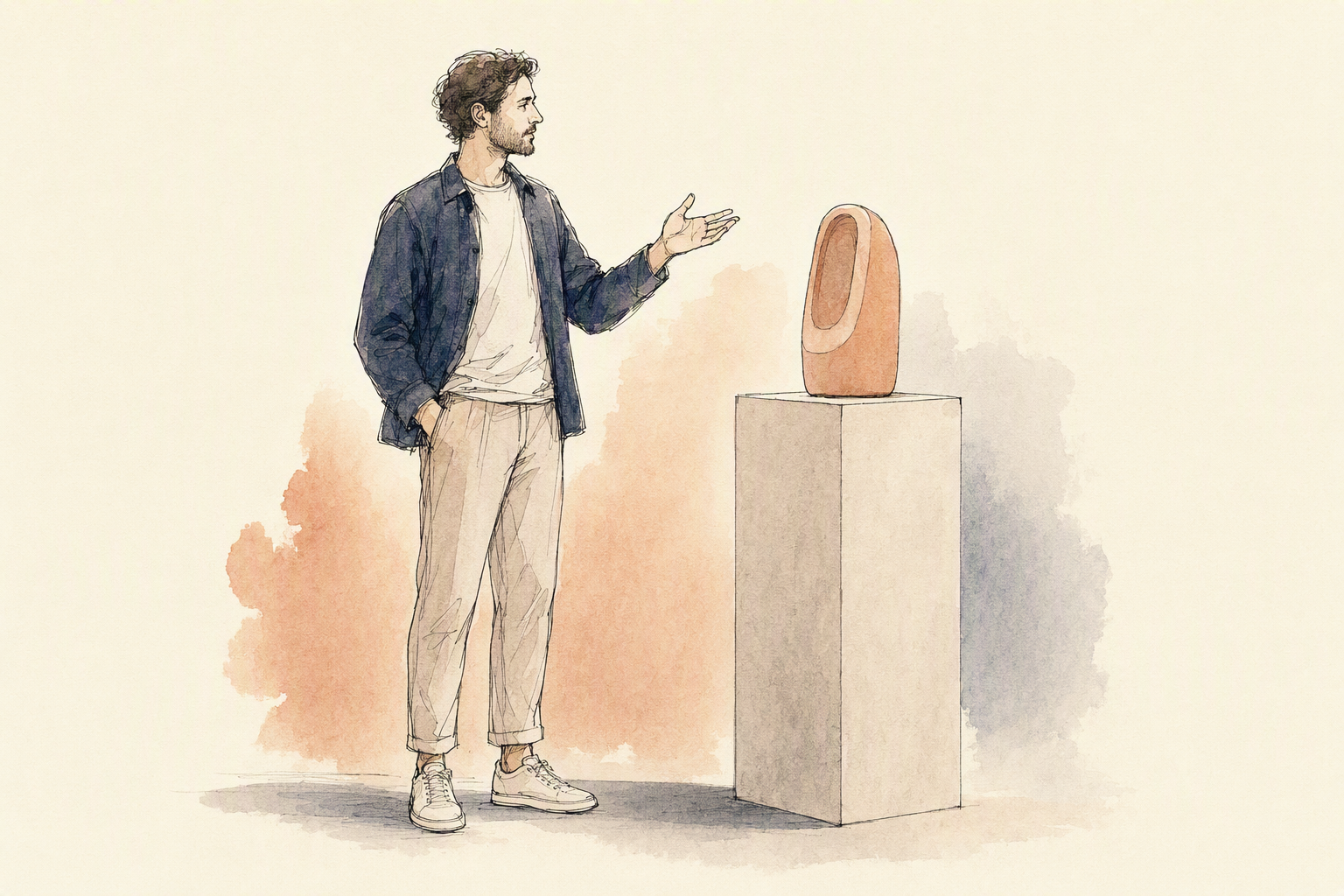
Ad output is a different job than making a photo talk. A creator-style spot needs tight vertical framing, a performance beat that lands in the first two seconds, and gestures that read as a real person holding a product. That's why motion control matters more here: a reference video that drives pacing, hand raises, and camera sway gives you a repeatable performance instead of a lucky render.
Choose this path when you're producing short promotional clips and dozens of creative variations from one pipeline — same script, different hooks, different avatars. Native synchronized audio and reliable lip sync keep the dialogue believable; aspect ratio control keeps it publishable. Note the constraint: some image-to-video endpoints derive aspect ratio from the source image, so you normalize framing upstream.
General avatar and talking-head APIs optimize for length and fidelity. Ad workflows optimize for iteration speed.
Capability matrix: photo-to-video, avatar generation, lip sync, voice support, and API access
Most comparisons collapse into a feature checklist. The decision that actually matters is narrower: what input do you already have, and does the endpoint accept it?
Option | Photo-to-video | Avatar generation | Lip sync | Voice support | API access |
|---|---|---|---|---|---|
Eachlabs | Single image animated through image-to-video or avatar models; OmniHuman v1.5 takes one image plus up to 30 seconds of audio at 1024×1024 | Portrait, half-body and full-body performances; reference video usable as a motion signal | Audio-driven sync, plus native synchronized audio on some video models | Built-in text-to-speech or imported audio, depending on the model routed to | Unified API across generation steps, with orchestration between models |
HeyGen | Its face talking page describes animating one front-facing portrait into a speaking video | Avatar library plus script-driven delivery direction | Claims phoneme-level lip sync | Generated voice from script; the page cites 175+ languages | Documented developer API — verify current endpoints in its docs |
Synthesia | Built around studio-style avatar presenters for training and localization | Stock and custom presenters | Script-driven speech | Multilingual voiceover | API available; confirm scope directly |
Tavus | Focused on conversational, real-time video agents | Personal replica avatars | Live-response sync | Voice cloning workflows | Strongest fit when you need interactive sessions rather than batch rendering |
Creatify | Product image or URL into ad creative | UGC-style presenter avatars | Ad-length talking segments | Scripted voiceover | Purpose-built for ad iteration, which is narrower than general video generation |
Eachlabs is strongest as the routing layer between these motion paths, while Creatify is more opinionated for ad iteration and Tavus is stronger for interactive sessions. Eachlabs's tradeoff is that it asks you to make more of the generation decisions yourself.
What you need to ship a first working demo
Three inputs get you to a first render: a clean front-facing portrait, either a script or an audio track, and a decision about which of those drives the performance. Script-led workflows hand text to built-in speech; audio-led ones lip-sync to a file you already have. Decide before you write code, because the input shape decides the endpoint.
Formats are mundane — JPG, PNG or WebP in, MP4 out. Resolution, framing and audio hygiene matter far more than any model card. Off-angle faces and occlusion break identity preservation, room noise loosens sync, and aspect ratio is often inherited from the source image rather than set by a parameter. Clip length is usually capped too; Eachlabs's documentation for OmniHuman v1.5 cites up to 30 seconds of driving audio.
Treat generation as a job, not a request. Eachlabs reports a median runtime near eight minutes for its multi-speaker image-to-video endpoint, so build upload handling, webhooks or polling, and status tracking before anything else. Then routing between avatar and talking-head APIs. Then retries and failure paths.
FAQ: pricing, model quality, and commercial ad use
Is pricing public? Generally yes, but it changes, and it usually tracks output duration and resolution rather than a flat per-render figure. Check the current model page and plan documentation before you commit a campaign to a budget — don't plan from an article, including this one.
How do you judge quality? Push the same portrait and the same audio through each candidate several times. Watch lip sync on hard consonants, identity drift late in the clip, whether body motion answers the speech or just loops, and how far two identical runs diverge. Input limits like those shape your test more than any demo reel does.
Can you run the output as an ad? Often, but rights sit at the model level, so read the current terms for the exact model you plan to ship.
Then choose by the input you already have — portrait plus script, portrait plus audio, or a reference video for motion — and if you want a concrete starting point for avatar and talking-head APIs, read the P Avatar Video walkthrough.