Unified API for Image, Video, and Audio AI Models in 2026
One unified API for image, video and audio AI models: one contract, every modality.
When image, video, and audio all have to ship through one backend
The demo worked. One image model, one prompt, one happy screenshot. Then someone asked for a talking product video with generated voiceover, on a schedule, for every SKU. Suddenly you're maintaining four SDKs, four auth schemes, four retry policies, and a chain that breaks the day a provider deprecates a version.
That's the gap a unified generative media API is meant to close. Not a bigger catalog. One interface that accepts image, video, audio, transcription, and text jobs under a single contract, then routes them into backend workflows you can rerun, version, and hand to someone else. Eachlabs describes its own model catalog this way: endpoints across those modalities from more than forty providers, with workflows as multi-step recipes that chain models into one production endpoint.
Who needs this? Developers shipping product features, media pipelines, and automated creative systems, where a failed generation is a support ticket, not a bad screenshot.
The rest of this piece covers how routing and failover actually behave, where a workflow layer costs you control, what a real multi-model pipeline looks like end to end, and what to verify before you commit.
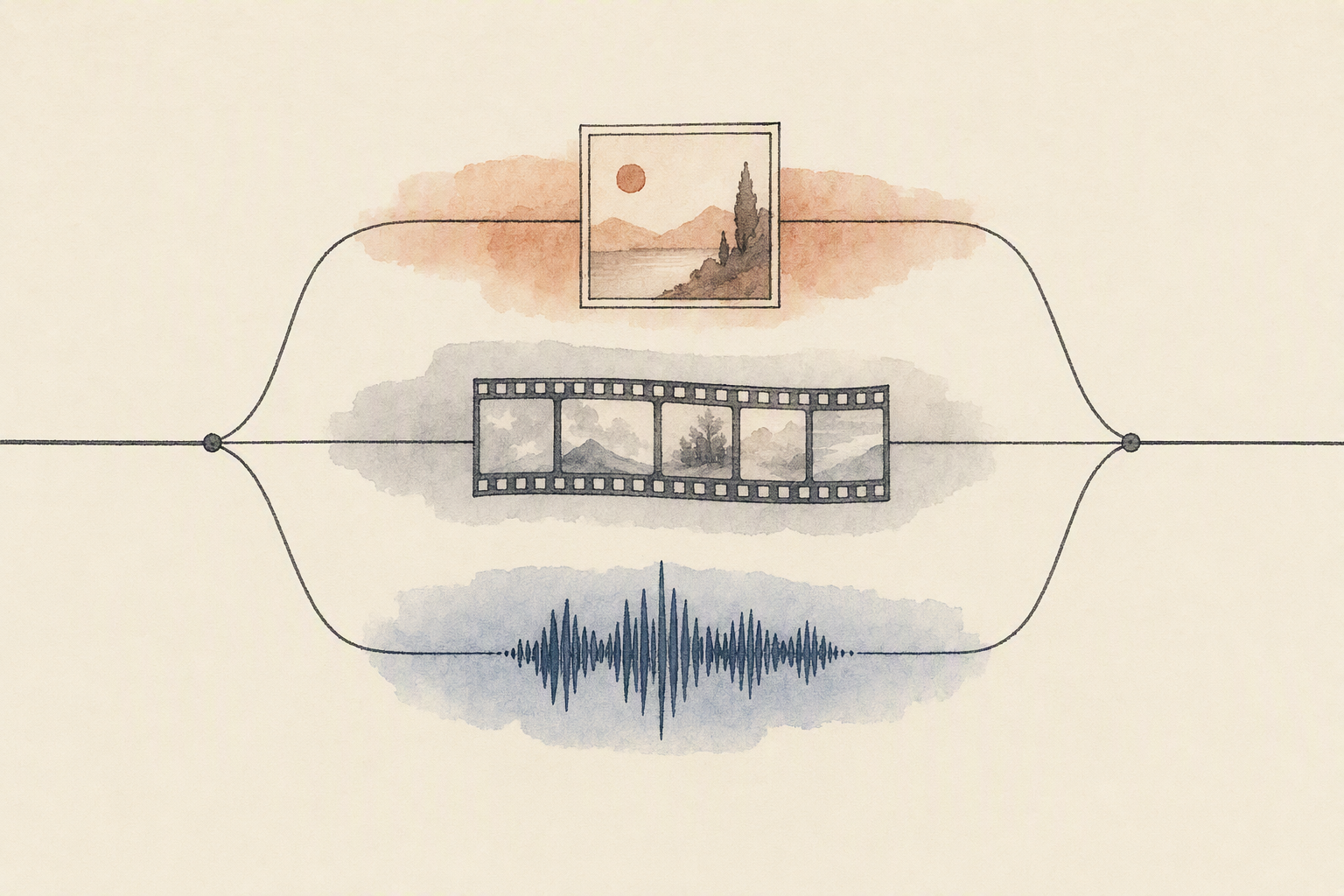
How one backend workflow routes image, video, and audio jobs
Picture a single request coming in: a product description that needs to become a narrated clip. One call hits the workflow endpoint, not five different providers.
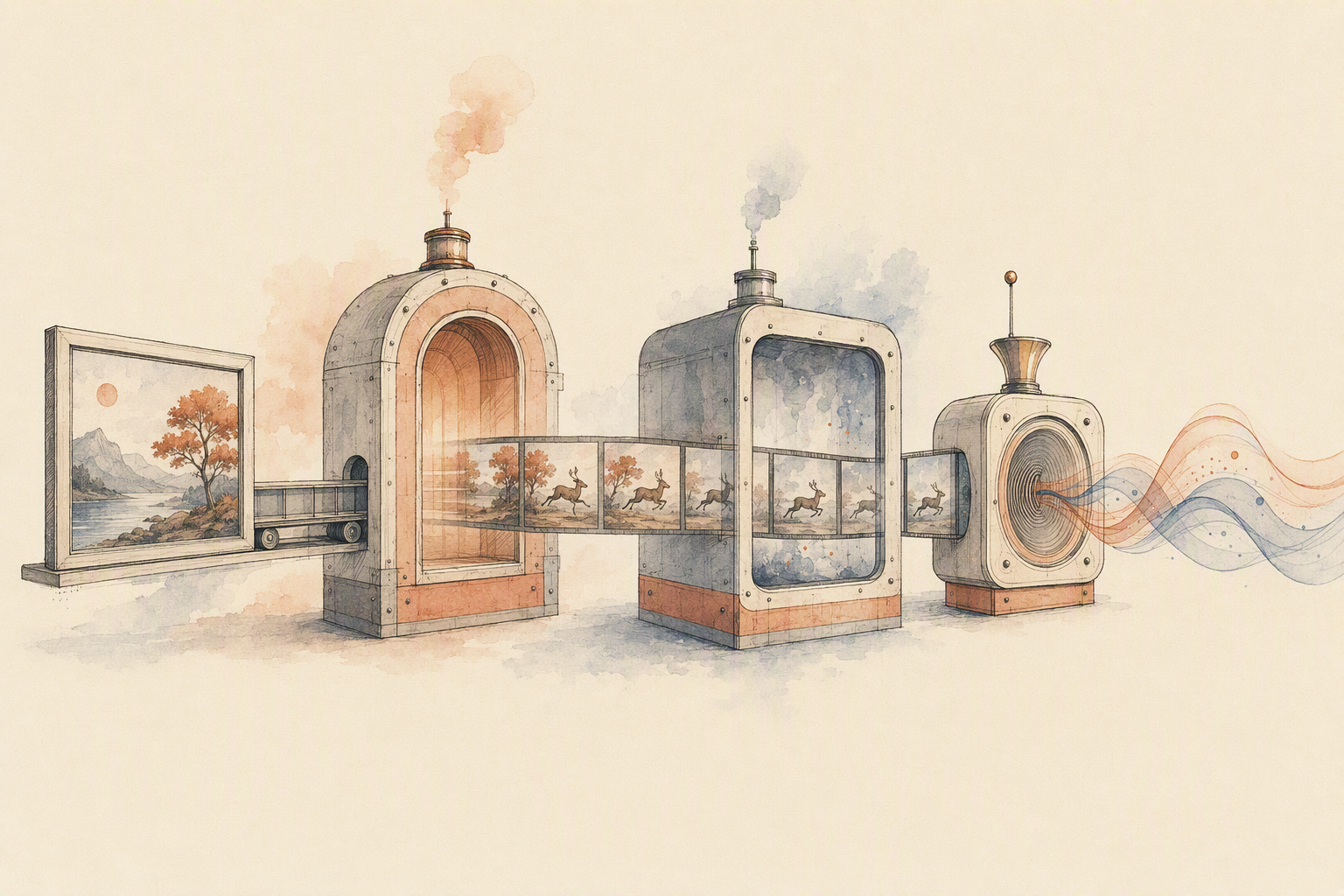
Inside that chain, each step declares what it needs and what it returns. Text generation drafts the script. An image generation step produces the opening frame, which becomes the input for image-to-video. An audio generation step scores the result, and a transcription step returns captions. The orchestration layer moves files between steps so you're not writing glue code to reconcile formats and payload shapes.
What makes this survivable in production is boring machinery. Eachlabs's catalog page says pinned versions keep older model versions alive when a provider ships an update, automatic failover switches to a backup model on error, and unified observability records latency and usage per request, so a failed step is traceable to one node, not the whole chain.
The point isn't a bigger catalog. It's that swapping one model doesn't force you to rewrite the workflow around it.
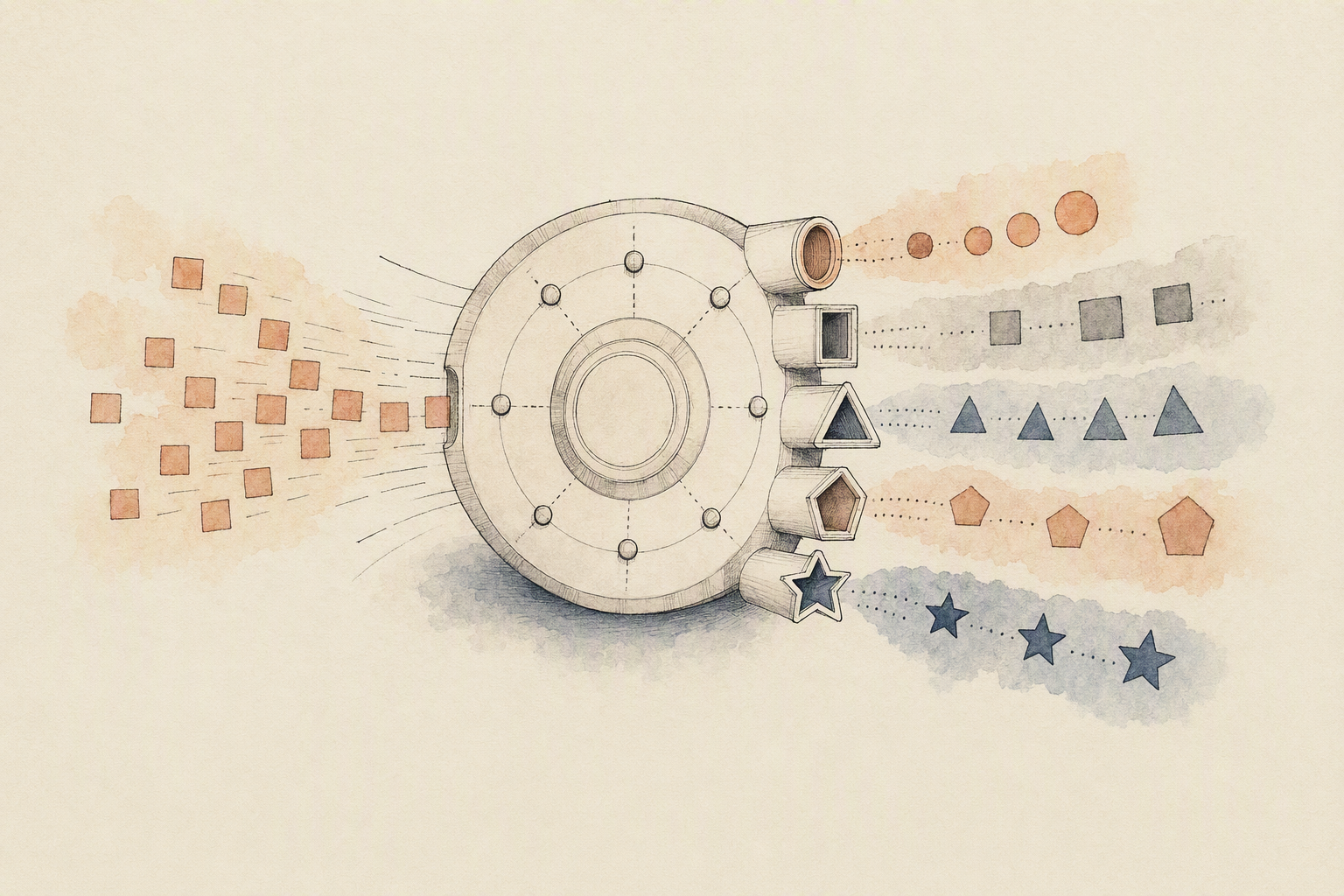
What breaks when you stitch separate model providers together
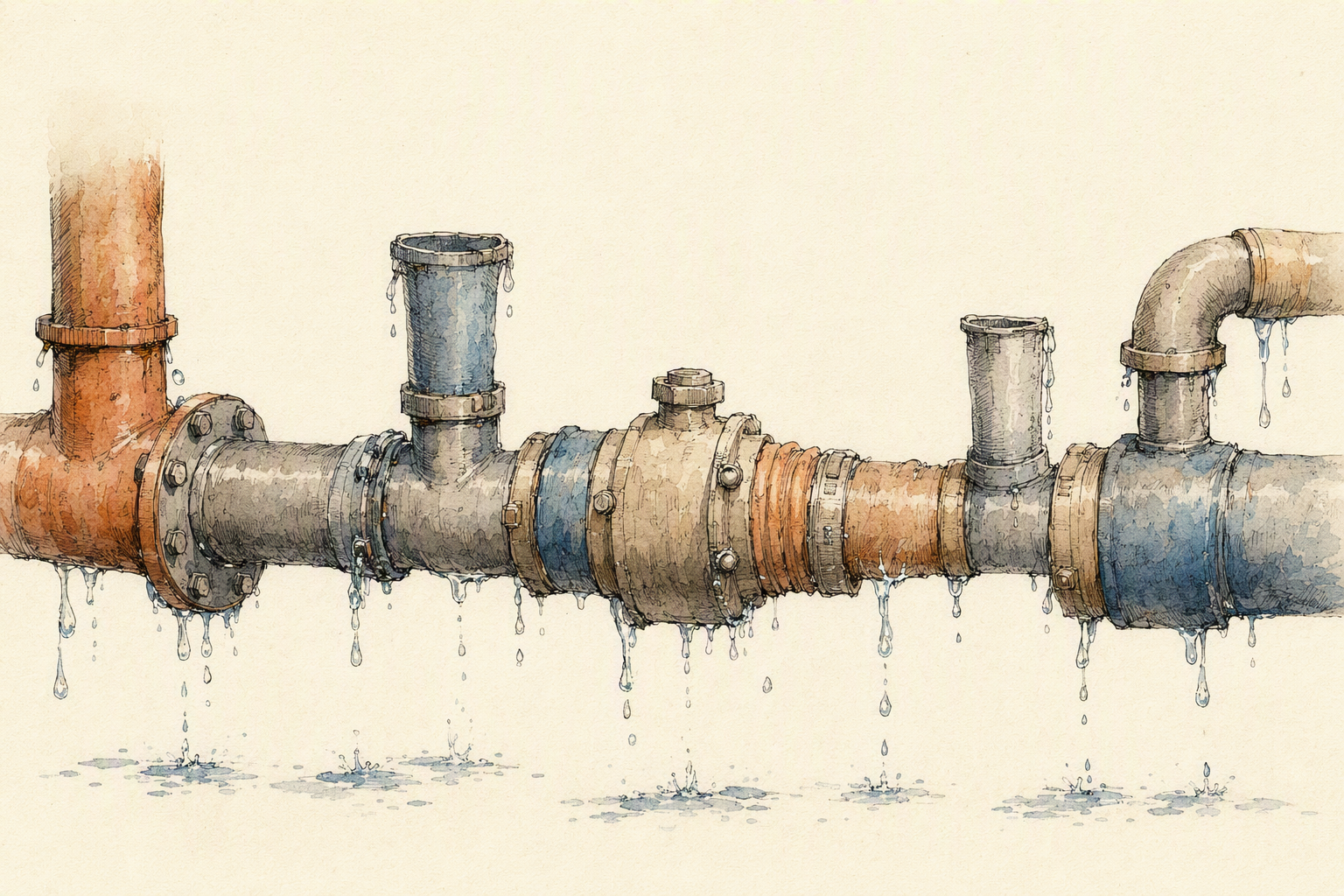
Three providers, three auth schemes, three retry semantics. That's the build most teams start with, and it holds until the first model version gets deprecated mid-sprint.
The friction isn't the API calls. It's the glue between them. Every provider returns its own output shape, its own error codes, its own metadata. Swapping a video model means rewriting whatever consumed its response, re-tuning retries, and re-deriving latency and usage numbers you thought you already had. Version drift compounds this. Nothing tells you a checkpoint changed except output that looks subtly wrong in production.
A workflow layer moves that normalization out of your codebase. Eachlabs's model catalog describes chaining several models into one production endpoint, with pinned versions that keep older model releases callable and automatic failover to a backup model on error.
Narrow tools still earn their place. If you only need synchronized audio for video, or a single reference-to-video path, a focused provider is less to reason about than an ai workflow platform.
The honest tradeoff: unified orchestration doesn't pick models for you. You still evaluate quality per use case and validate outputs inside your own product.
Examples of multi-model creative pipelines that actually need orchestration
Start with a single product photo. You want a five-second clip where the camera drifts and the subject speaks. That's not one call. It's image generation or image-to-image cleanup, then an image-to-video step with motion control or a reference video driving the movement, then a lip-sync pass that needs a separate audio track. Mirage Avatar X makes the dependency explicit: audio is always required, the visual reference overrides a stock avatar, and the result is one lip-synced MP4. Fine as a step. Not a pipeline.
Text-to-audio runs the same shape. A prompt becomes narration or music, then synchronized audio or Foley gets layered against the finished video. Audio for video is its own category now, with models built specifically for that handoff.
Asset remixing is the messiest. You extract frames from an existing clip, caption them, pull the audio, regenerate stills through image-to-image, and reassemble. Each of those steps is a small utility model doing exactly one job.
Every handoff is a place to fail. That's what an AI workflow platform is actually for: pinning versions, retrying, routing around a broken step.
What to check before you choose a platform for production media workflows
Start with what happens on a bad day. Ask whether you can pin a model version so a silent upstream update doesn't change your outputs, whether there's automatic failover to a backup model when a request errors, and whether latency and usage are recorded per request instead of guessed at. Then ask the boring compatibility question: when a model changes, does the next step in your chain still accept its output?
Model choice matters second. Breadth across image, video, audio, transcription, and text only counts if your exact workflow (reference-to-video, image-to-video, voice-to-text) is actually supported end to end. And check routing and repeatability: recipes you can rerun, not notebooks you rebuild.
Eachlabs fits teams that need one workflow layer spanning media types, with its documentation describing pinned versions, failover, and unified observability. If your job is a single narrow task, a focused tool may still be the cleaner answer.
FAQ: reliability, model choice, and production scaling
What does reliability actually mean here? Not uptime. It means the same request returns a compatible output next month. Eachlabs's catalog page says pinned versions keep older model versions callable and automatic failover can route to a backup model on error. Those are the two things that stop a silent upgrade from breaking a downstream step.
Breadth or a specialist path? If you ship a single workflow, say lip-synced avatars, a narrow provider tuned for it may be faster to integrate. Once you chain image, video, and audio steps, breadth wins, because swapping a model shouldn't mean rewriting authentication and payload handling.
What does scaling need beyond throughput? Per-request latency and usage visibility, repeatable multi-step recipes, and outputs that feed the next model without conversion glue. That's the work an AI workflow platform absorbs.
If you need one backend for image, video, and audio workflows, explore Eachlabs.