Wan 3.0 Use Cases: 7 Jobs for a Model That Reads Briefs
Seven real jobs for Alibaba's Wan 3.0, who runs them, and the exact endpoint, prompt and workflow that turns each brief into a finished clip with sound.
Most teams don't need a better video model. They need fewer handoffs. The product page lives in one tab, the deck in another, the approved packshot in a shared drive, and somebody spends an afternoon turning all of it into a prompt that loses half the brief on the way.
Wan 3.0 is built for exactly that mess. Alibaba's all-in-one video model takes text, a first frame, a first and last frame, or a stack of references (images, video, audio, and even a single file or web link) and returns a clip of 2 to 30 seconds with sound. It's live on each::labs in a standard version and a faster Prime version. We've covered what the model is and how to prompt it. This post is about the jobs: seven concrete Wan 3.0 use cases, who runs them, and the workflow that gets each one from brief to finished clip.
Why Wan 3.0 Use Cases Look Different
Most video models reward the person who writes the best paragraph. Wan 3.0 rewards the person who brings the best material. Alibaba's model changelog describes it as one unified model for text-to-video, image-to-video (first frame or first plus last frame) and reference-to-video, with audio generation, a sound toggle, smart duration and adaptive aspect ratio.
On each::labs that becomes three endpoints, each with a Prime twin. Text to Video explores. Image to Video locks composition. Reference to Video locks identity and context: up to 10 images, up to 5 videos and up to 5 audio clips (video and audio each capped at 15 seconds in total), plus one file or one public link, never both. Prompts run to 20,000 characters. Output comes in 480P, 720P or 1080P, in 16:9, 9:16, 1:1, 4:3, 3:4 or adaptive.
So the question for every use case below isn't "what should I type?" It's "what do I already have, and which endpoint turns it into motion?"
1. Turn a Product Page Into a Launch Clip
Who: the e-commerce marketer with forty new listings and no video for any of them.
The link input is the shortcut nobody else gives you. Instead of summarizing a product page, you hand Reference to Video the public URL and let the prompt do the directing. Add one or two clean product shots as images so the object itself doesn't drift, and keep the prompt about motion, pacing and sound.
Use Image1 as the product. Use the linked page for the product's name and its three key benefits. 12 seconds, 9:16. Open on a slow push in to the product on a stone counter, cut to a hand picking it up, end on the product centered with soft morning light. Upbeat acoustic music, no voiceover.
Workflow: if the listing photo is weak, generate a clean still first with GPT Image 2.5 Flare, then pass it as Image1. Run the batch on Prime while you test, and switch to the standard model for the listings that matter most.

2. Feed It the Deck, Get the Explainer
Who: the B2B marketer or sales enablement lead who has a perfectly good slide deck and needs a 30-second version of it for LinkedIn.
The file input takes one reference document. Launch coverage of Wan 3.0 describes PDFs and PowerPoint files among the supported inputs, which means the deck can be the brief. Your prompt then stops explaining the product and starts deciding the shape of the clip.
Summarize the attached deck as a 30-second explainer. Three beats: the problem in the first 8 seconds, the product in action for the next 14, the result on screen for the last 8. Clean motion graphics on a white background, calm narrator voice, light ambient score.
Thirty seconds is the ceiling, so treat it as the edit, not the starting point. If the deck has twelve ideas, pick three. A model that reads the whole brief still can't make a viewer remember twelve things.
3. UGC-Style Ads With a Consistent Presenter
Who: the performance marketer who needs ten hooks for the same product, all with the same face.
Consistency across variants is a reference problem, and Reference to Video is where you solve it. Give it two or three photos of your presenter from different angles, one product image, and a short video reference for the handheld rhythm you like. References are counted by order, so name them in the prompt.
Image1 and Image2 are the presenter. Image3 is the serum bottle. Match the handheld camera feel of Video1. The presenter holds the bottle up to camera in a bright bathroom and says "I stopped hiding my skin in photos." Natural room sound, 9:16, 10 seconds.
Then change only the line and the setting for each variant. Same references, same seed if you want the look locked, different hook. Our guide to keeping a character consistent across AI video shots covers the reference habits that make this hold up over a full set.
4. Wan 3.0 Image to Video for Reveals and Transitions
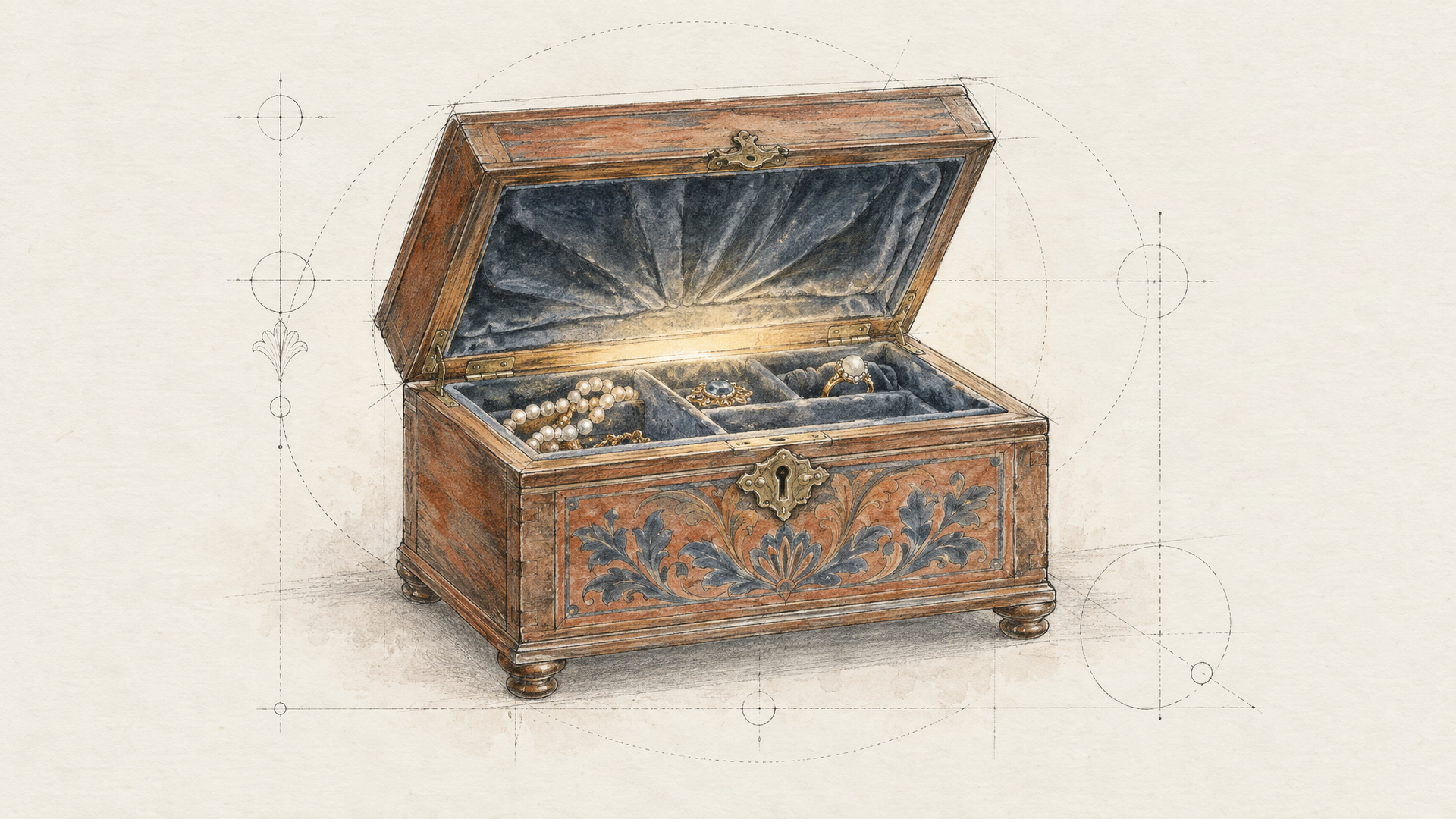
Who: the brand designer whose client already approved two frames: the closed box and the open box.
When the start and the end are fixed, don't describe them. Pass them. Wan 3.0 Image to Video accepts a first frame alone, or a first and a last frame, and generates the motion between them. Your prompt carries only what the frames can't: movement, timing and sound.
Slow push in. The lid lifts on its own, tissue paper folds back, a soft chime as the bottle comes into the light. Warm studio light, shallow depth of field.
This is also the right tool for before and after transitions (a bare room into a furnished one, a sketch into a finished render) and for exploded product views. Leave the ratio on adaptive so the output follows your frames, and the composition the client signed off on survives intact.
5. Storyboard Animatics Before the Real Shoot
Who: the agency producer who needs to show a client how a 30-second spot will feel before anyone books a crew.
Animatics don't need to be beautiful. They need to be fast and honest about pacing. That's what Prime and 480P are for. Write the spot as a beat sheet in time order, set duration to auto on a first pass to see what length the model thinks the story wants, then lock it to the exact slot once the rhythm is right.
A 30-second spot for a running shoe. 0 to 6 seconds: a runner ties her laces on a dark street, close up. 6 to 18 seconds: she runs through the city at dawn, tracking shot from the side. 18 to 30 seconds: she stops on a bridge as the sun rises, wide shot, breathing heavily. Footsteps, city ambience, a single piano note at the end.
When the client approves, rerun the same beat sheet on the standard model at 1080P. Because the prompt is the spec, the final version stays recognizably the same film.
6. A Recurring Character for Social Series
Who: the creator or social team running a weekly series with a mascot, a host or a fictional character.
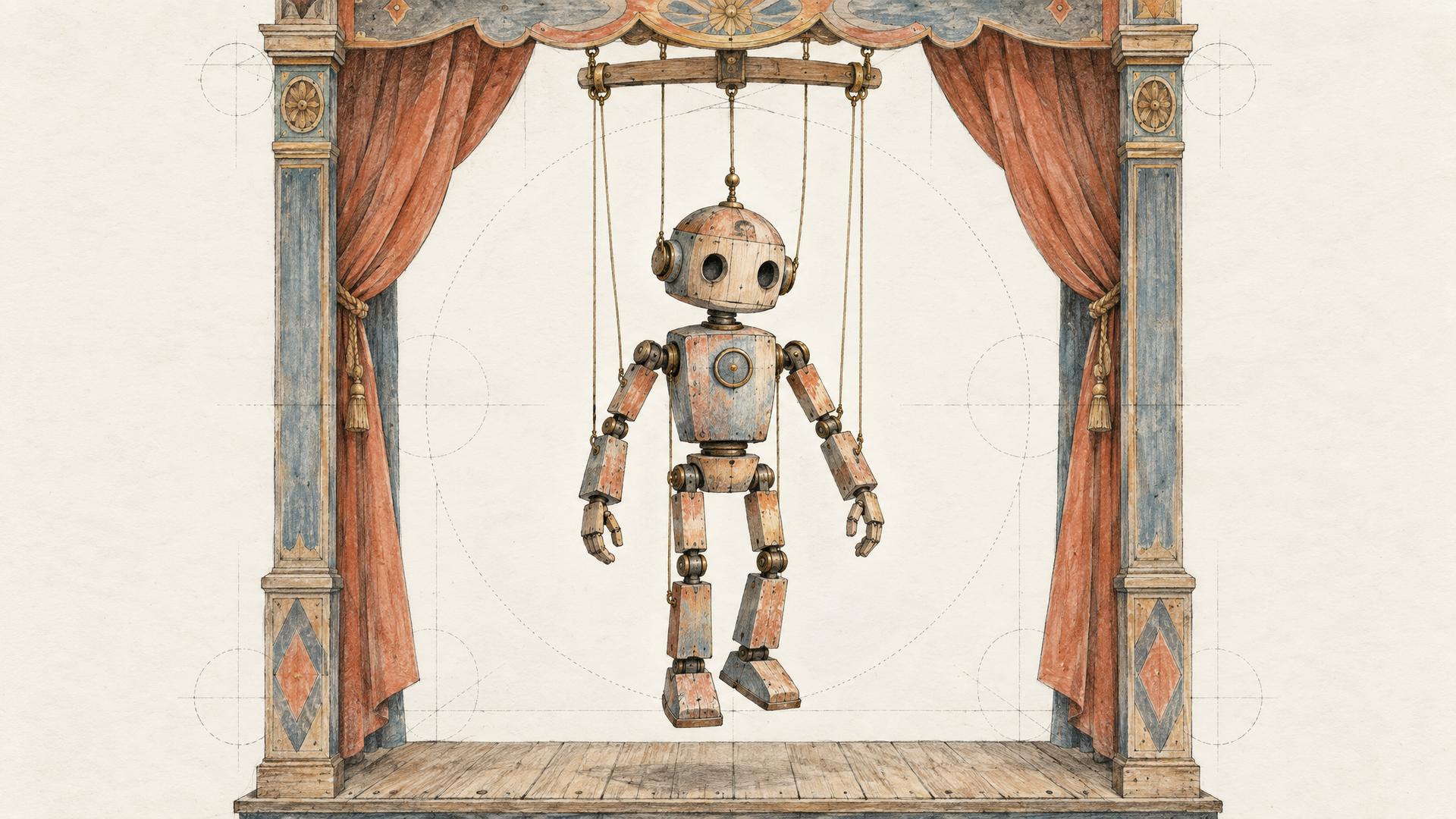
Series content lives or dies on recognition. Build a small character kit once (a front view, a three-quarter view, a full-body shot, all in the same light) and pass it to Reference to Video every episode. Add an Audio reference if the character has a signature sound or musical sting, and keep the prompt focused on what's new this week.
Image1 to Image3 are Pip, a small orange robot. This week Pip tries to water a cactus and floods the windowsill. Bright kitchen, soft daylight, comedic timing, 9:16, 15 seconds. Use the jingle from Audio1 at the end.
Resist the urge to use all ten image slots. Three aligned references beat ten that disagree about lighting. When references conflict, the model has to average them, and averaging is how a character slowly turns into someone else.
7. Video Features Inside Your Own App
Who: the developer building a template-driven video feature, such as "animate your photo", "make a birthday clip" or "turn this listing into a reel".
Wan 3.0 is a good engine for templates because one model covers three input shapes. A user uploads a photo: route to Image to Video. A user pastes a link: route to Reference to Video with the link field. A user only types: Text to Video. On each::labs all six endpoints sit behind the same API, so the routing is a model id, not a new integration. If you're coming from older Wan versions, our notes on Wan API parameters across versions show what changed in the request.
Two settings matter in production. Leave prompt_extend on for casual user input, since it rewrites thin prompts into richer ones. Turn it off when your template's wording is the spec, such as a fixed line of dialogue or a brand phrase. The each::labs schema notes that disabling it can reduce latency but may also reduce quality, so test both with real user prompts.
Pick the Right Wan 3.0 Endpoint for the Job
Here's the short version. Exploring an idea with nothing in hand: Text to Video. A composition that's already approved: Image to Video with first and last frames. A face, a product or a brief that has to come through intact: Reference to Video. Speed matters more than polish: the Prime version of any of them.
And for multi-step jobs, don't glue it together by hand. Generate the still, animate it, upscale or subtitle the result as an each::labs flow, the way we describe in building a text to image to video workflow. You can also compare Wan 3.0 against the other image-to-video models on each::labs with the same inputs before you commit a pipeline to it.
Frequently Asked Questions
What is Alibaba Wan 3.0 best used for?
Briefs with a lot of material behind them. Product launches, UGC-style ads, explainers built from decks and recurring characters all play to its reference inputs, its 30-second ceiling and its built-in audio. For a single quick shot, any strong model will do. When the brief is a pile of assets, Wan 3.0 is the one that reads the pile.
Should I use Wan 3.0 or Wan 3.0 Prime?
Alibaba describes Prime as the high-speed variant with the same all-in-one capabilities. Draft and test on Prime, then render finals on the standard model if you see a difference on your own material. Many teams will find Prime is enough for social volume.
Can Wan 3.0 use a web page or a PDF as input?
Yes, through Reference to Video. It accepts one reference file or one public web page link per request, not both, alongside up to 10 images, 5 videos and 5 audio clips. Use the prompt to say what to take from the file or link, and refer to other assets by order, such as Image1 or Video1.
How long can a Wan 3.0 video be?
From 2 to 30 seconds, or auto, which lets the model pick a length that fits the prompt. Use auto while exploring, then lock the duration to your actual slot, like a 6-second bumper or a 15-second pre-roll.