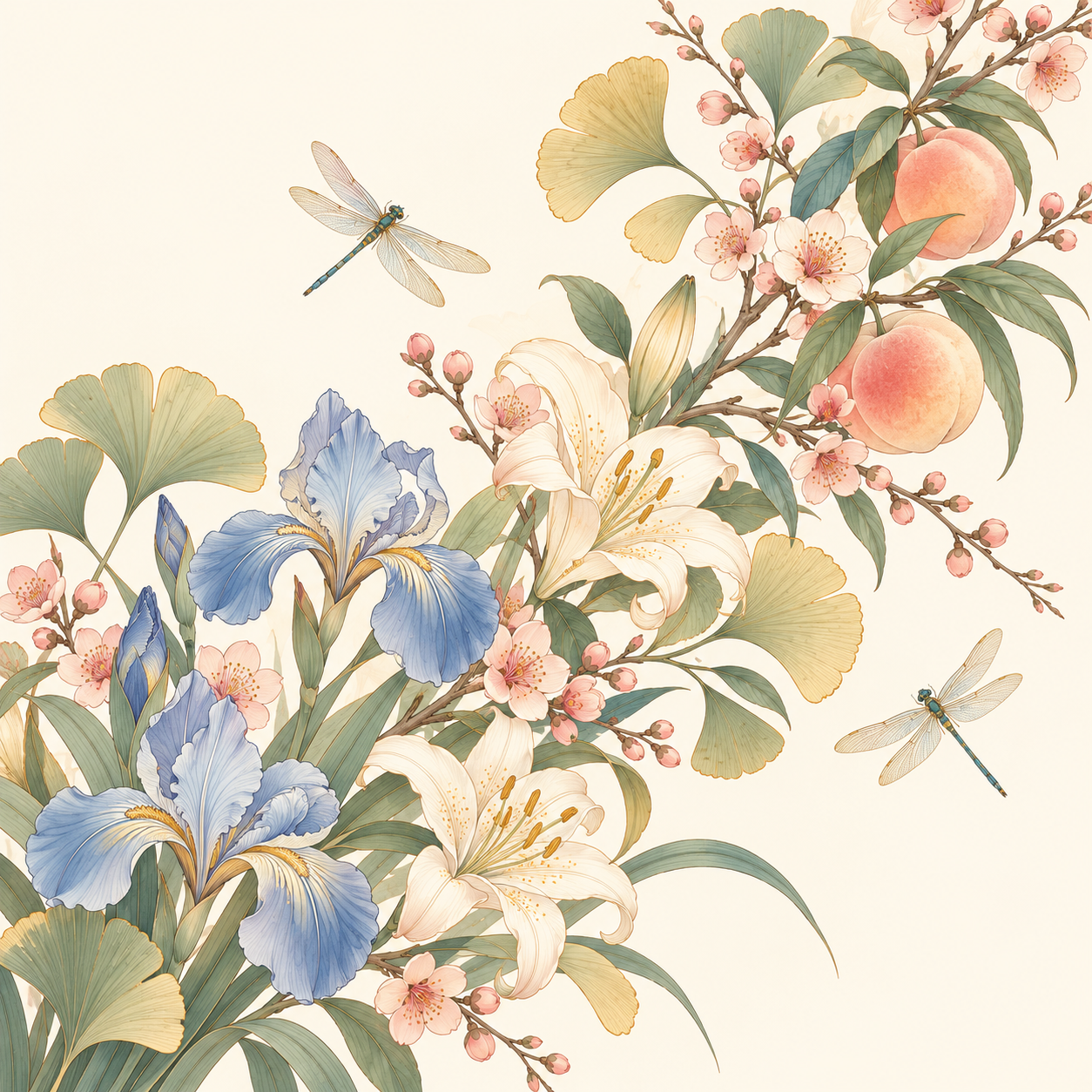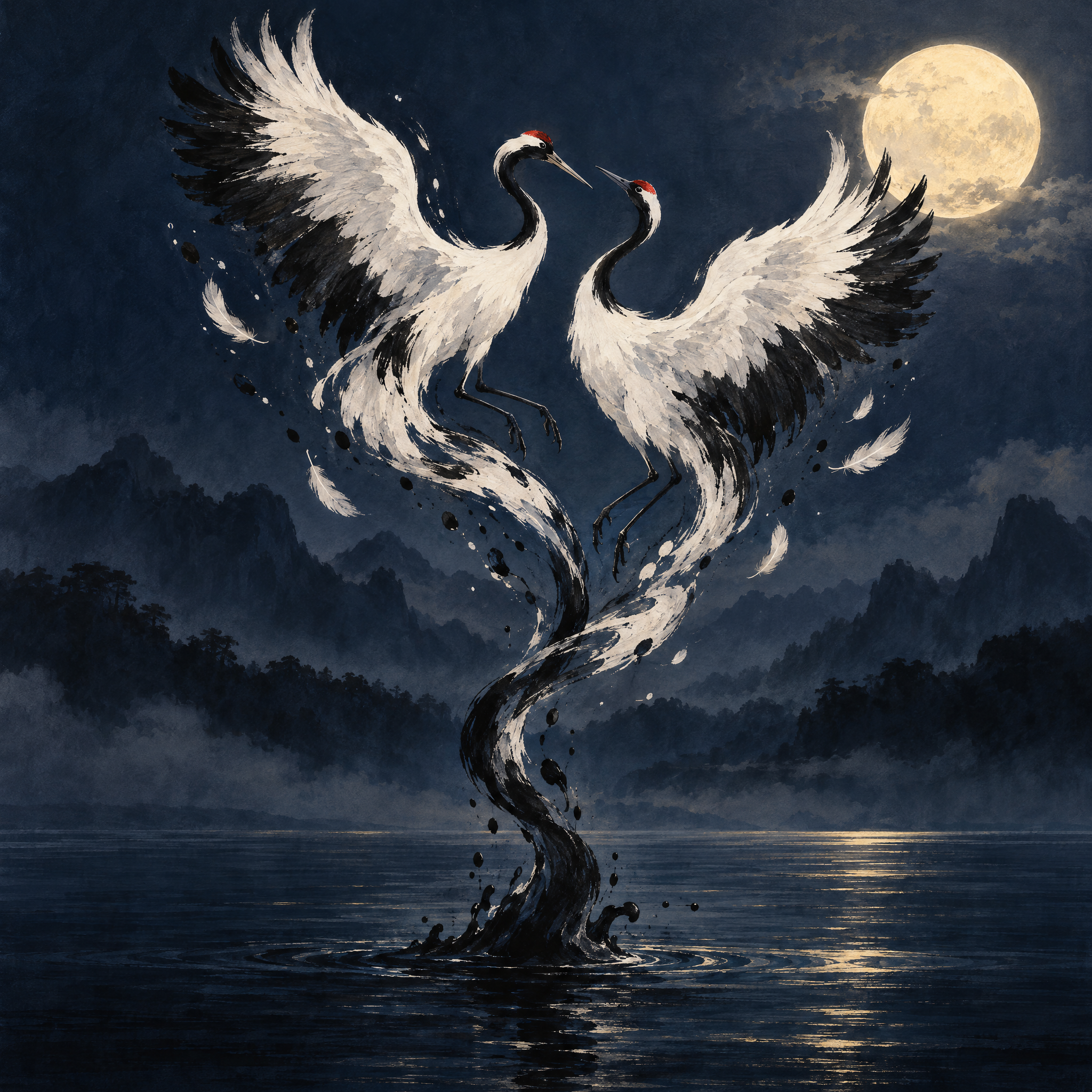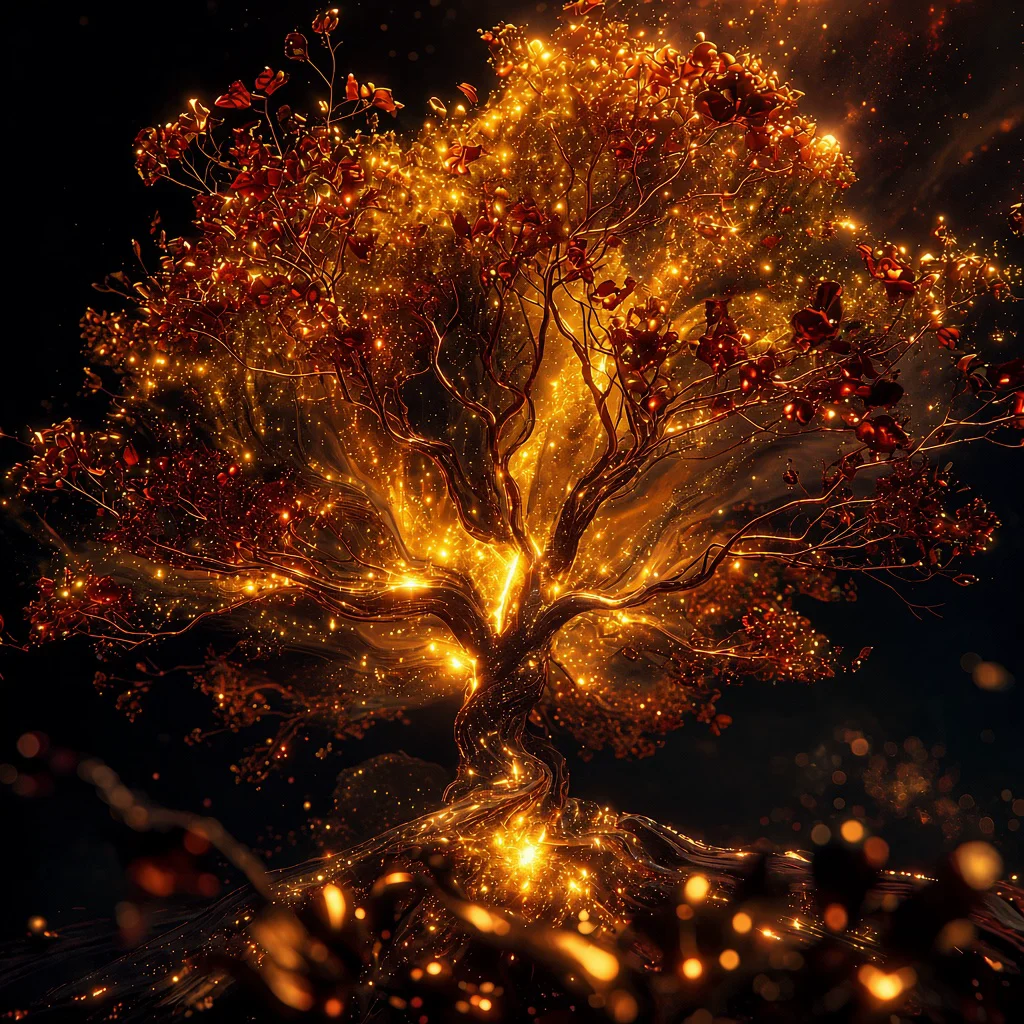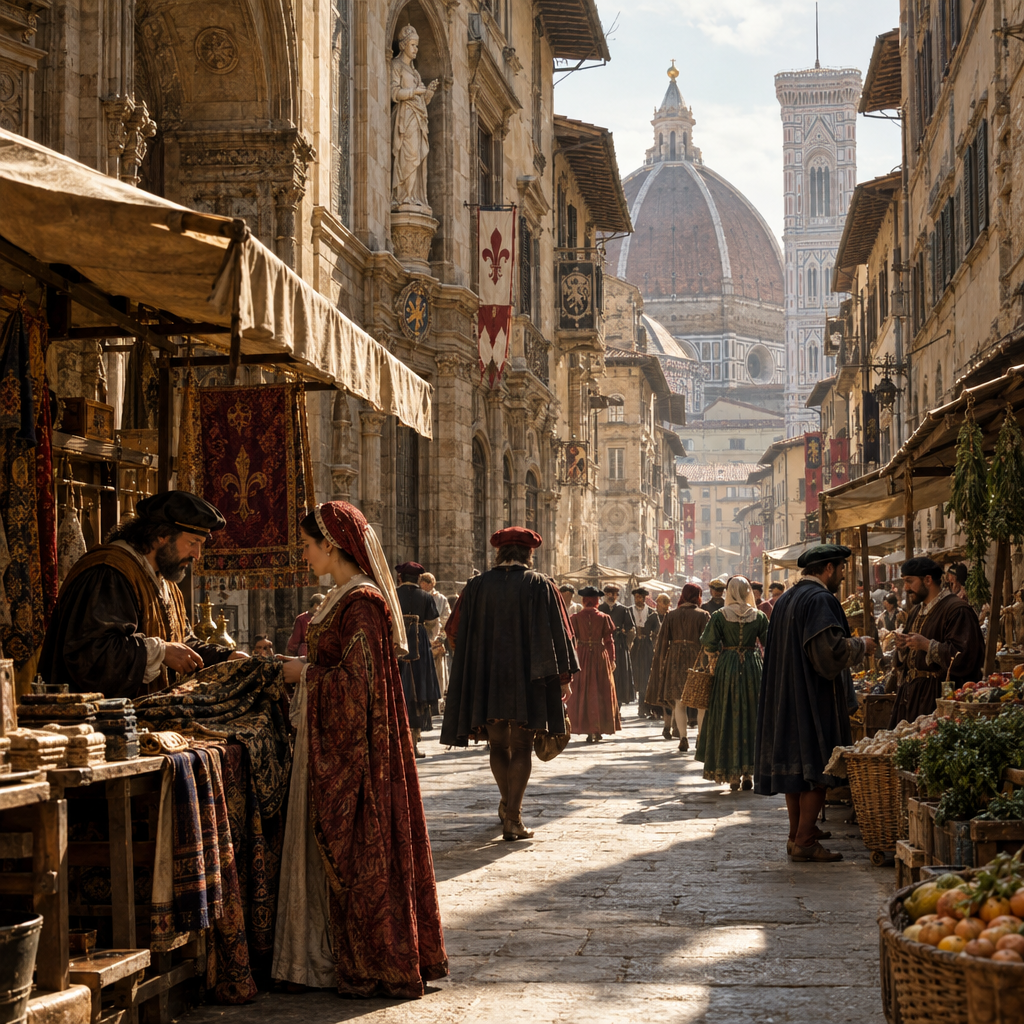
GPT Image | v2.5 | Flare | Text to Image
OpenAI’s versatile image model for everyday use, delivering fast, high-quality results with natural lighting, detailed textures, complex compositions, and transparent background support.
- Runtime (p50)
- 1m
- Estimated price
- $0.0048–$0.7116 per image, depending on size and quality
Overview
GPT Image | v2.5 | Flare | Text to Image Overview
GPT Image | v2.5 | Flare | Text to Image is an OpenAI text-to-image model that generates high-quality images from natural language prompts with fine-grained control over size, quality, background, format, and compression.
It belongs to the GPT Image family that powers ChatGPT Images and replaces older OpenAI text-to-image systems such as DALL·E with faster, more precise generation and editing capabilities. GPT‑Image‑2.5 Flare is described by OpenAI as the default choice for most applications, delivering higher-quality images than GPT‑Image‑2 at significantly lower latency, which is its primary differentiator.
On each::labs, GPT Image | v2.5 | Flare | Text to Image exposes these controls through a straightforward API, making it suitable for developers, designers, and marketers who need production-ready images directly from text.
Capabilities
Capabilities
- Generates high-quality images directly from natural language prompts, supporting both artistic and photorealistic styles.
- Provides fine-grained control over image size, resolution tier (1K/2K/4K), and aspect ratio, enabling precise layout for web, print, and product assets.
- Offers quality modes that trade off speed, cost, and detail, making GPT Image | v2.5 | Flare | Text to Image suitable for both rapid prototyping and production rendering.
- Supports background selection, including transparent output, for easy compositing into existing designs and UI workflows.
- Integrates into OpenAI-compatible APIs as GPT‑Image‑2.5 Flare, exposed to developers as text-to-image endpoints with structured parameters.
- Delivers stronger text rendering and layout control than earlier OpenAI text-to-image models, improving posters, UI mockups, and labeled diagrams.
- Acts as the default, lower-latency image engine compared with GPT‑Image‑2.5 Sunburst, while retaining high prompt fidelity and editing precision for most applications.
- Fits into asset pipelines that combine generation, editing, and upscaling, supporting consistent branding and multi-step creative workflows.
Use cases
Use Cases for GPT Image | v2.5 | Flare | Text to Image
Creators can use GPT Image | v2.5 | Flare | Text to Image to generate story illustrations and concept art where composition and style are tightly controlled through aspect ratio and quality parameters. For example: "Fantasy book cover of a lone explorer in a neon canyon, cinematic lighting, aspect ratio 2:3, high quality for print."
Marketers benefit from fast, on-brand campaign assets by combining transparent backgrounds and square or 16:9 formats. A prompt like "Minimalist social ad with a smartphone floating over a gradient, brand colors teal and navy, 1080x1080, medium quality, transparent background" can be generated and reused across channels.
Designers and product teams can produce UI mockups and icon systems using consistent sizing and background controls, such as "Set of 12 flat-design fintech icons, line style, transparent background, 1024x1024, low quality for exploration."
Developers integrating the GPT Image | v2.5 | Flare | Text to Image API through each::labs can automate image creation in their apps, dynamically choosing resolution tiers based on user device or bandwidth constraints, e.g., "Dashboard hero illustration, 16:9, 2K resolution, medium quality, modern SaaS style."
Tips & tricks
Tips and Tricks
To get the most from GPT Image | v2.5 | Flare | Text to Image, treat prompts as structured briefs rather than short captions.
OpenAI-oriented guides recommend clearly specifying subject, medium/style, environment, lighting, composition, and required text, then layering technical parameters like aspect ratio and quality. For fast workflows, start with
size="1024x1024"andquality="low"while you refine the prompt, then switch toquality="high"and 2K/4K resolution only for final assets.Transparent backgrounds require PNG/WebP output, making this model particularly effective for logos, UI elements, and product cutouts.
Example prompts:
- "Photorealistic product shot of a matte black wireless headphone on a soft gradient background, studio lighting, 4K resolution, transparent background for ecommerce hero image."
- "Isometric illustration of a cloud infrastructure dashboard, clean flat design, muted pastel palette, aspect ratio 16:9 for web hero banner, medium quality."
- "Modern tech conference poster with bold typography saying 'AI Futures Summit', high-contrast colors, minimalistic layout, square format for social media."
Technical spec
Technical Specifications
- Provider & family: OpenAI, GPT Image family (successor to DALL·E; engine behind ChatGPT Images).
- Task type: Text-to-image generation, with support for image editing and refinement flows in the broader GPT Image line.
- Resolution & aspect ratio: Supports 1K, 2K, and 4K tiers with flexible aspect ratios; typical sizes include 1024×1024, 1536×1024, 1024×1536, 2048×2048 and 4K landscape/portrait, constrained to multiples of 16 pixels and aspect ratio ≤ 3:1.
- Size & quality controls:
sizeparameter for resolution and aspect ratio;qualityvalues such aslow,medium,high, and auto, directly controlling detail level, latency, and cost. - Background & format: Background options like
transparentor opaque; transparent output typically requires PNG or WebP rather than JPEG. - Compression & output: Outputs are usually delivered as URLs or binary image data with configurable format and compression level in OpenAI-compatible APIs.
- Latency: GPT‑Image‑2.5 Flare is optimized for faster generation, with OpenAI stating roughly 50% lower latency than GPT‑Image‑2 at similar quality.
Things to be aware of
Things to Be Aware Of
GPT Image | v2.5 | Flare | Text to Image follows OpenAI’s safety and content policies, which means some prompts may be refused or heavily altered, especially around sensitive topics.
Extremely wide or tall aspect ratios beyond the documented constraints (typically >3:1) can trigger automatic rescaling or reduced reliability; staying within recommended ratios yields more consistent results. Users frequently overlook the impact of
qualityon both cost and speed—iterating at low or medium quality, then switching to high only for final production assets, is more efficient.When editing or composing with masks, input images, masks, and output size should be aligned to supported resolutions (multiples of 16) to avoid unexpected cropping or artifacts.
Key considerations
Key Considerations
Before integrating GPT Image | v2.5 | Flare | Text to Image, teams should plan around resolution tiers, quality settings, and safety behaviour.
Higher resolutions (2K/4K) and
quality="high"produce more detail but increase cost and latency, while 1K and lower quality are better for rapid iteration loops. Aspect ratios should stay within the documented constraints (typically ≤ 3:1 and multiples of 16 pixels) to avoid automatic resizing or degraded reliability.GPT Image | v2.5 | Flare | Text to Image is ideal when you need strong prompt adherence, photorealism, and precise text rendering, and can be complemented by other models when ultra-cheap draft output is the top priority.
Limitations
Limitations
GPT Image | v2.5 | Flare | Text to Image, like other OpenAI text-to-image models, can struggle with complex scenes containing many small subjects or extremely dense text, sometimes merging elements or simplifying layouts.
Though 4K output is supported, community feedback suggests that reliability and rendering consistency are strongest in the 1K–2K range, with 4K sometimes treated as more experimental.
The model cannot bypass OpenAI’s safety filters, and inputs outside allowed policy categories will be declined or sanitized. Finally, output is limited to common raster formats and does not produce vector graphics or editable design files, so downstream design tools may still be required for detailed layout work.