Video API MCP: Let Your Agent Do the Editing
Video API MCP lets your agent run video edits: the tools, the setup and what agents do well.
You already know how to describe the edit. That was never the hard part.
"Take this recording, make it vertical, cut the dead air, burn captions, and give me a link." One sentence. Anyone on the team could say it. What follows is the part that eats the afternoon: figuring out which capability does the reframing, reading the parameter names, writing the submit call, writing the poll loop, discovering that the second job needs the first job's output URL, fixing the field you guessed wrong, and running the whole thing again.
That translation layer is the work. And it's exactly the kind of work an agent is good at.
The Video API MCP server exposes every Video API capability as a native tool inside Claude Code, Cursor, Codex, Claude Desktop, or Kimi Code. You describe the edit. The agent picks the tools, chains them in order, and hands you the result URL. It's in beta today.
The Gap Between Saying It and Doing It
Think about what actually happens when a video request lands on an engineer.
The request arrives in natural language, because that's how humans specify video. Somebody wants a 9:16 version with captions and no silence. The engineer then spends most of their time doing translation, not engineering: mapping intent onto capability names, filling in parameter shapes, sequencing calls, and moving URLs between steps. The genuinely hard decisions, the ones that need judgment, are maybe five percent of the elapsed time.
Agents are already sitting in your editor doing this class of work for code. The reason they couldn't do it for video is that they had no hands. An agent can write a curl command, sure, but then it's guessing at your API surface from memory and you're debugging its hallucinated parameter names.
Tools fix that. A tool has a declared schema, so the agent isn't guessing.
One Line to Connect, No API Key
The connection story is the part I'd have expected to be worse.
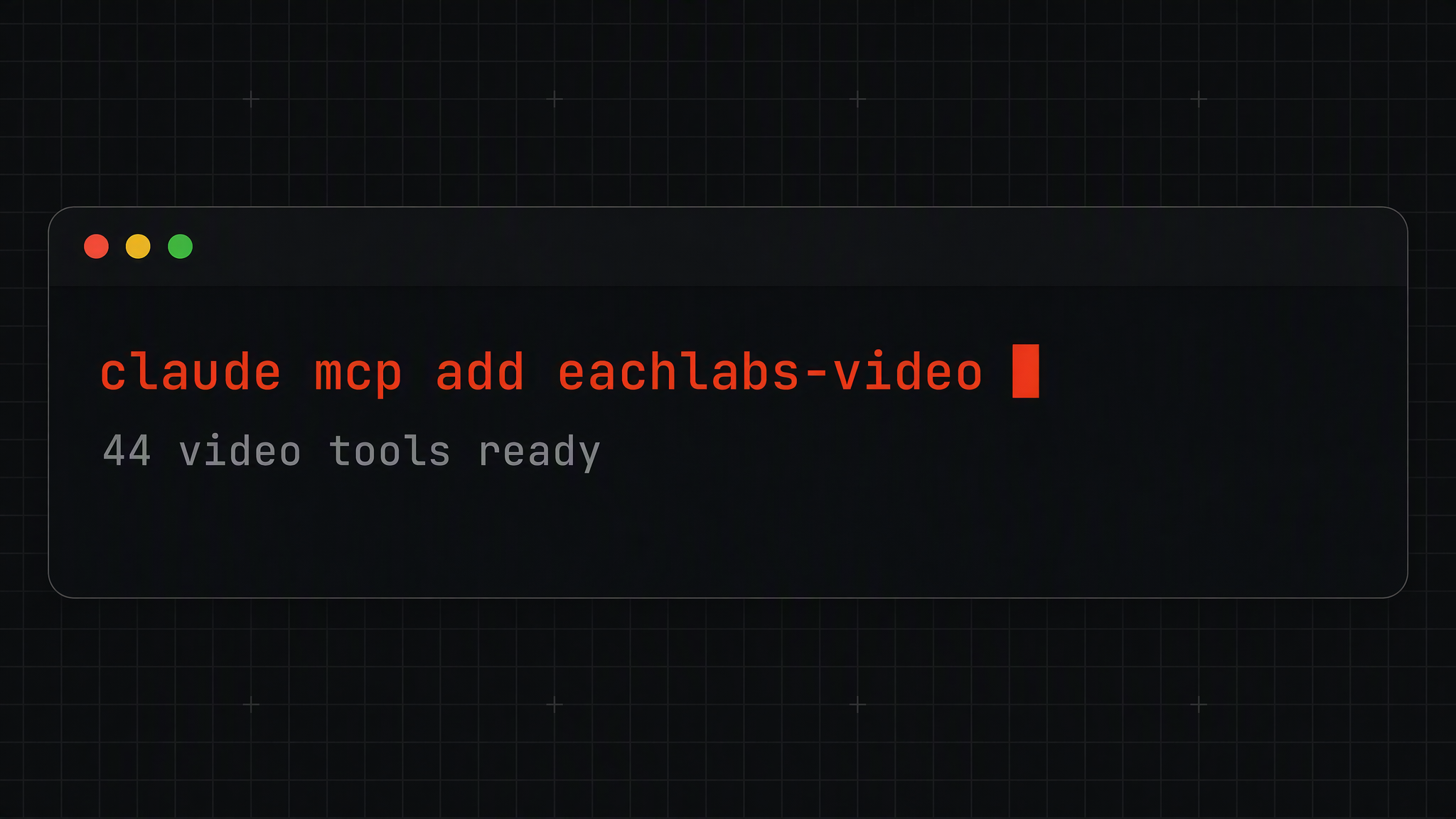
claude mcp add --transport http eachlabs-video https://mcp.eachlabs.ai/mcpThat registers the server. It doesn't connect yet, which trips people up: run /mcp inside Claude Code, approve eachlabs-video, and log in when prompted. The video tools appear once the login completes. Jobs run against the organization you approve on the consent page. If you're signed out, the consent page routes you through sign-in and back to the approval on its own.
Note what isn't in those steps. No API key to create, no secret to paste into a config file, no key sitting in your shell history. One OAuth login and the agent has hands. Cursor, Codex, Claude Desktop, and Kimi Code each have their own two-line version of the same thing in the quickstart.
Then You Just Ask
Here's the shape of it in practice:
"Trim the first 12 seconds of this URL, burn the captions from this SRT, and give me the result URL."
The agent calls the trim tool, waits for the artifact, passes that artifact into the caption tool, and returns the final hosted URL. You didn't sequence anything. You didn't hold a poll loop open. You didn't learn that the second call takes input_url and not video_url.
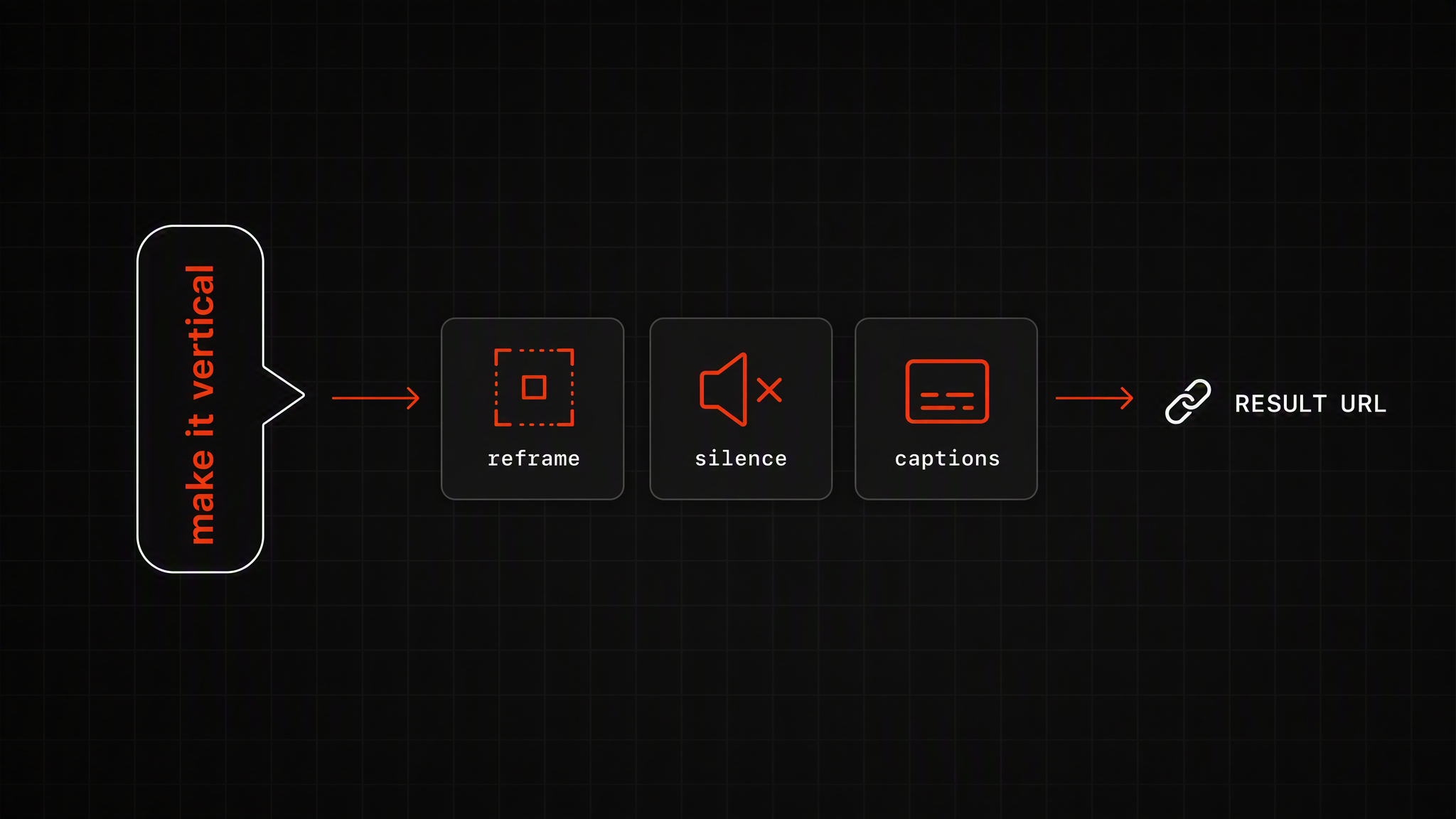
All forty-four capabilities are there as tools, with the same names and parameters as the capabilities reference, which means the agent's mental model and your documentation are the same document. Everything in the video editing catalog is reachable: Tracked Reframe for vertical crops that follow the subject, Auto Silence Cutter for the dead air, Animated Captions for word-by-word subtitles, Loudness Normalizer so the set doesn't jump in volume, Video Merger to stitch, Poster Frame for the thumbnail, and HLS Ladder when it needs to actually stream.
No public URL for your footage? Ask the agent to call upload_file with the local path. It uploads to Eachlabs storage and returns a public URL to use as the input. The thing you'd normally stop and do by hand becomes another sentence.
The Schema Is the Guardrail
This is the design detail I'd argue matters most, and it's the least flashy one.
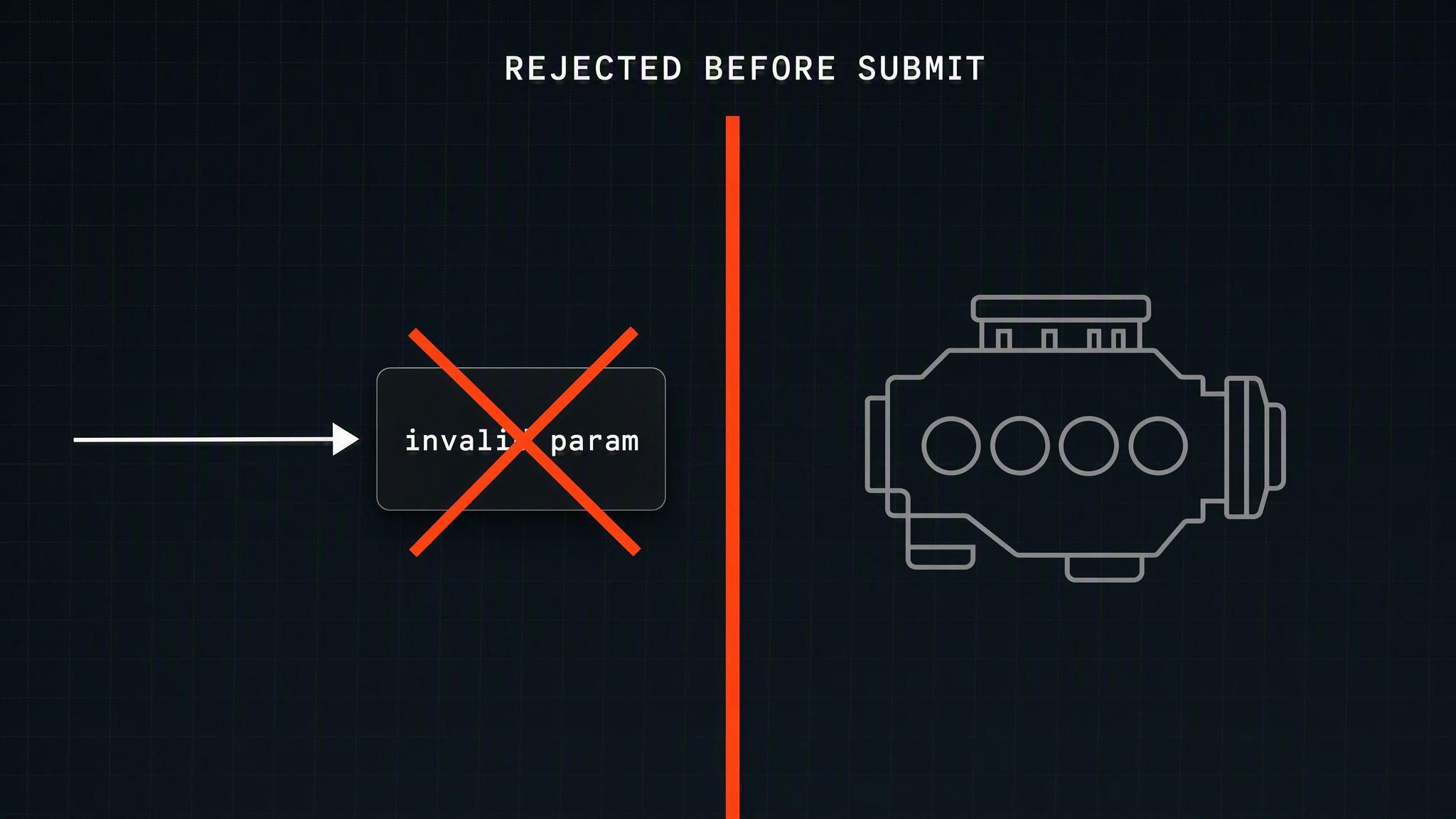
Parameters are validated client-side before anything is submitted, then again by the engine. A call that doesn't match the tool's schema gets rejected before it leaves your machine. That includes a parameter the tool doesn't declare, which is precisely the failure mode you'd worry about with a model that has a creative streak.
So the agent's confident invention of a plausible-sounding option doesn't reach the engine, doesn't produce a wrong artifact, and doesn't quietly consume a job. It comes back as a schema error the agent can read and correct. That's the difference between an agent with tools and an agent with a shell: the tool surface tells it when it's wrong, immediately, instead of letting it find out four steps later.
Reliability in agent systems is mostly about how fast a bad guess gets caught. This one gets caught before submit.
Long Jobs Don't Strand the Agent
Video jobs are not all short, and an agent holding a connection open forever is its own kind of failure.
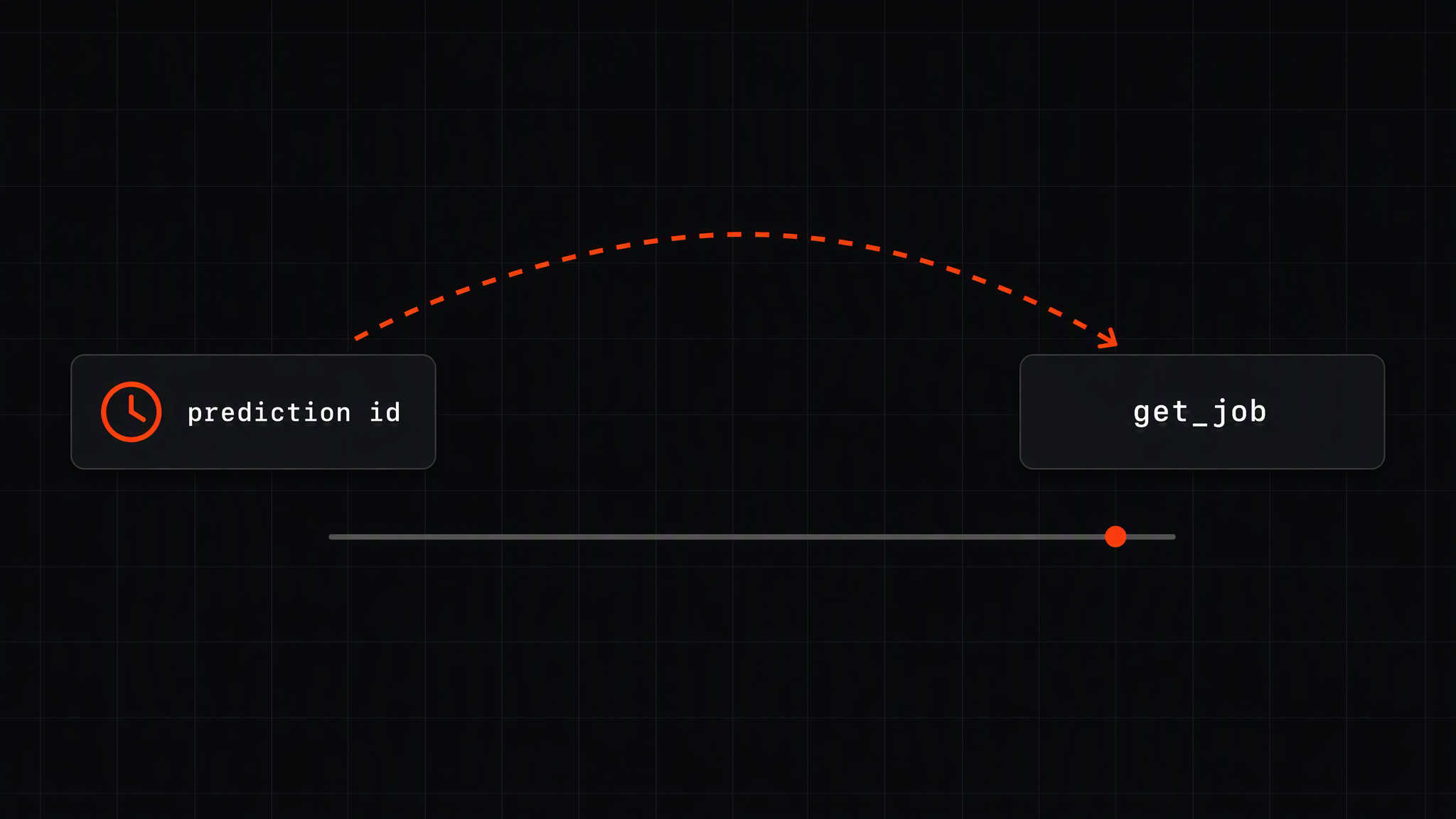
The server polls with backoff. If a job outlives the polling budget, the hosted server holds up to roughly four minutes and the local stdio server defaults to five, the tool returns the prediction ID instead of hanging. Your agent picks it back up later with get_job.
Which means a long transcode doesn't block the conversation. The agent hands you an ID, moves on, and checks back. That's how you'd want a human assistant to handle it, and it's a small thing that makes long-running media work feel usable inside a chat loop.
For CI, Run It Locally
Browsers don't exist on a CI runner, so OAuth is the wrong mechanism there. The same MCP server runs locally over stdio, authenticated with an API key from Settings, then API Keys in the dashboard.
For Claude Code, that's an .mcp.json in the project root:
{
  "mcpServers": {
    "video": {
      "command": "npx",
      "args": ["-y", "@eachlabs/video-api-mcp"],
      "env": { "EACHLABS_API_KEY": "YOUR_API_KEY" }
    }
  }
}
Codex takes the TOML equivalent in ~/.codex/config.toml. The local server is named video rather than eachlabs-video specifically so it can coexist with the hosted one, which is a nice touch when you're running both in the same repo. For reproducible builds, pin the version instead of tracking latest.
The npm package is rolling out during the beta. If npx cannot find it yet, use the hosted connection.
There's an Escape Hatch
For beta organizations there's run_ffmpeg: raw FFmpeg, with a defined contract and safety boundary.
I like that this exists, and I like more that it isn't the headline. A capability catalog covers the work you do repeatedly. It will never cover the one strange filter graph your product needs on the third Tuesday of a launch. Wrapped capabilities give you the guardrails; the raw escape hatch means the guardrails aren't a ceiling.
What This Changes
The obvious win is the individual edit. Somebody asks for a vertical cut with captions and you type a sentence instead of writing a script.
The less obvious win is who gets to do video work. When the interface is a sentence, the person with the video problem can solve it themselves. A designer reframes forty assets. A support lead splits a recording into linkable chapters. A marketer normalizes loudness across a campaign so the ads stop startling people. None of them file a ticket, and none of them learn a parameter name.
And in a repo, the agent already has the context that makes video work annoying. It knows where the assets live, what the naming convention is, which aspect ratios ship to which surface. Handing it the video tools means the sequencing decisions happen next to the code that cares about them.
Wrapping Up
The Video API made the boring half of video work callable. The MCP server makes it speakable.
That's the whole argument. Video editing is a long chain of deterministic steps triggered by a request that arrives in plain language, which is close to the ideal shape for an agent with a validated tool surface. Describe it, let the agent sequence it, get a URL back.
Connect it with one command, ask for the edit you were going to do by hand this afternoon, and see whether you write the script at all.
Frequently Asked Questions
Do I need an API key to use the Video API MCP server?
Not for the hosted connection. One OAuth login in the browser and the tools are live, with jobs running against the organization you approve. API keys come back into it only for headless environments like CI runners, where there's no browser to complete a login.
What stops the agent from calling a tool wrong?
The schema, and it stops it early. Parameters are checked client-side before submit and again by the engine, so an invented or misspelled option is rejected before it reaches anything. The agent reads the error and retries rather than producing a confidently wrong artifact.
Which agents can use it?
Claude Code, Cursor, Codex, Claude Desktop, and Kimi Code have documented setups, and any MCP-capable client can connect to the same server. Tool names and schemas are stable through the beta, so an integration you build now keeps working as capabilities get added.