Virtual Try-On API for Fashion E-Commerce: Eachlabs Guide
Send one photo of a person and one of a garment, get the person wearing it. The workflow, the input rules, and the limits that decide whether it survives a product page.
Every new product means another photo shoot. A new colorway, a different body type, a fresh seasonal drop, and you're booking a model, a studio, a photographer, and a day you don't have. Then the returns come in because the jacket looked different online than it did on a real person, and you start the cycle again.
Product imagery is the quiet tax on every fashion store, and it scales badly with exactly the thing you want to grow: more products.
A virtual try-on API for fashion e-commerce is the attempt to break that link. You send one photo of a person and one photo of a garment, and you get back an image of that person wearing it. No studio, no booking, no second shoot when marketing decides the product page needs the same jacket on four body types. On Eachlabs you reach it the same way you reach every other generative media model, through one API and one request shape, which matters more than it sounds once try-on stops being a demo and becomes a step in your catalog pipeline.
The interesting question was never whether a model can paste clothes onto someone. It's whether the result survives a product detail page, at volume, on the images your suppliers actually send you.
What virtual try-on actually has to do for a fashion store
Strip away the marketing and there are three jobs, and they get harder in order.
The easy one is garment transfer: get the shirt onto the person. Almost anything does this now. The second is garment fidelity. The print has to stay the print. A logo has to stay legible, a stripe has to stay the same width, a knit has to read as knit rather than as a flat colour field. This is where most try-on output quietly fails, because a customer who sees a slightly wrong pattern doesn't file a bug. They just don't buy, or worse, they buy and return.
The third, and the one that decides whether you can use this commercially, is identity preservation. The person has to remain the same person: same face, same body shape, same pose, same skin tone, same hands. A try-on model that subtly slims the model, lightens the skin, or reshapes the face is not a product-imagery tool. It's a liability, and in several markets it's an advertising-standards problem.
So the evaluation question is not "does it look good." It's: did the garment survive, and did the person survive?
How the try-on workflow runs end to end
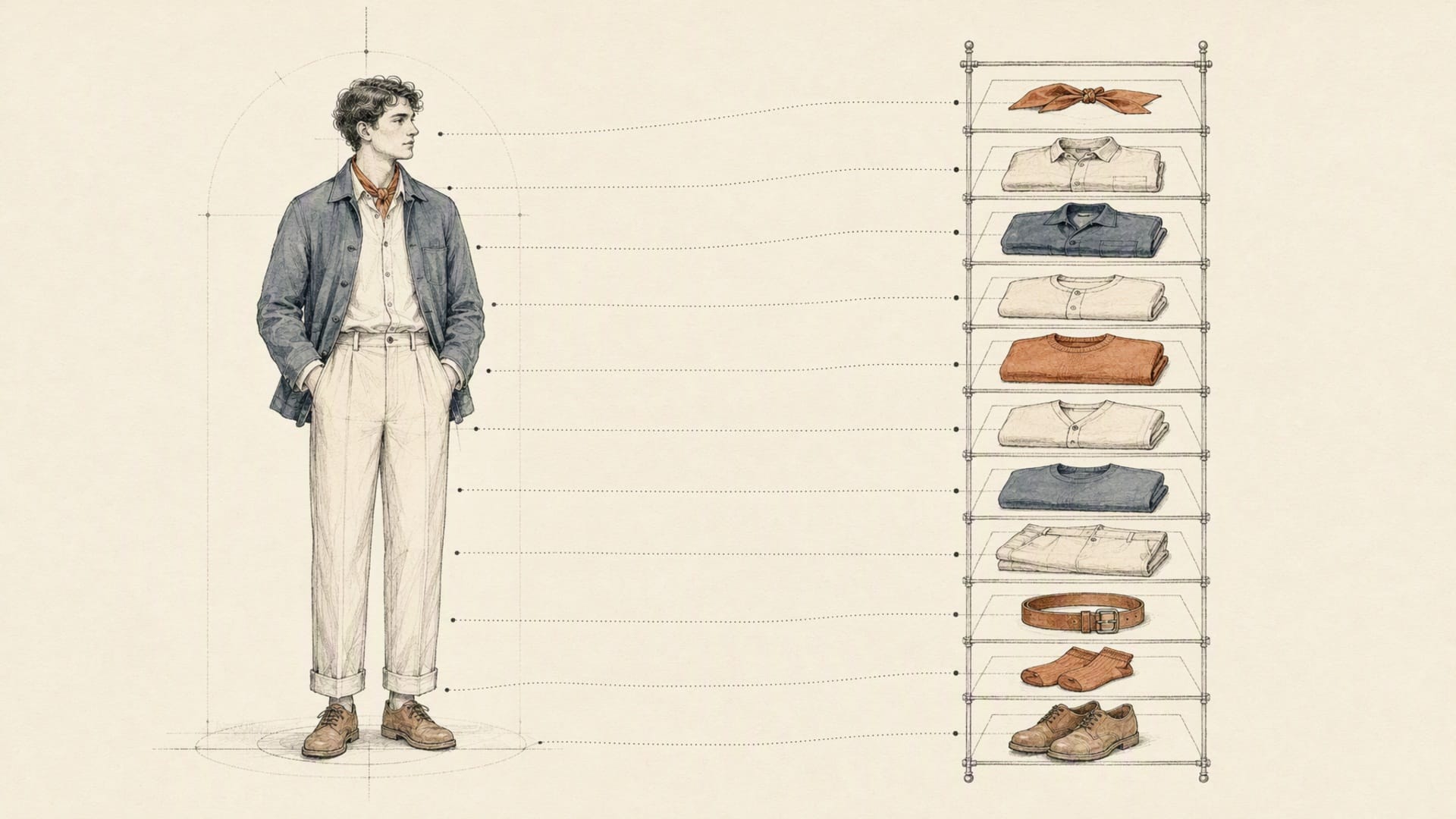
The developer flow is short. Upload the source image, provide the garment image or images, run the model, retrieve the output.
p-image-try-on, built by Pruna AI and available on Eachlabs, takes two required inputs. person_image is a URL for the photo of the person to dress. garment_images is an array of garment reference URLs, and it accepts between one and eleven of them in a single request. That array is the part worth designing around: a full outfit, or a set of variants, resolves in one call rather than eleven, which changes how you structure a batch job.
Beyond that there are four optional controls. output_format is jpg by default, with webp and png available. output_quality defaults to 95 and applies to the JPG and WEBP paths. preserve_input_size defaults to true and resizes the result back to the capped person-image size, which is usually what you want when the output has to slot into a fixed product-page layout. And seed pins the generation so a given input pair reproduces, which is the single most useful parameter for anyone who has to explain later why an asset looks the way it does.
There's a second path worth knowing about. Kling's kling-v1-5-kolors-virtual-try-on takes a simpler pair, human_image_url and garment_image_url, one garment at a time. Fewer knobs, different visual character. Having both behind the same request envelope means comparing them is a slug change rather than a second integration.
Your own source photography goes in through each::storage, which returns a public URL, the shape both models expect since they take images by URL rather than as multipart uploads.
Get the inputs right and most of your problems disappear
Try-on quality is decided by the inputs far more than by the parameters, and this is the part every team learns the expensive way.
For the person image: a single subject, full or three-quarter body, facing roughly toward the camera, with the existing garment visible in full rather than cropped at the frame edge. Even, diffuse lighting. Arms away from the torso if you can get it, because a hand resting across the stomach is the most reliable way to produce a mangled result. Occlusion is the enemy: a bag strap, a crossed arm, a phone held at chest height all give the model a region it has to invent.
For the garment image: flat-lay or ghost mannequin, shot straight on, plain ground, whole garment in frame. A garment photographed on a person is much harder to transfer than the same garment photographed flat, because the model has to undo one drape before applying another. If your supplier assets are all on-model, that's worth fixing upstream before you blame the try-on step.
Resolution matters in one specific way: detail you don't send cannot appear. A 600-pixel garment thumbnail will not produce a legible woven label, no matter what you set. And keep the pairing sane, because the model needs to see the body region the garment occupies. A long coat onto a cropped headshot will not work.
Wire it up: two inputs, one poll
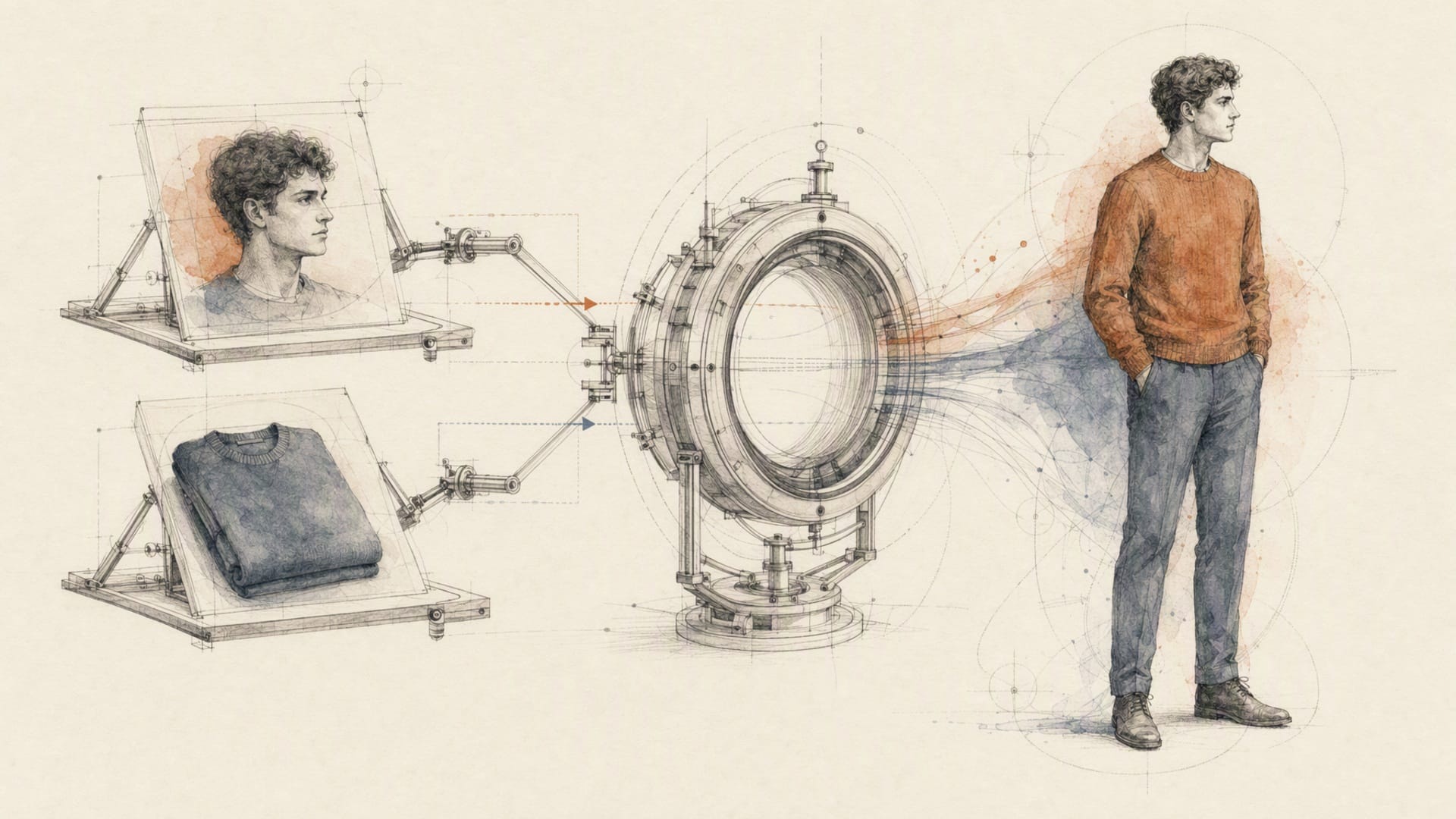
Submit the job, then poll it. Every model on the platform uses the same envelope, so this is the shape you already know if you've called anything else on Eachlabs:
curl -X POST https://api.eachlabs.ai/v1/prediction/ \
  -H "Authorization: Bearer $EACHLABS_API_KEY" \
  -H "Content-Type: application/json" \
  -d '{
    "model": "p-image-try-on",
    "version": "0.0.1",
    "input": {
      "person_image": "https://your-cdn.example.com/models/model-04.jpg",
      "garment_images": [
        "https://your-cdn.example.com/catalog/jacket-navy-flat.jpg"
      ],
      "output_format": "png",
      "preserve_input_size": true,
      "seed": 8814
    },
    "webhook_url": ""
  }'
The response confirms the job was queued. It does not contain your image:
{
  "status": "success",
  "message": "Prediction created successfully",
  "predictionID": "03781b27-2c4a-411a-a9e8-cfd2d6726773"
}
Then poll GET /v1/prediction/{id} until the status stops moving. Predictions walk created, starting, processing, and settle on one of three terminal states: success, error, or cancelled. Three to five seconds between polls is the right cadence.
import os, time, requests

BASE = "https://api.eachlabs.ai/v1/prediction/"
H = {"Authorization": f"Bearer {os.environ['EACHLABS_API_KEY']}"}
TERMINAL = {"success", "error", "cancelled"}

def try_on(person_url: str, garment_urls: list[str], seed: int | None = None):
    payload = {
        "person_image": person_url,
        "garment_images": garment_urls,   # 1 to 11
        "output_format": "png",
        "preserve_input_size": True,
    }
    if seed is not None:
        payload["seed"] = seed

    r = requests.post(BASE, headers=H, timeout=30, json={
        "model": "p-image-try-on",
        "version": "0.0.1",
        "input": payload,
        "webhook_url": "",
    })
    r.raise_for_status()
    pid = r.json()["predictionID"]

    while True:
        d = requests.get(BASE + pid, headers=H, timeout=30).json()
        if d["status"] in TERMINAL:
            break
        time.sleep(4)

    if d["status"] != "success":
        raise RuntimeError(f"{pid} ended {d['status']}: {d.get('output')}")
    return d["output"], d["metrics"]["predict_time"]
On success, output carries the finished image and metrics.predict_time reports what the run actually took. That second number is the one to size a catalog batch on, rather than any figure published anywhere else.
For catalog-scale work, stop polling and pass a webhook_url. Two things to build on day one rather than retrofit. Webhook payloads use a compact two-value vocabulary, succeeded or failed, not the six states you see when polling, so keep the parsers separate. And the same webhook can be delivered more than once, so make the handler idempotent on the prediction ID. Overwriting a good asset with a duplicate delivery is a genuinely unpleasant afternoon.
Store the seed and the prediction ID next to every published asset. When someone asks in six weeks why one product image looks off, those two values are the only thread you can pull.
Where fashion teams actually put this
Three uses, in rough order of how quickly they pay for themselves.
Product detail pages. The obvious one, and the most demanding. You want the same garment on several body types so a shopper can find someone shaped like them, which is both a conversion lever and a returns lever. The constraint here is that PDP imagery is scrutinised: this is the use case where garment fidelity and identity preservation have to be right, and where a human should still approve before publish.
Campaign and lookbook previews. The most underrated. Before you commit a studio day, generate the whole proposed lookbook: eleven garments against your standard model set, in one call each. Merchandising argues about images instead of descriptions, and the shoot you eventually book is the shoot you actually needed. Nothing here ships to a customer, so the quality bar is lower and the speed benefit is immediate.
Size and style experimentation. Internal, exploratory, and the one that changes assortment decisions. Which of these four colourways reads best on a mid-tone skin? Does the oversized fit look intentional or accidental on a shorter frame? These are questions teams currently answer with opinions because generating the evidence used to cost a shoot.
Two of those three never touch a customer. The fastest return on a try-on API is usually internal, not on the storefront.
The pitfalls that show up in week two
Everyone hits the same five things.
Treating output as final. It isn't, not for a PDP. Build a review queue from day one, sized to your measured failure rate, with a reject-and-rerun path that touches one asset rather than the batch.
No seed discipline. Without a pinned seed you cannot reproduce, cannot A/B honestly, and cannot investigate a complaint. Pin it, store it.
Regenerating instead of retrying. Re-running a generative step does not reproduce it, it produces something new. If your pipeline chains try-on with a background step and an upscale, retry the failed step against a stored intermediate. Re-running the chain gives you a different image, which in a catalog means one listing quietly stops matching the other nine.
Ignoring the concurrency ceiling. There's no per-second request limit on predictions, but there is an account concurrency cap, and exceeding it returns 429 with a details field naming the cap that applied. A rejected request creates no prediction at all, so that's a resubmit path, not a failure path. Conflating them is how a batch job silently loses images.
Skipping the compliance question. If a generated image shows a garment on a body, you're making an implicit claim about fit and appearance. Decide your disclosure policy before you publish, not after someone asks.
When Eachlabs is the right choice, and when it isn't
Honestly: if all you will ever need is a single try-on call from a single model, a focused single-purpose tool is less to reason about, and you should use it. I'd rather say that than pretend every problem needs a platform.
The calculus changes at the second step. Real fashion imagery is rarely one call. It's isolate the product, try it on, clean the background, composite onto the required ground, upscale to the marketplace minimum, then validate. That's five steps, and if each lives with a different vendor you now maintain five auth schemes, five response shapes and five retry policies. The glue is where the leaks are, not the calls.
On Eachlabs those steps share one envelope, which means p-image-try-on, eachlabs-bg-remover-v1, an edit endpoint like flux-2-max-edit, and eachlabs-image-upscaler-pro-v1 are all a slug change apart. Lift the chain into a workflow and you get version pinning in the path, so an edit can't silently change what runs against your live catalog. Comparing p-image-try-on against kling-v1-5-kolors-virtual-try-on on your own garments costs an afternoon rather than a sprint.
That's the actual argument. Not catalog size. The fact that improving one step doesn't cost you a refactor.
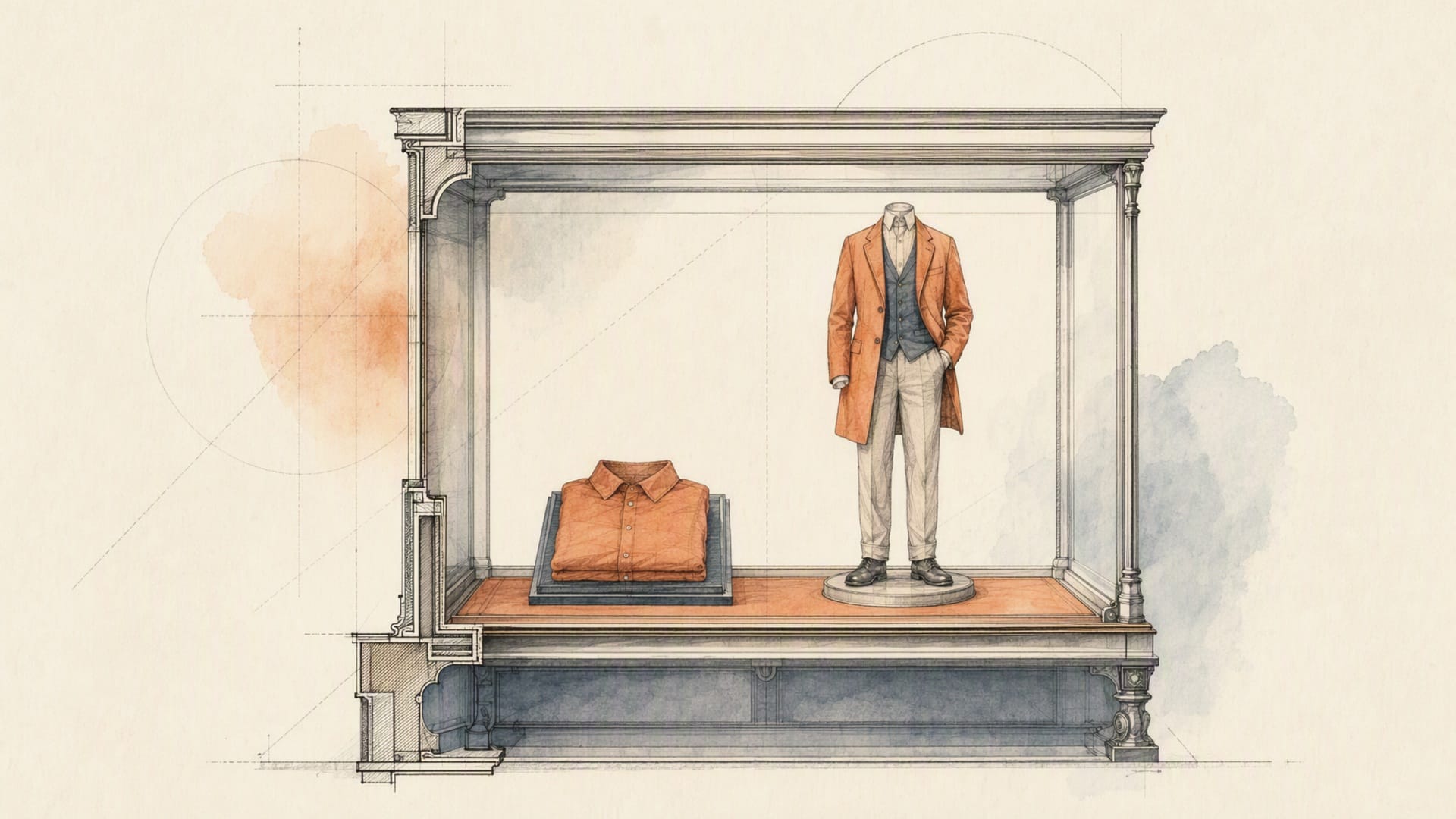
The honest limitations
I don't want this to read like a brochure with the rough edges sanded off, because the edges are where you'll spend your time.
Fine texture is still approximate. Sheer fabric, lace, loose knit and anything with visible weave come back plausible rather than accurate. If the material is the product, you need a photograph.
Complex structure is unreliable. Layered outfits, open jackets over patterned shirts, belts, drawstrings, asymmetric hems and anything with genuine three-dimensional structure will occasionally resolve into something that doesn't exist. Footwear and jewellery are a different problem class and are not what these models are for.
Text on garments is the weakest point across the whole category. A slogan tee will come back with letters that are nearly right, which is worse than obviously wrong because it passes a quick glance and fails a customer's.
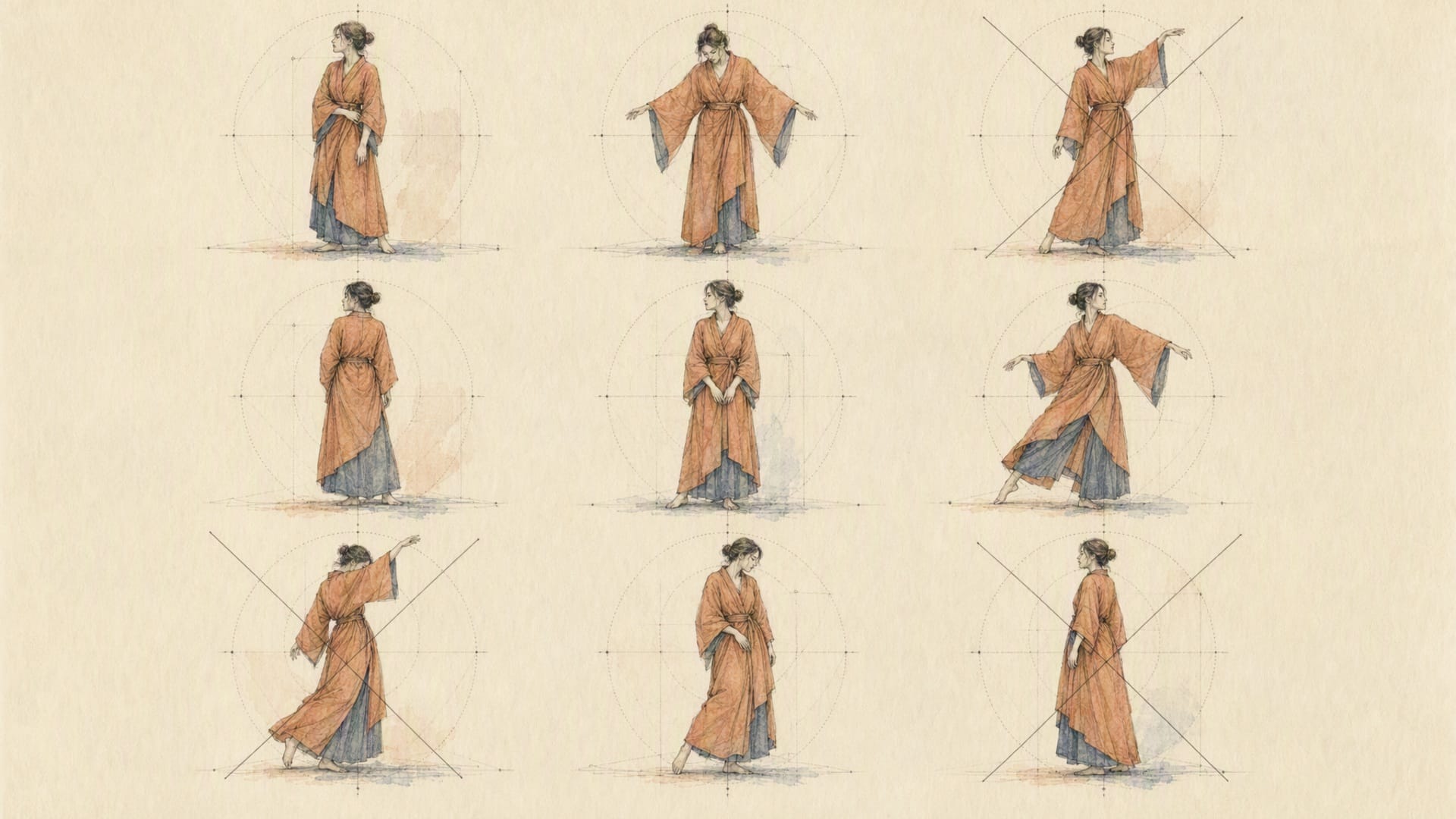
Pose sensitivity is real. The pose that works beautifully for one garment fails for the next, and there's no parameter that fixes it. Curate a standard model set with poses you've verified, and treat that set as infrastructure.
And reproducibility is bounded. A pinned seed gets you the same output for the same inputs. It does not get you consistency across garments, which is what a category grid actually needs.
None of that makes this unusable. It makes the honest target something other than full automation: automation with a review queue that scales with your failure rate instead of with your SKU count.
Wrapping up
Virtual try-on doesn't replace photography. On the evidence it doesn't, not yet, and not for the assets carrying the most commercial weight. What it replaces is the waiting: the studio day booked to answer a question you could have answered in an afternoon, the second shoot because marketing wanted another body type, the colourway that never got imagery because it wasn't worth a booking.
So start where nothing ships to a customer. Generate the lookbook preview, run the assortment experiment, build the standard model set. Move to the product page once you know your own failure rate and have somewhere for the failures to go.
You can run p-image-try-on on Eachlabs, alongside the background, edit and upscale steps that turn a try-on result into a publishable asset.
Frequently Asked Questions
How fast is a virtual try-on API call, and can I put it in a live user flow?
Read metrics.predict_time from your own predictions rather than trusting a published figure, since it moves with input size and garment count. The architectural answer matters more than the number: don't block an HTTP request on it. Submit the job, hand a job ID back to the client immediately, and deliver by webhook. A design that opens a request and waits for generation will eventually be defeated by a load balancer or a proxy timeout. If you want a try-on feature that feels instant to a shopper, pre-generate against your standard model set and serve the stored asset, rather than generating per visitor.
How good does the output have to be, and how do I measure it?
Measure the floor, not the ceiling. Take your hundred hardest pairings, generate them, and count the unusable ones against a written threshold. That single percentage is your review-queue staffing and your retry budget. Score two things separately, because they fail separately: garment fidelity, meaning the print, stripe and texture survived, and identity preservation, meaning face, body shape and skin tone are unchanged. A model that scores well on the first and badly on the second is not usable for commerce regardless of how good the images look.
Is this production-ready for a product detail page?
The API surface is: durable prediction IDs, an explicit six-state lifecycle, a pinnable seed, per-request latency in the response, webhooks with inspectable delivery attempts, and keys accepted only as a Bearer header. What makes it production-ready on your side is the boring work. Idempotent webhook handling, deterministic asset keys, the seed and prediction ID stored next to every published image, and a human approval step for anything customer-facing. For internal previews you can skip the approval step. For a PDP, in the current state of the technology, you should not.
Can I put a whole outfit on someone in one request?
Yes, and this is the parameter most people miss. garment_images takes an array of one to eleven URLs, so a full outfit or a set of variants resolves in a single prediction rather than a chain of them. Design your batching around it: eleven garments in one call behaves very differently from eleven calls when you're working against a concurrency cap. Layered and structurally complex combinations are also where output quality degrades fastest, so verify a multi-garment result more carefully than a single-garment one before you trust it in a template.