MiniMax H3 Image: We Tested Native 4K on each::labs
MiniMax's new open-weight image model makes native 4K and takes up to 16 references. We ran Standard and Highspeed on the same tricky brief the morning after launch. Here's what we saw.
By Eftal Yurtseven · Nov 11, 2026 · 7 min read

A 4K image used to be a two-step job: generate something smaller, then hope the upscaler invents the right pores, threads and wood grain. Most of the time it invented something. Plausible, a little waxy, never quite what a camera would see.
MiniMax H3 Image skips the second step. MiniMax released it on November 10 as an open-weight image model built on MiniMax H3, with native 4K output, up to 16 reference images and editing in the same model. It's already live on each::labs as MiniMax H3 Image Text to Image and three sibling pages. We ran it the morning after launch. Here's what it is, what the request looks like, and what we saw.
What MiniMax H3 Image Actually Is
MiniMax's launch post keeps it short. H3-Image is an open-weight model that handles text-to-image, reference-based generation and image editing. Native output is 4K, listed as 4096x4096 (16 megapixels), and MiniMax says it can produce a 4K image in under 10 seconds. It also claims state-of-the-art prompt adherence among open-weight models, without naming a benchmark or a score, so file that one under "we'll see".
The Hugging Face model card fills in the engineering. The core is a 33.1B-parameter diffusion transformer that reuses the Qwen3-VL text encoder from MiniMax H3, distilled to 6 sampling steps with no classifier-free guidance. Outputs land around 16 MP directly, with no upscaler, from 4096x4096 square up to 6272x2688 for 21:9. Generation and editing live in one checkpoint. The weights ship under the MiniMax-H3-Image Community License, so read it before you plan to self-host anything commercial.
Two details matter for how you'll write prompts. The model expects a detailed English description of the whole image, and MiniMax's own API expands your prompt before generation (an optional prompt expander model exists for local use too). Negative prompts aren't supported. Describe what you want, not what you don't.
Four Pages on each::labs, One Model
On each::labs the model runs as four pages. Text to Image and Image to Image are the Standard mode. Highspeed Text to Image and Highspeed Image to Image are the fast mode. MiniMax describes Standard as 1.5 to 2 times as fast as mainstream alternatives and Highspeed as 3 to 4 times, with up to 5 times for full-resolution 4K.
The request schema is pleasantly small. A prompt of up to 32,000 characters (MiniMax notes only about the first 4,096 tokens take effect). One to ten images per request. Output as JPEG, PNG or WebP, with no transparent backgrounds. And a size field: Auto, which lets the model pick the shape at its default 4K area, or presets running from 1024x1024 through 2048x2048 and 2736x1536 up to 4096x4096, 5472x3072 and 3072x5472.
The text-to-image pages add one switch: disable prompt enhancement. Turn it on when you've written a tight, literal prompt and don't want it rewritten; you'll need a fixed pixel size rather than Auto. The image-to-image pages take 1 to 16 reference images, in order, and always apply prompt enhancement.
The Test: One Brief That Punishes Sloppy Reading
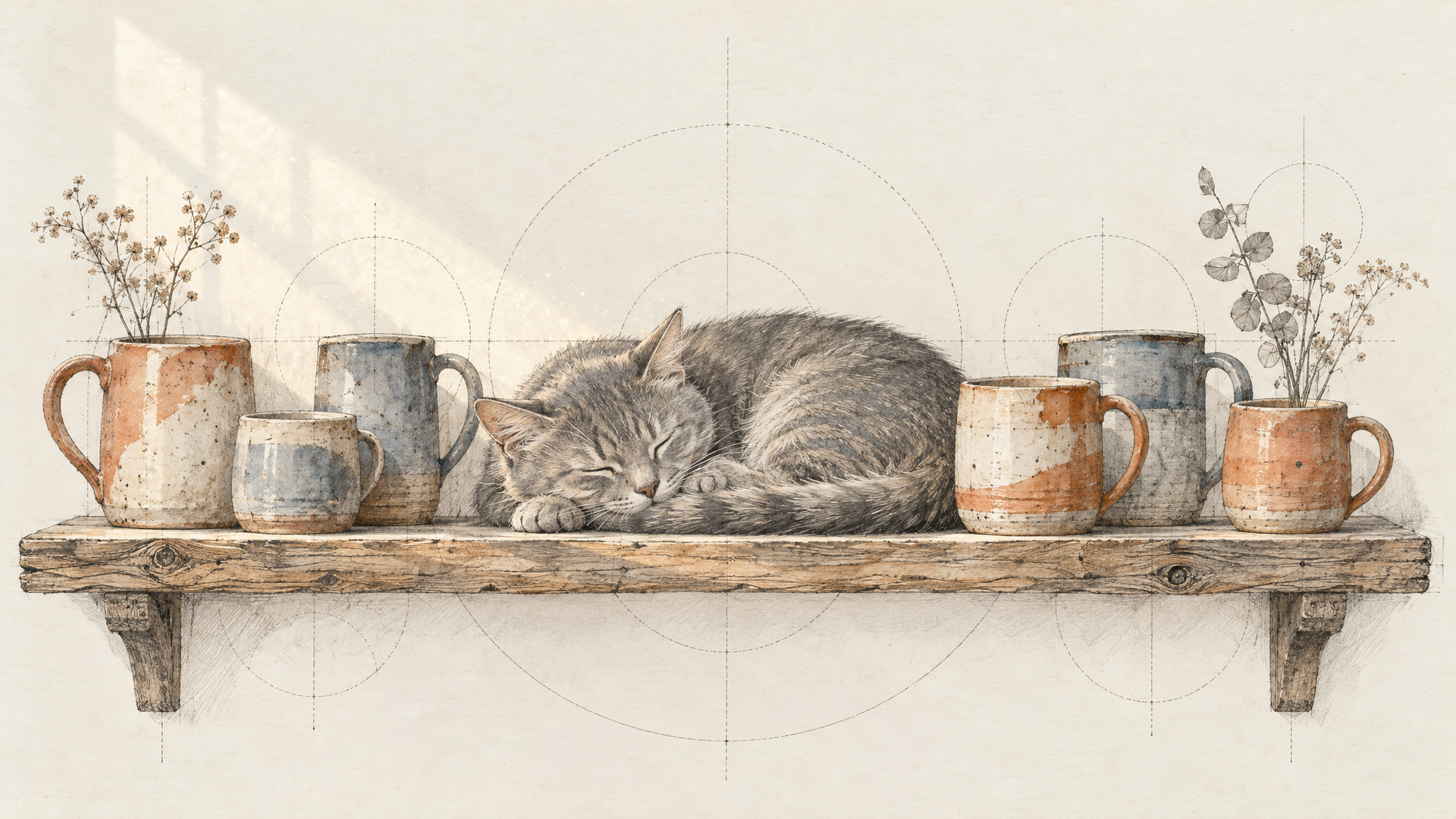
We reused the brief from our GPT Image 2.6 test, because it has three things image models love to fumble: a count, two positions and a short line of text that must be spelled right.
A cluttered ceramic studio shelf in morning window light: twelve hand-thrown mugs in different glazes, a handwritten paper label on the third mug reading 'BATCH 07', a sleeping grey cat between the fifth and sixth mug, dust in the light beam. Editorial product photo, 35mm, shallow depth of field.
We ran it three times: Standard at 5472x3072, Highspeed at 5472x3072, and Highspeed at 2736x1536. PNG output, one image each, prompt enhancement left on. Every run came back at exactly the size we asked for.
All three spelled "BATCH 07" correctly and put the label on the third mug from the left. All three put the cat right after the fifth mug. That's the same result GPT Image 2.6 Sunburst gave us on this brief, from an open-weight model, at more than three times the pixel width.
Standard Builds a Room, Highspeed Follows the Line
The interesting part was how differently the two modes read the scene. Standard made the richer picture: a two-shelf rack in a brick-walled studio, proper mugs with handles, a tied kraft label, a fluffy grey cat asleep on the top shelf right after mug five. It also went past the brief. With a second shelf full of mugs, the total was well over twelve. That's the enhanced prompt at work: a bigger, more composed world.
Both Highspeed runs stayed closer to the words. Each laid out one long row, and when we counted, each had twelve vessels with the cat tucked between five and six. The catch: Highspeed drew handleless cups and tumblers, not mugs. Close enough for a mood board, wrong for a mug brand's catalog. The 2736x1536 run was the most literal of the three, down to a neat printed sticker instead of a handwritten tag.
Our read, from three runs and nothing more: use Highspeed when the instructions are the point, Standard when the picture is. If a detail like "handles" matters, say it out loud, because a model this good at following counts will happily follow your silence too.
Detail That Survives the Zoom
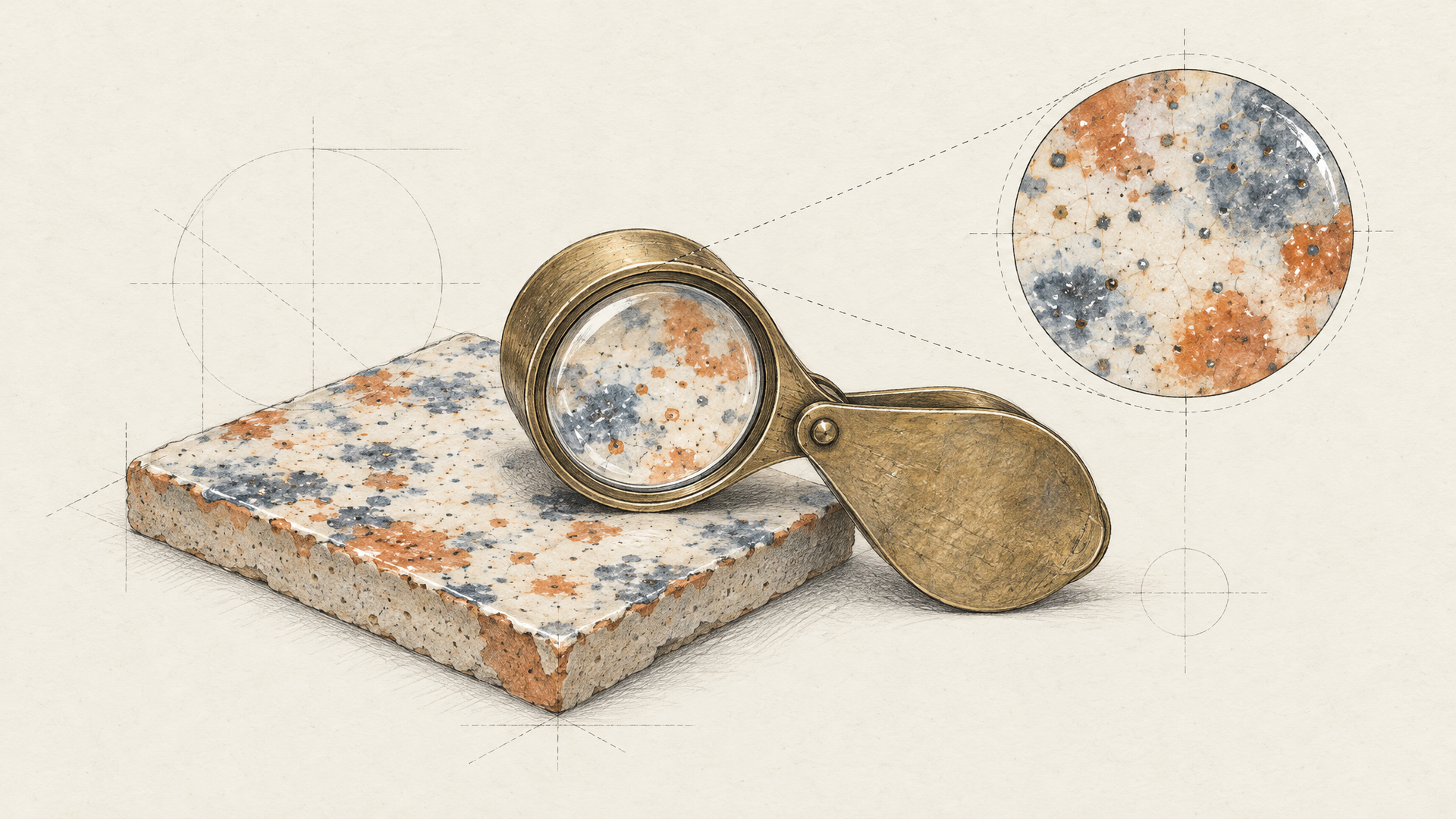
Native 4K is only worth it if the extra pixels carry real information. At full size, the Standard image held up where upscaled images usually fall apart: the speckle in the glazes, the grain on the rough shelf boards, the fur on the cat, the dust caught in the window light. MiniMax's launch post says it worked against the "overly smooth" look of AI images, and in our runs that's the improvement you notice first.
Highspeed at 5472x3072 was sharper than we expected for a fast mode, with crackle glazes and drips that look like real ceramics. It's slightly flatter in lighting than Standard, the same trade fast modes usually make, but nothing we'd call soft.
This matters most for anyone who prints, crops or reframes. A 16 MP original gives you a vertical crop for stories, a square for the feed and a banner from one generation, without a second model touching the pixels.
How Fast MiniMax H3 Image Felt in Practice
Speed claims are easy to inflate, so here's only what we measured. End to end on each::labs, queue and polling included, both Standard and Highspeed at 5472x3072 returned in about 25 seconds, and Highspeed at 2736x1536 in about 17. Our client checks for results every few seconds, so those numbers include some waiting on our side, and three runs are not a benchmark.
What we can say: full-width 4K arrived in well under half a minute in both modes, which is fast enough to iterate on rather than queue up and walk away. If speed decides your pipeline, time it on your own prompts over a few dozen calls, and compare Highspeed at a 2K preset for drafts with Standard at 4K for finals.
Sixteen References and the Edit Page
The Image to Image page is where the 16-reference limit lives. You pass the images in order, and the model card shows editing refers to them by upload order, so your prompt can point at "the first image" and "the third image" with confidence. The model card's showcase includes a ten-reference example.
Use the first image as the product and the second as the room. Place the ceramic vase from the first image on the oak sideboard in the second image, in the same morning light. Keep the vase's glaze, shape and size exactly as in the first image.
Combine the characters from the first three images into one group portrait on a city rooftop at dusk. Keep each face, hairstyle and outfit as in their reference image. Natural skin texture, 50mm, soft rim light.
Each reference can be up to 64 MiB and between 128 and 8192 pixels on each side, so you can feed it real product photography instead of thumbnails. For brand work, that's the headline: one model that takes a whole asset kit as input and returns a 4K frame.
Where MiniMax H3 Image Fits in Your Stack
If you already use MiniMax H3 for video, this closes the loop. Generate a 4K keyframe with H3 Image, then animate it with MiniMax H3 Image-to-Video, keeping the same family's look from still to motion. That's the workflow we'd build first, and an each::labs flow makes it one call.
Next to the other image models on each::labs, H3 Image's case is native resolution plus a generous reference limit, in an open-weight model you can also study and self-host. If your images end up large, cropped or printed, start here. If you need transparent assets, it's not the tool: the schema rules out transparent backgrounds. Browse the full text-to-image models page when you need a second opinion.
Frequently Asked Questions
Is MiniMax H3 Image open source?
Its weights are public on Hugging Face under the MiniMax-H3-Image Community License, which carries its own terms and may need a separate authorization for some uses. On each::labs you call it through the API, so nothing needs to be downloaded or hosted.
What resolution does MiniMax H3 Image generate?
Native 4K, around 16 megapixels, without an upscaler. On each::labs the presets go up to 4096x4096, 5472x3072 and 3072x5472, and Auto picks a shape at the default 4K area.
MiniMax H3 Image Standard or Highspeed: which should I use?
In our runs, Highspeed followed the literal instructions more tightly and Standard composed the richer scene. Draft on Highspeed, finish on Standard, and say every detail that matters out loud.
Can MiniMax H3 Image edit images?
Yes. The Image to Image pages take 1 to 16 reference images in order and always enhance the prompt, so you can edit a photo, place a product in a scene or merge several characters into one frame.