Image to Video Prompts: Write the Motion, Not the Picture
Your image already answers who, what and where. A good image to video prompt only answers when and how. Here's how to write them, with examples for Kling 4.0, Seedance 2.5 and Wan 3.0.
By Eftal Yurtseven · Nov 2, 2026 · 8 min read
You spent an hour on the still. The light is perfect, the product sits exactly where it should, the model's expression is the one the client approved. Then you drop it into an image to video model with a prompt that describes the same image all over again, and the clip comes back with a melting hand, a camera that drifts nowhere and a face that's slowly turning into someone else. The model didn't fail. Your prompt asked it to paint a picture it already had.
That's the core mistake in most image to video prompts. The image already answers what, who and where. The prompt's only job is when and how: what moves, in what order, and what the camera does while it happens. This guide shows how to write image to video prompts for the current generation of models on each::labs, including Kling 4.0 Image to Video, Seedance 2.5 and Wan 3.0, with example prompts you can copy.
Your Image Is the Brief. The Prompt Is the Direction.
Think of the source image as the set, the cast and the costume department, all delivered and signed off. Image to video models treat it as the starting point: Seedance 2.5's request schema on each::labs literally describes its prompt as "the motion/action applied to the image," and xAI's docs for Grok Imagine say the source image "becomes the starting point for the generated video." Everything in the frame is already decided.
So stop spending words on it. "A woman in a red coat standing on a rainy street at night with neon signs" is a description of your image, and the model can see your image. Spend those words on what it can't see: the next ten seconds.
She turns her head toward the camera, a small smile forming, then pulls the collar of her coat up against the rain. Slow push-in from a medium shot to a close-up. Rain keeps falling, neon reflections ripple on the wet pavement.
Every phrase there is about time. That's the whole shift.
The Four Building Blocks of an Image to Video Prompt
Most strong image to video prompts are built from the same four parts. You rarely need every one, but knowing them gives you levers.
Subject action. What the main subject does, written as a short sequence of verbs. "Picks up the cup, takes a sip, sets it down" beats "drinking coffee," because it gives the clip a beginning, a middle and an end.
Camera. What the lens does: static, slow push-in, orbit left, handheld follow, crane up. If you leave it out, the model picks for you, and its pick is usually a vague drift.
Environment motion. The things around the subject that should move: steam, hair, leaves, traffic, water. This is what makes a clip feel alive instead of like a photo with a moving face.
Sound. On models that generate audio, say what we should hear. Seedance 2.5, Wan 3.0 and Grok Imagine all offer audio generation on each::labs, and a prompt that names the sound (rain on an awning, a cup set down on marble) gets audio that matches the action.
The barista slides the cup across the counter toward the camera and lets go. Steam curls up from the cup. Static camera, shallow depth of field. Sound: soft café murmur, a ceramic clink as the cup stops.
Write Motion in Order, Like a Shot List
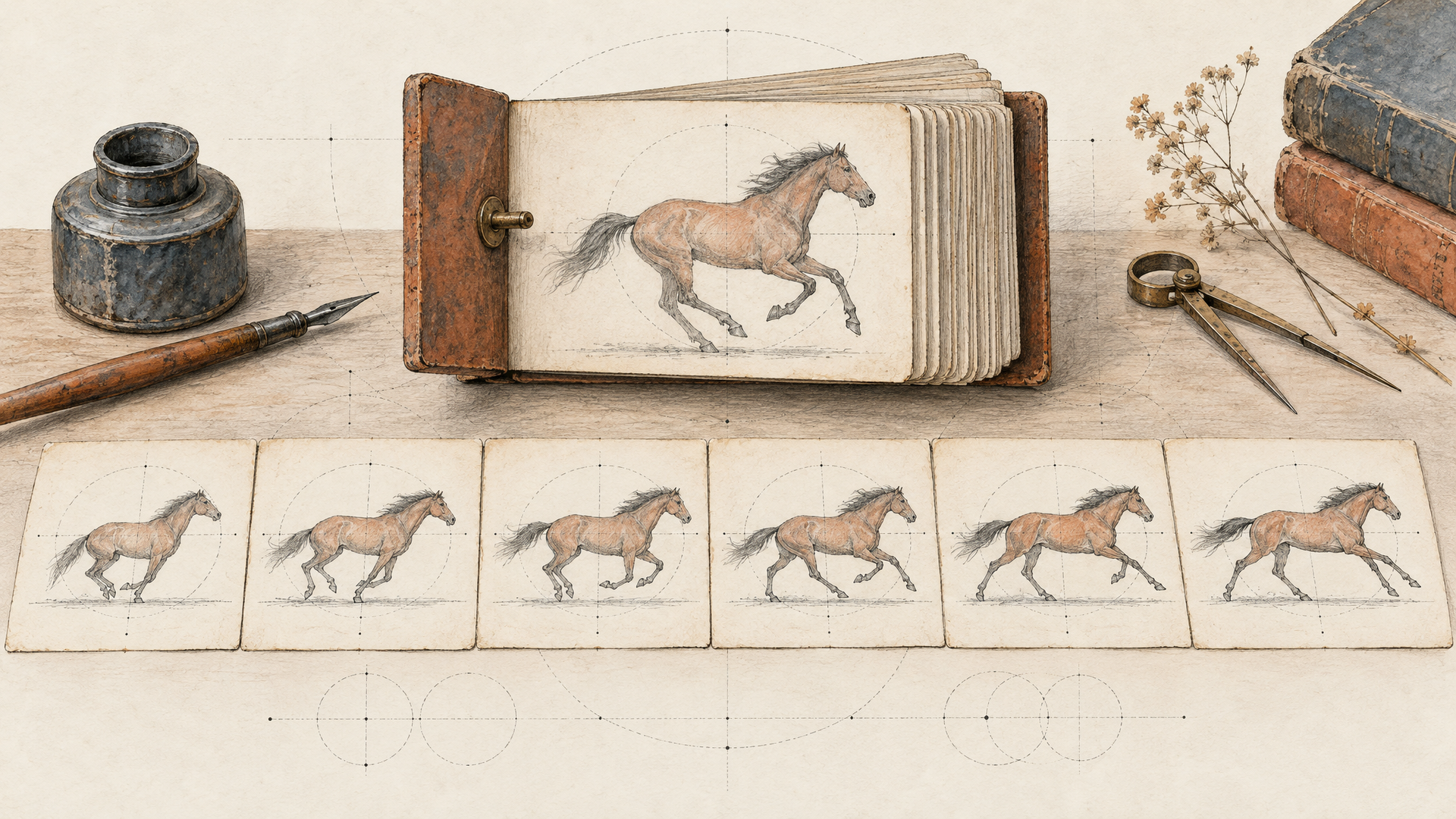
Models follow sequences better than piles. "Wind, smile, hair moving, camera zoom, walks away" is a list of ingredients with no recipe. Write it in the order it should happen, with connecting words that carry time: first, then, as, until, finally.
The skater stands still on the ramp edge, then drops in. As she crosses the bottom of the bowl, the camera whips to follow her. She carves up the far wall and pops out, hanging in the air for a beat before landing.
Long clips raise the stakes here. Kling 4.0 Image to Video on each::labs runs from 3 to 30 seconds, and Seedance 2.5 and Wan 3.0 both reach 30 seconds too. Thirty seconds with one instruction is thirty seconds of a model improvising. Give a long clip three or four beats, and it has a structure to fill. Short clips need the opposite discipline: one action and one camera move in five seconds, not five actions in a blur.
Steer the Camera, Don't Hope
Camera language is the fastest upgrade to any image to video prompt. Pick one move per shot and name it in plain film terms. We keep a full reference in our AI video camera movement prompts guide, but these cover most briefs:
Static, locked-off shot
Slow push-in from medium to close-up
Slow pull-back revealing the room
Orbit 90 degrees around the subject, left to right
Handheld follow behind the subject
Crane up from street level to rooftop height
Rack focus from the foreground glass to the face behind it
Match the move to the image. A tight portrait gives the model little room for a dramatic crane, so ask for a push-in or a subtle handheld sway. A wide landscape is built for a slow pull-back or a drone-style glide. When the camera fights the composition, the model has to invent what's outside the frame, and invented edges are where artifacts live.
Use First and Last Frames to Lock the Ending
The most reliable way to control where a clip goes is to show the model where it ends. Several image to video models on each::labs accept a final frame as well as a first one. Seedance 2.5 takes an optional end_image_url and transitions from the first frame to the last. Wan 3.0 Image to Video takes a last_frame and switches to first-and-last-frame generation. Kling 4.0 Image to Video goes further, taking 1 to 10 first, middle or last-frame images in one request, with optional ids you can reference in the prompt.
With an end frame in place, the prompt describes the journey, not the destination:
The sneaker rotates slowly on its pedestal, light sweeping across the leather, until it settles into the three-quarter view of the final frame. Static camera. Sound: a low, steady synth hum.
This is the trick for product work. Approve the first frame, approve the last frame, and the clip between them can't wander off brief. One practical note from the Seedance 2.5 schema: if the two frames have different aspect ratios, the first frame wins and the last frame is center-cropped, so export both at the same ratio.
Image to Video Prompt Examples by Job
Here are prompts that follow the rules above, grouped by the kind of work people actually do. Pair each with a strong still and adjust the nouns.
Product ad, Kling 4.0:
The perfume bottle stands on wet black stone. A single drop of water runs down the glass, then the camera slowly orbits right as golden light blooms behind the bottle. Ends on a clean hero angle. Calm, premium, no text.
Talking presenter with dialogue, Seedance 2.5 (the schema recommends putting spoken lines in double quotes):
The illustrated chef character looks up from the cutting board and says, "This is the only knife trick you need." He taps the blade twice on the board. Medium shot, slight handheld. Sound: kitchen ambience, two sharp knife taps.
Landscape mood piece, Wan 3.0:
Fog rolls slowly through the pine valley as the first sunlight hits the ridge. A hawk glides across the frame from left to right. Slow pull-back revealing the whole valley. Sound: wind, distant bird calls.
Social clip from a selfie-style still, Hailuo 2.3:
He raises his eyebrows at the camera, laughs, and leans back out of frame as his dog jumps in to take his place. Static phone camera, natural daylight.
That last one runs on Hailuo 2.3 Pro Image to Video, which keeps its prompt optimizer on by default. Our Hailuo 2.3 prompting guide covers when to switch it off.

Mistakes That Break Image to Video Clips
Re-describing the image. Covered above, and still the most common. If your prompt could be used to generate the still from scratch, it's the wrong prompt.
Contradicting the image. Asking for "she wears a blue dress" when the still shows red forces the model to choose between your words and your pixels. Change the image, or use an edit model first, then animate.
Asking for too much in too little time. Five seconds holds one clear action. Cramming a whole scene into it is how hands melt and faces morph.
Forgetting the input rules. Each model has its own. Seedance 2.5 on each::labs doesn't accept images containing real human faces, so use it for illustrated characters, products and scenes. Wan 3.0 wants a first frame between 240 and 8,000 px per side and PNGs without alpha. Read the model page before you batch a hundred stills.
Ignoring the rewriter. Wan 3.0's prompt_extend and Hailuo's prompt optimizer rewrite your text by default. That helps short prompts. If you've written a precise shot list, test with the rewriter off and compare.
Run Image to Video Prompts on each::labs
Every model in this guide lives in the image to video catalog on each::labs, behind one API and one request format. That makes the best habit easy: run the same still and the same prompt through two or three models and keep the winner. Seedance 2.5 even has a draft mode on each::labs that returns a fast 480p preview plus a draft id you can complete to 1080p within 7 days, which is ideal for testing prompt wording before you commit.
When the stills come from an image model too, chain the whole thing as an AI Flow: generate the frame, animate it, add sound. Not sure which video engine fits the brief? Our best AI video generation models roundup ranks them by job, and the Kling 4.0 prompting guide goes deeper on multi-frame control.
Frequently Asked Questions
What should an image to video prompt include?
Motion, not description. Say what the subject does in order, what the camera does, what moves in the environment and, on audio models, what we hear. The image already covers who, what and where.
How long should an image to video prompt be?
As long as the clip needs and no longer. A five-second clip needs one or two sentences. A 30-second clip on Kling 4.0, Seedance 2.5 or Wan 3.0 benefits from three or four beats written as a short shot list.
Can I control how an image to video clip ends?
Yes, with a last frame. Seedance 2.5 and Wan 3.0 on each::labs take an optional end image, and Kling 4.0 Image to Video accepts up to 10 first, middle or last-frame images. Then the prompt only has to describe the move between them.
Which model is best for image to video?
It depends on the job. Kling 4.0 gives the most frame control, Seedance 2.5 is strong for illustrated characters with dialogue and sound, and Wan 3.0 handles long, atmospheric shots with audio. Test the same still on each and keep the clip that respects your image most.