Hailuo AI Prompts: How to Direct Hailuo 2.3
Hailuo 2.3 got better at bodies, faces, physics and styles. Here's how to write prompts that actually ask for them, with MiniMax's bracketed camera commands and example prompts you can copy.
You typed "a woman turns and smiles at the camera" and got exactly that. A woman. She turned. She smiled. It was fine, and fine is the problem, because you can't use fine. The motion was generic, the camera sat there like a security monitor, and the smile arrived with all the warmth of a stock photo.
That isn't the model failing you. It's the prompt asking for so little that the model had to guess. MiniMax Hailuo 2.3, the Hailuo AI video model you can run on each::labs in six variants, is built for the parts you left out: body mechanics, micro-expressions, physical contact between things, and a camera that moves on command. Writing better Hailuo 2.3 prompts is mostly about asking for those things on purpose. This guide shows you how, and it's clear about which advice comes straight from MiniMax's documentation and which is plain directing craft.
What Hailuo 2.3 Actually Changed
MiniMax released Hailuo 2.3 on October 28, 2025, alongside a faster sibling, Hailuo 2.3 Fast. The official announcement lists four areas of improvement, and every one of them is a hint about what to put in your prompt.
Bodies first. MiniMax says the model renders more complex character movement with more fluidity, precision and control, backed by better physics understanding and better command following. Faces second: live-action facial performance and micro-expression changes are described as more natural. Styles third, with stronger support for anime, illustration, ink wash painting and game CG. Fourth, objects respond better to motion instructions, which MiniMax tied to beta creators making e-commerce ads.
Read that list as a brief. If the model got better at subtle expressions and you never describe an expression, you've left the upgrade on the table. More words aren't the point. Better nouns and verbs are.
Pick the Variant Before You Write a Word
The prompt you write depends on which Hailuo 2.3 you're sending it to, so decide that first. On each::labs the family splits six ways.
Hailuo 2.3 Pro Text to Video and Standard Text to Video start from words alone. Pro Image to Video and Standard Image to Video animate a picture you supply through image_url. The Fast models, Fast Pro and Fast Standard, are image-to-video only, which matches MiniMax's own API docs.
Resolution and length follow the tier. Standard renders at 768p and exposes a duration field with two values, 6 or 10 seconds. The Pro variants have no duration field at all, and each::labs lists Fast Pro at 1080p. MiniMax's docs treat 1080p as a 6-second format and keep 10 seconds for 768p. That single fact should shape your writing. A 6-second clip has room for one clear action and one camera move. A 10-second Standard clip can carry a small sequence: a beat, a reaction, a resolve.
Every variant shares the same two text inputs: prompt and prompt_optimizer. MiniMax caps prompts at 2,000 characters, which is far more than a good shot needs.
The Shape of a Good Hailuo AI Prompt
MiniMax doesn't publish a fixed formula for Hailuo AI prompts, so what follows is directing craft, shaped around what the 2.3 announcement says the model does well. It works because it puts things in the order a viewer experiences them.
Open with the shot: how close we are and what the camera does. Then the subject, described by what makes it specific rather than by adjectives that could fit anything. Then the action, written as a sequence with a beginning and an end. Close with the setting and the light. Here's the difference in practice.
A man in a kitchen cooking.
[Push in] Medium shot of a cook in a stained white apron at a cast iron pan. He flicks his wrist and a tangle of noodles lifts, turns in the air and lands back in the pan with a burst of steam. He exhales, satisfied. Narrow restaurant kitchen at night, a single hanging bulb, warm light catching the steam.
The second prompt isn't long. It's specific in the places Hailuo 2.3 is strongest: a physical interaction (noodles, gravity, pan), a body movement with a clear arc, a small expression to land on, and a camera instruction the model is documented to follow. Everything else is left to the model, and that's deliberate.
One habit pays off immediately: write verbs that have physics in them. "Flicks," "slumps," "skids," "shoulders through." Each one implies weight, speed and contact. "Moves" implies nothing, so you get nothing.
Steer the Camera With Brackets, Don't Hope
This is the most useful thing in MiniMax's documentation, and it's straight from the source. Hailuo 2.3 and Hailuo 2.3 Fast both accept camera commands written in square brackets inside the prompt. MiniMax lists fifteen of them:
[Truck left]   [Truck right]
[Pan left]     [Pan right]
[Push in]      [Pull out]
[Pedestal up]  [Pedestal down]
[Tilt up]      [Tilt down]
[Zoom in]      [Zoom out]
[Shake]        [Tracking shot]   [Static shot]
Two rules govern how they combine, also from the docs. Commands inside one bracket run at the same time, so [Pan left,Pedestal up] pans and rises together, and MiniMax recommends no more than three per bracket. Separate brackets run in sequence, so the camera does the first move and then the second. MiniMax also says natural-language camera descriptions work, but that the bracketed commands are more accurate.
[Static shot] A red fox sits in fresh snow at the edge of a birch forest, ears twitching. [Pan right] It springs up and pounces into a drift, disappearing to the shoulders, snow spraying. Overcast morning light, soft and blue.
The fox prompt shows the trick that matters most: tie each move to a moment. The static frame holds while the fox waits, and the pan begins at the moment of action. A camera that moves without a reason looks like a screensaver. Our guide to camera movement prompts covers the vocabulary across models if you want to go deeper on dolly, orbit and crane language.
Know the difference between the two closest-sounding commands. [Push in] physically moves the camera toward the subject, so the background shifts with parallax. [Zoom in] changes the lens, so the whole frame magnifies flat. Push in feels like approaching someone. Zoom in feels like noticing something. Pick the one that matches the emotion.
Write Bodies and Faces Like a Director
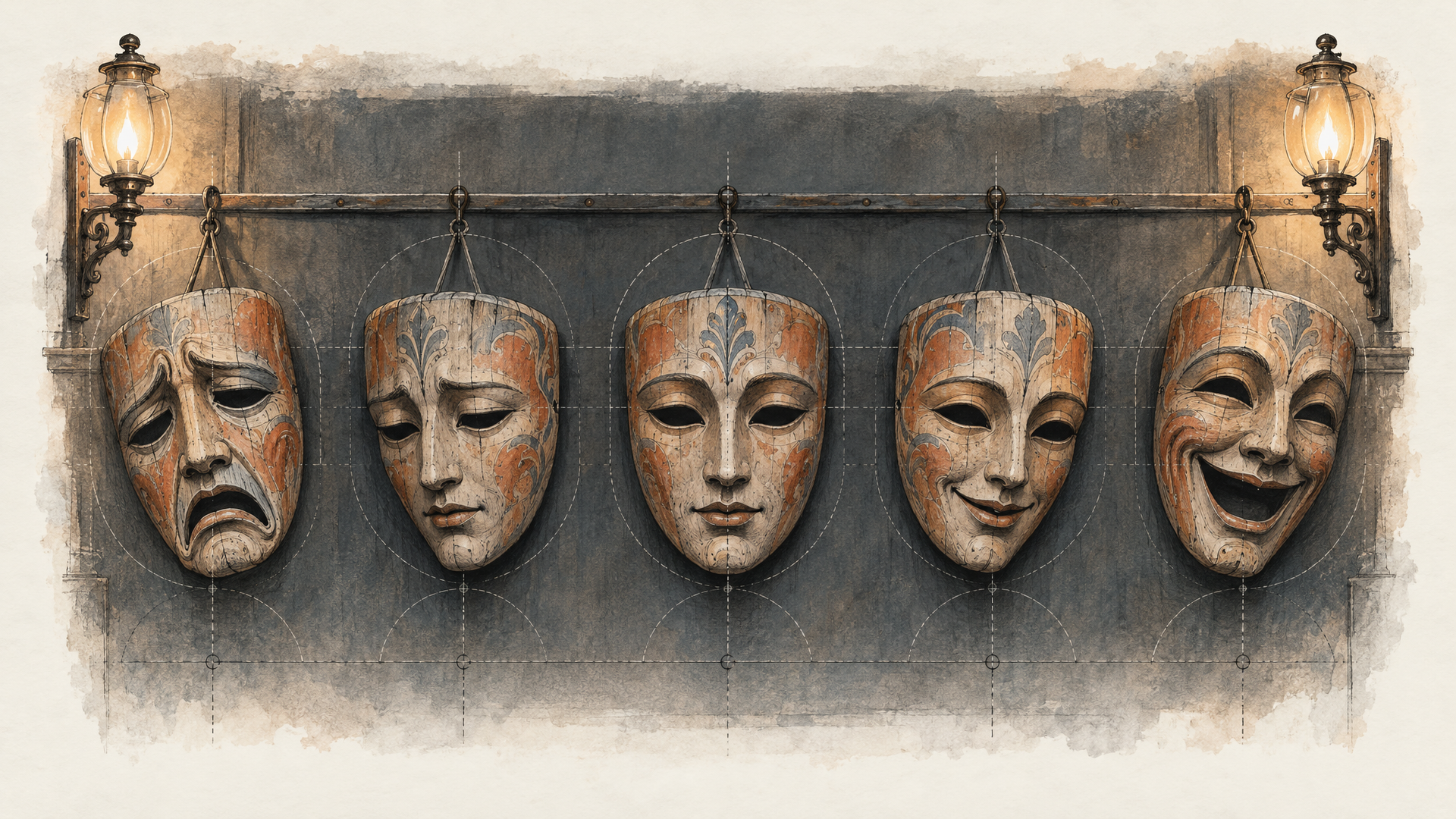
MiniMax calls out complex body movement and micro-expressions as headline upgrades in 2.3. The way to cash that in is directing craft: describe performance the way an actor would receive it, as a change from one state to another.
"She is sad" is a state. "Her smile holds for a beat too long, then falters, and she looks down at her coffee" is a performance. The model can render the second one because there's something to render. The same goes for bodies. Give the movement a starting pose, a path and an ending, and mention where the weight goes.
[Static shot] Close-up of an elderly violinist in a dim rehearsal room. He lifts the bow, pauses, and his eyes close. As the first note sounds his brow eases and the corners of his mouth soften into a faint smile. Warm window light from the left, dust in the air.
[Tracking shot] A parkour runner in a grey hoodie sprints along a rooftop ledge, plants one hand on a brick chimney and vaults it sideways, landing in a low crouch before driving forward again. Late afternoon, long shadows, city haze behind.
Notice how neither prompt stacks emotions or stunts. One expression change per close-up. One signature move per action shot. Six seconds goes quickly, and a clip that tries to do four things usually does each of them badly.
Image-to-Video: Prompt the Change, Not the Picture
When you animate a still on a Hailuo 2.3 image-to-video model, the image already answers the questions a text prompt usually has to: who, what, where, what light. Describing them again wastes words and can pull the model away from your frame. Spend the prompt on what should happen next.
Start from motion and camera, then name what must stay still. That last part is directing craft, but it matters most for product shots, where MiniMax says object motion response got better in 2.3.
[Pull out] The perfume bottle stays perfectly still and upright. Light glints across the glass as petals drift down around it and settle on the marble. Slow, calm movement.
[Pan left,Pedestal up] The hiker in the photo turns her head toward the valley and her hair lifts in a gust of wind. Clouds roll across the ridge behind her.
MiniMax's API docs list the input rules for the first frame: JPG, JPEG, PNG or WebP, under 20 MB, a short edge above 300 pixels, and an aspect ratio between 2:5 and 5:2. Use a clean, well-lit source. The model animates what's in the frame, so a muddy image produces muddy motion. Draft on Fast Standard while you test the motion, then rerun the winning prompt on Fast Pro when you need the 1080p take. Browse the wider image-to-video catalog if you want to compare how other models read the same still.
Name the Style Out Loud
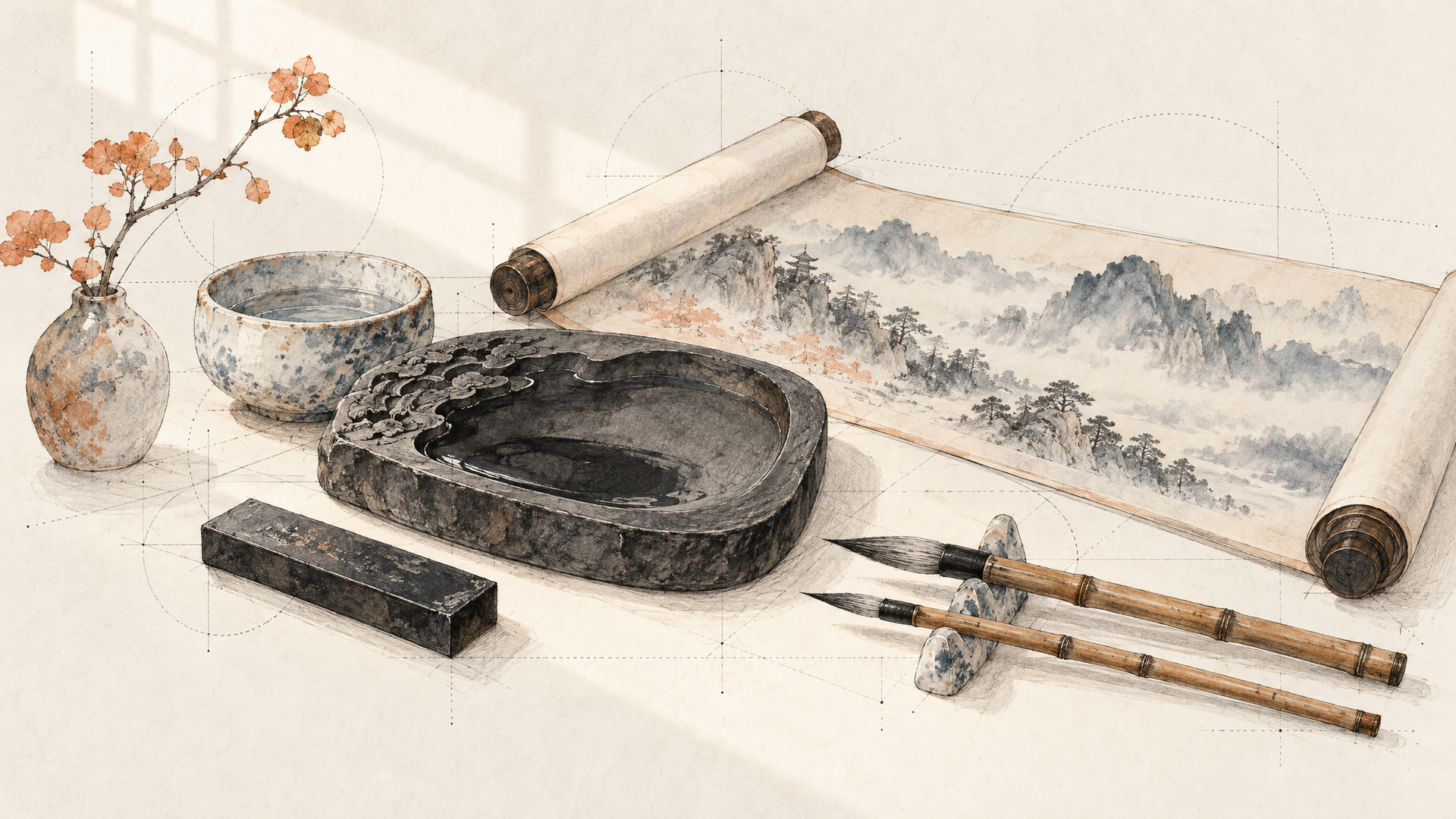
Anime, illustration, ink wash painting and game CG are the four styles MiniMax names as improved in 2.3. If you want one of them, say it in the first line, not as an afterthought at the end. The style is a frame for everything that follows, so it should come before everything that follows.
Ink wash painting style. [Static shot] A lone fisherman in a straw hat poles a narrow boat across a misty river. Mountains dissolve into pale grey wash behind him, and the water leaves soft brushstroke ripples where the pole enters.
Anime style, cel-shaded. [Push in] A girl in a school uniform stands on a train platform as the train rushes past behind her, her scarf and hair whipping sideways. She turns toward the camera with a determined look.
Keep the style language consistent with the action. Ink wash suits slow, contemplative motion. Game CG suits impact and spectacle. Asking an ink wash scene to deliver a car chase fights the medium, and you'll see the strain in the result.
When to Turn the Prompt Optimizer Off
Every Hailuo 2.3 endpoint on each::labs has a prompt_optimizer switch, on by default. MiniMax's docs say it automatically optimizes your prompt, and that setting it to false gives you more precise control.
That's the whole tradeoff, and it suggests a working rhythm. Leave the optimizer on when you're exploring with short, loose ideas; it'll fill gaps you didn't think of. Turn it off once your prompt is doing real work: exact bracket commands, a specific expression change, a product that must not move. At that point you want the model reading your words, not an expanded version of them.
Iterate one variable at a time. Change the camera command and keep the rest, or change the action and keep the camera. If you rewrite everything between takes you'll never learn which line made the shot work. Keep your best prompts in a simple text file, because a prompt that worked once is a template for the next fifty. When a shot turns into a repeatable pipeline, the text-to-video lineup on each::labs lets you swap models under the same prompt and see who handles it best.
If you're still sorting out the Hailuo family itself, our breakdown of what to know before you generate with Hailuo AI walks through the versions, and our MiniMax H3 piece covers the reference-driven model that came after 2.3. For pure prompt-and-camera control on short clips, though, 2.3 rewards a good director.
Frequently Asked Questions
What's the best way to write Hailuo AI prompts for 2.3?
Lead with a bracketed camera command, then a specific subject, then one action written as a sequence, then setting and light. MiniMax's 2.3 upgrades are in body movement, micro-expressions, physics and styles, so prompts that ask for those things directly get the most from the model. Keep it to one clear beat for a 6-second clip.
Which Hailuo models support bracketed camera commands?
According to MiniMax's API docs, Hailuo 2.3 and Hailuo 2.3 Fast both support the fifteen bracketed commands, as do Hailuo 02 and the older Director models. Combine up to three inside one bracket for simultaneous moves, or use separate brackets for moves that happen one after another.
How long are Hailuo 2.3 videos?
It depends on resolution. MiniMax offers 6 or 10 seconds at 768p and 6 seconds at 1080p. On each::labs, the Standard variants expose a duration choice of 6 or 10 seconds, while the Pro variants have no duration field. Fast Pro is the image-to-video option each::labs lists at 1080p.
Is Hailuo 2.3 Fast worse at following prompts?
MiniMax positions Fast as the quicker option for batch creation, and its docs give it the same camera command support and the same duration and resolution options as the full model. It's image-to-video only, so it's a natural fit for testing motion on a still before you commit to a final take.