Best Image to Video Models: 7 That Don't Redraw Your Still
Your still is approved. Now it has to move without being redrawn. Seven image to video models on each::labs compared on fidelity, first and last frame, length and sound, with a pick for product shots, portraits, illustrations and social clips.
By Eftal Yurtseven · Nov 24, 2026 · 9 min read
You already have the picture. The packshot is approved, the label reads right, the character's face is the face everyone signed off on. Now it has to move, and the first thing a weak model does is quietly redraw it: a softer jawline, a logo that melts by second three, a background that drifts somewhere nobody asked it to go.
So the real question behind "best image to video models" isn't which one makes the prettiest clip. It's which one changes the least you didn't ask it to change. We lined up seven partner models on each::labs image to video for that one narrow job, animating a still you already have: Kling 4.0, Wan 3.0, Veo 3.1, Seedance 2.5, MiniMax H3, Luma Ray 3.2 and PixVerse V6.
Here's what each one is built for, and which to pick for product shots, portraits, illustrations and social clips.
What Makes the Best Image to Video Models Different
Fidelity decides this job before anything else. Does the face stay the same face, the bottle the same bottle, the label the same type? A model that adds gorgeous motion and swaps your product's cap for a different one has failed, however good the clip looks.
Frames come next. A last frame is the strongest fidelity tool you have, because the model has to arrive back at an image you control. After that: motion control (keyframes, a loop switch, a multi-clip switch, or only the prompt), duration and resolution (1 to 30 seconds and 360p to 4K across this list), and whether sound arrives in the same pass.
More motion is not more value. The best clip is usually the one where a viewer can't tell where your still ends and the model begins.
Kling 4.0: Pin Every Frame That Matters
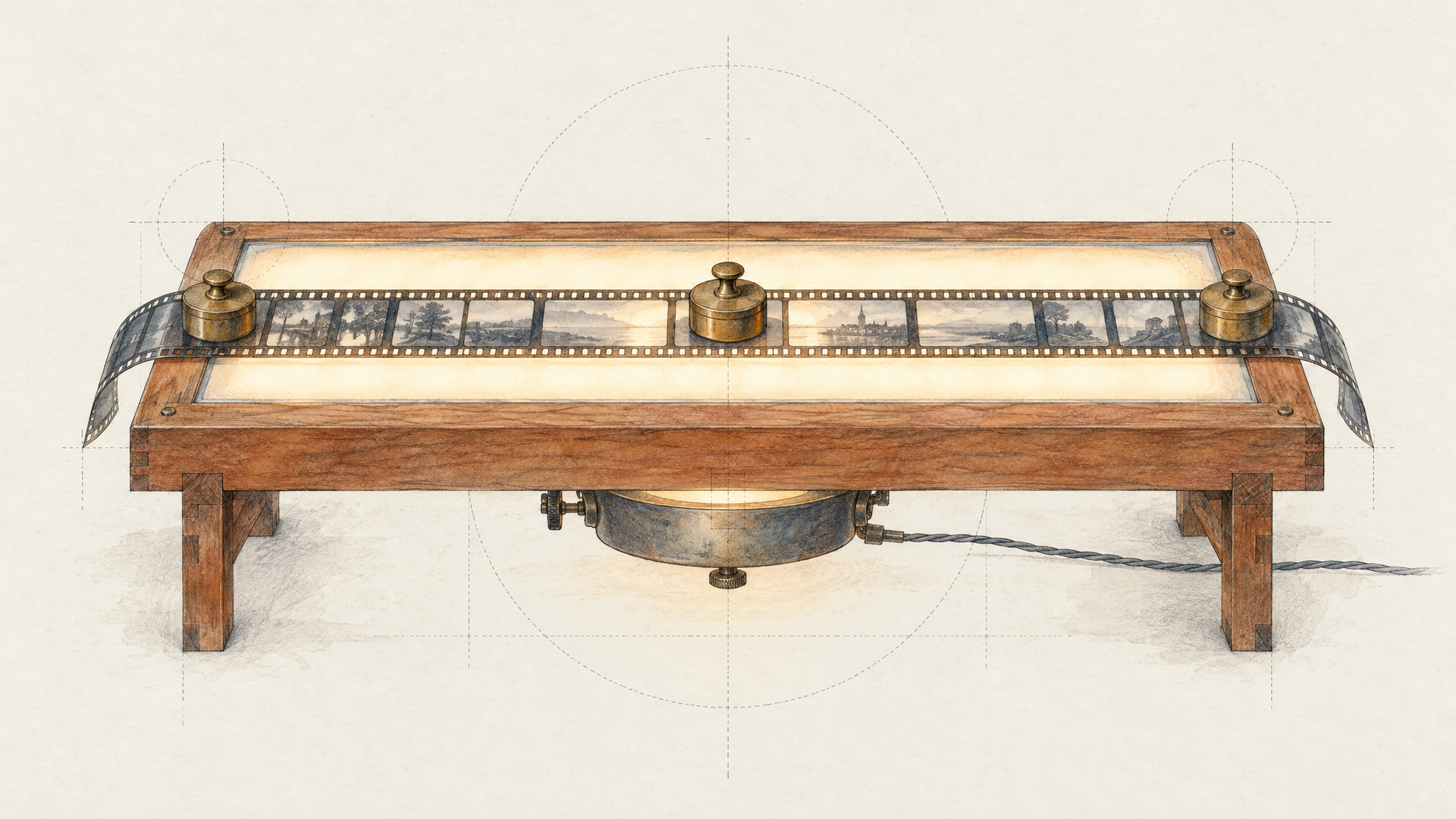
Kling Video 4.0 Image-to-Video takes the most literal approach to fidelity: you hand it the frames. The each::labs endpoint accepts one to ten images, each tagged as a first, middle or last frame, and Kling's 4.0 guide describes the keyframes path as built for "pixel-level consistency in keyframe images." Add a last frame and a couple of middle frames, and you're no longer hoping the product turns to camera at second six. You've drawn it.
The rest of the spec is generous: any length from 3 to 30 seconds, 720p, 1080p or 4K, and 10-bit HDR at 1080p and 4K. The prompt is optional, and each image can carry an id you name in it. Aspect ratio follows the first keyframe. One trade from Kling's guide: keyframes can't share a task with Omni Reference assets, so choose frames or references per shot. There's no audio switch on this endpoint. Kling says 4.0 builds music and effects from the visuals and takes sound direction from the prompt, so write the audio in.
Reach for Kling when the shot has a defined path: a product reveal, a before and after, a character who has to hit a pose on a specific beat.
Wan 3.0: Keep the Pixels, Then Add Sound
If Kling's answer to fidelity is more frames, Alibaba's answer with Wan 3.0 Image to Video is a stricter promise about the one you give it. Alibaba's Wan 3.0 documentation says the first-frame and first-and-last-frame modes achieve "pixel-level reproduction of the reference image." That's the claim you want on a packshot with a legible label or a poster with type on it.
On each::labs it takes a required first frame and an optional last frame, runs 2 to 30 seconds (or auto), and renders 480P, 720P or 1080P, with 1080P as the default. Alibaba lists 30fps output. Audio is on by default, and the docs say dialogue and sound effects can be written straight into the prompt. Leave the ratio on adaptive and Wan picks the framing from your image instead of forcing a preset.
Two settings matter more than they look. Prompt rewriting is on by default, and the schema warns that switching it off can reduce quality. A seed reruns a take that comes back "similar, but not identical," which is what you want when a client asks for the same shot, only slower.
Veo 3.1: Eight Seconds That Land Where You Choose
Google built Veo 3.1 Image to Video for short, polished shots: 4, 6 or 8 seconds, 720p by default with 1080p and 4K at 8 seconds, landscape 16:9 or portrait 9:16. Audio is on by default and covers dialogue, sound effects and ambient noise. Google's Veo 3.1 launch promised "improved outputs when generating video from images" and better prompt adherence.
The part that matters most for this job is a separate endpoint. Veo 3.1 First Last Frame to Video requires both a first and a last frame and interpolates between them, sound included. An approved opening and an approved end card become fixed bookends: the motion in between is the model's, the landing is yours. Our Veo 3.1 first and last frame guide walks through building both frames.
The trade is length. Eight seconds is the ceiling, so Veo is a hero beat, not a 30-second scene. Fast and Lite variants in the same family cover the drafts.
Seedance 2.5: The Long Take, for Drawn and Generated Faces
ByteDance's Seedance 2.5 Image to Video is the long-take model in this list. The family launched on July 31, 2026 with 30-second audio and video clips in a single pass, and ByteDance says its extensions keep "the consistency of main characters, environments, and narrative pacing." The image to video endpoint takes a first frame and an optional end frame, runs 4 to 30 seconds or auto (the model picks the length), and renders 480p, 720p or 1080p, with voice, effects, ambience and music on by default.
Two details shape how you use it. Draft mode renders a fast 480p preview and returns a draft id you can finish at 1080p with Seedance 2.5 Draft Completion within seven days, so you judge motion before you commit. And if your first and last frames have different aspect ratios, the first wins and the last gets center-cropped, so match them before upload.
Then the hard rule: Seedance 2.5 doesn't accept images containing real human faces. Illustrated characters, 3D mascots and AI-generated people are fine. A photo of your founder or a customer isn't, and an app that animates user selfies has to route those somewhere else. Prompts work in ten languages, and spoken lines land best inside double quotes.
MiniMax H3: 2K Frames With Sound Attached
MiniMax H3 Image-to-Video is the resolution pick. MiniMax offers 2K by default (768P is the other setting), its each::labs page lists 24 fps, and MiniMax's own launch post says "all audio output is native stereo." Clips run 4 to 15 seconds. You pass a first frame and, if you want one, a last frame, and the output adapts its aspect ratio to the first frame, so the composition you designed is the composition you get back.
That mix suits character moments: a portrait that needs to breathe, turn and deliver one line, rendered big enough to crop a vertical cut from a wide frame. H3 Highspeed and H3 Lite are on each::labs too for the rough rounds.
Luma Ray 3.2: The Style Stays, the Camera Moves
Luma's Ray 3.2 Image to Video earns its place on illustrations, renders and anything with a distinct look. Its each::labs page describes a preservation-first approach that keeps the source's composition, style and fine detail, from photography to digital art and 3D renders. The camera is the point: pans, tilts, push-ins and orbits that move through a space instead of zooming into a flat picture.
Clips are 5 or 10 seconds, 540p by default with 720p and 1080p available, in twelve aspect ratios from a 3:1 panorama down to a 1:3 vertical. Optional reference images guide the look, and a loop switch (5-second clips only) makes the clip repeat without a visible jump. There's no audio setting, so treat Ray 3.2 as a picture model and add sound in the edit. The loop is the reason to choose it for living artwork, an app background or a profile banner.
PixVerse V6: Social Clips in One Run
PixVerse V6 Image to Video is built for the feed. It runs 1 to 15 seconds at 360p to 1080p, and two switches set it apart: an audio switch (off by default, so turn it on) and a multi-clip switch that produces several segments in one generation. PixVerse's V6 launch describes "multi-shot short films with native audio from a single prompt," with audio and video generated together, and lists on-frame text in English, Chinese and other languages.
A thinking setting lets the model reason over your prompt (enabled, disabled or auto), and prompts cap at 2,048 characters, so keep the brief tight. Pick it when one product photo has to become a short clip with cuts and sound, ready to post.
When to Pick Which: The Best Image to Video AI Models by Job
Product shots first. Start with Wan 3.0 when the label has to stay readable: the pixel-level claim, 1080P by default and a last frame to land the hero angle. Move to Kling 4.0 when the reveal has beats (cap off at second four, turn to camera at second eight) or the delivery is 4K or HDR. For an 8-second spot that must end on an approved packshot, use Veo 3.1 First Last Frame. For more on packshots, see our best AI video models for product ads.
Portraits and characters split on one question: is the face real? For a photo of a real person, start with MiniMax H3 for 2K and stereo sound, or Veo 3.1 when the shot needs one clean line of dialogue. Seedance 2.5 is out for real faces, but for an illustrated or AI-generated character it's the strongest long take here, up to 30 seconds with voice. Kling 4.0 wins when the character has to hit a pose at a given second.
Illustrations want their style left alone. Luma Ray 3.2 keeps the look and moves the camera, and its loop switch makes artwork that never visibly restarts. When the drawing has to act, speak and hold for longer, Seedance 2.5. When a poster carries type that must survive, Wan 3.0.
Social clips reward speed and volume. PixVerse V6 gives you multi-clip output with sound from one still. Seedance 2.5's draft mode lets you test motion at 480p before you finish at 1080p. For quick first-frame drafts, Kling 4.0 Flash runs at 720p up to 20 seconds, and Luma's 5-second loop covers the rest.
Prep the Still Before You Pick the Model
Plenty of runs fail at upload, not generation, and mobile app studios feel it most, because users upload whatever their phone saved. Veo 3.1 takes JPEG or PNG only, so an iPhone HEIC needs converting first, while Seedance 2.5 lists eight formats, HEIC and HEIF included. Wan 3.0 wants PNG without an alpha channel, which means a transparent product cutout needs a background before it goes in. Kling 4.0 takes JPG or PNG from 300 by 300 pixels, in aspect ratios between 2:5 and 5:2, while Wan stretches from 1:8 to 8:1 for long banners and tall stories.
Field names differ too: Kling wants an images array with roles, Wan a first_frame, Veo and Seedance an image_url, MiniMax a first_frame_url. Map them once and the same still goes to three models through one each::labs API, the fastest way to learn which one respects your image.
Once the still is right, the prompt only has to describe what moves. Our image to video prompt guide covers that part.
Frequently Asked Questions
What is the best image to video model?
It depends on what has to survive. For product and design stills, Wan 3.0: Alibaba documents pixel-level reproduction of the source frame, with up to 30 seconds, sound and an optional last frame. For the most control, Kling 4.0, with up to ten keyframes and 4K. For a short hero shot that must start and end on approved frames, Veo 3.1 First Last Frame.
Do the best image to video models keep logos and text readable?
Treat it as something you check, not something you assume. Give the model a last frame that shows the label, tell it to keep the label facing camera, and inspect the lettering in the closing frames before you publish. Kling's own each::labs page gives the same advice for product stills.
Which image to video models support first and last frame?
Five of the seven here. Kling 4.0 adds middle frames on top, Wan 3.0, Seedance 2.5 and MiniMax H3 take an optional last frame, and Veo 3.1 has a dedicated First Last Frame endpoint. The Luma Ray 3.2 and PixVerse V6 endpoints on each::labs start from a single image.
Can I animate a photo of a real person?
Yes, with the right model. Seedance 2.5 doesn't accept images with real human faces, so keep it for illustrated and AI-generated characters. None of the other six request schemas carries that restriction, and for a real portrait MiniMax H3 and Veo 3.1 are the natural starting points.