Best AI Video Models for Product Ads in 2026: Keep the Label
The best AI video models for product ads keep your product looking like your product. Here's which one to pick for packshots, 30-second launch spots, UGC style ads and vertical social variations.
By Eftal Yurtseven · Nov 6, 2026 · 9 min read

The shot looked perfect for four seconds. Then the bottle got a little taller, the cap turned a shade too gold, and the label started spelling a word that doesn't exist. Nobody in the audience will notice the gorgeous light. Your client will notice the label.
A cinematic clip of nothing in particular is easy now. A clip where your product stays your product, from the first frame to the last, while the camera moves and the sound lands on the beat, is still hard. So this guide ranks the best AI video models for product ads in 2026 by the ad you're actually making: packshots that need to move, launch spots that need to run long, UGC style ads that need a person, and vertical social cuts that need ten versions by lunch.
Every model here is live on each::labs behind one API. For the general ranking across every kind of video job, see Best AI Video Generation Models in 2026, Ranked by Job. This one is narrower on purpose. Ads have a client, and the client has a product.
What Makes the Best Video Generation Model for Product Ads
A product ad asks four things of a model, and raw beauty isn't one of them.
First, fidelity. Can you hand the model the real packshot and get the real product back? That comes down to inputs: a first frame, a last frame, keyframes, or a stack of reference images. Second, control over time. An ad has beats (the reveal at second three, the logo at the end), so pinning moments beats generic motion. Third, sound. A spot without room tone feels like a rough cut, and every model that generates audio in the same pass saves you a step. Fourth, format. If the ad runs on a phone, the model has to render 9:16 natively, not crop it out of a wide frame and hope the product survives.
Judge every model below on those four, and the "best video generation model" question mostly answers itself per brief.
Packshots to Motion: Pin the First and Last Frame
You already have the hero image. Legal approved it, and nobody wants it reinterpreted. The job isn't to imagine the product. It's to move it without breaking it.
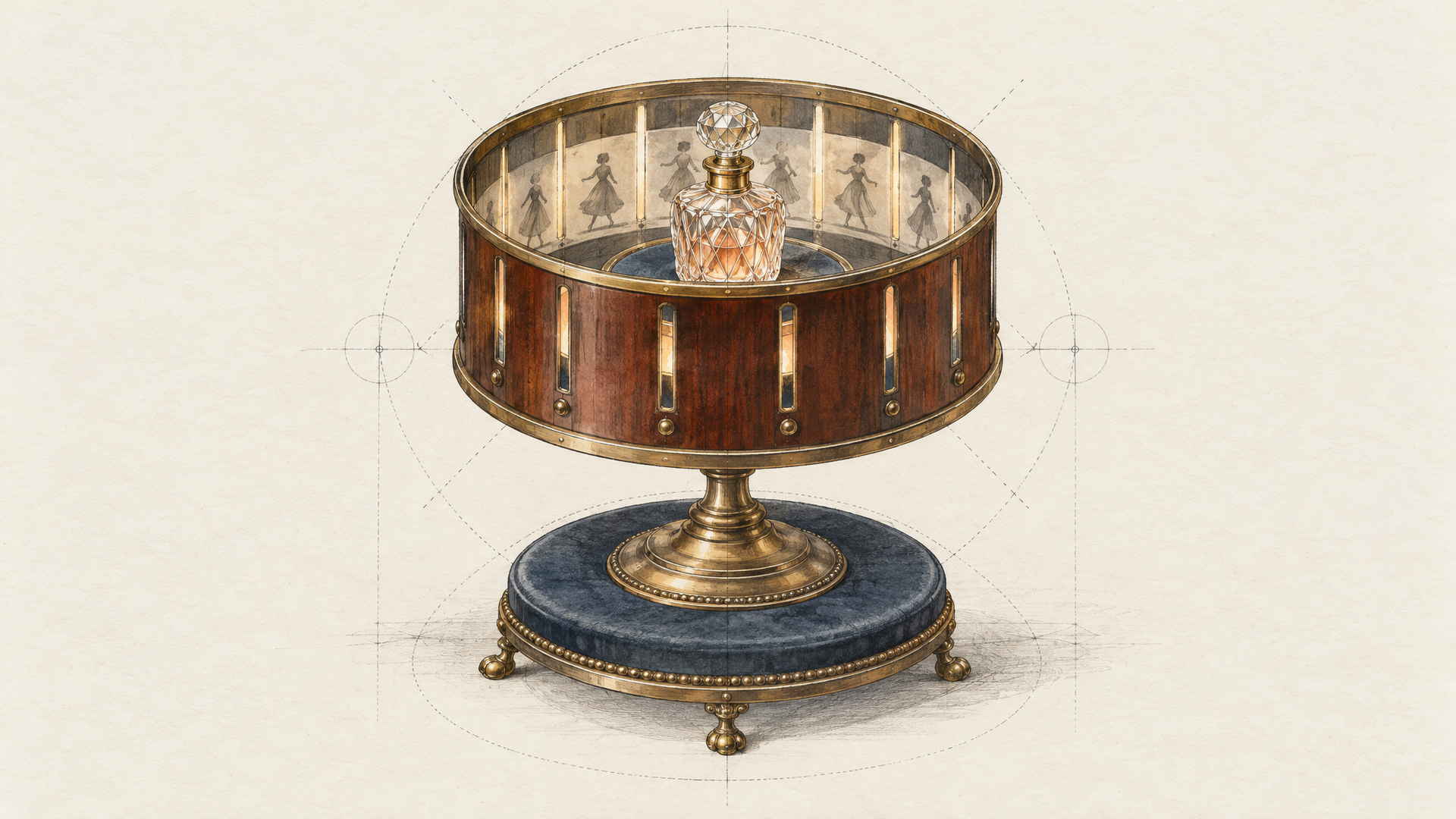
Veo 3.1 First Last Frame to Video from Google is the cleanest tool for that. You give it an opening image and a closing image, and it interpolates the shot between them, with synchronized audio on by default. Clips run 4, 6 or 8 seconds, in 16:9 or 9:16, and it goes up to 4K when you render the full 8 seconds. Short, yes. But a premium packshot rarely needs more than eight seconds, and pinning both ends means the approved composition is the one that ships.
When the shot has more than two beats, step up to FLUX 3 Max Keyframes to Video from Black Forest Labs. It takes up to ten keyframe images, each pinned to its own position in the clip, and generates one continuous take that passes through all of them, from 5 to 20 seconds at 720p or 1080p, with audio on by default. That's the model for the shot your art director sketched as a storyboard: back of the bottle, three quarter turn, label catches the light, push in on the cap.
The prompt's job in both cases is the motion, not the product. The frames already carry the product.
Slow orbit from left to right around the bottle while it stays perfectly still on the stone plinth. Light sweeps across the glass as the camera moves. The label stays sharp and readable throughout. Soft mist drifts in at the end. Audio: a low warm hum, a faint glassy shimmer as the light hits the label.
There's no description of the bottle. Describe it again and the model may redesign it. We go deeper on this habit in Image to Video Prompts: Write the Motion.
Launch Spots That Run Thirty Seconds
A launch spot is a story, and stories need room. Not long ago, 15 seconds was the ceiling for most models, so a 30-second ad meant three generations and an afternoon spent matching the light between them. Two models now take the whole spot in one pass.
Seedance 2.5 from ByteDance runs from 4 to 30 seconds in a single generation, or on auto so the model picks the length from your prompt. ByteDance's launch post says it can "organize multiple logically connected shots" inside that one generation, so the spot moves from setup to payoff instead of stretching one moment thin. Seedance 2.5 Reference to Video is the variant for ads: up to 30 images, 10 videos and 10 audio clips per request, called in the prompt as @Image1, @Video1 and so on, with synchronized audio on by default. There's also a draft switch that returns a fast 480p preview you can later complete at 1080p, which is how you show a client three directions before committing to one.
Kling 4.0 takes the same 30 seconds from the other side. Where Seedance thinks in references, Kling thinks in keyframes. Kling 4.0 Image to Video accepts up to ten images tagged as first, middle or last frames, runs 3 to 30 seconds at 720p or 1080p, and takes English prompts up to 26,000 characters. Kling's own guide puts the division of labour well: keyframes define the important visual states, and the prompt explains how the video moves between them. Its reference mode adds up to three voice references, so a recurring brand voice can come back in every spot.
Pick Seedance 2.5 when the spot is built from a pile of assets. Pick Kling 4.0 when it's built from a storyboard.
Show the Model the Product, Don't Describe It
Some products don't survive description. A watch with a specific bezel, a sneaker with a stitched pattern, a bottle shape the brand spent a year on. For those, reference models are the safer bet, because you show the model the details it must not get wrong.
Wan 3.0 Prime Reference to Video from Alibaba takes up to 10 reference images, 5 reference videos and 5 audio clips, and then something nobody else on this list does: one reference file or one public web page link. Point it at the product page instead of paraphrasing it. Alibaba describes Prime as the high-speed variant of Wan 3.0 with the same capabilities, which matters when you're iterating on an ad, not a film. Output runs 2 to 30 seconds at up to 1080P, with audio on by default and native 9:16, 1:1, 4:3, 3:4 and 16:9.
MiniMax H3 Reference to Video is the fidelity pick. Up to 9 images, 3 videos and 3 audio clips per request, output at up to 2K, 4 to 15 seconds, and aspect ratios from 21:9 down to 9:16. Resolution matters more in ads than anywhere else: a 2K close-up holds the texture, the print and the edge of the cap, exactly where weaker renders give themselves away. The other half of the trick is discipline: references that agree on light and style beat a bigger set that argues.
UGC Style Ads: Give the Product a Person
UGC style ads work because they don't look like ads. A person, a phone, a kitchen, a product they actually seem to use. The model has to deliver a believable human, not a beautiful one.
For the talking presenter, OmniHuman 2.0 from ByteDance is built for exactly this. You give it one image and a voice track, and it performs the read: audio from 4 to 300 seconds on each::labs, with an optional prompt for scene, movement and camera. That last part is where UGC lives. "She holds the jar up to the lens on the word 'this'" is a direction, and directions are what separate a talking head from a testimonial.
She sits cross-legged on an unmade bed, phone propped at arm's length, morning light from the window on her left. She talks to camera like she's telling a friend, picks up the jar from the duvet when she mentions it and tilts it toward the lens. Slight handheld drift, no cuts.
When the presenter has to interact with the product in a full scene, use Wan 3.0's reference mode: Image1 as the product, Image2 as the presenter, a quoted line of dialogue, and 9:16 set from the start. One practical note before you plan the cast: Seedance 2.5 doesn't accept input images of real human faces, so keep it for product-led shots and route anything with a real person through Wan 3.0 or OmniHuman 2.0.
Vertical Social Ads at Volume
Social doesn't want one perfect ad. It wants the same ad in ten flavours: a new background, a new season, a red version for the red colourway. Regenerating each one throws away the take you liked.
Gemini Omni 1.1 Flash from Google is the answer to that brief, because it edits. Gemini Omni 1.1 Flash Video Editing takes a source clip of up to 10 seconds and a plain sentence, and changes what you asked for. Google's docs say "simple prompts work best for video editing," and they mean it. One change per pass, then chain the next edit onto the result. The family also generates from scratch at 3 to 10 seconds in 16:9 or 9:16, with audio, and its image mode takes an end image for first-to-last frame shots. Output goes from 360p to 4K, though Google notes the 1080p and 4K outputs are upscaled.
Replace the background with a sunny beach boardwalk at golden hour. Keep the product, the hand and the movement exactly the same.
Build that chain once as an each::labs flow and your variation pass becomes one run per approved master.
When to Pick Which of the Best Video AI Models
An approved packshot that has to move, short and premium, in 16:9 or 9:16: Veo 3.1 with first and last frame. A product shot with several beats on an uneven rhythm: FLUX 3 Max Keyframes. A 30-second launch spot built from a mood board and reference audio: Seedance 2.5. The same spot built from a storyboard of frames: Kling 4.0.
A product whose exact shape and print can't drift, or a close-up that needs 2K detail: MiniMax H3. A brief that lives on a product page and a deck: Wan 3.0 Prime, with the link as a reference. A creator talking to camera for 30 seconds or five minutes: OmniHuman 2.0. Ten social variations of one approved clip: Gemini Omni 1.1 Flash editing.
Most real campaigns use three of these. A common stack: Veo 3.1 or FLUX 3 Max for the hero packshot, Seedance 2.5 or Kling 4.0 for the long spot, OmniHuman 2.0 for the UGC cut, and Gemini Omni for the variations. The image-to-video catalog on each::labs holds the rest of the lineup, and switching between models is a model id change, not a new integration.
Run the Same Packshot Through Three Models
Don't pick from a blog post, this one included. Run one real product image and one real brief unchanged through three models that fit your ad type. Then check three things: is the product still the product in the last frame, did the beat land where the brief said, and would the sound survive a client review with the volume up?
You'll have a winner in an afternoon, and because the models share one API on each::labs, the runner up becomes your fallback rather than a wasted test. More movement isn't better movement. A product that holds still where it matters is.
Frequently Asked Questions
What's the best AI model for video generation of product ads?
Start from what you already have. With an approved packshot, Veo 3.1 First Last Frame keeps the composition locked. With a pile of brand assets and a 30-second slot, Seedance 2.5 Reference to Video takes the whole spot in one generation. With a product whose detail can't drift, MiniMax H3 at 2K. Test two before you commit.
Which AI video model is best for UGC style ads?
OmniHuman 2.0 for a presenter talking to camera, since it animates one photo from a voice track of up to 300 seconds and takes prompt direction for movement and camera. For a full scene where the presenter handles the product, Wan 3.0 reference mode lets you pass the product and the person as separate images.
Can AI video models make vertical 9:16 ads natively?
Seven of the eight here can. Veo 3.1, FLUX 3 Max, Seedance 2.5, Kling 4.0, Wan 3.0, MiniMax H3 and Gemini Omni 1.1 Flash all list 9:16 as an output ratio on each::labs, so you never have to crop a wide frame. Set the ratio before your first generation. Recomposing later almost always loses the product framing.
What are the best video AI models for longer product ads?
Seedance 2.5, Kling 4.0 and Wan 3.0 all run up to 30 seconds in a single generation. FLUX 3 Max goes to 20 seconds with pinned keyframes. For anything with a voice running several minutes, OmniHuman 2.0 handles up to 300 seconds of audio in one take.


