Best AI Lip Sync Models in 2026: Pick by Your Footage
Lip sync isn't one job. Fixing real footage, animating a photo and turning a script into a presenter need different models. Here's which partner model to pick for each, all on each::labs.
Every lip sync demo looks the same: one face, square to the camera, evenly lit, saying one tidy sentence. Then you bring your actual project. A handheld interview you need in German. A product photo that has to deliver a two-minute pitch. A script and no presenter at all. Three jobs, all called "lip sync," and no single model is the best at all of them.
That's why the honest way to choose the best AI lip sync models is by what you start with, not by a leaderboard. This guide sorts the partner models on each::labs into three groups: models that resync existing footage, models that animate a single photo from audio, and models that go from a script to a talking video in one call. For each, you'll get what it does well, what it needs, and when to pick it.
Start With What You Have: Footage, a Photo or a Script
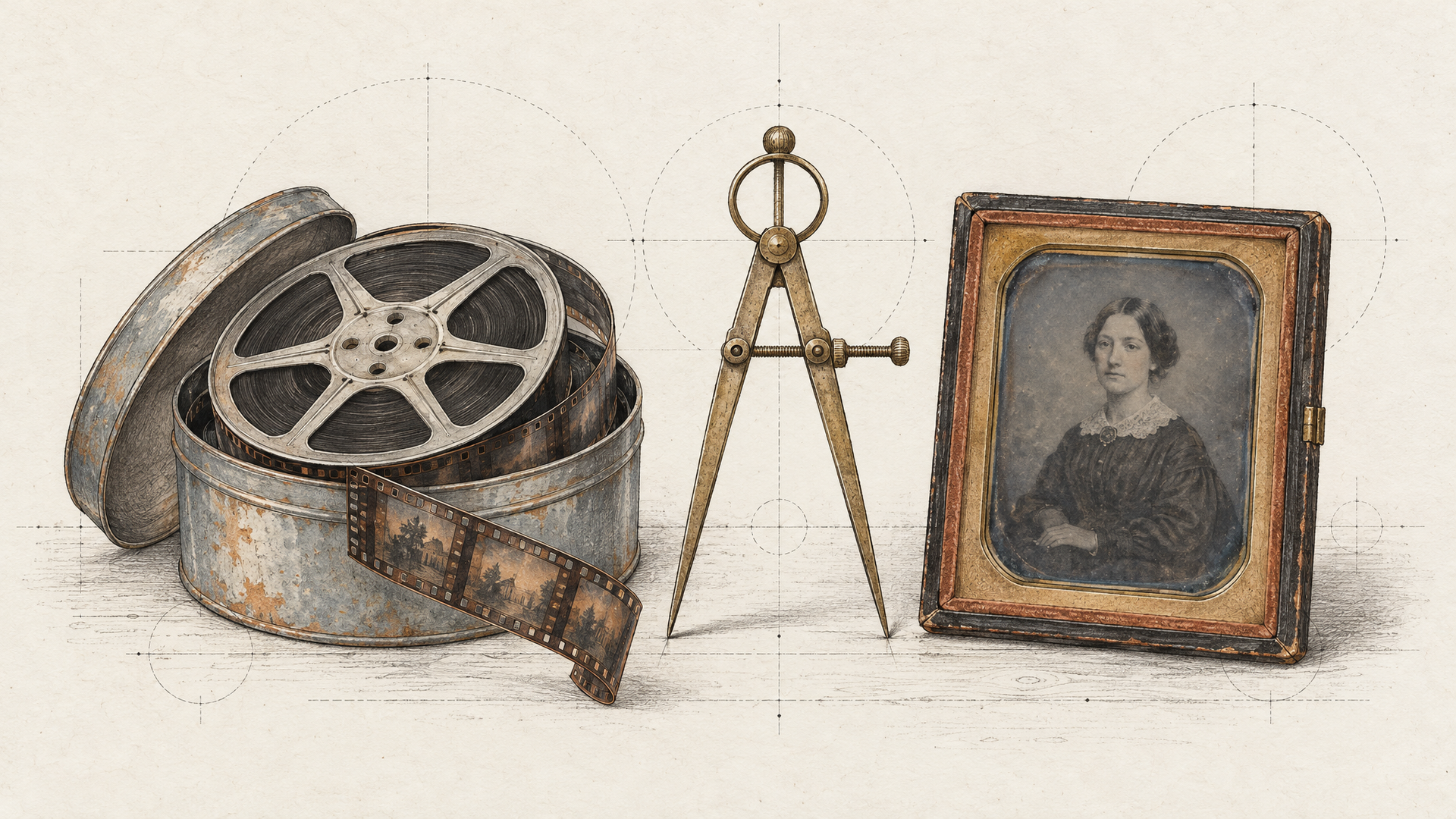
This is the decision that matters, so make it first. If you already have video of someone speaking and only the words need to change, you want a video-to-video lip sync model. It keeps the original performance and rewrites the mouth. Dubbing, localization and fixing a line in post all live here.
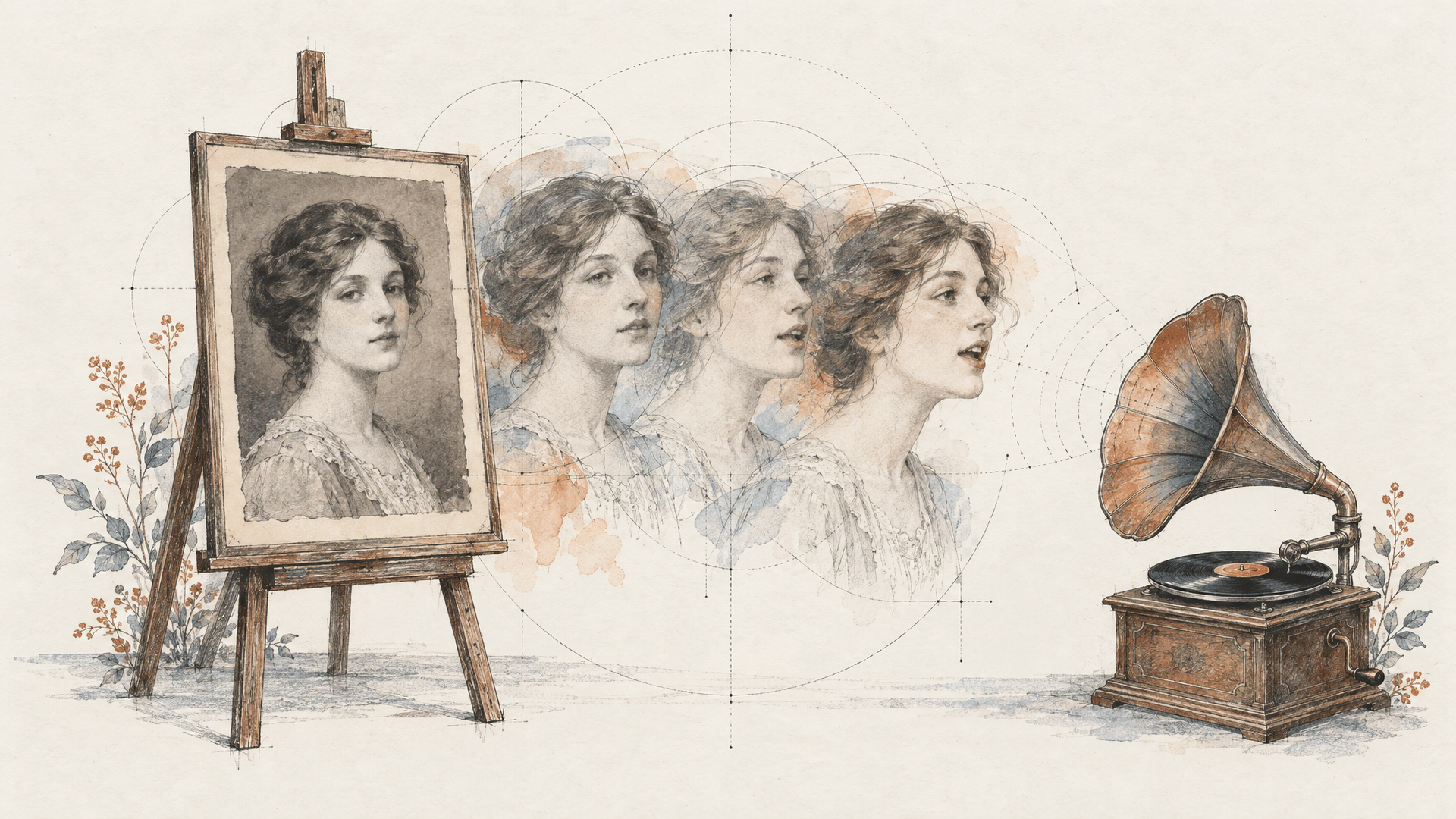
If you have a still image and an audio track, you want an image-to-video avatar model. It has to invent all of the motion: head, eyes, shoulders, hands. That's a much bigger job, and the models built for it think about performance, not just phonemes.
And if you only have text, you need speech too. Either you generate the voice first with a text-to-voice model and pass it to an avatar model, or you pick a model that takes the script directly. Our talking photo and lip sync API guide walks through those pipelines in detail. Here, we'll focus on the models.
Sync 3 by Sync Labs: Best for Real Footage That Moves
If your source is real footage, start with Sync 3. Sync Labs built it around a simple idea that turns out to matter a lot: read the whole scene before touching the mouth. According to Sync's launch post, the model looks at where the face sits, how it's lit, which way the head is turned, who else is in the frame and who is actually speaking, and only then drives the lips.
That's what makes it hold up on the shots that break older lip sync: a speaker turned three quarters away, half the face in window shadow, handheld movement, two people in a two-shot. Sync also says the model keeps the original performance (the pauses, the half-smile, the breath before a line) and supports output up to 4K at up to 60fps, so broadcast and campaign footage doesn't lose resolution at the last step.
On each::labs the endpoint takes exactly two inputs, a video_url and an audio_url. No masks, no face boxes. Pick it for dubbing, multi-market versions of one hero spot, and the line legal asked you to change after the shoot. We covered it in depth in Sync 3: lipsync that reads the whole scene.
Sync Lipsync v2 Pro: Best When Audio and Video Don't Match
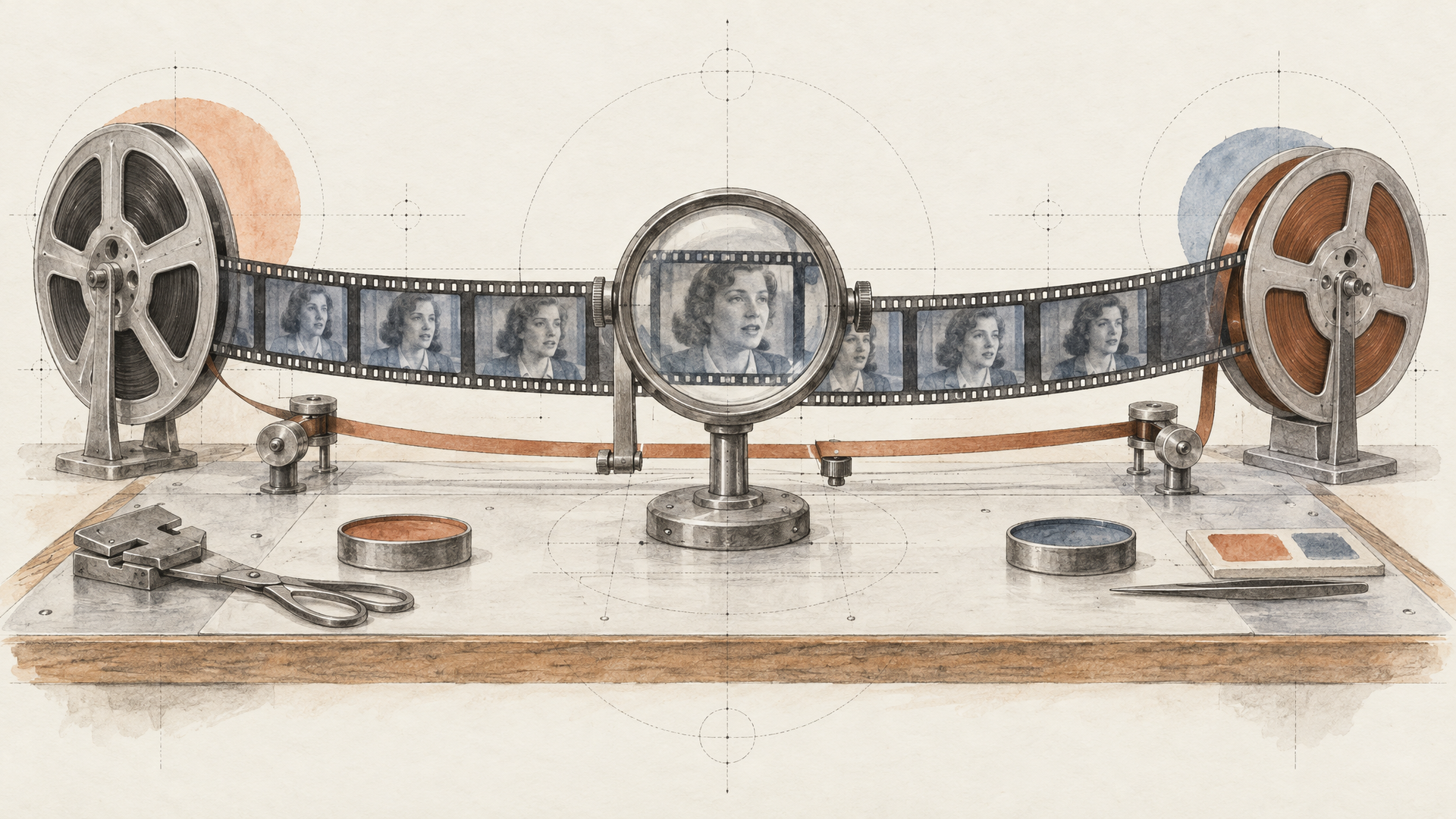
The previous generation from Sync Labs is still on each::labs, and it has one control the newer endpoint doesn't expose: sync_mode. That setting decides what happens when the new audio and the source video are different lengths, which happens constantly in localization. German runs long. Japanese often runs short.
Sync Lipsync v2 Pro gives you five answers: cut_off (the default) trims to the shorter of the two, loop and bounce extend the video, silence pads the audio, and remap stretches timing to fit. If you're running dozens of language versions through an automated pipeline and can't hand-trim each one, that control is worth a lot. Run the same clip through both Sync models and let your footage decide.
PixVerse Lip Sync v2: Best for Short Clips With a Built-In Voice
PixVerse Lip Sync v2 is also video-to-video, but it's tuned for a different job: short social clips where speed of iteration beats everything. It accepts an MP3 or WAV track up to 30 seconds. Or, and this is the useful part, you can skip the audio and give it a line of text (about 140 characters) plus one of its 14 built-in voices, and it speaks the line for you.
That makes it the fastest route from a generated clip to a talking one. Make the shot with a video model, add the line in the same pipeline, and you never touch a separate voice step. For a hook, a reaction or a punchline on a short-form clip, that's exactly enough.
OmniHuman 2.0: Best for Long Performances From One Photo
Now the photo side. If you have one image and a long voice track, OmniHuman 2.0 from ByteDance is the one to beat. On each::labs it takes audio from 4 to 300 seconds in a single request. Five minutes of performance, from one photo, with no stitching.
Length is only half of it. BytePlus describes the model as generating animation that is coherent with the speech's rhythm, prosody and meaning, so a pause can become a glance and a stressed word can arrive with a gesture. It supports multi-person scenes, an optional prompt to steer posture, camera and interaction with the scene, and characters well beyond photoreal humans: cartoons, pets, mascots. It also sings, which makes it the natural pick for a music video built from a single portrait. The full breakdown is in OmniHuman 2.0: five minutes from one photo.
Pick it for product walkthroughs, course lessons, explainers and anything longer than a minute. Give it an expressive voice, because the audio is the real prompt.
Kling Avatar v2: Best for Simple Photo-to-Talking Clips
Sometimes you don't need five minutes. You need a clean, believable talking head from a photo and a voice line, with as little setup as possible. Kling Avatar v2 is built for that. The request is an image_url, an audio_url and an optional prompt, and it comes in two tiers on each::labs: Standard and Pro.
The split works the way you'd expect. Iterate on Standard while you're testing photos and voice reads, and render the final on Pro. Use the prompt for behaviour, not identity: the photo already carries the face and the wardrobe, so spend your words on expression, gesture and camera.
LTX 2.3 Lipsync: Best for Short Takes With Resolution Control
Lightricks' LTX 2.3 Lipsync takes a different shape. The audio file sets the length of the video, from 5 to 20 seconds, and the portrait is optional (leave it out and the model uses a default one). You get a prompt of up to 4,000 characters to guide style and motion, a seed for reproducible results, and three output resolutions.
That resolution choice is the reason to reach for it. Render drafts at 480p while you tune the prompt and the read, then render the final at 1080p with the same seed. For teams that iterate a lot on short spoken moments, like ad hooks, testimonials or character lines, it's a tidy loop.
P-Video Avatar: Best for Going From Script to Presenter
If all you have is a portrait and a script, P-Video Avatar from Pruna removes a whole step. Instead of generating speech separately, you can pass a voice_script of up to 4,000 characters, pick one of 30 named voices and one of ten output languages, and describe the delivery in a voice_prompt: tone, pacing, emotion, accent. A separate video_prompt steers the camera and expression.
Already have a recording? Pass it as audio instead, and it takes priority over the script. Output is 720p or 1080p. Pick it for localized presenter videos, onboarding clips and any pipeline where a script is the source of truth and nobody wants to manage a separate voice file.
When to Pick Which
Here's the short version. Real footage that needs new words: Sync 3, and Sync Lipsync v2 Pro when audio and video lengths won't match. A short social clip that needs a quick line: PixVerse Lip Sync v2, with its built-in voices. A photo plus a long voice track: OmniHuman 2.0. A photo plus a short line, minimal setup: Kling Avatar v2. Short takes you want to iterate at low resolution and finish at 1080p: LTX 2.3 Lipsync. A portrait and a script, no audio at all: P-Video Avatar.
Notice what's not on that list: a single winner. Lip sync is a category of jobs. The team that picks per job gets better results than the team that forces one model through everything, and on each::labs the switch is just a different model id.
Build the Pipeline on each::labs
The best results usually come from a chain, not a single call. For localization: translate the script, generate the voice with a model like MiniMax Speech 2.8 HD, then pass the original footage and the new audio to Sync 3. For a talking product photo: generate the voice, then send the photo and audio to OmniHuman 2.0. Our AI dubbing and lip sync guide shows the full localization build.
Wire the steps into an each::labs flow and a script becomes a finished video in one run. Every model above sits behind the same API key and request shape, alongside the other video-to-video and image-to-video models in the catalog. So run your hardest clip through two of them and keep the one that wins.
Frequently Asked Questions
What is the best AI lip sync model in 2026?
It depends on your source. For real footage, Sync 3 from Sync Labs is the strongest pick because it reads the whole scene before syncing. For a single photo and a long voice track, OmniHuman 2.0 handles up to five minutes in one take.
What's the difference between lip sync and a talking photo model?
One edits, the other invents. Lip sync models like Sync 3 change the mouth on footage you already have and keep the rest of the performance. Talking photo models like OmniHuman 2.0 or Kling Avatar v2 create all the motion from a still image and an audio track.
Can I use Sync Labs models through an API?
Yes. Sync 3 and Sync Lipsync v2 Pro are both on each::labs. Send a video URL and an audio URL to the prediction endpoint, and v2 Pro adds a sync mode for audio and video of different lengths.
Which lip sync model works from text alone?
P-Video Avatar from Pruna takes a script of up to 4,000 characters with 30 voices and ten languages, and PixVerse Lip Sync v2 can speak a short line with its built-in voices. Everything else expects an audio file, which you can generate first with a text-to-voice model.