Best AI Film Generation Model: 6 Picks by Scene Type
Kling 4.0, Seedance 2.5, Veo 3.1, Sora 2, MiniMax H3 and Wan 3.0, compared on what a film scene needs: camera moves, cuts, the same face, dialogue, shot length and resolution. Plus a three-shot prompt to try.
By Eftal Yurtseven · Nov 24, 2026 · 9 min read
One beautiful shot is not a film. You can get one in minutes now: a slow push-in on a face, rain on glass, good light. The film starts with the second shot. Same woman, reverse angle, she answers the line she was just asked, and her coat is still the same green. That cut is where most AI video falls apart.
So the best AI film generation model isn't the one with the prettiest single frame. It's the one that keeps a character, a camera language and a voice intact across cuts, for long enough to play a scene. We compared six partner models live on each::labs on exactly that job, with a pick for each kind of scene and a three-shot prompt to test them.
What a Film Model Has to Get Right
Six things separate a scene from a clip. Camera language comes first: write "slow dolly in, then hold" and the model should do that, not improvise an orbit. Continuity across cuts means changing angle inside one generation without losing the geography of the room. Characters need the same face, wardrobe and voice from shot to shot, which depends on the references a model accepts. Native audio matters more than people expect: a line that lands on the lips in the same pass saves a whole lip-sync job.
The last two are numbers. Length per shot decides what you can stage: a single reaction fits in 4 seconds, a two-line exchange wants 8 to 12, a full scene wants 30. Resolution and frame shape decide whether the result reads as cinema, so 4K, 2K and a 21:9 preset count here, while 9:16 is what vertical short drama and in-app stories need.
For a broad ranking by job, see our best AI video generation models of 2026. This post is narrower on purpose, and every number in it comes from each model's request schema on each::labs or its maker's own documentation. All six sit in the same text-to-video catalog.
Kling 4.0: The Best AI Film Generation Model for Long Takes
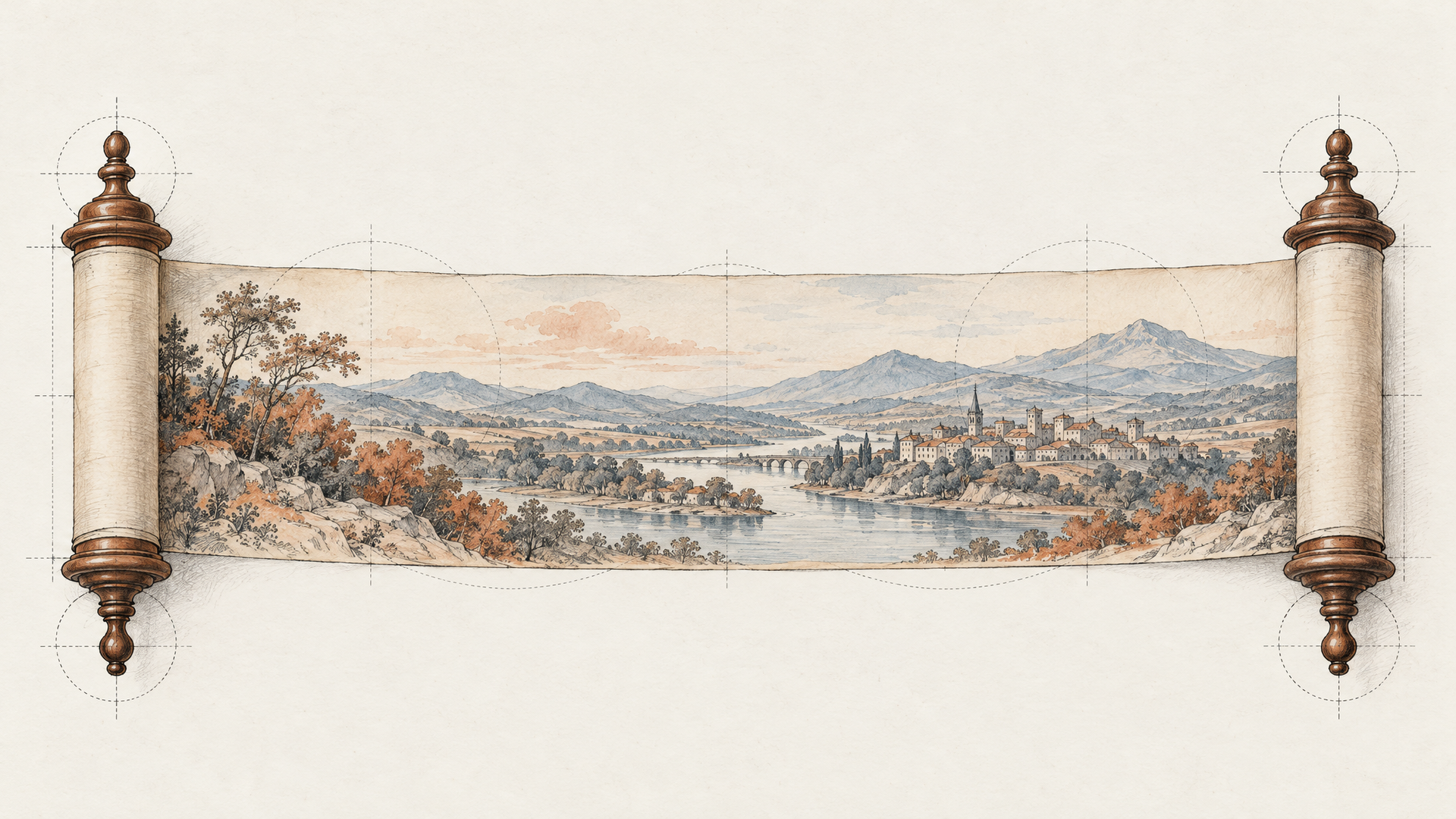
If we could keep only one model for film work, it would be Kling 4.0, the only one in this list that pairs 30-second takes with 4K and a 21:9 ultrawide preset. Takes run 3 to 30 seconds at 720p, 1080p or 4K, and an HDR switch gives 10-bit output at 1080p and 4K, which is what night exteriors, neon and backlit faces want.
Sound comes with it. Kling's own launch post lists two-channel stereo, more accurate lip-sync, and dialogue in Chinese, English, Japanese, Korean, Spanish, Portuguese, German, French, Hindi and more. The same post says complex camera moves, tracking shots and orbits stay smooth and stable, and in practice that's the difference between a long take and a long wobble.
Continuity is where it pulls ahead. The image-to-video mode takes up to 10 first, middle or last-frame images, so you can pin the key moments of a 30-second take and let the model move between them. Kling 4.0 Reference-to-Video accepts up to 10 images, 5 videos, 7 elements (up to 3 of them video character elements) and 3 voices, with 15 references in total. Cast your lead as an element once, give her a voice, and she can come back in every scene after that.
Seedance 2.5: Several Shots Inside One Take
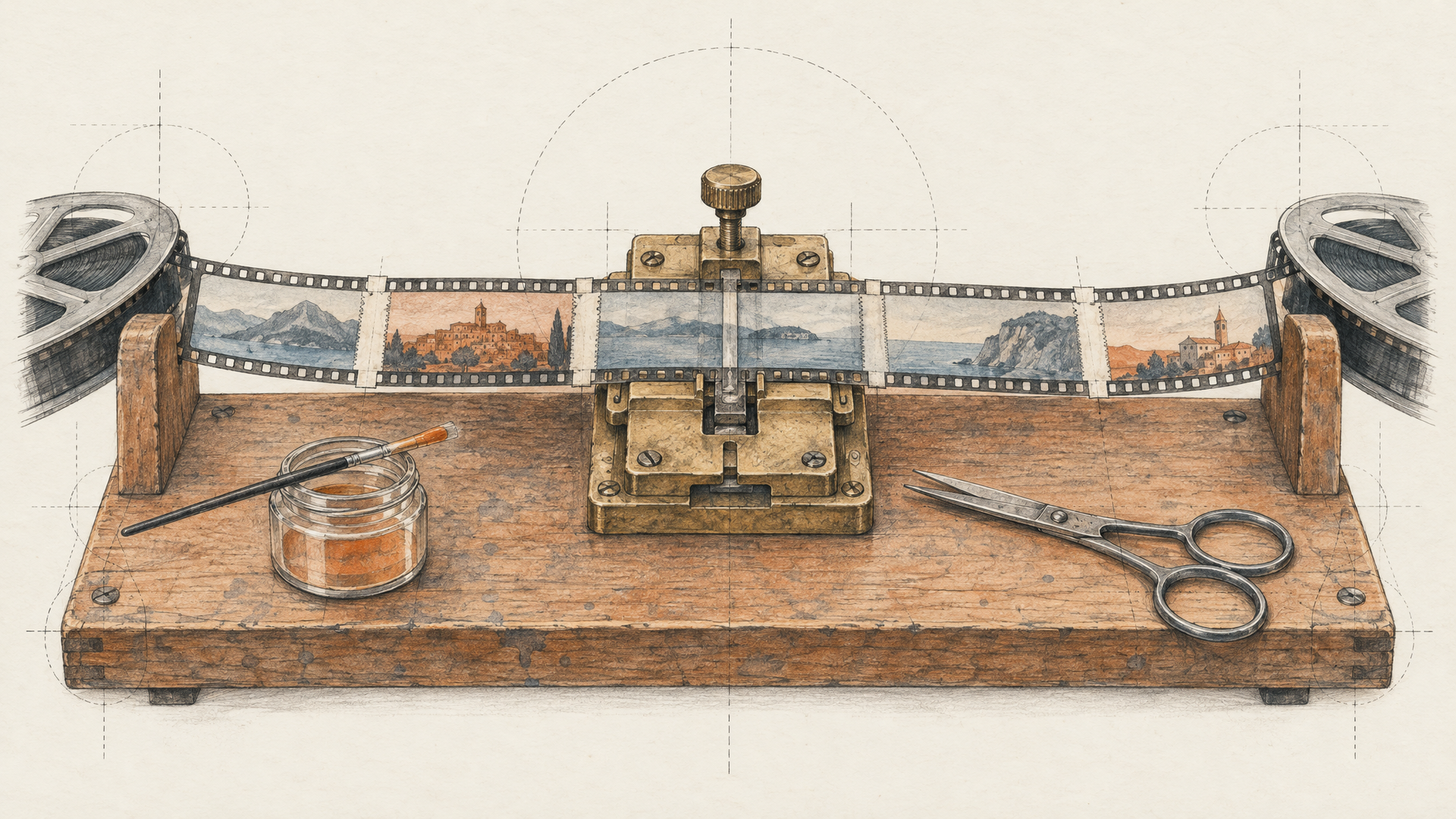
Kling 4.0 is a long-take camera. Seedance 2.5 is closer to an editor. ByteDance's own announcement says the model can "organize multiple logically connected shots" inside a 30-second pass, that "the main subject remains stable across multiple cuts", and that it preserves the appearance and voice of several characters at once. A chase, a montage, a conversation with coverage: Seedance 2.5 can hand you the cut sequence, not just the raw shot.
On each::labs you get 4 to 30 seconds or auto, up to 1080p, and 21:9 among the ratios. Audio is on by default (voice, effects, ambience and music), and the schema's advice is worth following: put spoken lines in double quotes. The reference pool is the biggest here, at 30 images, 10 videos and 10 audio clips in one request, and ByteDance shows clay render references (textureless 3D blockouts) steering layout, poses, motion paths and camera angles.
Two practical notes. Draft mode renders a fast 480p preview you can finish at 1080p later with Seedance 2.5 Draft Completion, so you check timing before committing. And Seedance 2.5 doesn't accept input images that contain real human faces, so cast generated or illustrated characters rather than photos of actual people.
Veo 3.1: Eight Seconds of Dialogue That Lands
Veo 3.1 is the model for the talking scene. Google's developer announcement promises "richer native audio, from natural conversations to synchronized sound effects" and "an improved understanding of cinematic styles". On each::labs it renders 4, 6 or 8 seconds, at 720p by default and at 1080p or 4K when you pick 8 seconds, in 16:9 or 9:16.
Eight seconds is a ceiling, so don't fight it. Treat Veo as a coverage camera, the way a TV director shoots a scene: a wide, an over-the-shoulder, a close-up, each one its own generation, then cut. Veo 3.1 Reference to Video keeps the people consistent across those pieces with 1 to 3 reference images of a person, character or product, which Google pitches for "maintaining character consistency across multiple shots".
Veo 3.1 First Last Frame is how you match the cuts. Give it the frame a shot starts on and the one it ends on, and it writes the move between them, with audio. The last frame of shot one becomes the first frame of shot two.
Sora 2: Performance and Physics, Up to 20 Seconds
Some scenes live or die on the acting: a stumble, a pour, a face deciding something. OpenAI's Sora 2 announcement promises synchronized dialogue and sound effects, better physics than earlier systems (a missed basketball shot rebounds off the backboard), and the ability to "follow intricate instructions spanning multiple shots while accurately persisting world state". Realistic, cinematic and anime are the styles it names.
On each::labs, Sora 2 renders 4, 8, 12, 16 or 20 seconds in 16:9 or 9:16, and Sora 2 Pro adds a choice of 720p or 1080p. For recurring characters there's a character ID from the Characters API, and the character's name has to appear in the prompt exactly as saved.
OpenAI's prompting guide is the best manual for it: one clear camera move and one clear subject action per shot, consistent descriptions that reuse the same phrasing from shot to shot, and shorter clips, because they follow instructions more reliably. It even suggests stitching two 4-second clips in the edit instead of generating one 8-second clip.
MiniMax H3: 2K at Film Cadence
Film has a cadence, and audiences feel it even when they can't name it. MiniMax H3 outputs at 24fps, the cadence audiences read as film, with 32 kHz native stereo audio and dialogue MiniMax calls stable in 11 languages, according to its official model card. On each::labs it renders 768P or 2K, in ratios from 21:9 down to 9:16, at 4 to 15 seconds. Pick it when the look matters more than the length.
The reference-to-video mode takes up to 9 images, 3 video clips (2 to 15 seconds each) and 3 audio tracks, 12 files at most. Give each reference one job: this image is the face, this clip is the camera move, this track is the voice. Keep the set consistent in style and lighting, because references that disagree are where continuity slips.
Wan 3.0: Hand It the Script, Not a Summary
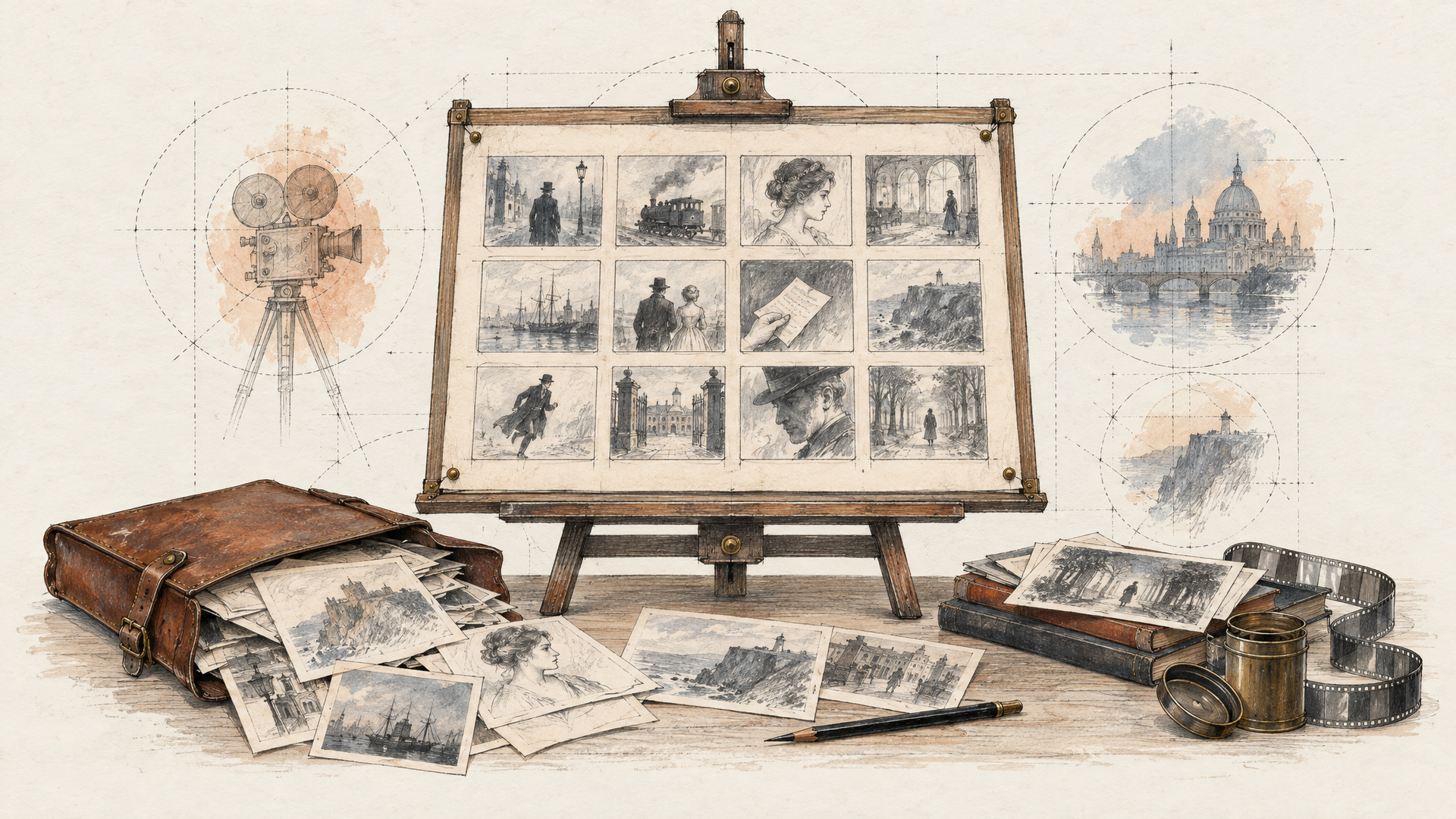
Most film projects start as a pile of paper: a treatment, a character sheet, a mood board, a voice memo. Alibaba describes Wan 3.0 as an All-in-One model covering text-to-video, image-to-video (first frame or first and last frame) and reference-to-video, with audio generation and what it calls smart duration. Its reference mode is the most brief-friendly of the six: up to 10 images, 5 videos and 5 audio clips (video and audio references are each capped at 15 seconds in total), plus one reference file or one public web page link.
Durations run from 2 to 30 seconds, or auto, which lets the model choose the length that suits the scene. That's useful when you honestly don't know if a beat needs 6 seconds or 11. Output goes up to 1080P, audio is on by default, and a seed lets you rerun a take close to the last one.
One gap to plan around: Wan 3.0 has no 21:9 preset (16:9, 9:16, 1:1, 4:3, 3:4 and adaptive), so take letterboxed scenes to Kling 4.0, Seedance 2.5 or MiniMax H3.
Best AI Movie Generation Model by Job: When to Pick Which
Pick Kling 4.0 when the scene is one continuous take of up to 30 seconds that has to hold up on a big screen. It's our default for short films and trailer shots.
Seedance 2.5 is the call when you want the model to do the cutting: montages, chases and multi-character conversations, with a reference pool big enough for a whole cast.
Dialogue coverage belongs to Veo 3.1. Shoot the scene in 8-second pieces, lock faces with reference images, and match your cuts with first and last frames. Reach for Sora 2 when the performance depends on physical action, with a saved character and clips of 8 to 20 seconds.
MiniMax H3 is the pick for footage that has to sit next to real camera material, at 2K and 24fps. And when the project starts from documents rather than shots, hand the brief to Wan 3.0 and let smart duration time the beats.
Already have a take you love that ends too soon? Gemini Omni 1.2 Flash Video Extend adds 3 to 10 seconds, guided by the last 10 seconds of your clip, at up to 4K. Veo 3.1 Extend adds 7 seconds at 720p. Mobile app studios get one easy answer here too: all six models render 9:16, so vertical drama never forces your choice.
One Scene, Three Shots: A Prompt to Test Them
Don't judge a film model on a single shot. Give it a scene with a cut, a line of dialogue and a recurring face, then watch three things: whether the coat survives the cut, whether the line lands on the lips, and whether the camera does what you wrote. This prompt runs as one 26 to 30-second take on Kling 4.0, Seedance 2.5 or Wan 3.0.
Shot 1, wide, 0 to 8 seconds: a night bus stop in light rain, a young woman in a long olive wool coat and a grey scarf waits alone under a flickering shelter light, the camera dollies slowly toward her. Shot 2, medium close-up, 8 to 18 seconds: an older man in a dark raincoat steps into frame holding a closed umbrella, she glances at him and says "You're late." He answers quietly, "I know." Rain hiss, a distant engine, the shelter light buzzing. Shot 3, close-up, 18 to 26 seconds: headlights sweep across her face, she almost smiles, the bus pulls in behind her and the camera holds. 35mm film look, shallow depth of field, cool blue night with warm sodium highlights.
On Veo 3.1, split it into three 8-second generations and paste the character descriptions word for word into each. Sora 2 wants the shots as separate clips, with the two short lines kept exactly as written. MiniMax H3 needs Shots 2 and 3 retimed to fit 15 seconds. Same scene, six models, and the right one for your film is usually obvious by the second cut.
Frequently Asked Questions
What is the best AI film generation model right now?
For most filmmakers it's Kling 4.0: 30-second takes, 4K, HDR, 21:9, stereo dialogue and a reusable cast in one model. Seedance 2.5 wins when you want connected shots cut inside one generation, and Veo 3.1 wins short, dialogue-heavy coverage.
Which is the best AI movie generation model for dialogue scenes?
Short exchanges favor Veo 3.1, whose native audio Google describes as covering natural conversations, in 8-second pieces you cut like coverage. For a longer conversation in one take, Kling 4.0 and Seedance 2.5 both run to 30 seconds with dialogue; put the spoken lines in double quotes for Seedance.
Can AI make a whole short film from one prompt?
Not in one pass. The longest single generations here are 30 seconds (Kling 4.0, Seedance 2.5 and Wan 3.0), so a short film is still a shot list you generate scene by scene and cut in an edit. Extensions help: Gemini Omni 1.2 Flash adds up to 10 seconds per extension, and Google says Veo 3.1 extensions can build videos of a minute or more.
How do I keep the same character across every shot?
Show the model the character instead of describing it again. Kling 4.0 elements, Veo 3.1 reference images, MiniMax H3 and Wan 3.0 reference sets, and Sora 2 character IDs all exist for this. Keep the written description identical between prompts too. Our guide on keeping the same character across AI video shots walks through the full method.