Sora 2 | Text to Video | Pro
Sora 2 Text to Video Pro is a next-generation model that turns written descriptions into ultra-realistic, physically accurate videos. It captures natural motion, lighting, and depth with cinematic precision, delivering smooth, lifelike results from simple text prompts.
- Runtime (p50)
- 4m
- Estimated price
- $0.30–$0.50 per second, depending on resolution
Overview
sora-2-text-to-video-pro — Text to Video AI Model
Developed by OpenAI as part of the sora-2 family, sora-2-text-to-video-pro transforms text prompts into cinematic videos up to 20 seconds at 1080p resolution with native synchronized audio and realistic physics simulation. This OpenAI text-to-video model excels in storytelling by generating lifelike motion, depth, and sound effects in a single pass, ideal for creators seeking professional-grade output without post-production.
Unlike basic video generators, sora-2-text-to-video-pro supports video extension and remix workflows, enabling seamless iteration from initial clips to refined narratives. Developers and marketers searching for a text-to-video AI model with built-in audio find it perfect for rapid prototyping of social media reels or product demos.
Capabilities
- Generates ultra-realistic, physically plausible video clips from text prompts, including synchronized audio.
- Supports complex motion, object interactions, and natural lighting with cinematic depth.
- Maintains temporal coherence and scene consistency across longer shots.
- Allows for likeness injection, enabling user cameo appearances with consent.
- Flexible input: accepts both pure text and reference images for guided generation.
- High adaptability to different visual styles and genres, from animation to photorealism.
- Embeds provenance and content credentials for professional use.
Use cases
Use Cases for sora-2-text-to-video-pro
Filmmakers and content creators use sora-2-text-to-video-pro's remix tools to build storyboards: start with a prompt like "A detective walks through rainy neon streets at night, trench coat flapping, distant thunder," then recut for pacing while keeping character consistency across shots.
Marketers crafting e-commerce videos input product images plus text for physics-accurate demos, generating 20-second clips with ambient sounds like "A smartphone floats gently onto a wooden table in soft morning light, screen glowing with app icons, subtle rotation." This skips studio shoots for quick social ads.
Developers building OpenAI text-to-video apps leverage the API for automated social media content, feeding prompts into batch workflows with synchronized audio for scalable Reels or Shorts production.
Designers prototyping stylized narratives benefit from its physics simulation and extension features, creating fantasy sequences like dragon flights with realistic wingbeats and wind effects for client pitches.
Tips & tricks
How to Use sora-2-text-to-video-pro on Eachlabs
Access sora-2-text-to-video-pro seamlessly on Eachlabs via the Playground for instant testing, API for production pipelines, or SDK for custom apps. Input text prompts (up to 4000 characters), optional frame images, and settings like duration or aspect ratio to generate 1080p videos with native audio in ~2-3 minutes. Outputs deliver high-fidelity MP4 files ready for commercial use.
---Technical spec
What Sets sora-2-text-to-video-pro Apart
sora-2-text-to-video-pro stands out with its two-stage remix workflow, allowing users to generate base videos then refine them with prompt-guided variations while preserving resolution and duration. This enables precise adjustments for professional filmmaking without external editors.
It delivers up to 20-second clips at 1080p (1792x1024 supported) with native synced audio including dialogue and SFX, outperforming competitors limited to shorter durations or separate audio tracks. Users benefit from ready-to-use cinematic content for marketing or social platforms.
High character consistency across multi-shot sequences maintains visual coherence in narrative videos, a key edge for storytelling. Combined with realistic physics and ~2-3 minute generation times, it powers sora-2-text-to-video-pro API integrations for automated pipelines.
- Max duration: 20 seconds, ideal for YouTube Shorts or TikTok.
- Resolution: 1080p with aspect ratios like 16:9 (1280x720).
- Audio: Native synchronization for dialogue, effects, and ambiance.
- Workflows: Text-to-video, image-to-video, video remix.
Things to be aware of
- Some users report occasional artifacts, unnatural motion, or audio sync errors, especially in edge cases or longer clips.
- Generation of high-quality, longer-duration videos is computationally intensive and may be subject to rate limits.
- Outputs often include visible watermarks and embedded metadata for provenance tracking.
- Likeness injection features require explicit consent and carry privacy considerations; safety controls are enforced.
- Positive feedback highlights the model’s realism, audio-visual synchronization, and ease of use for rapid prototyping.
- Negative feedback patterns include limited fine-grained editing, occasional logical inconsistencies, and higher latency compared to lighter models.
- Resource requirements are significant for high-resolution, long-duration outputs; plan for adequate compute and storage.
- Editing features are basic compared to traditional NLEs; advanced scene extension and object manipulation are limited.
Key considerations
- Sora 2 Pro excels at generating short, high-quality video clips with synchronized audio, but longer durations increase computational demands and may introduce artifacts.
- For best results, use clear, descriptive prompts and, where possible, provide reference images to guide composition.
- The model is optimized for cinematic realism and physical plausibility, but edge cases (e.g., complex physics, montage editing) may still produce visual or logical inconsistencies.
- There is a trade-off between output quality and generation speed; higher fidelity outputs take longer to render.
- Prompt engineering is crucial: structured, detailed prompts yield more controllable and predictable results.
- Provenance and content credentials are embedded in outputs; manage metadata consistently for professional workflows.
- Safety controls and moderation are built-in, especially for likeness injection and sensitive content.
Limitations
- Not optimal for long-form video generation; best suited for short clips (typically under 30 seconds) due to compute and consistency constraints.
- Fine-grained editing, complex montage, and frame-accurate control remain limited compared to professional video editing software.
- Physical realism and continuity are improved but not flawless; artifacts and logical glitches can still occur, especially in complex scenarios.
Related models
4 models
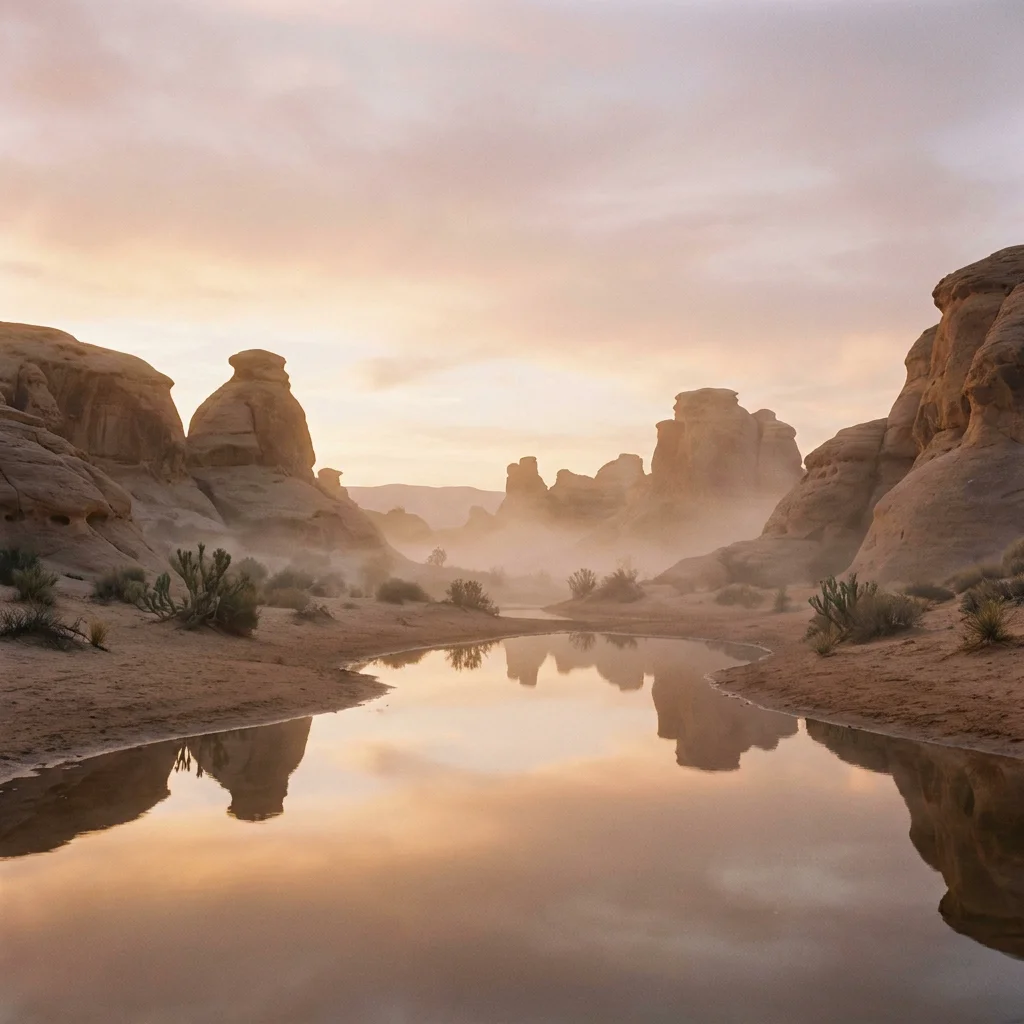


About Sora 2 | Text to Video | Pro
What is Sora 2 text-to-video Pro and what distinguishes it as a premium model?
Sora 2 text-to-video Pro is OpenAI's highest-quality text-to-video model that generates visually stunning, physically realistic video clips from natural language descriptions. It offers superior scene coherence, more precise camera simulation, richer environmental detail, and the most advanced motion modeling in the Sora 2 lineup.