AI Video Upscaler Explained: How to Enhance Low-Quality Videos
Ever look back at old home videos or downloaded clips and think, "Wow, this looks kind of rough"? You're not alone. With today's super sharp screens, older or low-quality videos can look pretty fuzzy. But what if there was a way to make them look way better? That's where AI video upscaling comes in. It's like giving your old videos a modern makeover, making them sharp and clear enough for your big new TV. Key Takeaways * AI video upscaling uses smart technology to add detail and clarity to l
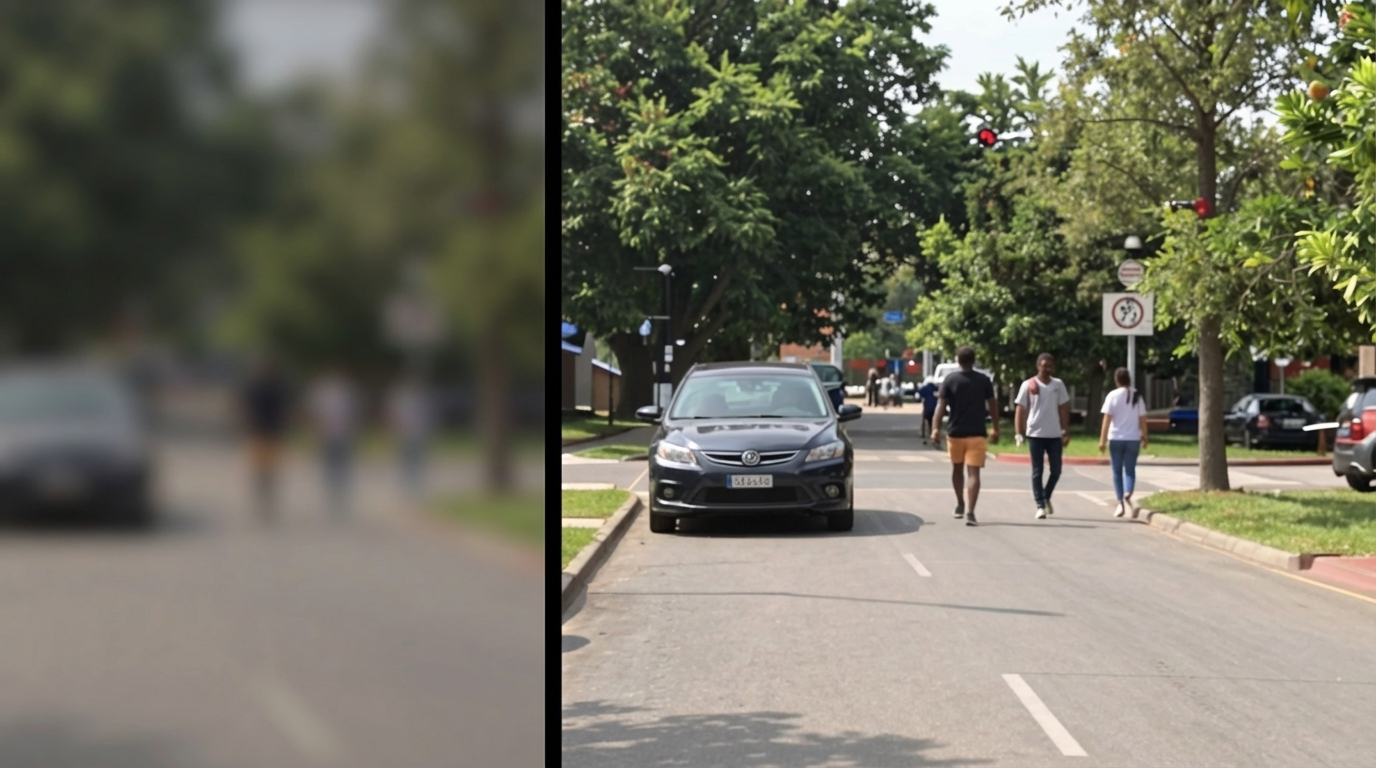
Ever look back at old home videos or downloaded clips and think, "Wow, this looks kind of rough"? You're not alone. With today's super sharp screens, older or low-quality videos can look pretty fuzzy. But what if there was a way to make them look way better? That's where AI video upscaling comes in. It's like giving your old videos a modern makeover, making them sharp and clear enough for your big new TV.
Key Takeaways
- AI video upscaling uses smart technology to add detail and clarity to low-resolution videos, making them look better on modern screens.
- Unlike old methods that just stretch pixels, AI analyzes and predicts missing information to create a sharper image.
- Using an AI video upscaler can improve video quality, reduce noise, and make older footage look much more professional without needing to re-shoot.
Understanding AI Video Upscaling Technology
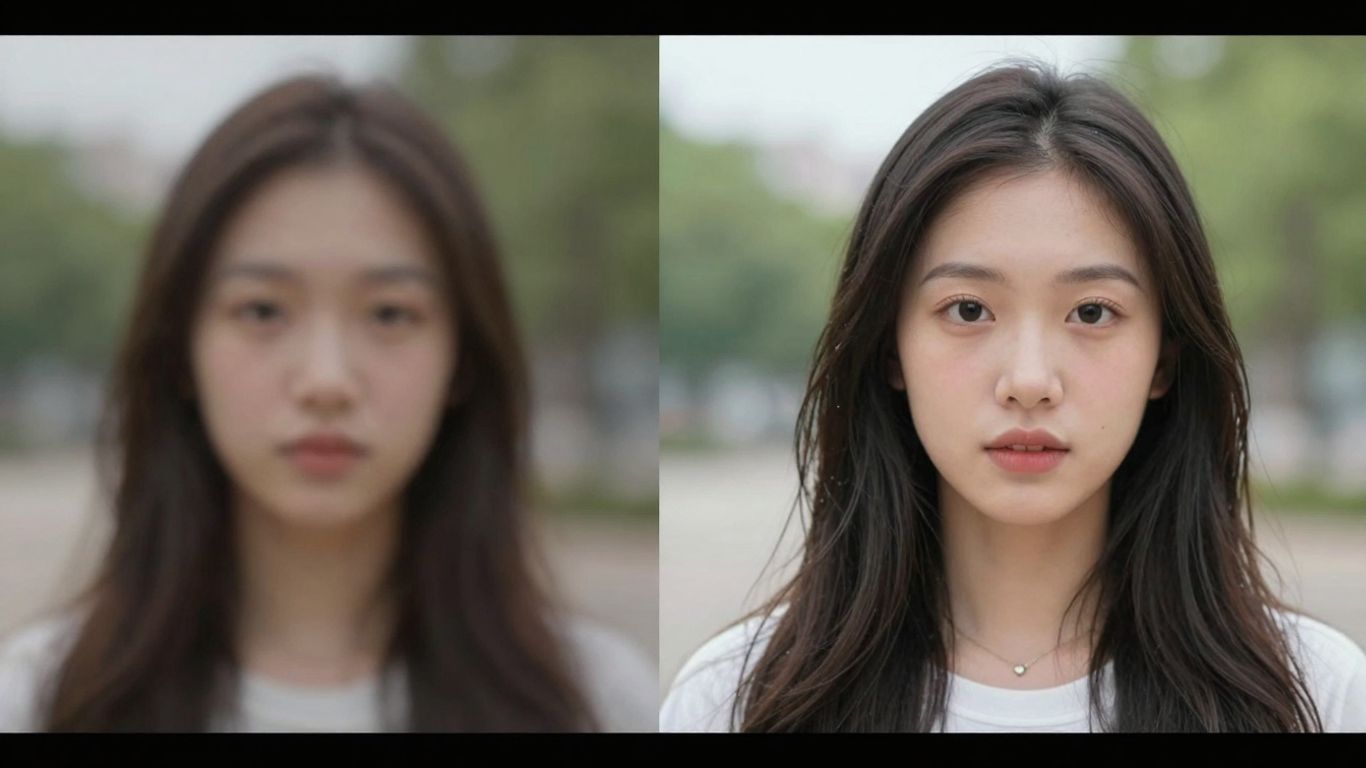
So, you've got some old videos, maybe from a family event years ago, or perhaps some footage you downloaded that just looks... well, a bit fuzzy on your fancy new TV. Don't toss them out just yet. There's a pretty neat technology called AI video upscaling that can give these older clips a new lease on life. It's like giving your video a digital makeover, making it look sharper and clearer than you might have thought possible.
What Is an AI Video Upscaler?
At its core, an AI video upscaler is a smart piece of software that uses artificial intelligence to improve the quality of low-resolution videos. Think about it: traditional methods of making a video bigger just stretched out the existing pixels, which usually resulted in a blurry or blocky mess. AI upscaling, however, works differently by intelligently adding detail. It doesn't just enlarge; it reconstructs. It's trained on massive amounts of high-quality video data, so it learns what details should look like. When it encounters a low-quality video, it uses this learned knowledge to predict and fill in the missing information, making the image sharper and more defined. This is especially helpful when viewing older content on modern, high-definition screens where the original quality really shows its age. It’s a way to bridge the gap between older recording tech and today's display capabilities making old footage look better.
The Mechanics Behind AI Video Enhancement
How does it actually do this magic? Well, it's all thanks to deep learning, a type of artificial intelligence. The AI models, often using structures like Convolutional Neural Networks (CNNs), are fed pairs of low-resolution and high-resolution videos. Through this training, the AI learns the patterns and relationships between the two. When you feed it a low-res video, it analyzes the existing pixels and uses its training to generate new pixels that add detail and clarity. It's not just guessing; it's making educated predictions based on countless examples it has seen.
Beyond just adding detail, many AI upscalers also tackle other issues:
- Artifact Removal: They help clean up blocky or distorted areas caused by video compression.
- Temporal Consistency: For video, it's vital that the changes look smooth from one frame to the next. AI models consider the flow of motion to avoid flickering or jerky results.
The process involves the AI analyzing patterns, textures, and even motion across multiple frames. It then uses this understanding to intelligently fill in gaps and sharpen edges, effectively rebuilding the video at a higher resolution without simply stretching the original pixels. This makes older or lower-quality footage look much more presentable on today’s larger and sharper displays.
It's a complex process, but the result is a video that looks significantly clearer and more detailed than the original.
Leveraging AI Video Upscalers for Better Content
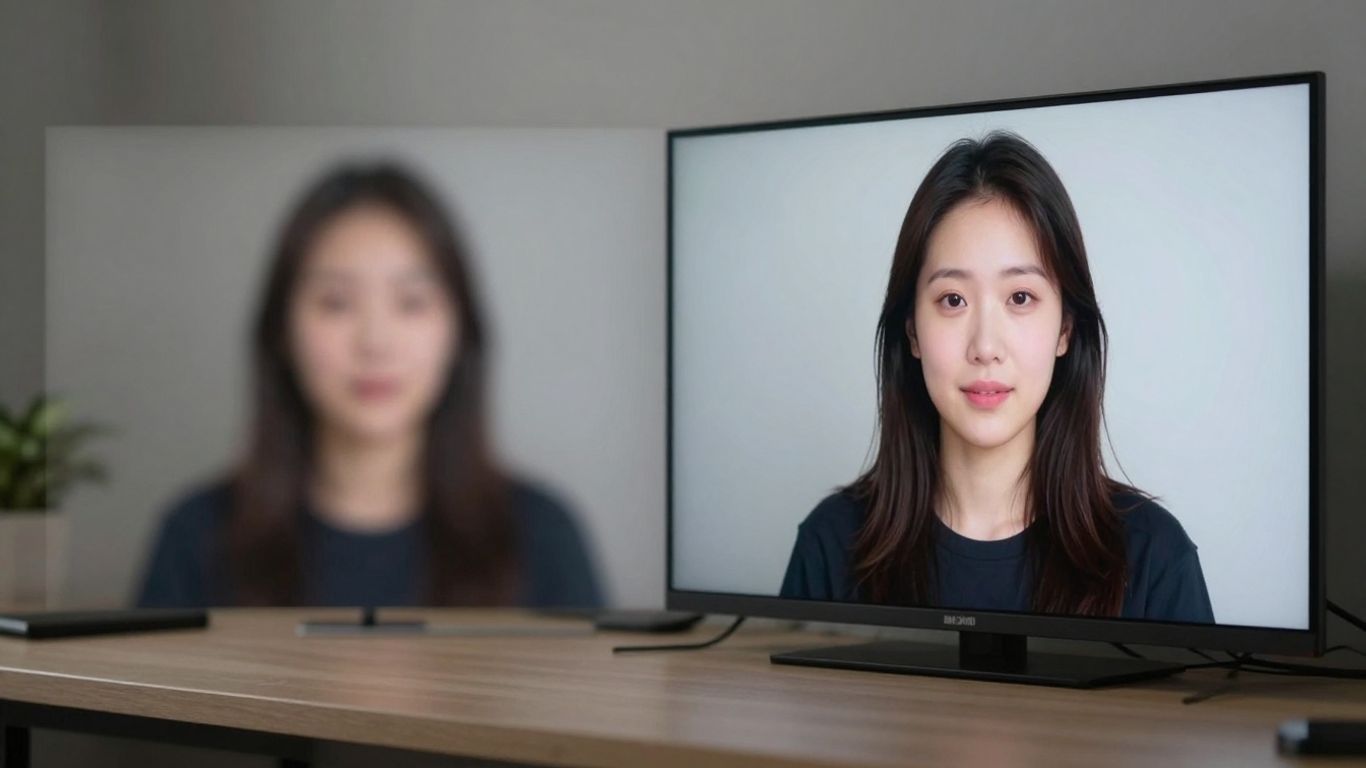
So, you've got this old video, maybe from a family event years ago, or perhaps some footage you shot for a project that just didn't turn out as sharp as you'd hoped. We've all been there. The good news is, you don't have to just live with blurry, pixelated video anymore. AI video upscalers are here to help.
Key Benefits of AI Video Upscaling
Why bother with this technology? Well, it really makes a difference. For starters, social platforms are always pushing for better quality. Your older, lower-resolution videos might not be getting the attention they deserve. Making them sharper can help them perform better. Plus, if you're trying to look professional, whether for a portfolio or client work, crisp footage just looks better. It's about making a good first impression.
Here are some of the main reasons to consider AI upscaling:
- Improved Platform Performance: Higher quality video often gets favored by algorithms on social media and video-sharing sites.
- Professional Appearance: Crisp, clear video makes your content look more polished and serious.
- Preserving Memories: Those precious, irreplaceable moments deserve to be seen in the best possible light for years to come.
- Cost Savings: Re-shooting footage can be expensive and time-consuming. Upscaling lets you get more out of what you already have.
AI video enhancement tools are powerful, but they're not magic wands. The quality of the final output is still heavily dependent on the original source material. While AI can intelligently add detail, it works best when there's something decent to start with. Think of it as restoring an old painting – you can clean it up and bring out details, but you can't create details that were never there in the first place.
Practical Steps to Upscale Your Videos
Getting started with AI video upscaling is more straightforward than you might think. While the technology behind it is complex, using the tools is often quite simple. Most modern AI upscalers, offer user-friendly interfaces.
Here’s a general idea of how you might go about it:
- Choose Your Model: Select an AI video upscaler model. Options are available on Eachlabs.
- Import Your Video: Load your low-quality video file into the model.
- Start the Process: Let the AI work its magic. This can take some time depending on the video length and your computer's power.
- Review and Export: Once finished, check the upscaled video. If you're happy with it, export it in your preferred format.
Remember to start with the best source material you have, as the saying goes, 'garbage in, garbage out.' While AI is impressive, it can't perform miracles on extremely poor-quality footage. It's also wise to test different settings on a short clip to see what works best for your specific video before committing to a long process. Don't overdo the sharpening or noise reduction, as this can make the video look unnatural.
Want to make your videos look amazing? Using AI tools to make your videos clearer and sharper is a game-changer for your content. These smart tools can take lower-quality videos and boost them to look much better, making them more engaging for your audience. Ready to see the difference? Visit our website to explore how these AI video enhancers can transform your projects!
Wrapping Up: Bringing Your Old Videos Back to Life
So, there you have it. AI video upscaling isn't some futuristic magic trick anymore; it's a practical tool that can really make a difference. Whether you're trying to make old family videos look better on your new TV or just want to give your online content a sharper edge, this technology is pretty neat. It’s not going to turn a terrible video into a Hollywood blockbuster overnight, but it can definitely take something that looked rough and make it much more watchable. Give it a try – you might be surprised at what you can bring back from the digital dust.
Frequently Asked Questions
What's the main difference between old-school video stretching and AI video upscaling?
Think of old-school video stretching like blowing up a small photo – it just gets bigger and blurrier. AI video upscaling is way smarter. It uses artificial intelligence to actually guess and add new details, making the video look clearer and sharper, not just larger.
Can AI video upscaling make any video look perfect?
While AI video upscaling is amazing, it's not magic. It works best when the original video has some decent quality to start with. A super blurry or very old video might improve a lot, but it probably won't look like it was filmed yesterday with a brand-new camera.
Why is my old video looking bad on my new TV?
That's because TV and computer screen technology has gotten much better and faster than video recording technology. Your new screen can show way more detail than the old video actually has, making any blurriness or graininess really stand out. AI upscaling helps fix this by making the old video look better on modern screens.