What and How You Can Edit with Qwen Image Edit
Ever wanted to make precise image edits without a complex design workflow? Well, there's a model making waves called Qwen Image Edit. It's an AI-powered way to change pictures using just words. You can add things, swap backgrounds, or even fix text on an image. It's pretty neat for anyone who plays around with photos, from hobbyists to folks who need quick edits for work. We'll look at what this qwen image edit tool can do and how you can start using it. Key Takeaways * Qwen Image Edit lets
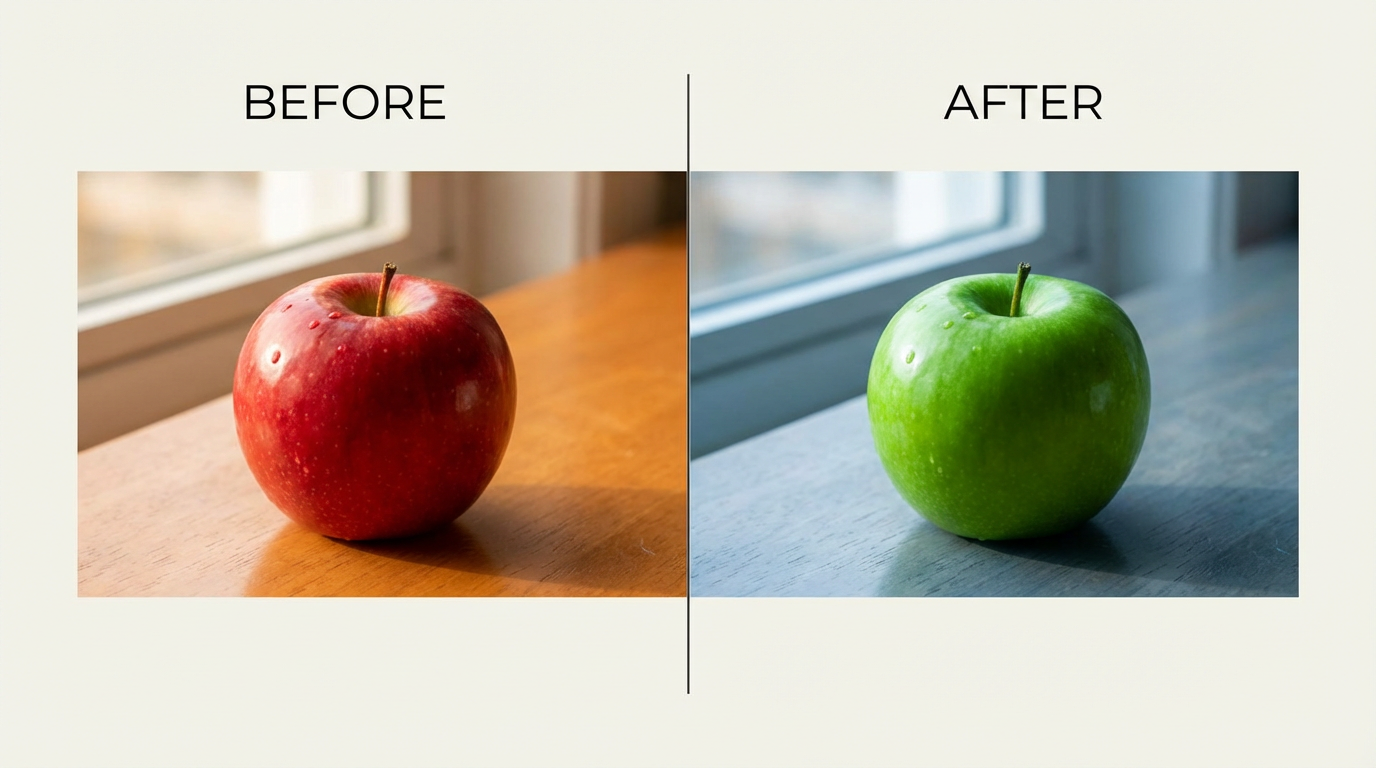
Ever wanted to make precise image edits without a complex design workflow? Well, there's a model making waves called Qwen Image Edit. It's an AI-powered way to change pictures using just words. You can add things, swap backgrounds, or even fix text on an image. It's pretty neat for anyone who plays around with photos, from hobbyists to folks who need quick edits for work. We'll look at what this qwen image edit tool can do and how you can start using it.
Key Takeaways
- Qwen Image Edit lets you change existing images using text prompts and images, unlike tools that just create new ones from scratch.
- It's good at editing text within images, like changing words while keeping the original style.
- You can use it for both simple changes, like adding an object, and more complex edits, like blending multiple images together.
Exploring Qwen Image Edit Capabilities
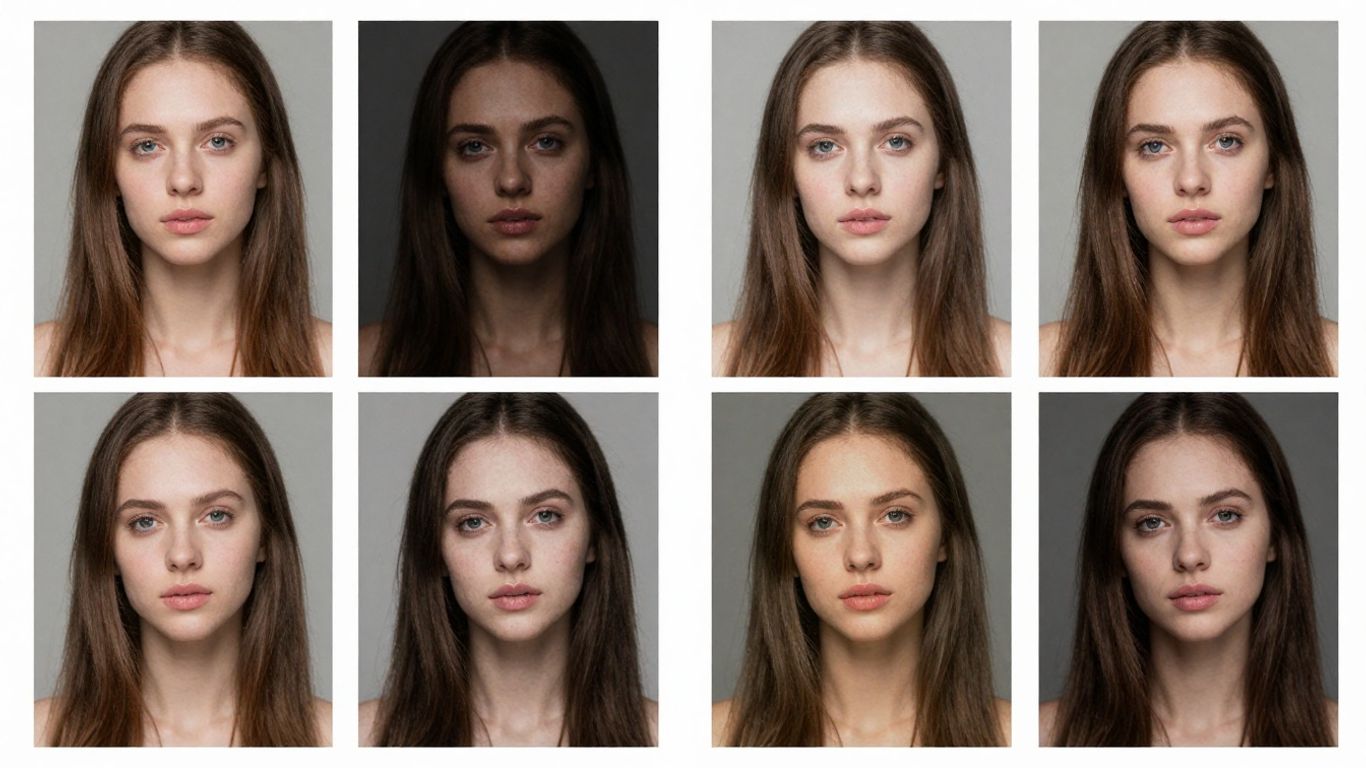
So, what exactly can this Qwen Image Edit model do? It's pretty neat, honestly. It's not just about slapping a filter on a photo; it's got some serious power under the hood for both single pictures and when you're juggling a few at once.
Advanced Multi-Image Editing
This is where things get interesting. Imagine you have a picture of your dog and another of a cool hat. With Qwen Image Edit, you can actually put that hat on your dog in the picture. It's not just about sticking two images together; the model tries to make it look natural, like it was always meant to be that way. You can combine different people, put someone into a completely new background, or even take a product shot and place it in a lifestyle scene. It's all about blending things together so it looks like one cohesive image.
- Combining elements from different photos: Think people, objects, or even entire scenes.
- Creating composite images: Merging multiple sources into a single, believable picture.
- Contextual placement: Putting objects or subjects into new environments realistically.
Enhanced Single-Image Consistency
Ever tried to edit a person's face in a photo, only to have them look like a completely different person afterward? Qwen Image Edit is designed to avoid that headache. It's really good at keeping the identity of a person the same, even if you change their pose, style, or turn them into a cartoon. The same goes for products – if you're editing a picture of a specific shoe, it'll keep that shoe looking like itself, no matter what background you put it on or what kind of promotional material you're trying to make.
Maintaining consistency is key when you're working with AI image tools. You want the subject to remain recognizable, whether you're changing the style or the setting. This model seems to get that.
Here's a quick look at what that consistency means:
- Person Identity: Faces and features stay the same across edits.
- Product Integrity: A product looks like the original, even in new contexts.
- Style Preservation: When changing artistic styles, the core subject remains recognizable.
Mastering Qwen Image Edit Techniques
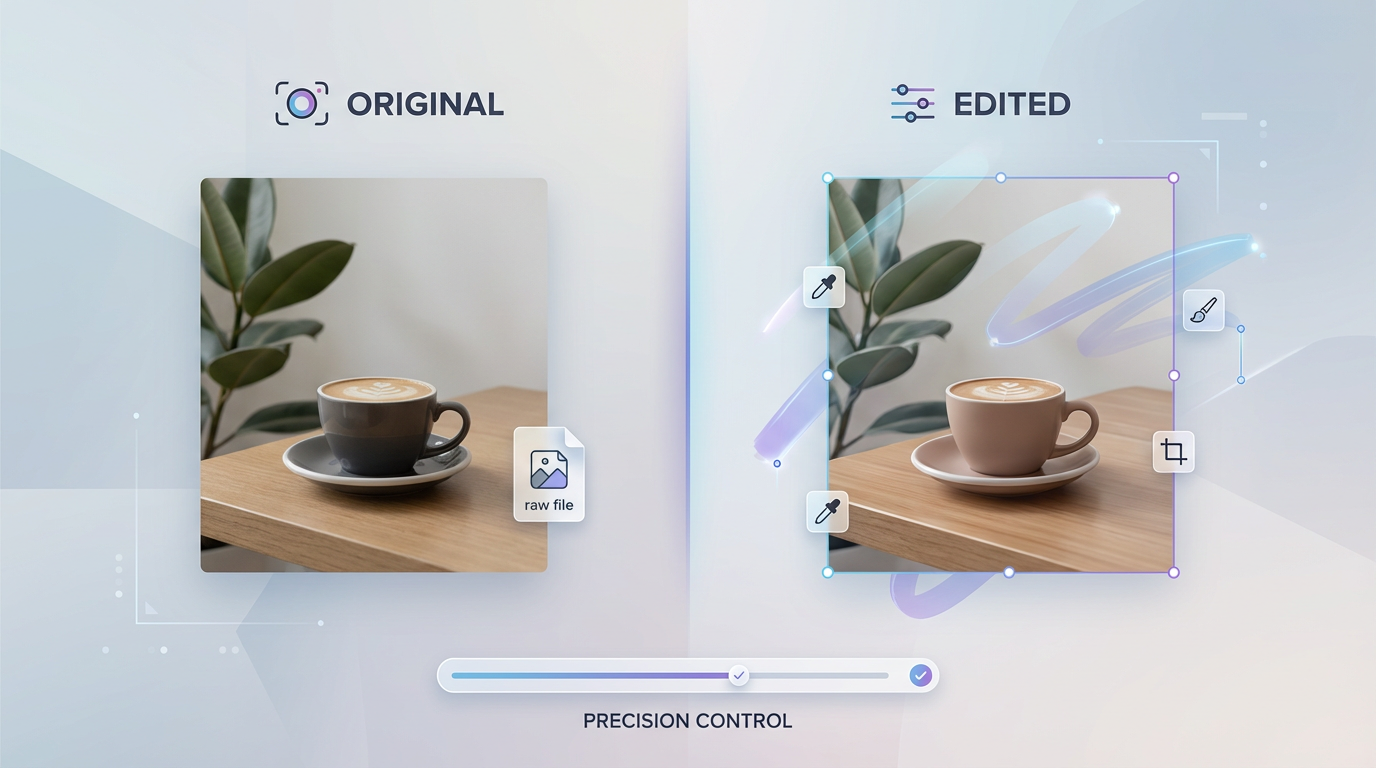
Alright, let's get down to the nitty-gritty of actually using Qwen Image Edit. It's not just about knowing it exists; it's about knowing how to make it do what you want. This section is all about the practical stuff, the techniques that separate a good edit from a great one.
Precise Text Modification
Forget just slapping text onto an image like a beginner. Qwen Image Edit Plus lets you get really specific with text. You can change not only what the text says but also its font, its color, and even what it looks like it's made of. Think about editing posters, making custom memes, or just tweaking a design to perfection. It's pretty neat.
Here's a quick rundown of what you can tweak:
- Content: Change the actual words.
- Font Style: Alter the typeface.
- Color: Pick any color you can imagine.
- Material: Make text look like it's made of metal, wood, or even glowing neon.
This level of control means you can really integrate text into your image rather than just layering it on top. It's a big step up from basic editing tools, giving you more creative freedom.
Semantic and Appearance Editing
This is where Qwen Image Edit really shines. It can handle two main types of edits: semantic and appearance. Semantic editing is about the big picture – changing the meaning or context of an image. Appearance editing is more about the details – tweaking colors, textures, and visual styles.
- Semantic Edits: This could be changing the entire background of a photo, adding or removing objects, or even altering the overall style of the image. For example, you could take a photo of a park and change it to a bustling city street at night. The model understands the context and makes the changes look natural.
- Appearance Edits: This is more about the look and feel. You can change the color of a specific object, adjust lighting, or apply artistic filters. If you have a product photo, you might want to change the color of the product itself or adjust the lighting to make it pop.
It's important to be clear in your prompts. Instead of saying "make it look better," try something specific like "change the background to a snowy mountain landscape with a clear blue sky." The more detail you give, the better the results will be. You can also use multiple images to guide the editing process, which is super handy for combining elements or styles. Don't be afraid to experiment and iterate; sometimes the first try isn't perfect, but it gives you a starting point for further refinement.
Want to get better at changing images with Qwen? Our guide, "Mastering Qwen Image Edit Techniques," breaks down all the cool tricks. Learn how to make your pictures look exactly how you want them, with simple steps anyone can follow. Ready to become an image editing pro? Visit our website today to explore more and start creating amazing visuals!
Wrapping Up with Qwen Image Edit
So, that's the lowdown on Qwen Image Edit. It's pretty neat how you can just type what you want and see an image change. Whether you're trying to fix up an old photo, make a funny meme, or just experiment with ideas, this tool makes it pretty easy to get started.
Frequently Asked Questions
What exactly is Qwen Image Edit?
Think of Qwen Image Edit as a smart helper for your pictures. It's a model that uses artificial intelligence (AI) to change images based on what you type. You can tell it to add things, swap backgrounds, or even change words in a photo, and it'll do its best to make it happen.
How is Qwen Image Edit different from just making new pictures with AI?
That's a great question! While some AI tools create brand new images from scratch, Qwen Image Edit model is all about changing pictures you already have. It's like a digital artist who can take your existing photo and make specific tweaks, like changing a shirt color or adding a hat, instead of drawing a whole new scene.
Do I need to be a computer whiz to use this?
Nope, not at all! You don't need to know any fancy computer coding. You can use Qwen Image Edit right through a website. Just upload the picture you want to work on, type in what changes you'd like, and let the AI do the rest.