Common Use Cases for Image Upscaling in AI Projects
You know, sometimes you've got an image, and it's just... not quite good enough. Maybe it's for a website, or you want to print something, but the original is too small or a bit fuzzy. That's where AI image upscaling comes in handy. It's like a magic trick for your pictures, making them bigger and clearer without all the usual pixelated mess. We're going to look at some common ways people use this tech in their projects. Key Takeaways AI upscalers can make small images larger and clearer by a
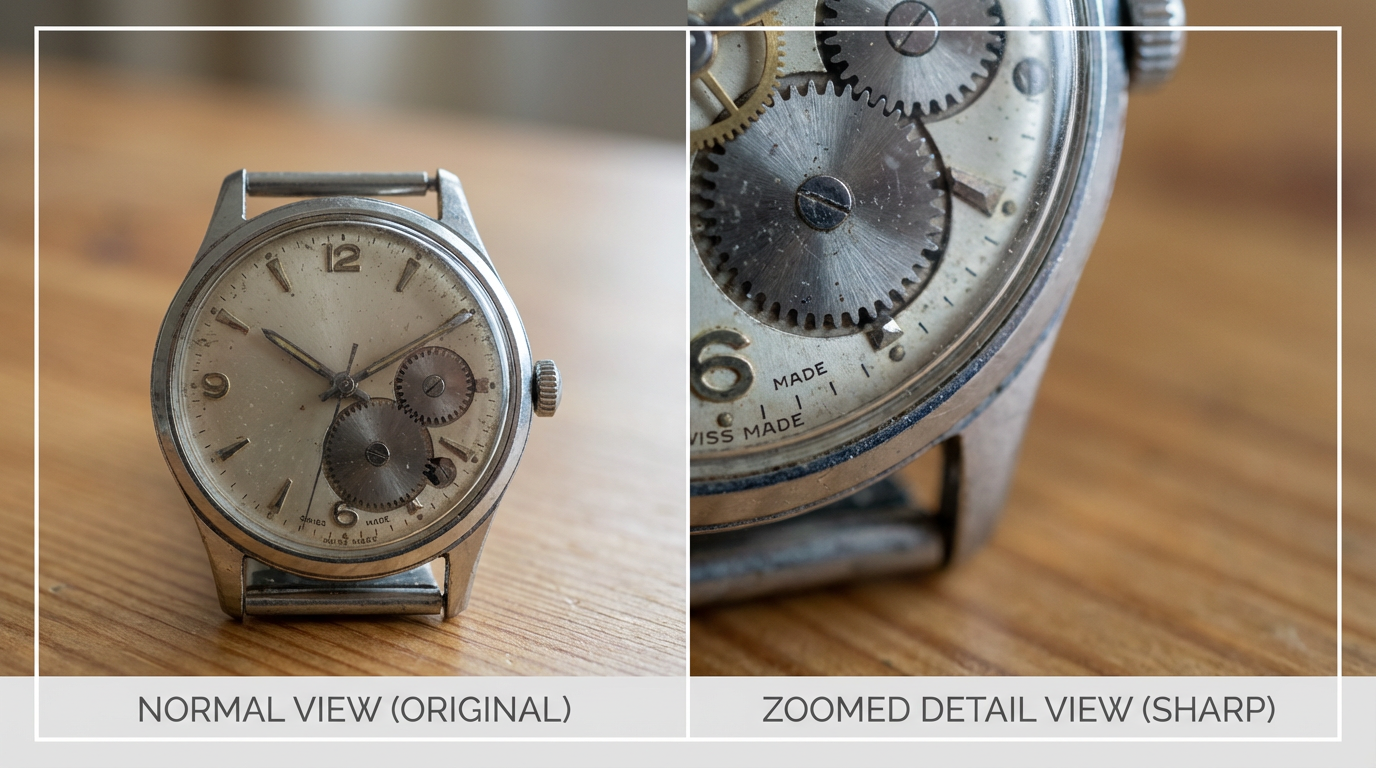
You know, sometimes you've got an image, and it's just... not quite good enough. Maybe it's for a website, or you want to print something, but the original is too small or a bit fuzzy. That's where AI image upscaling comes in handy. It's like a magic trick for your pictures, making them bigger and clearer without all the usual pixelated mess. We're going to look at some common ways people use this tech in their projects.
Key Takeaways
AI upscalers can make small images larger and clearer by adding detail, not just stretching pixels.
- This technology is great for making product photos look better for online stores and preparing images for printing.
- You can also use an upscaler image tool to fix old photos or make screenshots look sharp for presentations.
Enhancing Visuals for E-Commerce and Marketing
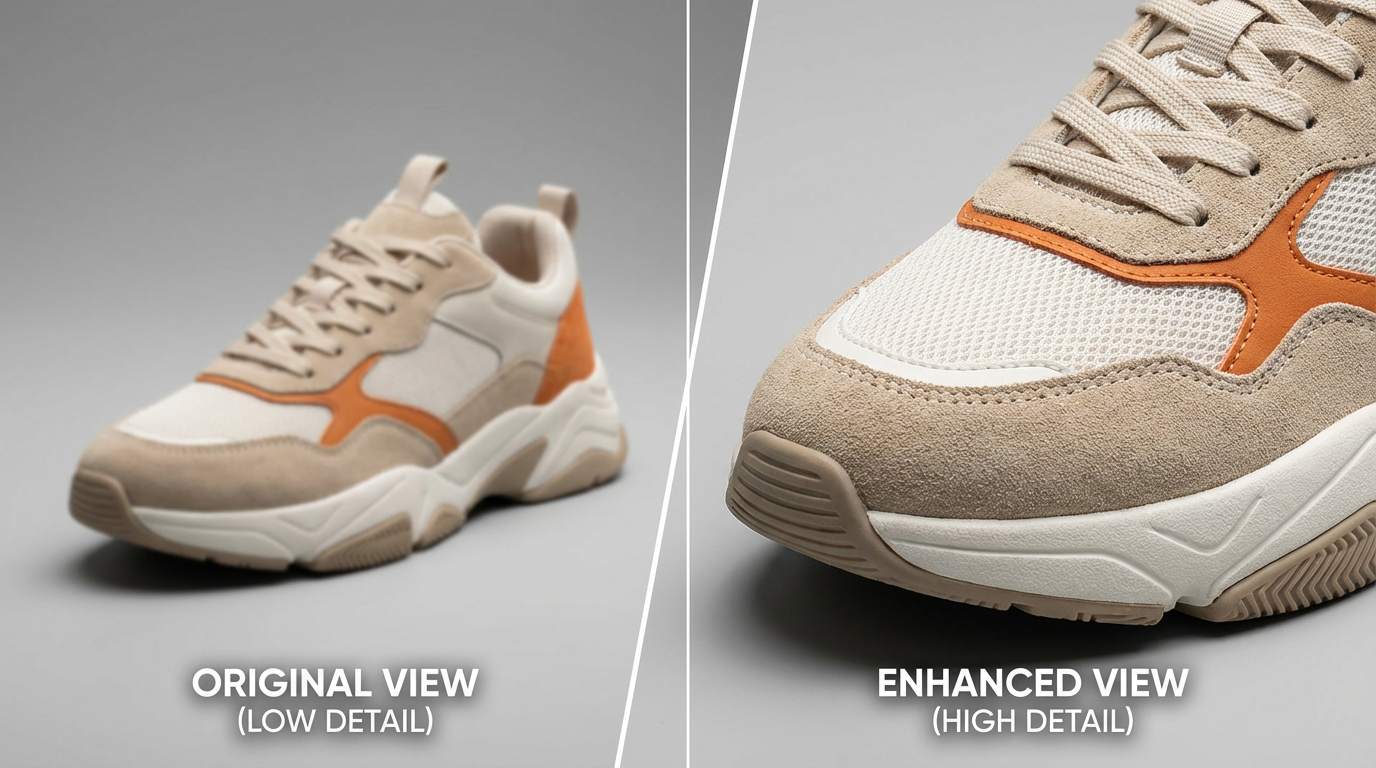
Boosting Product Photography for Online Sales
When you're selling things online, the pictures you use are super important. They're often the first thing a customer sees, and if they're not clear, people might just scroll past. AI upscaling can really help make your product photos pop. It takes those slightly blurry or small images and makes them sharper and more detailed. This means customers can see exactly what they're buying, like the texture of a shirt or the fine print on a label, without any guesswork. It makes your products look more professional and trustworthy, which is a big deal when you're trying to make a sale.
Here's a quick look at how it helps:
- Better Customer Trust: Clear, detailed photos show you're not hiding anything.
- Reduced Returns: When customers know exactly what they're getting, they're less likely to return items.
- Higher Perceived Value: Sharp images make products look more premium.
| Feature | Before Upscaling | After AI Upscaling |
|---|---|---|
| Detail Clarity | Low | High |
| Pixelation | Visible | Minimal |
| Overall Appeal | Average | Strong |
Creating Print-Ready Assets for Advertising
Even in our digital world, print ads, brochures, and flyers are still a thing. The problem is, images that look fine on a screen can turn out really grainy or fuzzy when printed, especially if they need to be large. AI upscaling is a lifesaver here. It can take a digital image that's just okay for web use and beef it up so it looks great when printed at a bigger size. This means you can use your existing digital assets for print campaigns without having to reshoot everything or settle for lower quality. It's all about making sure your brand looks good, no matter where it appears.
Think about it:
- You have a great photo for a social media post.
- You need to make a poster or a flyer using that same image.
- AI upscaling lets you enlarge it without losing that crisp look.
Using AI to prepare images for print means you can often reuse digital photos that weren't originally high-res enough. It's a smart way to save time and money on design projects, making sure your marketing materials always look polished and professional, whether they're online or on paper.
Restoring and Preserving Digital Memories
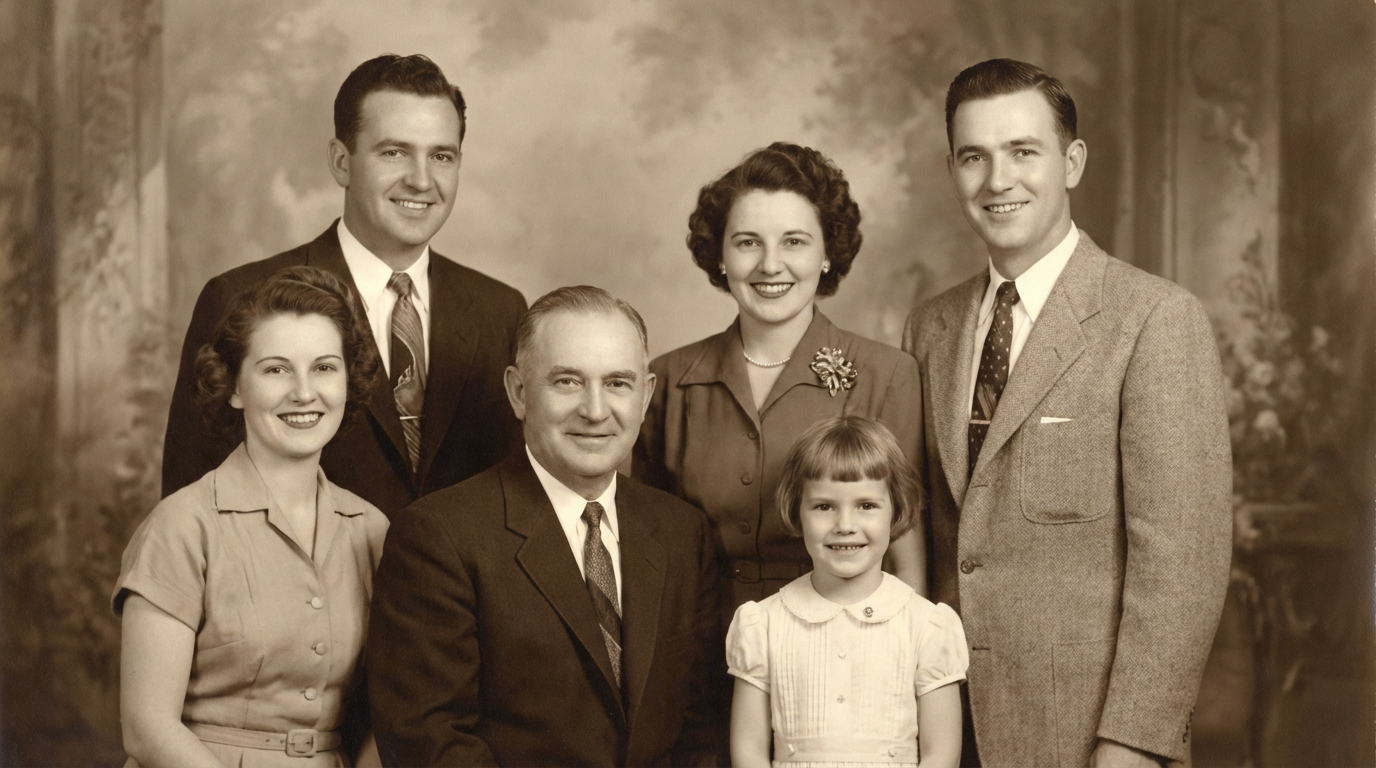
Remember those old photos tucked away in albums or boxes? Or maybe you have scanned images from family archives that are just… not great? AI upscaling is a real game-changer for bringing these memories back to life. It’s not just about making them bigger; it’s about fixing them up.
Revitalizing Vintage Photographs with AI
Old photos often suffer from a few common issues: they can be faded, have weird color casts, or just be really low resolution because cameras back then weren't what they are today. Plus, time itself can add scratches or dust marks. AI tools can look at these old pictures and intelligently fill in the gaps. They can bring back faded colors, smooth out graininess that comes from scanning, and even reconstruct details that were lost over the years.
Here’s what AI can help with:
- Fading and Discoloration: AI can analyze the remaining color information and guess what the original hues might have been, often bringing back a more natural look.
- Scratches and Dust: Many AI tools can detect and remove small imperfections like scratches or dust spots, making the image look cleaner without looking artificial.
- Low Resolution: This is where upscaling really shines. AI can take a small, blurry image and intelligently add pixels to make it larger and sharper, often revealing details you couldn't see before.
Sometimes, the best results come from using a combination of AI tools. You might use one for color correction and another for sharpening or noise reduction. It’s worth experimenting to see what works best for your specific photos.
Improving Clarity of Scanned Archival Images
Archival images, whether they're historical documents, old maps, or early photographs, often have unique challenges. They might be scanned at a lower resolution to save space, or the scanning process itself might introduce noise or artifacts. AI upscaling can take these scanned files and make them much more usable. For instance, if you have a scanned page from an old book, AI can help make the text sharper and more readable. If it’s a scanned photograph, it can reduce the grain that often appears from older scanning equipment and improve the overall sharpness.
When working with archival scans, remember:
- Scan at the highest possible quality: Even if the image looks bad, a high-resolution scan gives the AI more data to work with.
- Use AI for detail reconstruction: AI is great at rebuilding edges and textures that might be lost in a low-resolution scan.
- Consider noise reduction: Scanned images can sometimes pick up scanner noise. AI can often clean this up effectively while keeping the important details intact.
It’s amazing how much clearer these old images can become, making them much more valuable for research, display, or simply sharing with others who might appreciate them.
Ensuring Social Media Content Looks Its Best
Visuals play a major role in how content performs on social platforms. Posts, stories, and short videos need to be clear, sharp, and well sized to capture attention. The challenge is that each platform has different image format and resolution requirements, which can cause visuals to appear stretched, cropped, or lose clarity.
Instead of creating multiple versions of the same image, starting with a high quality base image and adapting it using AI upscaling offers a more efficient approach. Upscaling helps maintain sharpness and detail while adjusting visuals to different formats, ensuring consistent quality across platforms. The result is content that looks polished and professional, no matter where it is viewed.
It’s pretty amazing how a little bit of AI magic can make your social media graphics look so much more polished. You can take a decent photo and make it look fantastic for online sharing.
Making your images look great everywhere is key! Whether it's for your website, social media, or an app, the right image settings make a big difference. Want to learn how to make your pictures shine on any screen? Visit our website for creating your visuals.
Wrapping It Up
So, we've looked at how AI image upscaling can really help out in a bunch of different projects. It's not magic, and you still need good source images, but it can make a big difference for things like making old photos look better, getting product pictures ready for online stores, or just making sure your images look sharp on big screens. Just remember to use it smartly, don't expect miracles, and always keep your original files. It’s a powerful model when you know how and when to use it.
Frequently Asked Questions
What exactly is AI image upscaling?
Think of it like this: regular ways of making pictures bigger often just stretch them out, making them look blurry and blocky. AI upscaling is smarter. It looks at the picture and uses what it learned from tons of other images to add in new details that should be there, making the picture clearer and sharper, almost like magic!
When should I use AI to make my pictures bigger?
It's super helpful when you have a picture that's too small for what you need. For example, if you want to print an old photo really big, or make a product picture look amazing on a website so people can zoom in. It's also great for making old, faded photos look new again or cleaning up scanned old documents.
Can AI make any blurry picture look perfect?
AI is amazing, but it can't create something from nothing. If the original picture is super blurry or has tiny, unreadable text, the AI might struggle to make it perfectly clear. It's best when you have a decent starting picture that just needs a bit more detail or a higher resolution. The better the original, the better the final result!