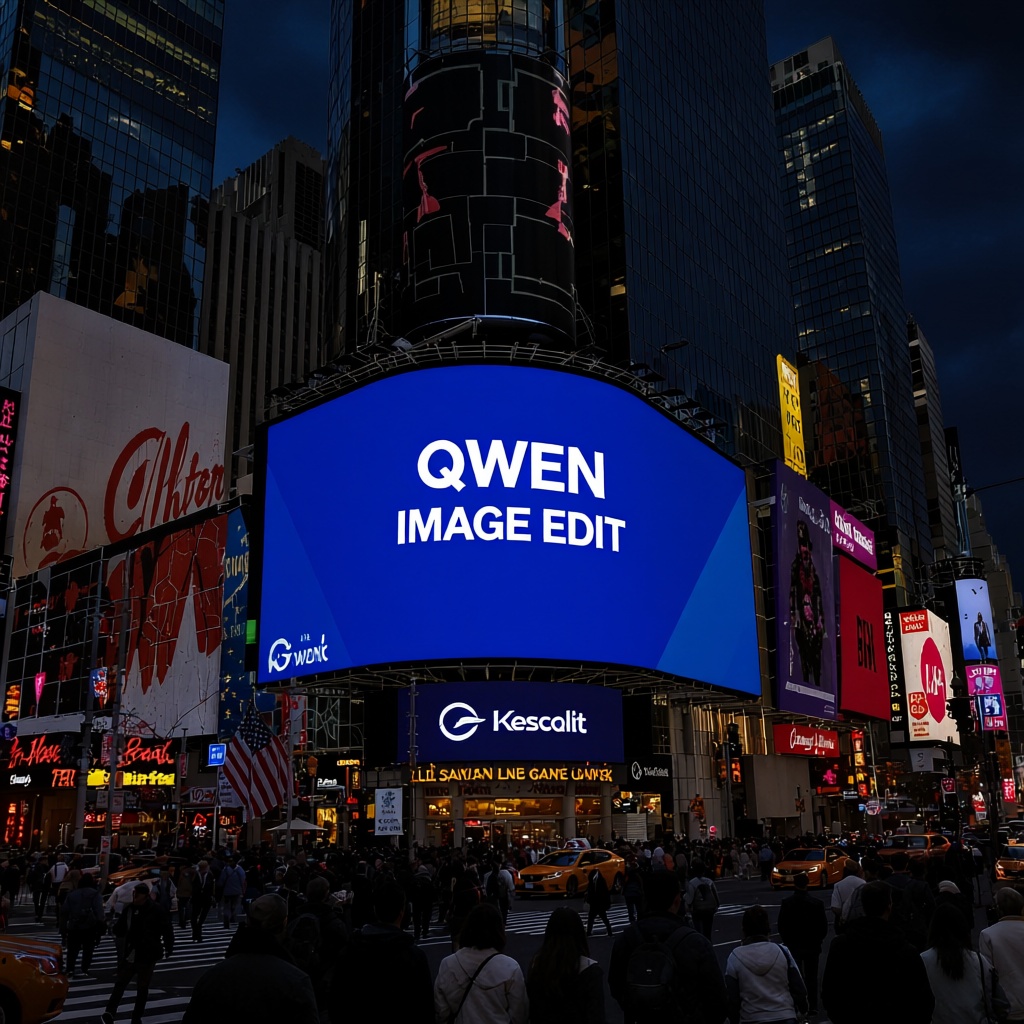
Qwen Image Edit
Qwen-Image-Edit is designed for high-quality image editing, allowing users to modify objects, adjust environments, and replace elements with natural precision. It extends the text-to-image capabilities of Qwen-Image by enabling seamless edits such as changing items, altering scenes, or enhancing details while keeping the overall image realistic and consistent.
- Runtime (p50)
- 8s
- Estimated price
- $0.03 per image
Overview
qwen-ai-image-edit — Image Editing AI Model
Developed by Alibaba as part of the qwen family, qwen-ai-image-edit empowers users to perform precise object insertion, removal, and replacement in existing photos, solving the challenges of maintaining identity consistency and visual realism in image-to-image AI model workflows. This advanced model, based on Qwen-Image-Edit-2511, excels in multi-image editing for complex composites like person-plus-product scenes or multiple-angle views, making it ideal for e-commerce and advertising needs. With strong multilingual prompt support and high-resolution outputs up to ~2560×2560, qwen-ai-image-edit delivers professional-grade edits that preserve face shapes, product details, and scene layouts without drastic changes.
Capabilities
- High-quality object and background replacement with natural blending
- Accurate text editing and rendering within images, supporting multiple languages and complex layouts
- Multi-image editing: combines elements from different images seamlessly
- Style transfer: transforms images into various artistic or branded styles while preserving key features
- Perspective transformation and novel view synthesis for dynamic scene adjustments
- Chained editing for iterative, fine-grained control over complex modifications
- Strong consistency in facial identity and product integrity across edits
- Handles both creative and technical image editing tasks with versatility
Use cases
Use Cases for qwen-ai-image-edit
For e-commerce teams seeking AI photo editing for e-commerce, upload a product image and prompt "qwen-ai-image-edit: place this shoe on a wooden shelf with soft studio lighting, matching the input angle," generating catalog-ready variants across multiple angles while preserving branding details—no reshoots needed.
Portrait studios and freelancers use its identity-preserving multi-image editing to retouch headshots, swapping backgrounds or expressions via inputs like a reference face plus scene image. This produces consistent creative assets for social media campaigns, enhancing efficiency over manual Photoshop workflows.
Marketing professionals leverage semantic edits for advertising mockups, feeding a base ad creative and instructing object replacements or style transfers. The model's ControlNet support ensures layout fidelity, accelerating localization for global brands with bilingual prompts.
Designers building apps with automated image editing API integrate qwen-ai-image-edit for concept art, combining elements from up to multiple references to create composites like UI mockups with precise text and element placement.
Tips & tricks
How to Use qwen-ai-image-edit on Eachlabs
Access qwen-ai-image-edit seamlessly on Eachlabs via the Playground for instant testing, API for production-scale qwen-ai-image-edit API integrations, or SDK for custom apps. Provide an input RGB image (PNG/JPEG), text prompt describing edits (e.g., "remove background, add beach scene"), and optional multi-images or ControlNet maps; select resolution up to ~2560×2560 for high-quality PNG/JPEG outputs with preserved consistency.
---Technical spec
What Sets qwen-ai-image-edit Apart
qwen-ai-image-edit stands out in the Alibaba image-to-image lineup with its multi-image editing via concatenation, allowing seamless composition from several inputs like a person, product, and scene. This enables creators to generate lifestyle shots or multi-angle product views in one pass, streamlining workflows that typically require multiple tools.
Native ControlNet-like conditioning with depth maps, edge maps, and keypoints provides fine-grained control over poses and camera angles while locking in subject identity. Developers integrating an AI image editor API can manipulate structures precisely, ideal for automated photo editing in e-commerce pipelines.
High native resolution up to ~2560×2560 (around 4 MP) supports print-ready outputs with robust detail retention, outperforming many open-source peers in face consistency and color stability. Users benefit from high-res refinements by iterating low-to-high resolution passes, ensuring crop-ready material for catalogs.
- Input: RGB images (PNG/JPEG) plus text prompts; supports single or multi-image workflows.
- Output: Edited PNG/JPEG at specified resolutions within model limits.
- Strengths: Portrait consistency, product identity preservation, multilingual instructions.
Things to be aware of
- Some experimental features, such as advanced multi-image fusion, may yield variable results depending on input complexity
- Users report occasional inconsistencies with highly detailed or overlapping edits, especially in crowded scenes
- High-resolution and multi-image tasks require substantial GPU resources; slower performance on lower-end hardware
- Community feedback highlights strong facial and product consistency, with positive reviews for text editing accuracy
- Common concerns include occasional artifacts in complex compositions and the need for prompt refinement to achieve optimal results
- Iterative editing is often necessary for precise control, as single-pass edits may not capture all desired changes
- Users appreciate the model's versatility and adaptability across diverse creative and professional scenarios
Key considerations
- Multi-image editing is a core strength; combining reference images with prompts yields more accurate and natural results
- For best results, use clear, specific prompts and provide reference images when possible
- Chained editing (iterative, step-by-step modifications) is recommended for complex tasks rather than attempting all changes in a single prompt
- High-resolution edits require significant GPU memory and computational resources
- Prompt engineering is crucial; ambiguous or overly complex prompts may lead to inconsistent outputs
- Quality and speed trade-off: higher quality and resolution settings increase processing time and resource usage
- Consistency is generally strong, but edge cases may occur with highly complex scenes or overlapping edits
Limitations
- High computational and memory requirements for large or high-resolution edits
- May struggle with extremely complex scenes or ambiguous prompts, leading to inconsistent or less realistic outputs
- Limited external quantitative benchmarks due to recent release; most performance data is based on internal tests and user demonstrations
Related models
4 models


About Qwen Image Edit
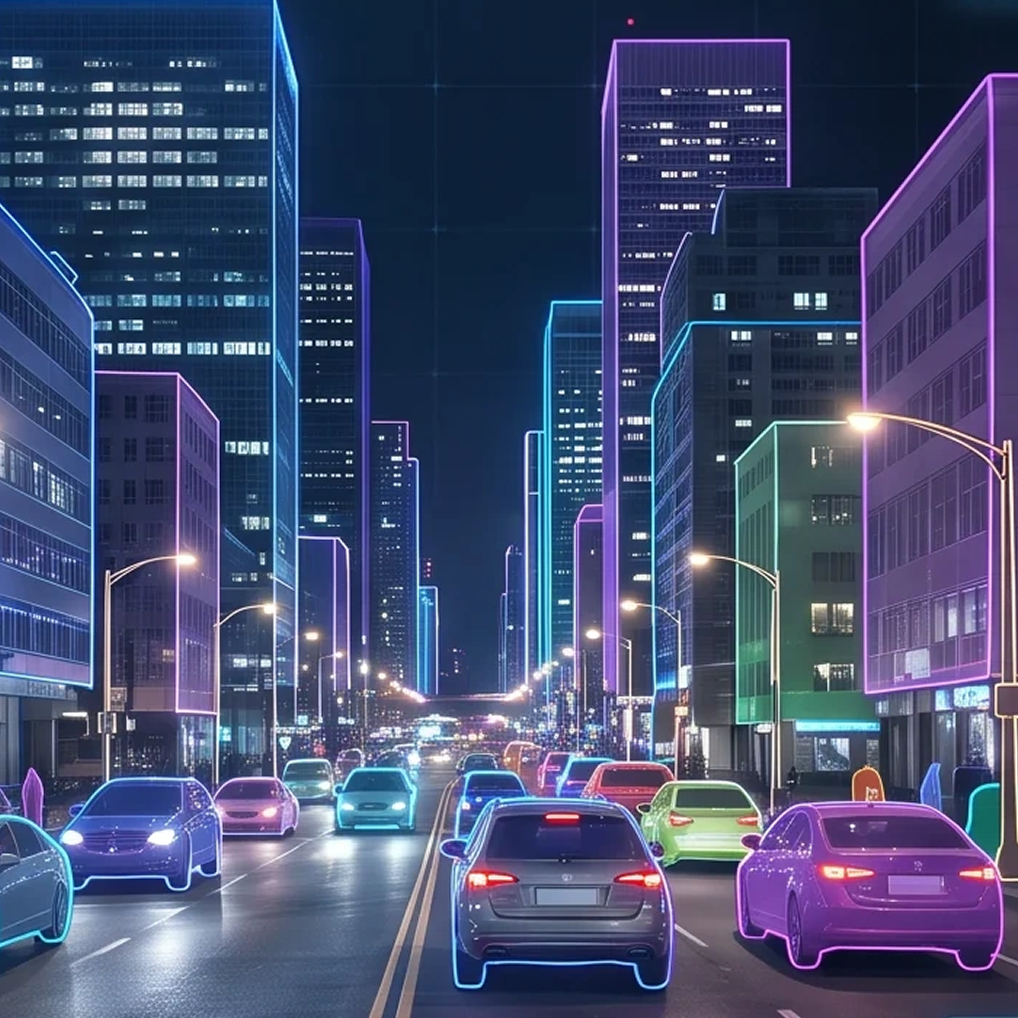
What is Qwen AI Image Edit?
Qwen AI Image Edit is an AI-powered image editing model by Alibaba based on the Qwen multimodal architecture. It performs instruction-driven image modifications including object changes, style updates, and background edits with strong semantic understanding of complex natural language prompts.