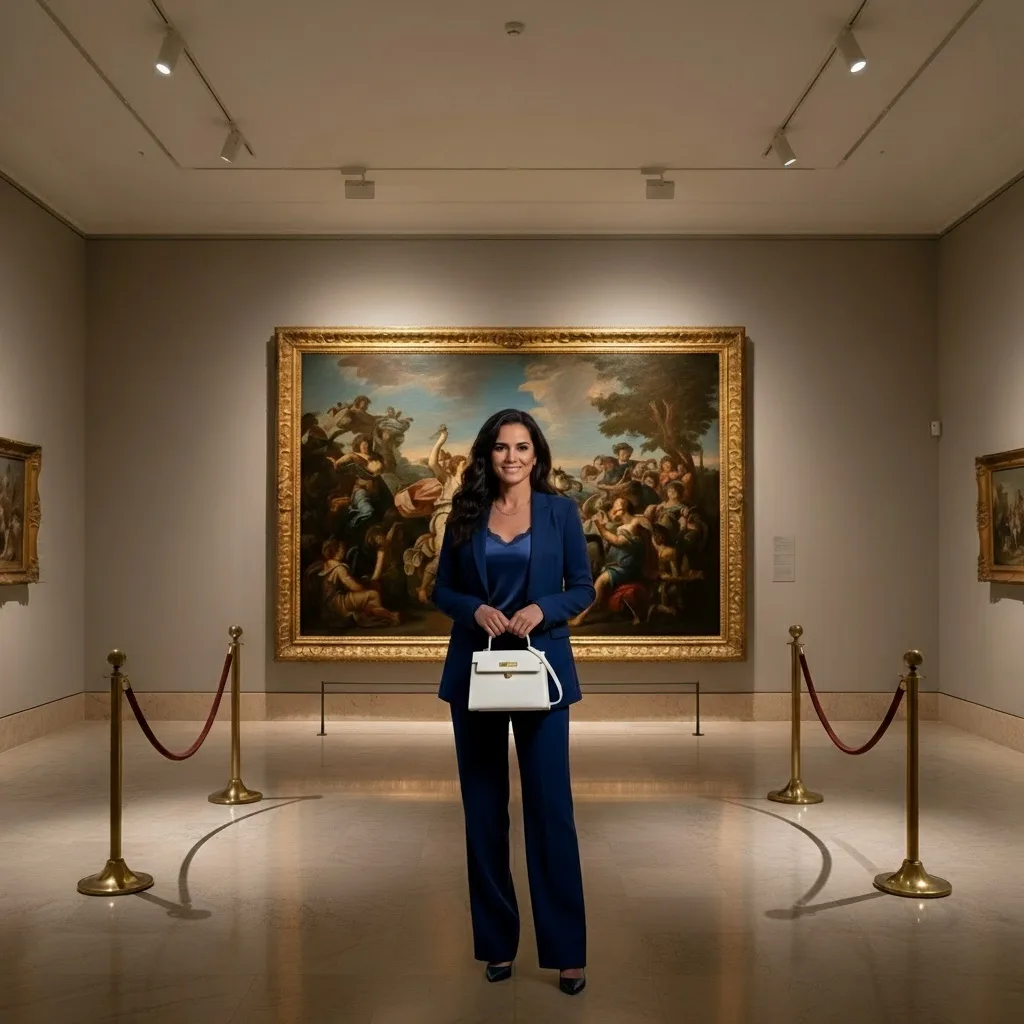
Qwen | Image Edit Plus
Qwen Image Editing Plus Qwen-Image-Edit-2509 delivers powerful visual editing with exceptional text precision and support for multi-image compositions perfect for detailed creative control.
- Runtime (p50)
- 15s
- Estimated price
- $0.03 per image
Overview
qwen-image-edit-plus — Image Editing AI Model
Qwen-Image-Edit-Plus (Qwen-Image-Edit-2509) is a powerful image editing model from Alibaba's Qwen team that transforms how creators and developers approach visual content modification. Built on a robust 20-billion parameter MMDiT (Multimodal Diffusion Transformer) architecture, this model solves a critical problem in creative workflows: delivering precise, identity-preserving edits while maintaining exceptional text rendering accuracy—capabilities that most image editing models struggle to combine. Whether you're refining product photography, compositing multiple images, or performing complex semantic edits, qwen-image-edit-plus delivers professional-grade results through natural language prompts. The model excels at understanding detailed editing instructions and maintaining visual consistency across transformations, making it an essential tool for teams building AI image editor APIs and creative automation platforms.
Capabilities
- High-fidelity image editing, including object transformation, lighting adjustment, and style transfer
- Industry-leading text editing within images, supporting both addition and modification of text in multiple languages
- Multi-image support for blending, remixing, or compositing several images into a single output
- Strong consistency and stability across edits, especially with prompt enhancement tools
- Versatile performance across creative, professional, and technical applications
- Efficient inference with support for rapid prototyping and high-quality final outputs
Use cases
Use Cases for qwen-image-edit-plus
E-Commerce Product Photography: E-commerce teams can feed product photos plus a detailed prompt like "place this white ceramic mug on a marble kitchen counter with warm morning sunlight streaming through a window" and receive photorealistic lifestyle composites ready for catalog pages. The model's identity preservation ensures the product remains recognizable while the background and lighting transform completely, eliminating expensive studio reshoot cycles.
Advertising and Marketing Mockups: Marketing teams building campaigns can combine product images with scene references to generate multiple variations—different seasons, settings, or contexts—without reshooting. The multi-image editing capability means you can provide a product photo, a lifestyle scene, and a text prompt, and receive a cohesive composite that blends both inputs naturally.
Portrait Refinement and Style Transformation: Creative professionals can perform face refinement, beautification, and style transfers while preserving facial identity. Transform a portrait into an illustration, apply cinematic color grading, or adapt a headshot across different artistic styles—all while maintaining the subject's recognizable features. This is particularly valuable for personal branding, portfolio work, and content creation.
Developers Building AI Image Editor APIs: Backend developers integrating qwen-image-edit-plus into their platforms benefit from the model's strong instruction-following and multi-image support. You can expose resolution settings, step counts, and ControlNet conditioning options to end users, enabling them to build sophisticated editing workflows through a single API endpoint without managing multiple specialized models.
Tips & tricks
How to Use qwen-image-edit-plus on Eachlabs
Access qwen-image-edit-plus through Eachlabs via the Playground for interactive testing or through the API for production integration. Provide your input image(s) as PNG or JPEG files, specify your editing prompt with detailed instructions, and configure resolution (up to 2560×2560) and inference steps (4–16 depending on edit complexity). The model returns edited RGB images at your specified resolution, ready for immediate use or further refinement. Eachlabs handles all infrastructure scaling, so processing time remains consistent whether you're running single edits or batch operations.
---END---Technical spec
What Sets qwen-image-edit-plus Apart
Multi-Image Composition with Identity Consistency: Unlike single-image editors, qwen-image-edit-plus natively supports seamless blending and editing of multiple images in a single operation. You can combine a person with a new scene, integrate a product into lifestyle photography, or create multi-angle composites while the model intelligently preserves the identity and appearance of all subjects. This eliminates the need for manual masking or post-processing alignment work.
Advanced Text Rendering Across Languages: The model renders accurate, legible text in English, Chinese, Korean, Japanese, and multiple other languages directly within edited images. This capability extends beyond simple text overlays—you can modify text content, font, color, and material properties while maintaining visual harmony with the surrounding image. For marketing teams and designers creating localized promotional materials, this represents a significant efficiency gain.
Native ControlNet Support for Structural Control: Qwen-Image-Edit-Plus includes built-in support for depth maps, edge maps, and keypoint conditioning, enabling precise manipulation of pose, camera angle, and composition while maintaining subject identity. This level of granular control allows developers to build sophisticated editing workflows without external conditioning frameworks.
Technical Specifications: The model supports native output up to approximately 2560×2560 pixels, with optimal quality-to-performance balance around 4 MP (2288×1568). Processing time typically ranges from 3–8 seconds per iteration on modern consumer GPUs, scaling with resolution and number of input images. Input formats include RGB images (PNG/JPEG) plus text prompts; outputs are delivered as edited RGB images at user-specified resolution. For high-quality portrait or product editing, 8–12 inference steps are recommended, though 4–6 steps suffice for quick previews.
Things to be aware of
- Some experimental features, such as advanced multi-image blending, may yield inconsistent results depending on input compatibility
- Users report that prompt clarity and specificity are critical for achieving desired outcomes, especially for text edits
- Performance is generally robust, but high-resolution or multi-image tasks can require significant computational resources
- Consistency is improved with prompt enhancement tools, but edge cases (e.g., overlapping objects or ambiguous instructions) may still present challenges
- Positive feedback highlights the model’s text accuracy, multi-image support, and controllable editing capabilities
- Some users note occasional artifacts or loss of detail in complex compositing scenarios
- Negative feedback patterns include occasional slowdowns on large or high-resolution jobs and the need for iterative prompt refinement
Key considerations
- Multi-image editing is supported; ensure all input images are of compatible resolution and style for best results
- For text editing, provide clear, concise prompts specifying the desired text and its location/context within the image
- Use negative prompts to explicitly exclude unwanted elements or artifacts
- Higher guidance scales and more inference steps generally improve quality but increase compute time
- Prompt enhancement tools (such as Qwen-VL-Max) can significantly improve stability and output fidelity
- Avoid overly complex or ambiguous prompts to reduce the risk of inconsistent results
- Monitor resource usage, as high-resolution or multi-image tasks can be computationally intensive
Limitations
- May struggle with highly complex or ambiguous prompts, leading to inconsistent or suboptimal results
- Computationally intensive for high-resolution or multi-image tasks, requiring substantial GPU resources
- Not optimal for real-time applications or scenarios demanding ultra-fast turnaround without quality compromise
Related models
4 models



About Qwen | Image Edit Plus
What is Qwen Image Edit Plus?
Qwen Image Edit Plus is an AI image editing model by Alibaba that performs advanced, instruction-guided modifications to existing images. Building on the Qwen multimodal architecture, it handles complex edits including multi-object changes, stylistic updates, and detailed scene modifications from natural language prompts.