RVC Models: What's in the File and How to Judge One
An RVC model is a weights file plus a feature index, and its training data decides everything. Here's how to tell a good one from a bad one, why consent comes first, and how to run your own on each::labs.
By Eftal Yurtseven · Nov 20, 2026 · 9 min read
Everybody wants the voice. Almost nobody asks what's inside the file. You search for RVC models, find a download called something like narrator_v2_final, drop it into a converter, and get back audio that sounds like a robot gargling through a phone line. Then you blame the converter.
The converter is rarely the problem. An RVC model is a small, specific artifact with a history baked into it: whose voice it learned, from how much audio, for how long, and how clean that audio was. Once you know what to look for, you can tell a good model from a bad one before you waste an afternoon on it. This guide covers what the files actually are, where trustworthy models come from, how to judge one, and how to run your own through RVC v2 on each::labs.
What RVC Models Actually Are
RVC stands for Retrieval-based Voice Conversion, an open-source framework from the RVC Project that its own docs describe as a voice timbre conversion and voice changer framework. It doesn't read text aloud. It takes a performance that already exists (your speech, your singing) and re-voices it with a timbre it learned in training, keeping your timing, phrasing and emotion.
A usable RVC model is really two things. The first is the weights file, a .pth. That's the trained network itself, the part that knows how to turn speech features into the target voice. The RVC FAQ is specific about which .pth matters: the shareable model is the roughly 60 MB file in the weights folder, not the several hundred MB checkpoints sitting in the training logs, which exist so you can resume training later.
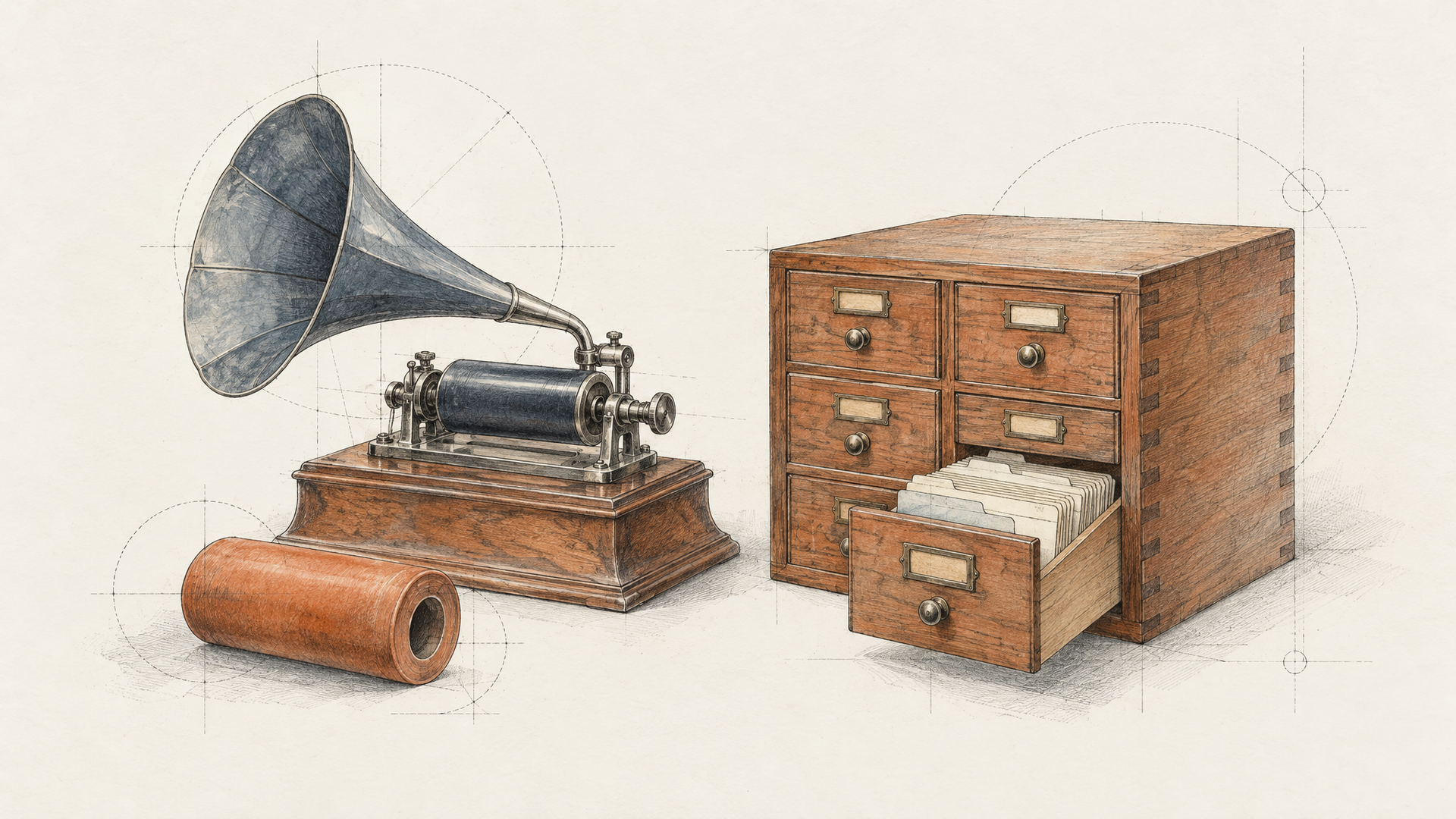
The second is the feature index, a .index file. During training, RVC turns every clip into speech features using HuBERT, then builds a fast search index over those features with the faiss library. At conversion time, the model looks up features from the training set that resemble your input and leans on them. That's the "retrieval" in the name, and the RVC docs say its job is to reduce tone leakage, where the output drifts toward the source speaker or the base model instead of the voice you trained.
The FAQ even mentions plans to bundle both into one zip for sharing. Until then, treat them as a pair. Weights without an index still work. They just have less to hold onto.
The Index Is the Part People Skip
Plenty of shared models arrive as a lone .pth, and people assume nothing is missing. Sometimes that's true. The RVC FAQ says that if the training set had good audio quality and long duration, and the model trained for enough epochs, the index matters less and you can even skip creating or sharing it.
For thinner models, it's the difference between "sort of like them" and "clearly them". The index rate setting controls how much the retrieved training features replace your own. Set it to 1 and, in theory, there's no timbre leakage from your input. There's a catch the docs spell out: if the training audio was worse than your input audio, cranking the index rate can lower the output quality, because you're pulling the model toward its own noisy memories. The WebUI's own label for this setting puts it bluntly: it controls accent strength, and too high causes artifacts.
So the index isn't a magic quality knob. It's a fidelity knob, and it's only as good as the data behind it.
Where RVC Voice Models Come From
RVC voice models come from exactly two places. Either someone trained one on recordings they had the right to use, or someone trained one on recordings they didn't. Community model hubs are full of both, and the file itself won't tell you which.
Training your own is the clean path, and it's less work than people expect. RVC starts from pretrained weights instead of from zero (the project's base model was pretrained on nearly 50 hours of the open-source VCTK speech dataset), which is why a short, personal dataset is enough to fine-tune a convincing voice. Your own voice, a narrator who signed a release, a character voice actor you've contracted, a brand voice your company owns: all of these make solid, defensible models.
Downloaded community models are a different bet. Some come from people sharing their own voices generously. Many are unlabeled and trained on a celebrity or streamer who never agreed to anything. A filename tells you nothing about quality or consent.
Only Clone Voices You Have Rights To
This part isn't a gray area. A voice belongs to the person it comes out of. If you don't have their clear permission, don't train on it, don't convert with it, and don't publish what it produces. That goes double for real public figures, whatever presets or downloads happen to be floating around.
In practice, that means a short checklist you run before any project. Is the voice yours? If not, do you have written consent from the voice owner that covers the use you have in mind (commercial, public, ongoing)? Did the recordings come from a source you're allowed to train on? If any answer is "not sure", the answer is no. Good voice work survives that question easily, because the best RVC models are built on deliberate, clean, consented recordings anyway.
How to Judge Whether an RVC Model Is Any Good
Start with the data, because everything downstream depends on it. The RVC FAQ recommends roughly 10 to 50 minutes of training audio, and the project's README asks for at least 10 minutes of low-noise speech. A lean, distinctive dataset of 5 to 10 minutes can work when the quality is high. People have reported success with 1 to 2 minutes, but the FAQ calls those results hard to reproduce, and under a minute has never worked. If a model's maker can't tell you roughly how much audio went in, treat it as unknown.
Epochs are the next clue. More is not automatically better. Per the FAQ, a noisy dataset with a high noise floor is done at 20 to 30 epochs, and training it longer won't fix the audio. With clean, plentiful data, 200 epochs is reasonable. A model trained hard on dirty data is just a very confident copy of the noise.
Then listen. Run the same 20-second test clip through every candidate model and judge them side by side. A few artifacts give a weak model away fast:
Mumbling and smeared consonants. Words lose their edges, especially s, t and k sounds. Often a sign of thin or noisy training audio.
Metallic crackle or tearing. The WebUI describes this exact artifact when it explains the protect setting, which shields voiceless consonants and breath sounds from it.
Timbre drift. The voice sounds right on one sentence and like someone else on the next. That's the tone leakage the index exists to fight.
Pitch wobble on held notes. If it's a singing model, sustained vowels should stay put. RVC's training tips note that models trained without pitch guidance are lighter but not suitable for singing, so a speech-only model will struggle here no matter how you tune it.
How to Use an RVC Model File on each::labs
RVC v2 on each::labs takes your model by URL. In the request schema, the rvc_model field defaults to CUSTOM, and the custom_rvc_model_download_url field takes a link to your model. The schema states that when this URL is provided, the model is downloaded and used regardless of the rvc_model value. The model page describes support for user-trained .pth models, so host your weights file somewhere with a stable, direct download link.
Your performance goes in input_audio, the only required field. The rest are the conversion controls you'd recognize from the RVC WebUI:
index_rate (default 0.5) is the retrieval strength from earlier. protect (default 0.33) guards breaths and voiceless consonants, and 0.5 turns protection off. rms_mix_rate (default 0.25) blends your original loudness (0) with a fixed loudness (1). filter_radius (default 3) applies median filtering to the detected pitch when it's 3 or higher. f0_method chooses the pitch extractor, rmvpe by default or mangio-crepe, with crepe_hop_length setting how often crepe checks for pitch changes. output_format is wav or mp3.
Leave f0_method on rmvpe unless you have a reason not to: the RVC README says RMVPE beats full crepe on quality and speed and prevents muted sound on high vocals. If you'd rather call it from code, our RVC voice conversion API guide covers the full API pipeline.

Match the Pitch to the Voice, Not to Your Mood
The single setting that ruins more conversions than any other is pitch_change. It shifts the AI vocals in semitones: positive raises, negative lowers. The RVC WebUI spells out the scale, where 12 is one octave up and minus 12 is one octave down.
RVC copies timbre, not range. If you speak an octave below the voice the model learned and leave transpose at 0, the model has to produce its target timbre at your pitch, and that's where the hollow, strained sound comes from. Shift the input toward the register the voice naturally lives in. A deep voice driving a much higher model needs a positive shift, often near an octave. The reverse needs a negative one. Voices in a similar range usually want a small nudge or none at all.
Test it the boring way. Convert one short clip at three or four transpose values and keep the one where the voice sounds relaxed, not squeezed. For singing, also check that the shift keeps the melody in key: whole octaves are the safe moves, and odd semitone shifts will move the song into a new key.
A Short Workflow for Building Your Own RVC Model
If you have consented recordings and no model yet, three each::labs models cover the whole path. Our RVC v2 training deep dive goes further into settings. Here's the short version.
Step 1: build the dataset. RVC Dataset takes a voice_url pointing to an .mp3 or .wav file and an optional audio_name. Per its schema, the pipeline isolates the voice from background sound, splits it into short clips, and packages them as a zip dataset meant for RVC v2 training. Feed it the cleanest long recording you have. Background music and room noise are what make models mumble and crackle later.
Step 2: train. Train RVC needs one thing, dataset_zip, and lets you set version (v1 or v2, v2 by default), sample_rate (40k or 48k), f0method (pm, dio, harvest, rmvpe or rmvpe_gpu), epoch and batch_size. The epoch default is 10. Use the FAQ's guidance above to decide how far to push it based on how clean your data is.
Step 3: convert. Take the trained model from the training output, host the weights at a direct link, and pass it to RVC v2 as custom_rvc_model_download_url along with your input_audio. Run your 20-second test clip first, tune transpose and index rate, then convert the full take.
Chain the three into a reusable pipeline with each::labs flows once the settings are dialed in. And if your project needs words read from a script rather than a re-voiced performance, that's a text-to-speech job: browse text-to-voice models and keep RVC for what it does best. More conversion options live under voice-to-voice models, and everything from the project sits on the RVC Project page.
Frequently Asked Questions
What files make up RVC models?
Two, ideally. The .pth weights file is the trained voice itself, around 60 MB for a properly extracted model according to the RVC FAQ. The .index file stores searchable speech features from the training set, which the model retrieves at conversion time to stay closer to the target timbre. A model can run on weights alone, and the FAQ says a model trained long on clean data barely needs the index, but models built from less or rougher audio lean on it much more.
How much audio do I need to train an RVC voice model?
The RVC project recommends roughly 10 to 50 minutes of clean, low-noise audio. A lean, distinctive 5 to 10 minutes can work when quality is high, while 1 to 2 minutes rarely produces repeatable results and under a minute hasn't worked at all. Cleanliness beats length every time.
Can I use a downloaded RVC model of a celebrity?
No. Not without that person's explicit permission, and a model file on a community hub doesn't come with it. Train on your own voice or on recordings from someone who has agreed in writing to the use you have planned. That's the only way your output is yours to publish.
Why does my converted voice sound robotic or metallic?
Start with pitch. A transpose value that doesn't match the model's natural range is the most common cause. If pitch is right, lower protect slightly to shield consonants and breaths, ease index_rate down if the model was trained on noisy audio, and keep f0_method on rmvpe. If none of that helps, the model's training data is the problem, and no setting will fix it.