How to Access Sora 2 via API
Key, endpoint, payload, poll. The five Sora 2 surfaces, key parameters and the failures you will hit.
You want a video model that follows direction, and you want it behind an endpoint your backend can call at 4am without a person in the loop. That's the whole ask. Everything else in this page is the four steps between here and a finished MP4.
What you'll learn: how to authenticate, which Sora 2 endpoint to call for which job, the exact payload shape and the parameters worth touching, how the submit-and-poll lifecycle behaves, and what the three failures you'll actually hit look like. Everything runs through Eachlabs, so you're not managing a separate integration per model.
Quick start: key, endpoint, payload, poll
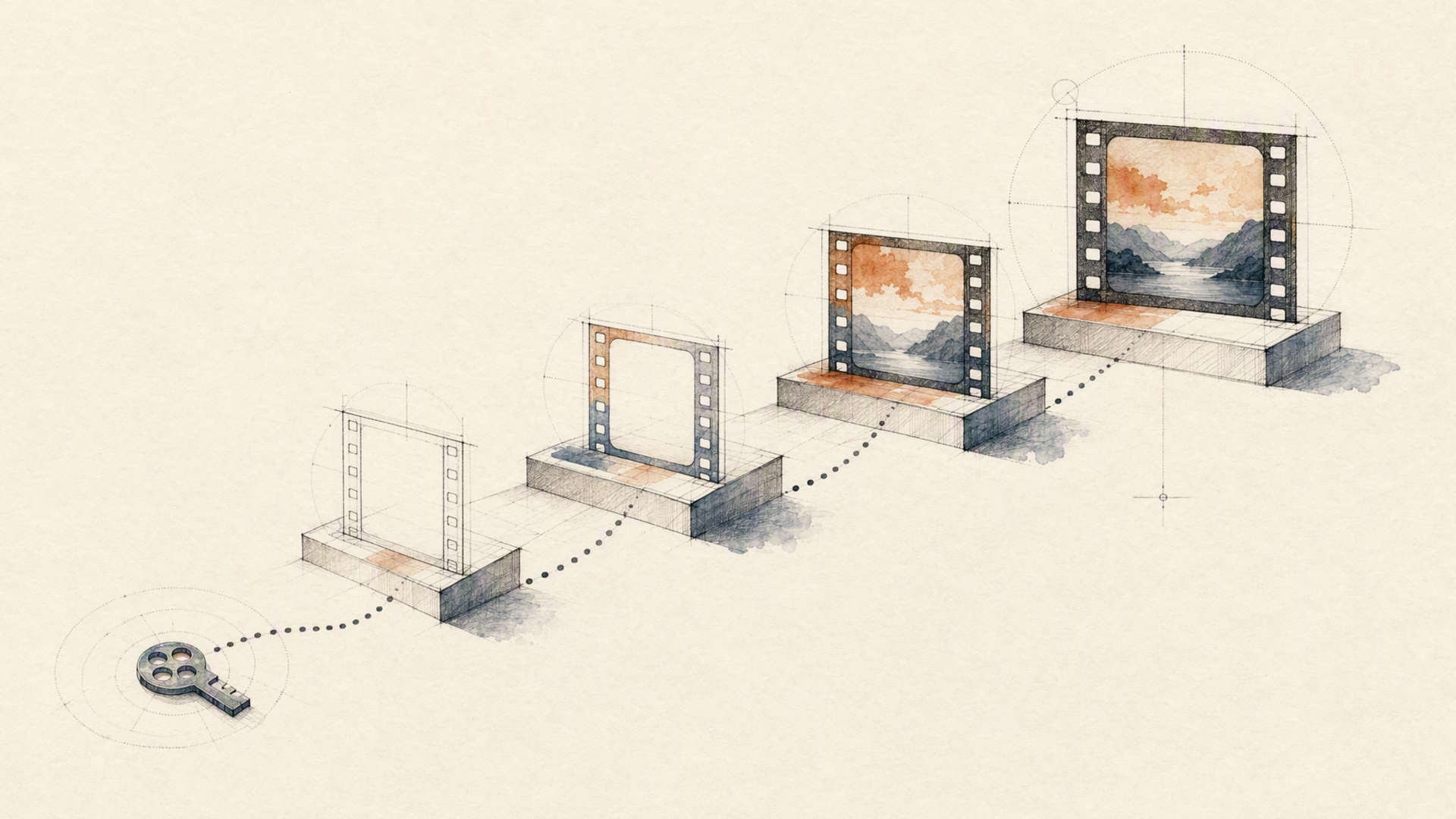
Four steps, in order.
One. Create an API key in the dashboard under Developer → API Keys. Keep it server-side. Keys are accepted only as a Bearer header. Query-string keys are rejected outright, so credentials never land in URLs or access logs.
Two. Pick the endpoint that matches your input. There are five Sora 2 surfaces on Eachlabs, all fronting OpenAI's model. sora-2-text-to-video takes a prompt. sora-2-image-to-video animates a still. Both have a -pro sibling, sora-2-text-to-video-pro and sora-2-image-to-video-pro, for higher-fidelity renders, and the pro image variant additionally accepts a resolution parameter. sora-2-characters is different in kind: it registers a reusable character asset from a reference video rather than generating anything.
Three. POST the job to the prediction endpoint. Every model on the platform uses the same envelope: a model slug, a version, and an input object:
curl -X POST https://api.eachlabs.ai/v1/prediction/ \
  -H "Authorization: Bearer $EACHLABS_API_KEY" \
  -H "Content-Type: application/json" \
  -d '{
    "model": "sora-2-text-to-video",
    "version": "0.0.1",
    "input": {
      "prompt": "A slow dolly along a rain-slick Tokyo alley at night, neon signage reflected in standing water, steam rising from a vent, no people in frame",
      "aspect_ratio": "16:9",
      "duration": 8
    },
    "webhook_url": ""
  }'
The response confirms the job was queued. It does not contain your video:
{
  "status": "success",
  "message": "Prediction created successfully",
  "predictionID": "03781b27-2c4a-411a-a9e8-cfd2d6726773"
}
Four. Poll GET /v1/prediction/{id} until the status stops changing.
The parameters that change the output
prompt is required and does the heavy lifting. Describe the camera move, not just the scene. Sora 2 responds to direction, and "slow dolly along" gets you something you can use where "a rainy alley" gets you a lottery ticket.
aspect_ratio accepts 16:9 or 9:16 and defaults to 16:9. Two values, no crop-to-fit. On the image-to-video endpoints your input image must match the corresponding dimensions, which is the single most common source of a rejected request.
duration is an integer from a fixed set: 4, 8, 12, 16 or 20 seconds. Defaults differ by endpoint, and this catches people: text-to-video defaults to 4, image-to-video defaults to 8. If duration matters, set it explicitly rather than trusting the default you remember from the other endpoint.
character_id is the interesting one. Register a character first with sora-2-characters, which requires a name and a video_url and returns an asset ID in the form char_xxx. Pass that ID on a generation call and the character can recur across shots. The constraint is strict and easy to miss: the character's name must appear verbatim in your prompt. Register a character as "Mara" and write a prompt about "the woman" and the reference is silently ignored.
On sora-2-image-to-video, image_url is required alongside the prompt and points at a publicly reachable still. If the source lives on your side, push it through each::storage first and hand the model the resulting URL.
Polling: six states, three of them final
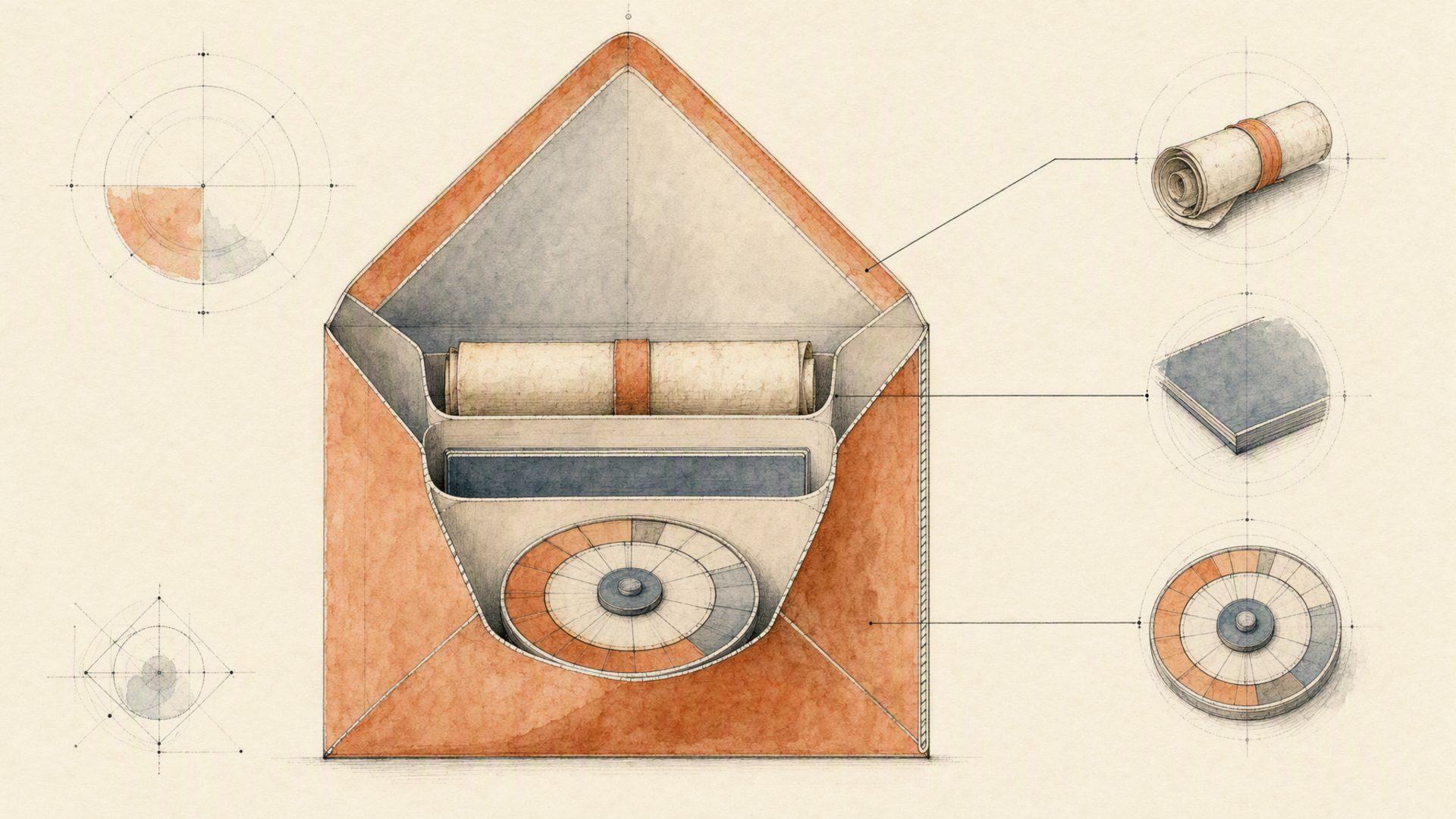
A prediction moves through created → starting → processing and then lands on one of three terminal states: success, error, or cancelled. Poll every three to five seconds. Tighter intervals buy nothing.
import os, time, requests

BASE = "https://api.eachlabs.ai/v1/prediction/"
H = {"Authorization": f"Bearer {os.environ['EACHLABS_API_KEY']}"}
TERMINAL = {"success", "error", "cancelled"}

def generate(prompt, duration=8, aspect_ratio="16:9"):
    r = requests.post(BASE, headers=H, timeout=30, json={
        "model": "sora-2-text-to-video",
        "version": "0.0.1",
        "input": {
            "prompt": prompt,
            "duration": duration,
            "aspect_ratio": aspect_ratio,
        },
        "webhook_url": "",
    })
    r.raise_for_status()
    pid = r.json()["predictionID"]

    while True:
        d = requests.get(BASE + pid, headers=H, timeout=30).json()
        if d["status"] in TERMINAL:
            break
        time.sleep(5)

    if d["status"] != "success":
        raise RuntimeError(f"{pid} ended {d['status']}: {d.get('output')}")
    return d["output"], d["metrics"]["predict_time"]
A successful response carries the finished asset in output and the real processing time in metrics.predict_time:
{
  "id": "03781b27-2c4a-411a-a9e8-cfd2d6726773",
  "status": "success",
  "output": "https://cdn-us.eachlabs.ai/uploads/ffeb9d33-a482-4d9b-806e-894c2cc12e03.mp4",
  "logs": null,
  "metrics": { "predict_time": 73.9 },
  "urls": {
    "cancel": "https://api.eachlabs.ai/v1/prediction/03781b27.../cancel",
    "get": "https://api.eachlabs.ai/v1/prediction/03781b27..."
  }
}
Video generation runs long enough that polling a synchronous request will time out somewhere in your stack before the model finishes. Pass a webhook_url for anything user-facing. Two gotchas: webhook payloads use a two-value vocabulary, succeeded or failed, not the six polling states, so don't share a parser; and the same webhook may arrive more than once, so key your handler on the prediction ID and make it idempotent.
Troubleshooting the three failures you'll actually hit
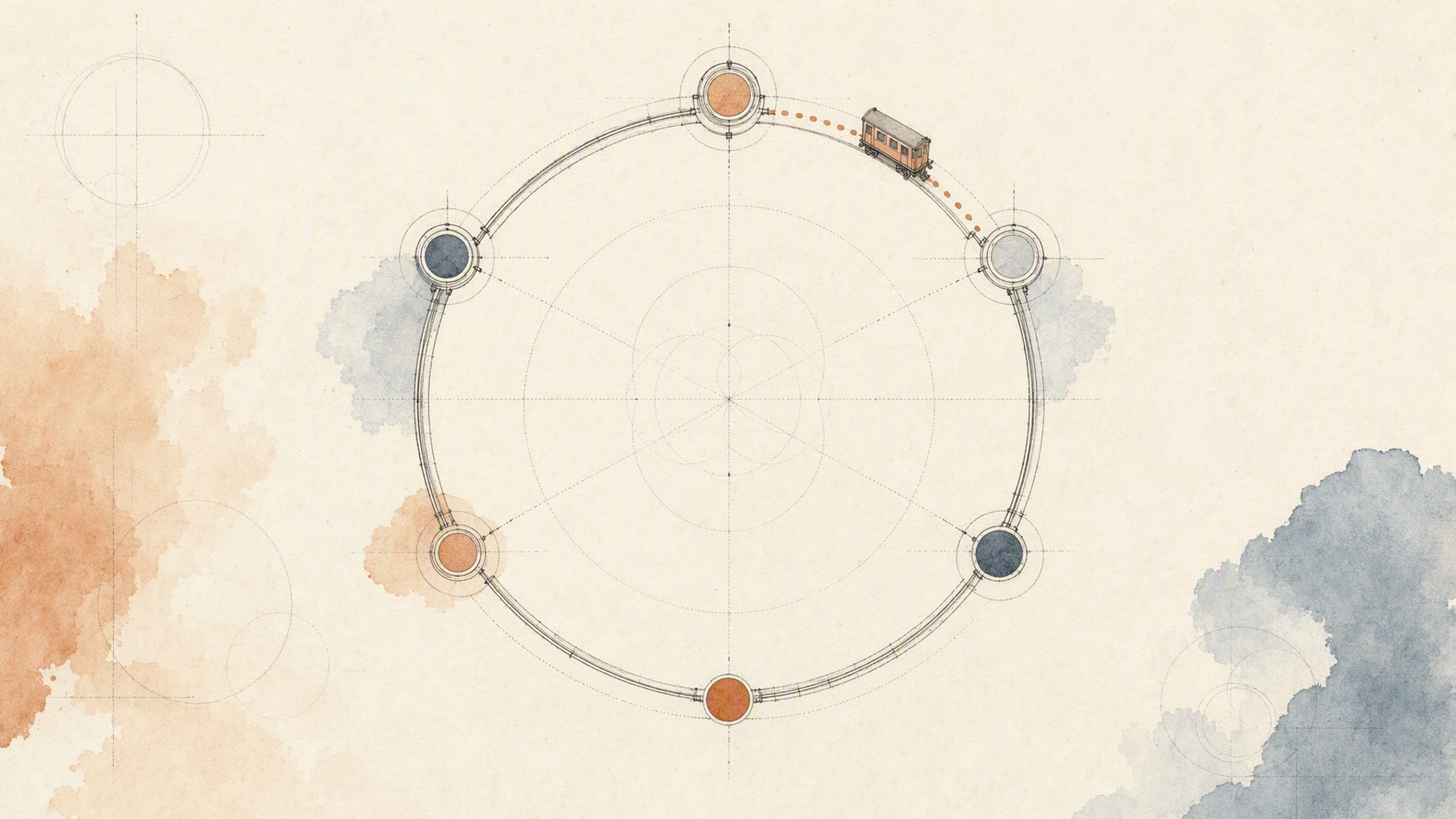
Auth. A 401 means the Bearer token is missing or wrong. Check for a literal Bearer prefix, no trailing newline from a shell variable, and that you're sending a header rather than a query parameter. A 402 is a different animal. The key is valid and the account can't fund the run.
Parameters. A 400 arrives before any provider work starts, which is good news: nothing was spent. The usual culprits are a duration outside the allowed set, an aspect_ratio other than the two supported values, an image whose dimensions don't match the requested ratio on an image-to-video call, or a character_id whose registered name never appears in the prompt. Read the model's request schema rather than guessing: GET /v1/model?slug=sora-2-text-to-video returns it.
Too many jobs in flight. A 429 is not a per-second request limit. It's an account concurrency cap, and the details field always names the number that applied. A rejected request creates no prediction at all, so your retry path must distinguish "resubmit shortly" from "this job failed". Retrying a real failure forever is how you turn one bad prompt into a runaway loop.
One honest limit, since this page would be less useful without it. Sora 2 is directable, not deterministic. Two runs of the same prompt at the same duration will differ, sometimes meaningfully, and there's no seed to pin them. Character assets narrow the drift; they don't eliminate it. If your product needs frame-identical reruns, generate once and store the artifact, rather than regenerating on every request and hoping.

Where to go next
For the full request and response contract, including every prediction status and the webhook payload shape, see the prediction API reference. If you're chaining Sora 2 behind other steps (generate a still, animate it, then lay a voice track over the result), that belongs in a workflow, triggered with the version pinned in the path so a later edit can't silently change what production runs. For routing text and audio jobs alongside video through the same integration, the LLM Router speaks an OpenAI-compatible dialect on the same base URL. And for the wider video catalog, including the audio-enabled and reference-driven models, browse text-to-video and image-to-video.
FAQ
Which Sora 2 endpoint should I start with?
Start with sora-2-text-to-video at the default 4-second duration, because it's the shortest path to a signal about whether the model takes your direction. Move to the image-to-video surface once you have a still you want to control the composition with. That's where most production work ends up, since a fixed opening frame removes the largest source of variance. Reach for the pro variants when you've confirmed the shot works and want the fidelity.
How long does a generation take, and what should my timeout be?
Long enough that you should not block a user request on it. Read metrics.predict_time on your own jobs rather than trusting a published figure. It varies with duration and endpoint, and it's the only number that reflects your actual usage. Architecturally: submit, return a job ID to your client immediately, and deliver the result by webhook. Any design that opens an HTTP request and waits for video will eventually be defeated by a load balancer.
Can I reuse the same character across multiple videos?
Yes, and it's the feature most worth building around if you're producing a series. Register once with sora-2-characters using a name and a reference video, store the returned char_xxx ID, and pass it as character_id on subsequent generations. The rule that bites: the registered name has to appear word-for-word in the prompt text, so store the name alongside the ID and template it into the prompt programmatically instead of relying on whoever writes the copy to remember.