Video API: 40+ Video Editing Models
One Video API, 40+ video editing models: trim, caption, reframe, dub and more behind one contract.
Generation stopped being the bottleneck a while ago. You write a prompt, a model returns a clip, and the clip looks good. That part works now.
Then the actual work starts. The clip is 16:9 and the placement is vertical. There are four seconds of dead air where the speaker breathed. Autoplay is muted, so without burned-in captions nobody knows what's being said. The audio sits six LUFS below the last thing you published. Someone needs a poster frame, someone else needs a GIF for the changelog, and the player team wants an HLS ladder because half your users are on hotel wifi.
None of that is generation. All of it is editing, and until now editing is where the pipeline fell out of the API and into a mess of FFmpeg flags, a rented render box, and a Slack thread about who owns the encoder. The Video API closes that gap. More than forty editing models, callable the same way you already call everything else on Eachlabs.
The Real Problem With Post-Generation Work
Here's the uncomfortable shape of it. Generation is one call and one artifact. Editing is fifteen calls, and each one has an opinion about the file it just received.
So teams do one of two things. They stand up their own FFmpeg service, which means a container, a queue, a storage story, retry logic, and someone permanently on the hook for a codec flag they set in 2024 and no longer remember. Or they stitch together a handful of single-purpose tools and write glue code to shuttle URLs between them, which works until the drop is fifty clips instead of five.
Both are the same mistake wearing different clothes: treating editing as infrastructure you own, when it's really a set of capabilities you want to call.
Ask it this way. Are you building a video product, or are you maintaining an encoder?
One Request Shape, Every Capability
The design decision that matters most here is boring, and that's the point. Every editing capability is the same request.
You post to the prediction endpoint with the model set to eachlabs-video-api, a capability naming what you want done, an input_url pointing at a publicly downloadable media file, and a params object carrying whatever that capability needs. Trim takes a start and an end. Transcode takes a codec and a CRF. Reframe takes a target aspect ratio. The envelope never changes.
You get back a prediction ID. You poll it every three to five seconds through created to processing to success, and the output field carries a hosted artifact URL. Most short jobs finish in well under a minute. If you'd rather not poll, pass a webhook URL at submit and get called back instead.
Which means the thing you learned to do once, for image generation, is the thing you already know how to do for a subtitle burn. Same auth, same lifecycle, same error envelope, same storage. No new SDK, no second mental model.
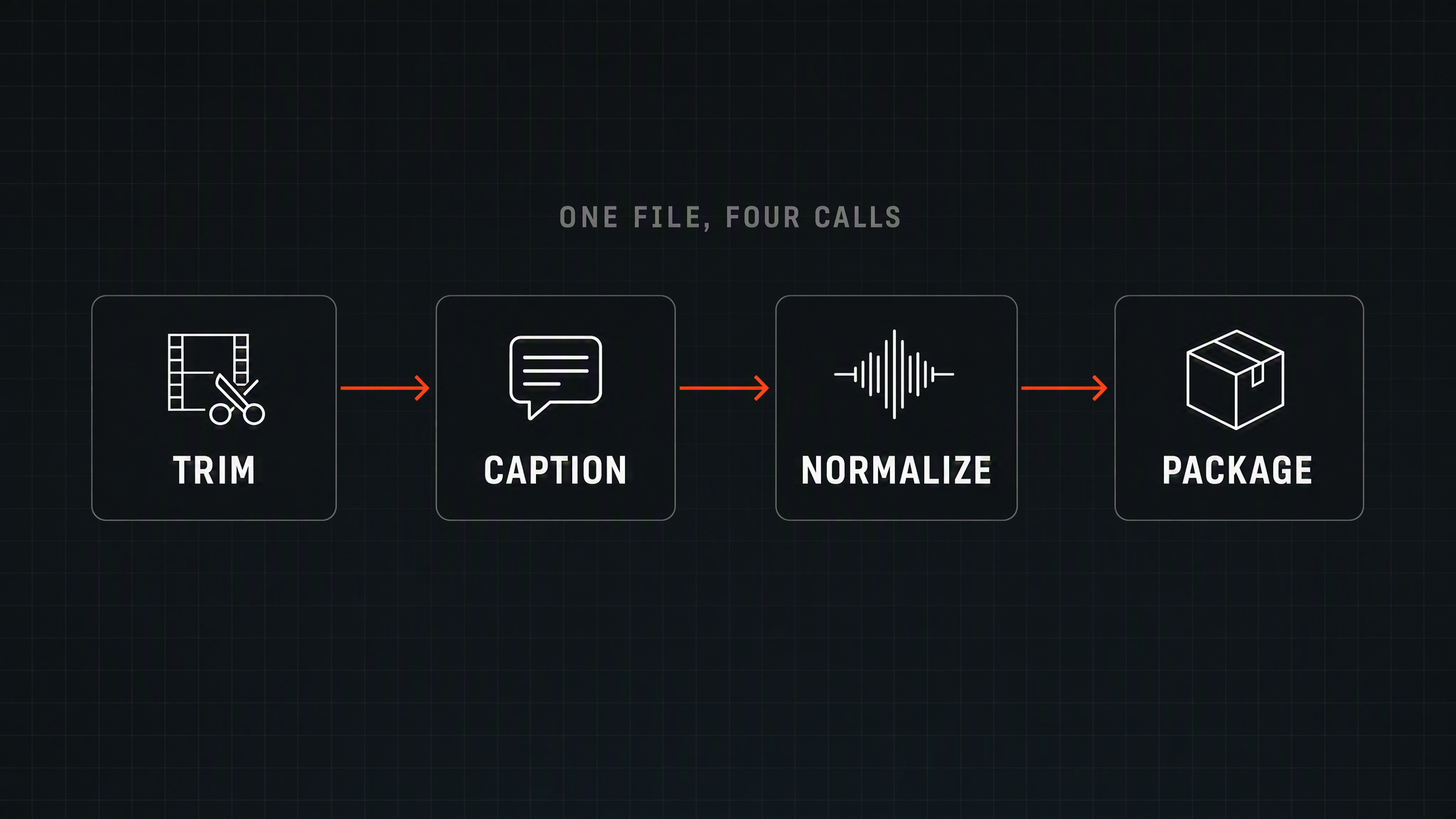
And because a finished job hands you a URL, chaining is just passing that URL as the next job's input. Trim, then caption, then normalize loudness, then package. Four calls, one file moving through them, no local disk involved.
Reframe Without Losing the Subject
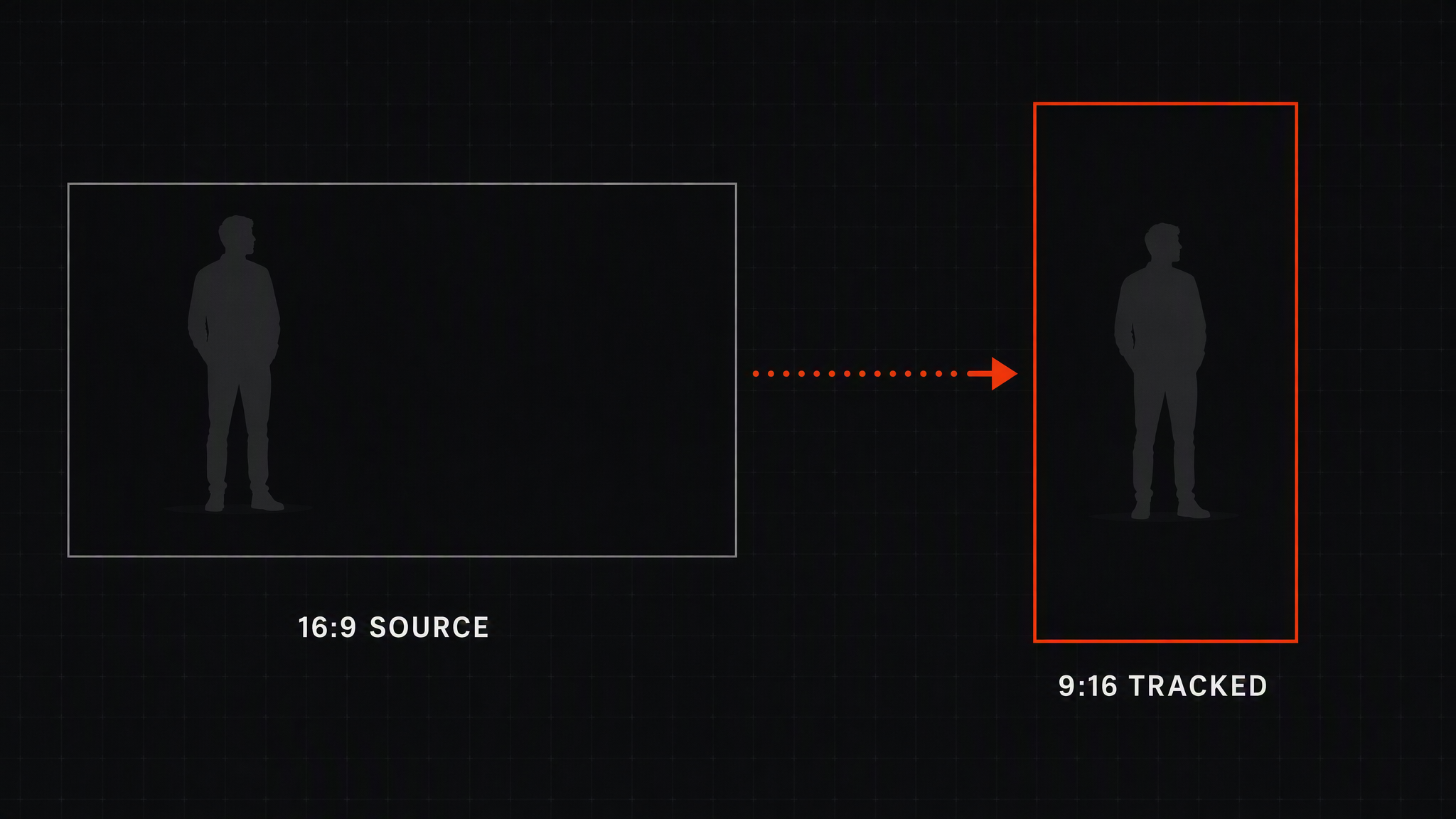
Vertical is not a crop. A center crop on a two-person interview cuts one of them out of frame, which is why the naive version of this always looks amateur.
Tracked Reframe re-crops to a new aspect ratio while following the subject, so the action stays centered as it moves. When you want a fixed region instead of a tracked one, Video Cropper takes an explicit rectangle. When cropping is the wrong answer entirely and you'd rather keep the whole frame, Letterbox Pad pads to the target canvas. Video Resizer handles the straight scale, and Video Rotator fixes the phone footage that came in sideways.
Four different answers to "make this a different shape," because there are four different right answers depending on what's in the frame.
Cut the Dead Air
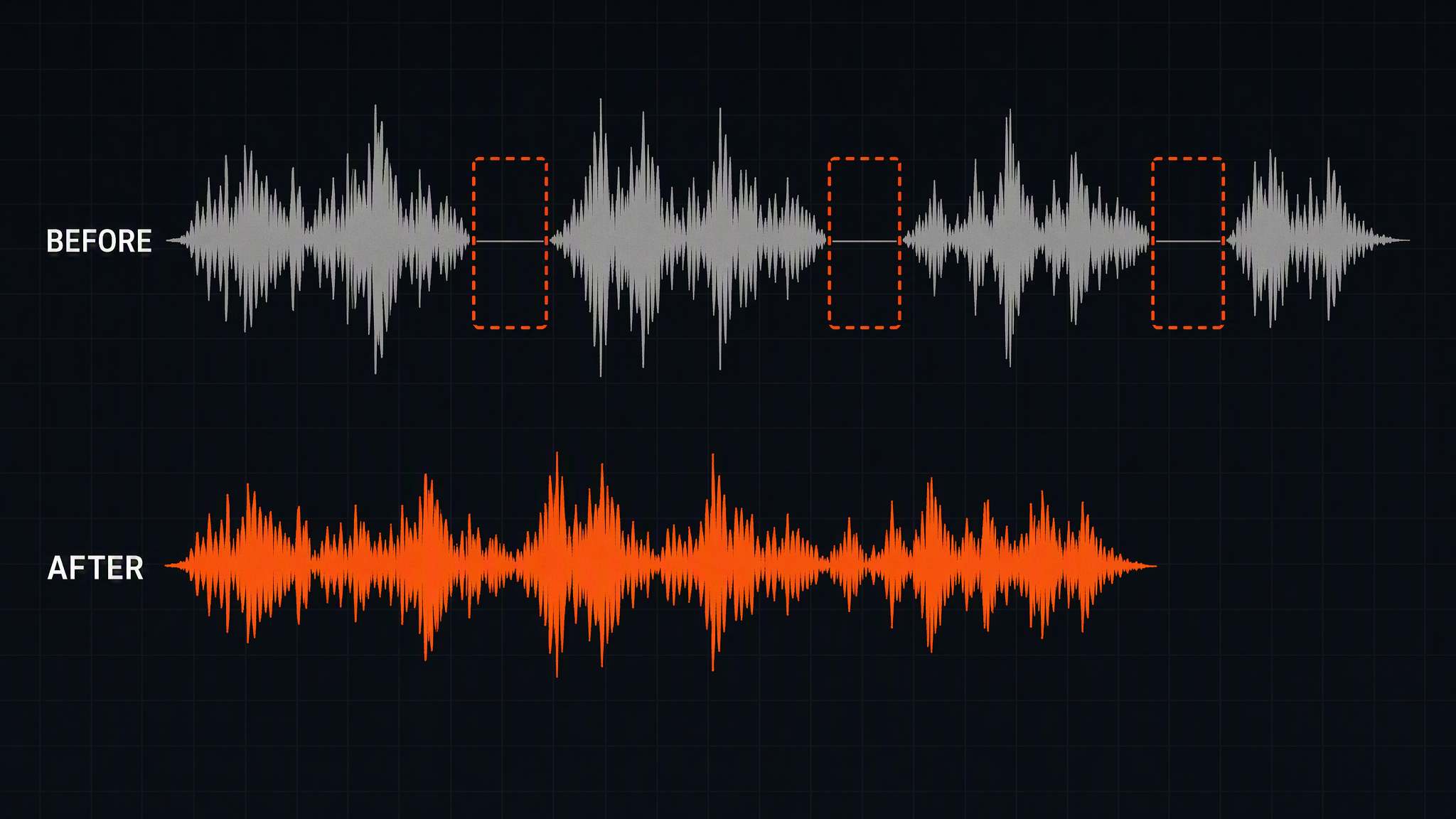
Talking-head footage is mostly pauses. Tightening it by hand is the least interesting work in video, and it's the work that eats the afternoon.
Auto Silence Cutter removes the silent gaps and hands back a tighter cut. If you want the decision rather than the edit, Silence Detector returns the timestamps of every silent span as JSON and lets your own logic decide what survives. Silence Splitter goes further and cuts the recording into separate speech-based segments.
For structure rather than speech, Scene Cut Finder detects scene changes and returns their timestamps, which is how you turn a forty-minute recording into an indexed thing instead of a blob. Clip Segmenter splits by fixed length when you just need even chunks, and Trim by Start & End does the frame-accurate single cut.
The pattern worth noticing: some capabilities return an edited file, others return structured JSON about the file. Analysis and action are separate calls on purpose, because half the time you want to make the decision yourself.
Captions That Survive Muted Autoplay
Feeds play silent. A clip without visible text is a clip nobody understood.
Animated Captions transcribes the speech and burns in word-by-word animated subtitles in one call, which is the version you want for short-form. When you already have a reviewed SRT or VTT and the wording is not up for debate, Subtitle Burn In renders that file permanently onto the video.
Branding lives in the same neighborhood. Watermark Overlay places a logo at a set position, Video Overlay composites an image or a second video for lower-thirds and picture-in-picture, and Timed Stickers drops a graphic in for a specific window rather than the whole runtime.
Fix the Audio Nobody Complimented
Audio is the part viewers notice only when it's wrong, which makes it easy to skip and expensive to skip.
Loudness Normalizer brings a clip to a target loudness so your library stops jumping in volume between videos. Audio Mastering polishes levels and dynamics to distribution standards. Voice Over Music ducks the bed under speech automatically, which is the single edit that most reliably makes amateur narration sound intentional.
Beyond that: Audio Replacer swaps the track with a time offset, Volume Control does the blunt multiplier, Audio Extractor pulls the track out for transcription or archiving, and Audio Analyzer returns loudness, peaks, and dynamics as JSON when you want a quality gate instead of a fix.
Grade It, Then Package It
Color is two capabilities depending on how opinionated you are. LUT Color Grading applies a 3D LUT for a consistent look across a whole campaign, and Color Adjust handles brightness, contrast, saturation, and gamma when the footage just needs correcting. Fade In/Out adds the openings and closings, Video Merger stitches the pieces into one continuous cut, and Reverse Video and Boomerang Loop cover the loop tricks.
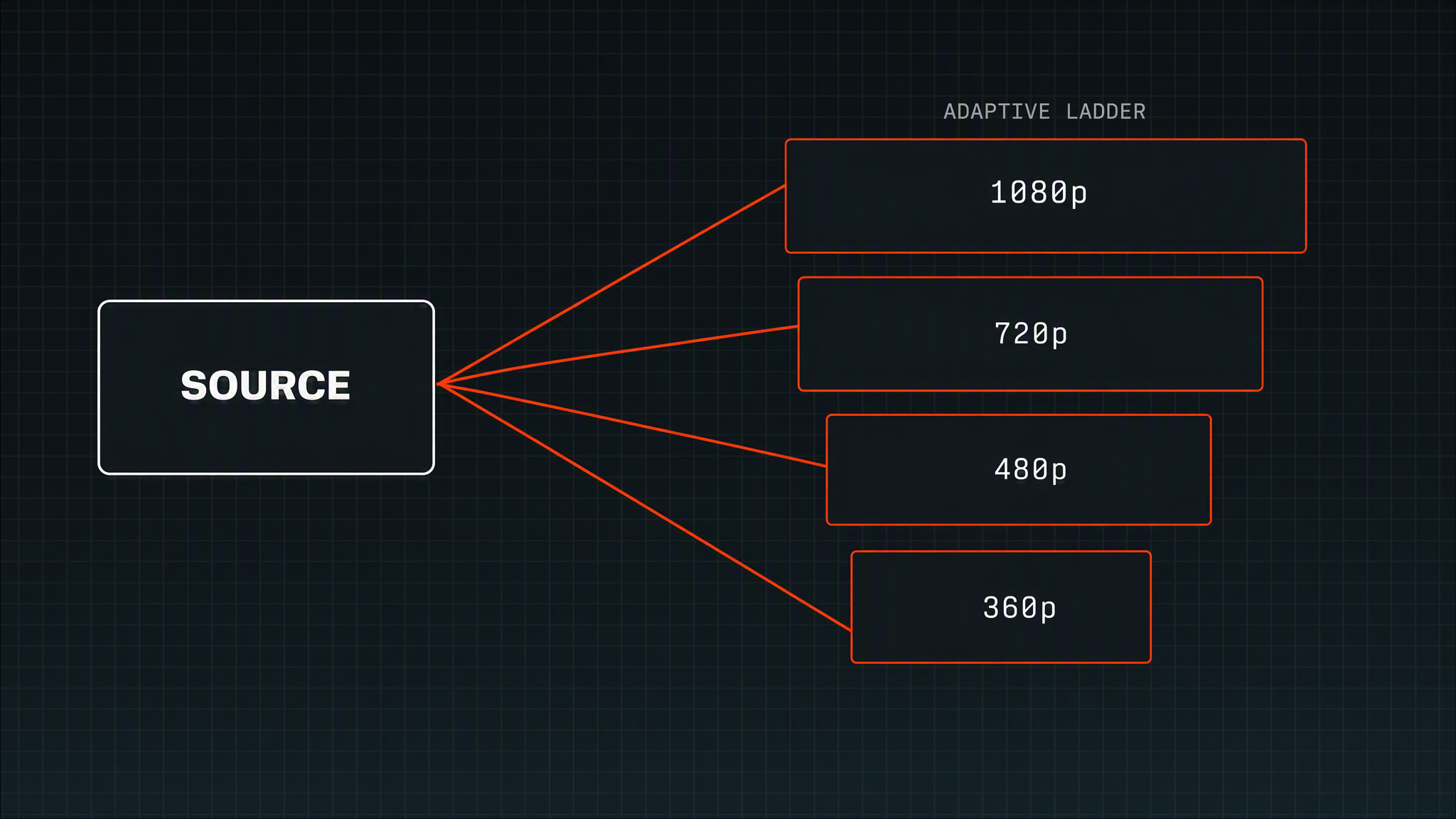
Then delivery, which is where most homegrown pipelines quietly give up. Convert to MP4 gets you the compatible H.264 file, Convert to WebM the smaller VP9 one. HLS Ladder and ABR Ladder Packager build the multi-resolution renditions that make playback survive a bad connection, and Instant Stream Packager does the stream-ready package in a single call.
The player details are here too, and they're the ones teams forget until a designer asks. Poster Frame pulls a cover image at any timestamp, Frame Screenshot exports stills at chosen positions, Hover Preview Sprites generates the sprite sheet and WebVTT index for hover-scrub previews, and Video to GIF makes the shareable loop. Media Inspector reads any file and returns duration, resolution, codecs, and streams as clean JSON, which is how you validate an upload before you put it through anything else.
Where This Actually Gets Used
A short-form team generates ten variants of an ad, reframes each to 9:16, cuts the silence, burns animated captions, normalizes loudness so the set is consistent, and pulls a poster frame for the thumbnail test. One chain, ten inputs, no editor opening a timeline.
A product team records a forty-minute walkthrough, runs scene detection to index it, splits it into chapters, and publishes each chapter with a hover-scrub preview so support can link to a moment instead of a video.
A marketplace ingests seller-uploaded video of unknown provenance. Media Inspector validates it, transcode normalizes it, a watermark goes on, and an ABR ladder makes it play on a phone in a country with worse bandwidth than the seller's.
Different products, same shape: generation somewhere in the middle, a dozen deterministic edits on either side of it.
Using the Video API on Eachlabs
Create a key in the dashboard under Settings, then API Keys, and authenticate with a bearer token. Give the job a publicly downloadable https URL that points directly at a media file with a real extension, or upload a local file to Eachlabs storage and pass the returned public URL. Presigned URLs from your own storage are staged the same way, so private footage does not need to become public to be processed.
Submit, poll every three to five seconds, read the artifact URL out of the output field. Persist the artifacts promptly rather than treating the URLs as permanent addresses. If you want the whole thing to feel like one operation instead of four, chain the calls by feeding each output URL forward, or build it once as a workflow and call the workflow.
The Video API is in beta, and everything above runs against production today.
Wrapping Up
The interesting claim is not that Eachlabs can trim a video. FFmpeg has trimmed videos for twenty years. The claim is that the boring half of video work now lives behind the same interface as the impressive half, so a pipeline that generates a clip and a pipeline that ships one are finally the same pipeline.
That collapses a category of work most teams never wanted to own. Nobody's roadmap says "become good at encoder maintenance." It just happens, one codec flag at a time, until a quarter of your video engineering is infrastructure nobody asked for.
Start with the one edit that costs you the most time this week. Reframing, or captions, or loudness. Chain the second one to it and see how far the pattern carries.
Frequently Asked Questions
Is the Video API a model, or a set of models?
Both, in a way that matters for how you write code against it. There are more than forty editing capabilities, but they resolve through a single model slug and a single request shape, so adding a capability to your pipeline is a string change rather than an integration.
Can I use the Video API on footage I did not generate on Eachlabs?
Yes, and that's the common case. Any publicly downloadable https URL to a media file works, presigned URLs from your own storage included. Camera footage, screen recordings, and seller uploads go through exactly the same path as generated clips.
What happens to a job that runs long?
You keep polling. Statuses move through created and processing to a terminal success, error, or cancelled, and a prediction sitting in created for a while is queued rather than lost. Webhooks are the better answer if you'd rather not hold a loop open.