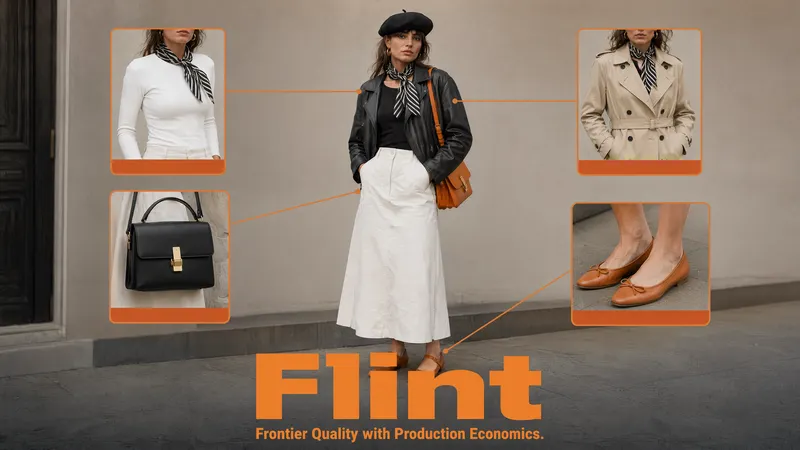
Flint Image: Frontier Quality With Production Economics
When people add up the cost of AI images, they picture the final render, the one that ends up in the campaign. But the render was never the expensive part. The expensive part is everything before it: the generate, the squint, the "close, but not quite," the reroll. You pay full price for every near-miss on the way to the keeper. Finding one good image can quietly cost you ten. Flint is built to attack that exact line on the bill. It's a pair of image models, Flint Image and Flint Image Edit, th
By Bartu Varol · Jul 28, 2026 · 6 min read
When people add up the cost of AI images, they picture the final render, the one that ends up in the campaign. But the render was never the expensive part. The expensive part is everything before it: the generate, the squint, the "close, but not quite," the reroll. You pay full price for every near-miss on the way to the keeper. Finding one good image can quietly cost you ten.
Flint is built to attack that exact line on the bill. It's a pair of image models, Flint Image and Flint Image Edit, that we built at Eachlabs, powered by Gemini. Both run on the same idea: one call returns four different results instead of one, for about 67% less than a standard single generation. You stop paying per attempt and start paying per exploration. Here's what changed and why it's worth your attention.
The Real Cost Is the Search, Not the Render
Here's the question that decides how much you spend on AI images: are you buying pictures, or are you buying rerolls?
Most tools quietly sell you the second one. You write a prompt, get a single image, and it's 80% there. So you run it again. And again. Each run is a fresh charge, a fresh wait, and a fresh gamble that this time the hands, the lighting, or the composition lands. The model isn't broken. Image generation is genuinely a search problem. The first result is rarely the best one in the space of things your prompt could produce. You're not paying to make an image. You're paying to look for it, one slow coin at a time.
That's fine when you need one picture once. It stops being fine the moment image work becomes a real part of how your team ships, because the search cost scales with everything you do, and it stays invisible until you look at the total.
What Flint Actually Is
Flint is two models that solve the same problem from opposite ends. Flint Image makes new pictures from a text prompt. Flint Image Edit changes pictures you already have. Both are ours, both are powered by Gemini, and both are tuned for the same thing: frontier-quality output at production economics.
The shared idea is simple: four-at-once. Instead of returning a single result and charging you for it, every Flint call returns four different options in one pass, at roughly 67% less than generating them one by one. It runs an optimized Eachlabs workflow under the hood, and that workflow is where the saving lives. You're not buying four generations, you're buying one smarter one that hands back a spread.
So the unit you pay for changes. It stops being "an image" and becomes "a set of directions to choose from." That sounds like a small reframing. In a real workflow it's the whole game.
Four Options From One Prompt: Flint Image
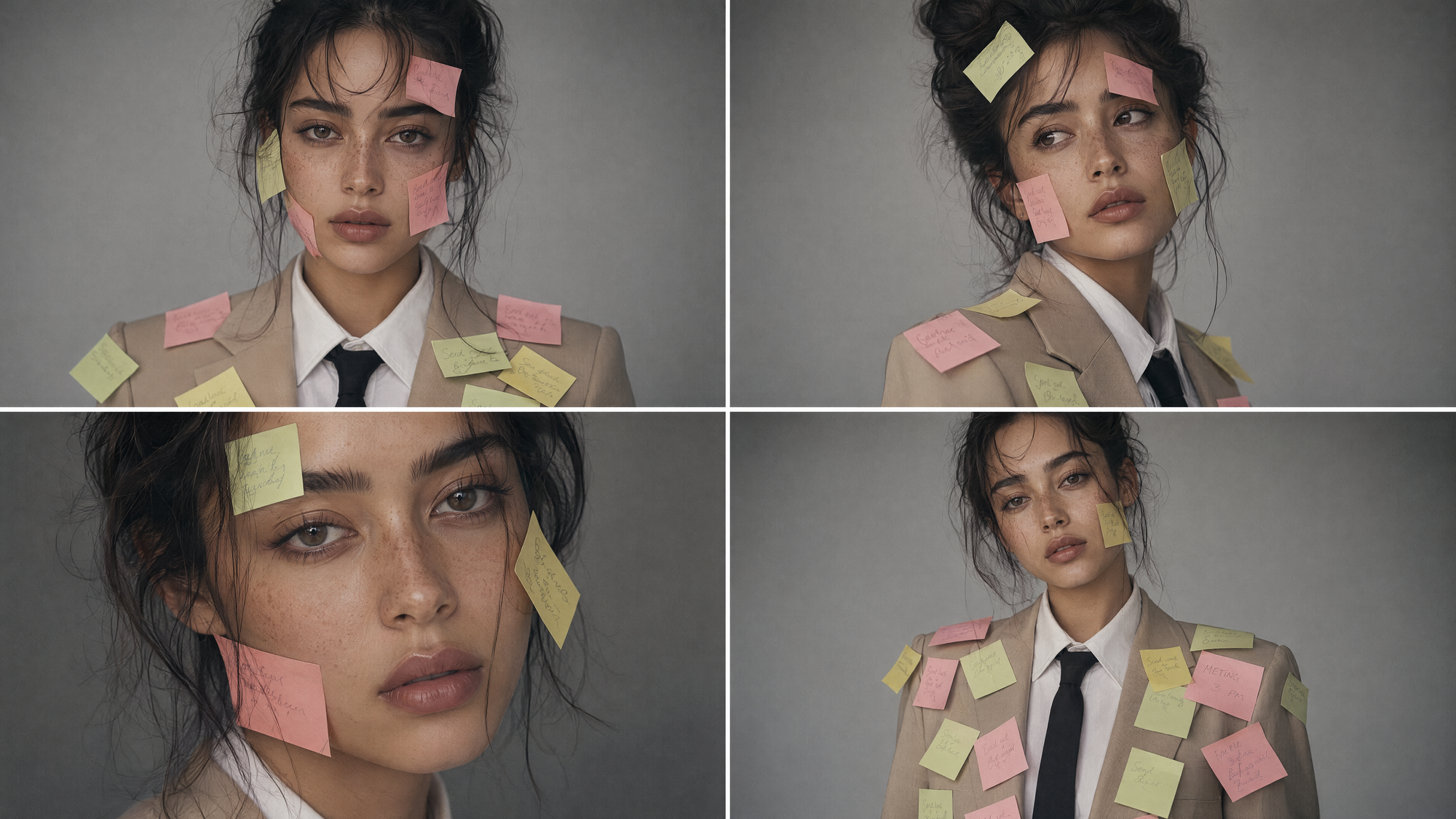
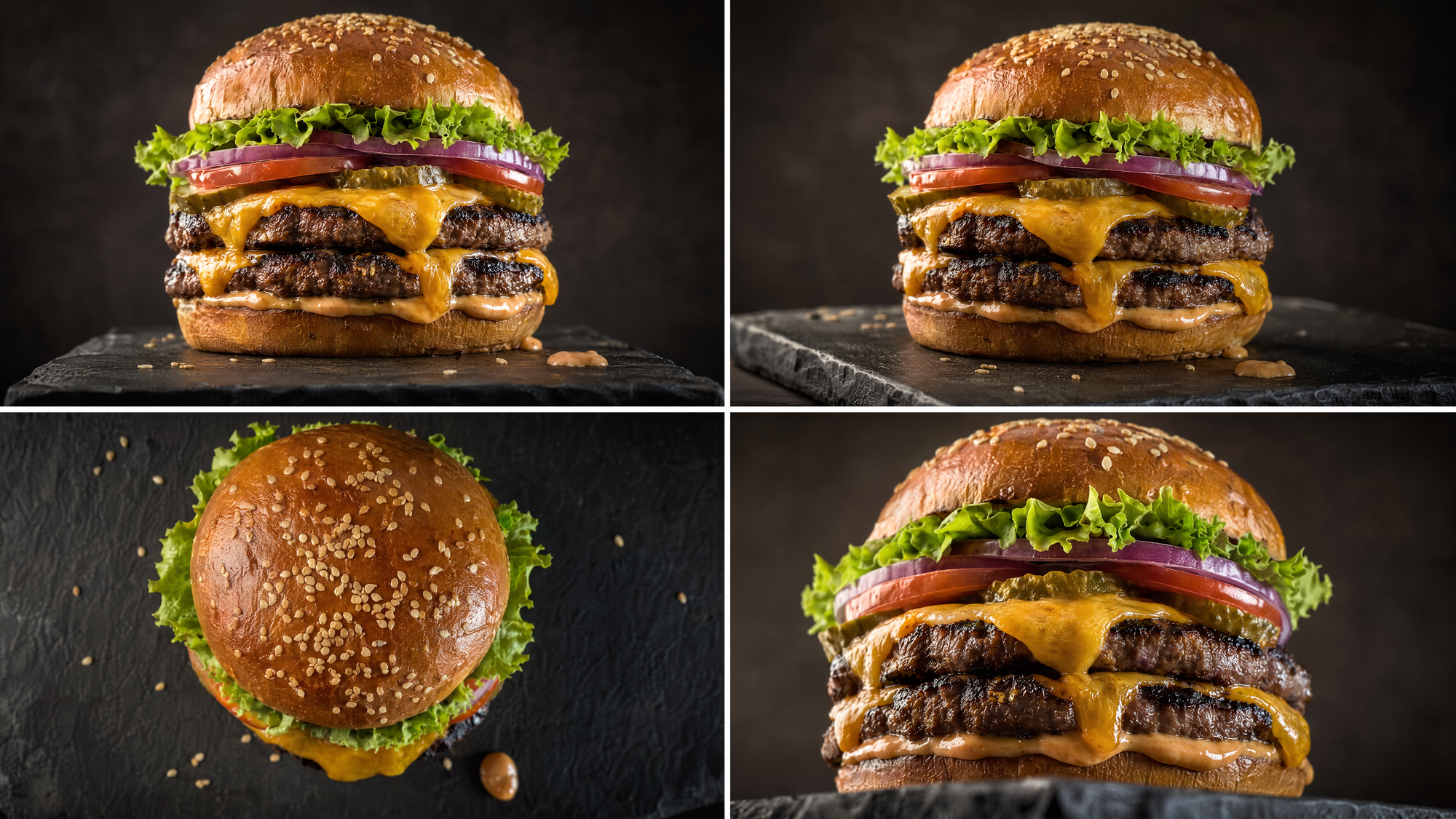
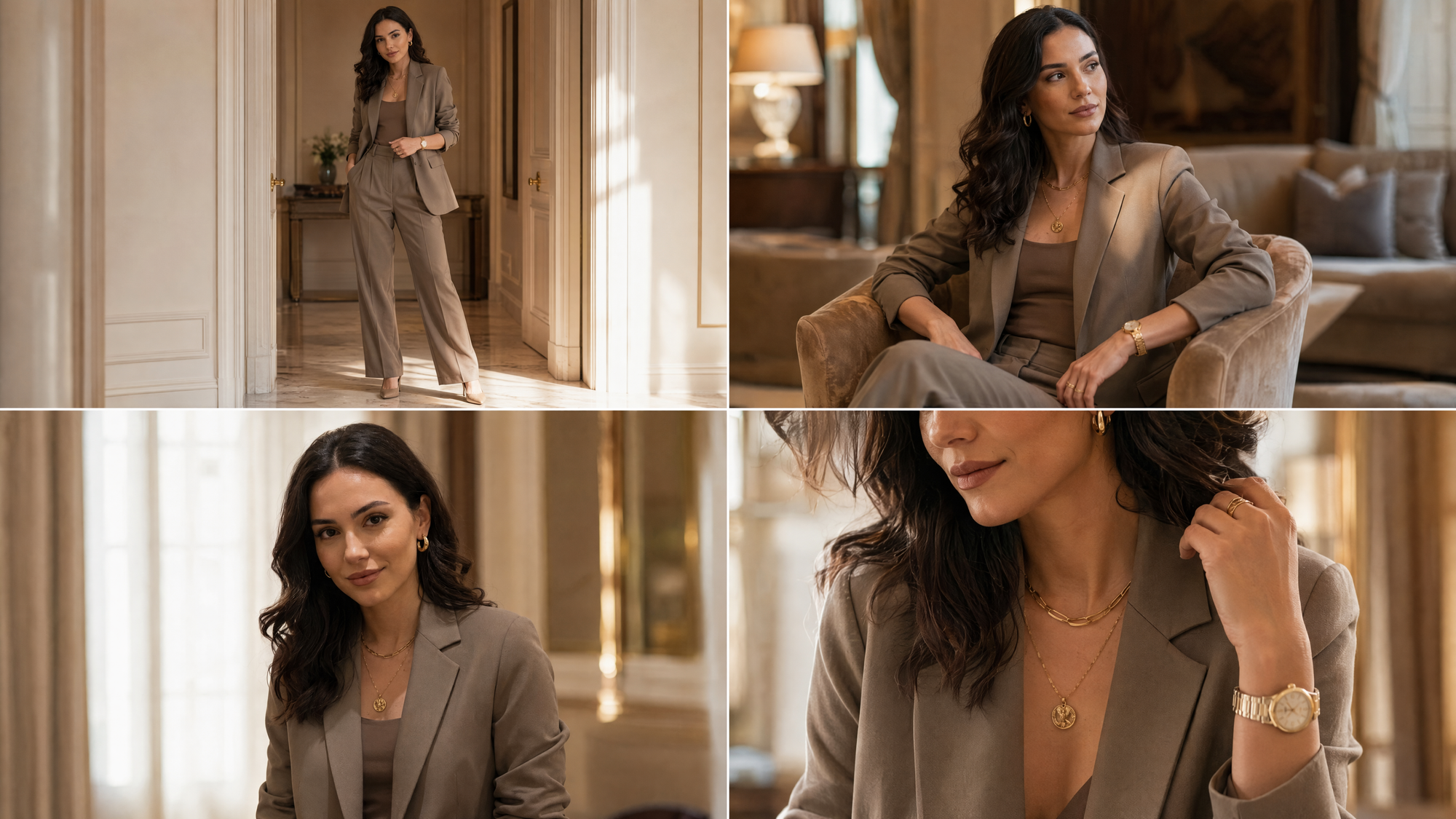
With Flint Image you write your prompt, pick an aspect ratio, and hit run. What comes back isn't one interpretation. It's four. Same brief, four takes on it: different poses, different framing, different reads of the same words.
That's the difference between hoping and choosing. And you paid roughly a third of what four separate generations would have cost to get there.
Four Edits From One Instruction: Flint Image Edit
Flint Image Edit runs the same logic on images that already exist. You hand it a source image (a product shot, a portrait, a scene) and a plain-language instruction like "keep everything the same, just change the outfit." It returns four edited versions of that image, holding the subject and setting steady while it varies the one thing you asked it to change.
This is the part that matters for anyone doing volume work. Swapping an outfit, a background, or a product color usually means either a photoshoot or a designer's afternoon. Flint Image Edit turns it into one instruction and four consistent results, at the same 67% saving. You keep the face, the lighting, the room. You change what needs changing, and you get options to choose from instead of a single edit you have to accept or redo.
Generation and editing, same economics, same four-at-once habit. That symmetry is the reason we launched them together.

Where the 67% Actually Comes From
It's fair to be suspicious of a number like that, so here's the honest version. The saving isn't a discount we're eating or a quality corner we're cutting. Four separate generations pay the full setup cost four times over. Flint pays it once and produces the spread inside a single optimized run on Eachlabs. The expensive, repeated part of the work gets amortized across four outputs instead of charged four times.
That's why it's cheaper in a way that survives scale. You're not getting a promo rate that expires next month. You're getting a workflow that's structurally more efficient at the exact thing that used to bleed money: the search.
Where People Actually Use Flint
The teams this helps most are the ones generating in bulk and choosing carefully. Performance marketers who need six variations of a creative for one test get a spread from a single prompt instead of six charges. Ecommerce and product teams use Flint Image Edit to put one garment on different backgrounds, or swap colorways, without rebooking a shoot. Designers exploring a concept get four directions to react to, which is far more useful early than one polished guess. Social and short-form creators who burn through images fast get more surface to pick from, for less.
The common thread isn't the industry. It's that all of them treat image-making as choosing, not rolling dice, and Flint prices that behavior instead of punishing it.
When to Explore Wide, and When to Commit
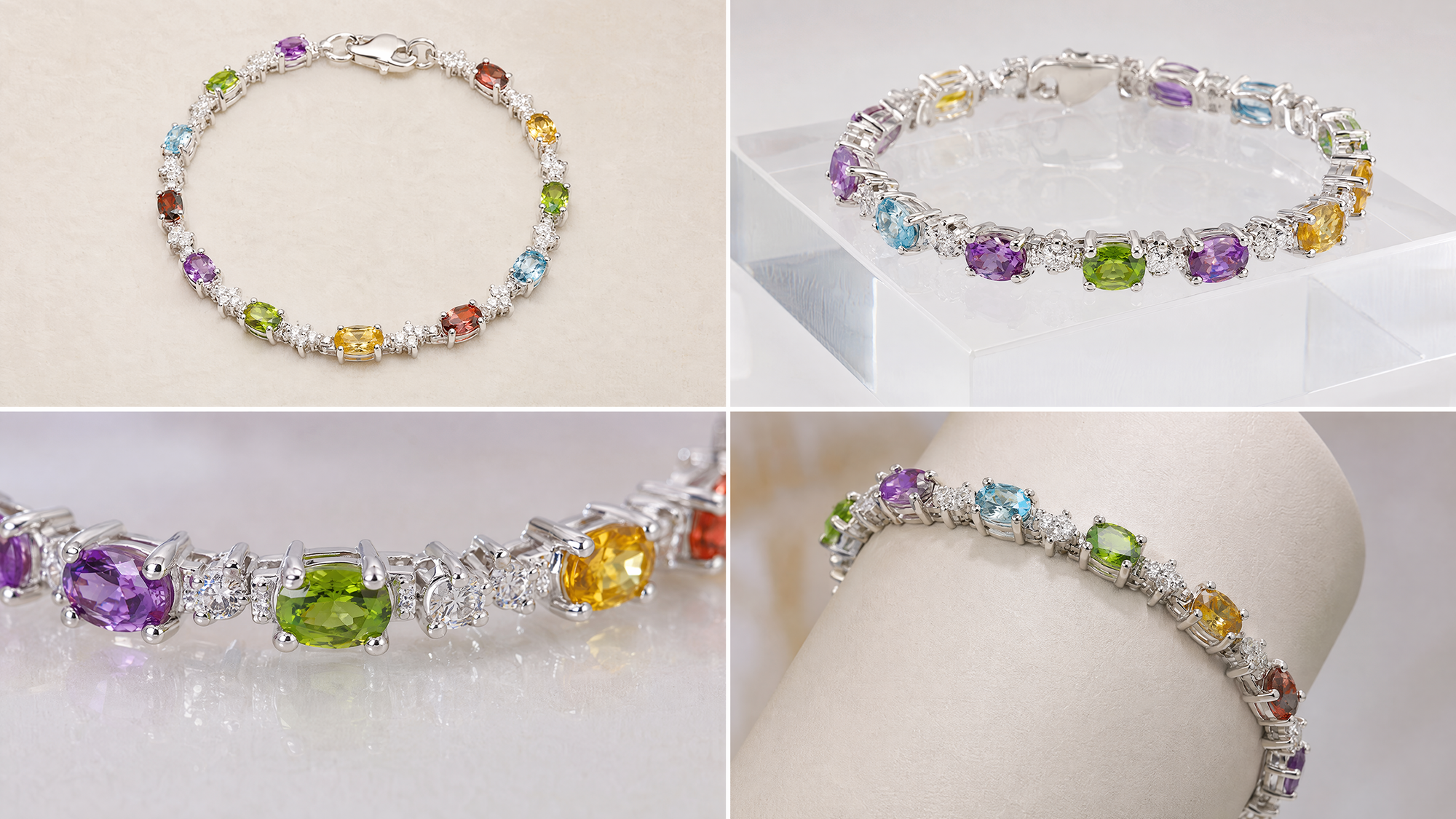
Four-at-once isn't always the move, and it's worth being clear about that. Early in a project, explore wide: let the quad show you angles you wouldn't have thought to prompt for, and use it to find the direction. Once you know exactly what you want (a locked style, a fixed composition, one tiny fix), the spread matters less, and you're refining rather than searching.
The skill is knowing which mode you're in. Use Flint to find the keeper while the answer is still fuzzy. Tighten your prompt and commit once it's sharp. The economics reward exploration, but taste still does the deciding.
Wrapping Up
The pitch is narrow on purpose. Flint doesn't claim to make a better single image than everything else out there. It changes the thing that actually costs you: it turns image work from a run of full-price gambles into one affordable look at four real options. Generate with Flint Image, edit with Flint Image Edit, pay roughly 67% less than doing it one attempt at a time, and spend your effort choosing instead of rerolling.
Both models are live now. You can try Flint Image and Flint Image Edit on Eachlabs today. Bring a prompt, or bring an image you want to change, and see what four options at one price does to your workflow.
Frequently Asked Questions
How is Flint about 67% cheaper than standard image generation?
Because you're not paying for four separate runs. Flint produces four options inside one optimized Eachlabs workflow, so the expensive setup cost is paid once and shared across the spread instead of charged four times. It's a structural efficiency, not a temporary discount.
What's the difference between Flint Image and Flint Image Edit?
Flint Image creates new pictures from a text prompt and an aspect ratio. Flint Image Edit takes an image you already have, plus an instruction, and returns edited versions of it. Both hand back four options per call at the same economics. One is for making, one is for changing.
Does Flint just give me the same image four times?
No. Each call returns four genuinely different takes on your prompt or edit, different poses, framing, or interpretations, so you're comparing directions and picking a keeper, not staring at four copies. The whole point is to make the search cheaper, and four identical images wouldn't do that.