Flint: Four Frontier Images for the Price of One
The expensive part of AI image work was never the render. It's the search. Here's what changes when finding the keeper costs a quarter of what it used to. When people talk about the cost of AI images, they picture the final render. The real spend is hidden earlier, in the search. You generate, it's close but not right, so you generate again, and again, and every try costs the same. Finding one good image can quietly cost ten. Flint Image goes after that part of the bill. One prompt returns four
The expensive part of AI image work was never the render. It's the search. Here's what changes when finding the keeper costs a quarter of what it used to.
When people talk about the cost of AI images, they picture the final render. The real spend is hidden earlier, in the search. You generate, it's close but not right, so you generate again, and again, and every try costs the same. Finding one good image can quietly cost ten. Flint Image goes after that part of the bill. One prompt returns four different images for the price of one, about 67% less than standard generation, so you explore a spread, compare directions, and keep the winner in a single pass.
That's a small change on the surface and a large one in practice. So let's get into why the search is where the money actually goes, and what it means to make that part cheap.
Why finding the right image is the expensive part
The render is the visible cost. It's the number you see, the thing you associate with "AI image generation." But the render is also the cheapest, most predictable part of the whole job. You know roughly what one image costs before you make it.
What you don't budget for is everything before the keeper. The near-misses. The version that was perfect except for one detail. The four directions you tried just to figure out which direction you actually wanted. That's the search, and the search is where the bill quietly grows.
So the question that sets your real budget isn't how much a good image costs. It's how many bad ones you pay for before you find it. Most workflows never ask that, which is exactly why the total always comes in higher than the per-image math suggested.
The hidden cost of one at a time generation
Generating one image at a time feels efficient. It isn't. It just spreads the cost out so you don't notice it accumulating.
Every look is a full-price look. You can't compare an option you haven't generated yet, so exploration becomes a sequence of individual purchases, each one a small bet placed in the dark. Finding one good image can cost ten because you paid for nine attempts to understand what you were even reaching for.
The worst part is what it does to your taste. When exploring is expensive, you explore less. You take the first okay result and move on, and you tell yourself that's decisiveness. Often it's just the budget talking. Settling early isn't a creative choice when the reason you settled is that the next look costs the same as the last one.
Four options, one price: how Flint Image works
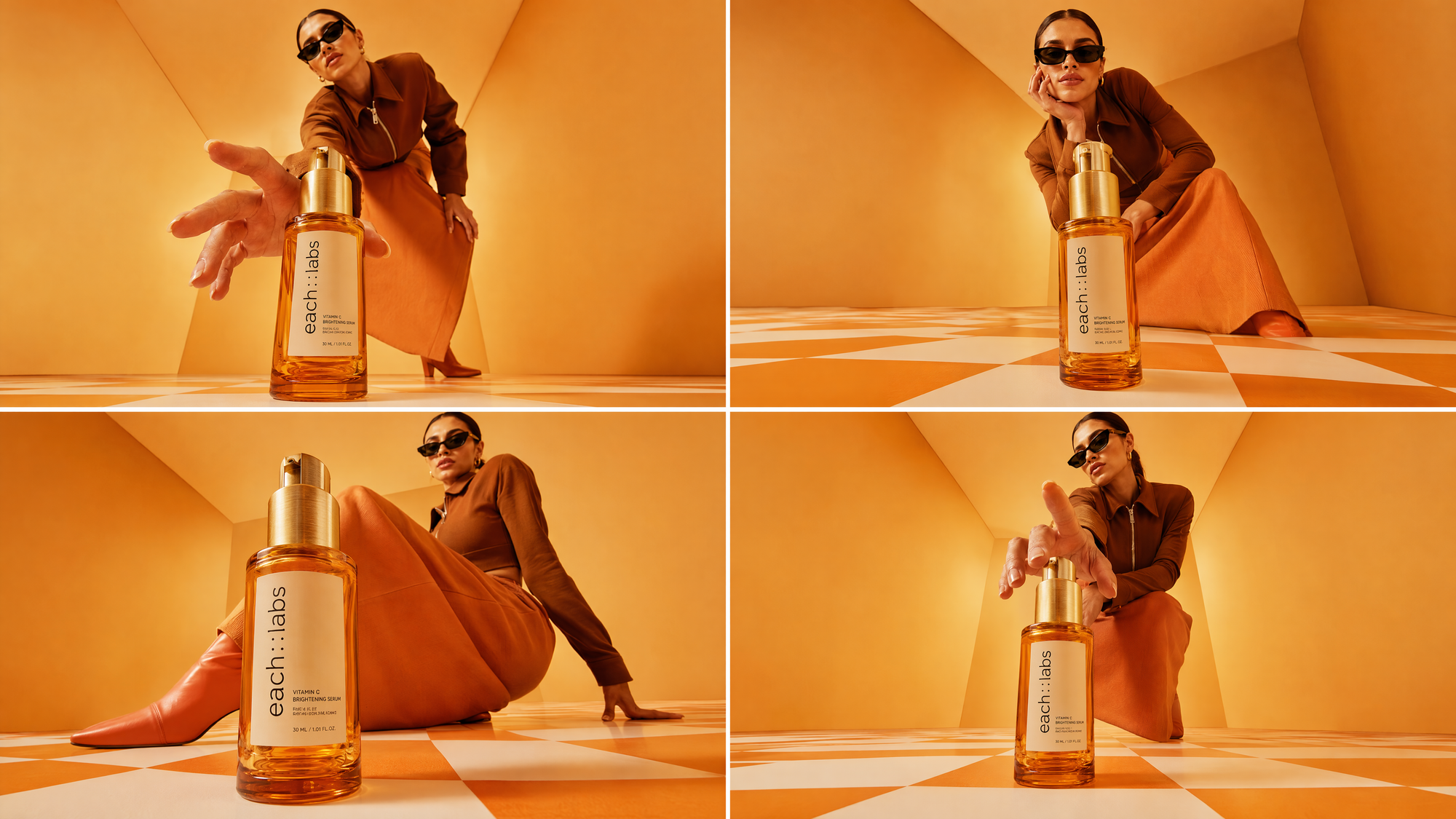
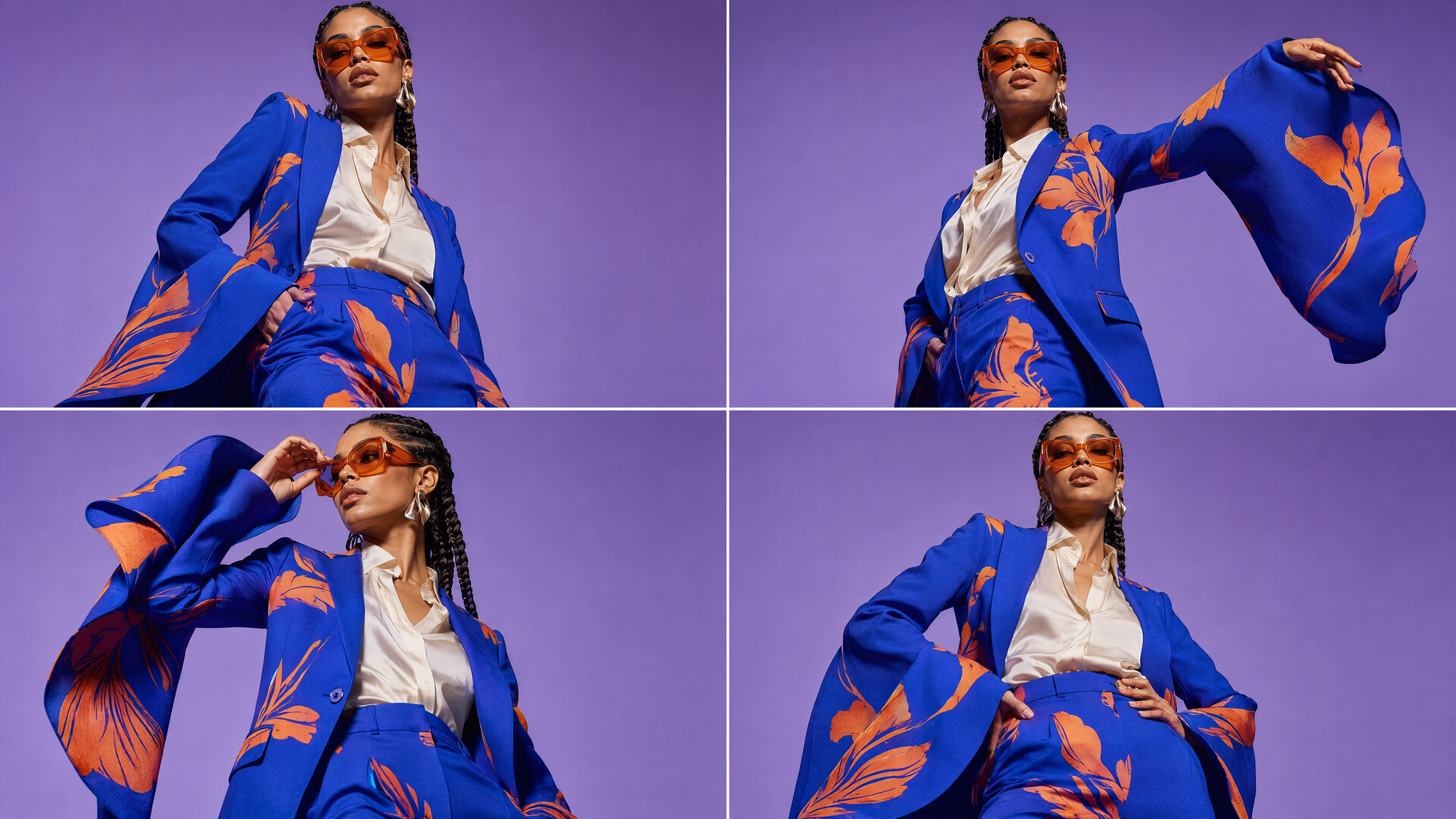
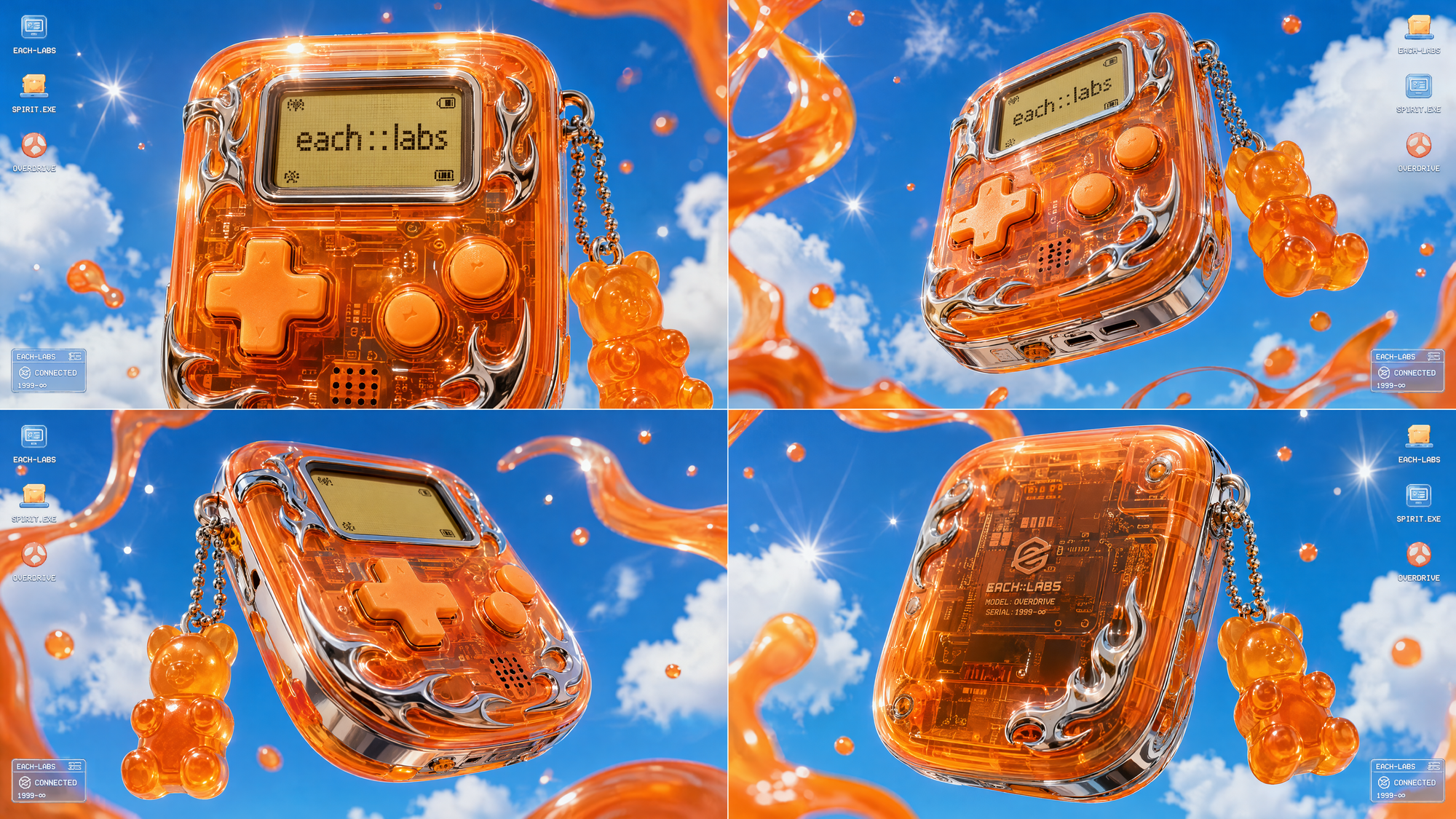
Flint Image is an Eachlabs BlackBox model, powered by Gemini. It returns four different images from one prompt in a single call, so you compare directions and choose the strongest instead of buying them one at a time.
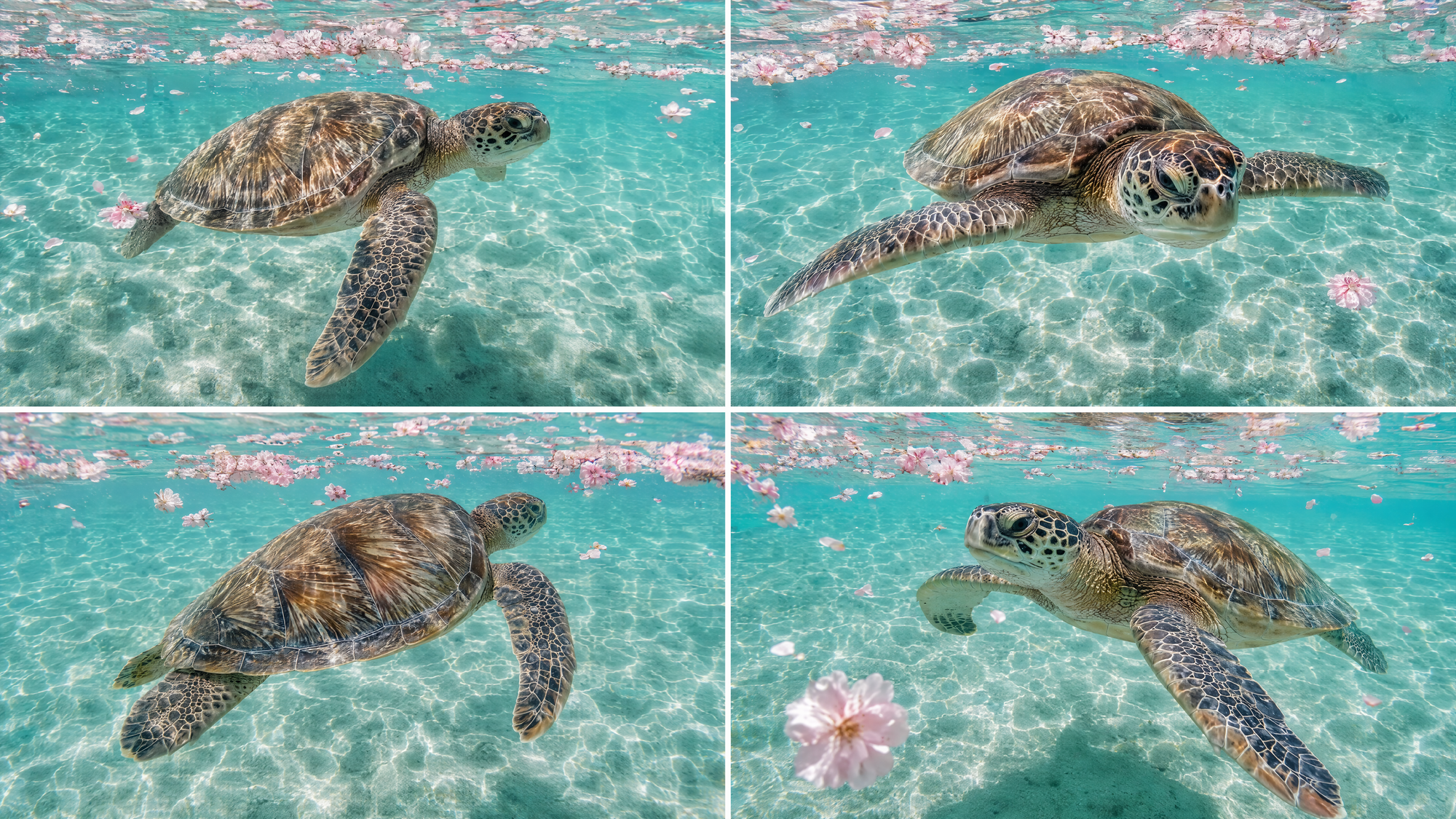
The four aren't copies of one picture with a pixel moved. They're genuinely different interpretations of your brief, different compositions and different takes on the mood you described. That's the point. A spread you can read beats a single output you have to judge in a vacuum.
What makes it cheap is the orchestration Eachlabs runs underneath the black box. A standard workflow treats every image as a separate, full price request. Flint Image treats the four as one optimized job and handles the efficiency internally, which is why four land for roughly the price of one. You experience a single click. The savings live in the plumbing, where you don't have to think about them.
And quality isn't the thing you trade away for that. Flint Image produces the tier of output people associate with leading image models like Nano Banana. The goal was never a cheaper, worse image. It's frontier output at production economics: top tier generation, for a fraction of what you'd normally pay to reach the same result.
When to explore wide and when to commit
Here's the honest way to decide which mode you're in. Are you searching, or are you finalizing?
Most of the time you're searching, even when it doesn't feel like it. You don't yet know the exact image you want, which is the whole reason you're generating in the first place. That's when exploring wide wins outright. Four interpretations at once, cheap enough that seeing options is the default rather than a luxury, tells you more about your own prompt than four blind rerolls ever could. Sometimes the version you'd never have chosen on purpose turns out to be the one.
Committing is the narrower case. If you already know the precise single image you're after, four variations is more than the task needs, though the economics still tilt your way. The skill is matching the tool to the moment: explore wide while you're figuring it out, commit once you've found it. Plenty of what gets called "generation" is really search wearing a render's clothes, and treating it that way is what keeps the bill honest.
A simple selection workflow on Eachlabs
On Eachlabs, it's one step. Open Flint Image, write your prompt the way you'd write it for any image model, and run it. Instead of one result you get four, laid out so you can compare them side by side and keep the one that works.
There's no separate "make variations" ritual, no queueing four jobs and stitching outputs together afterward. The spread is the output. If none of the four is perfect, read them as information: notice which direction surprised you, then write a sharper prompt for the next run. Each run is an experiment that pays for itself, not just a delivery you accept or reject.
Wrapping up
The expensive part of AI images was always the search, and the whole industry kept pricing the render. Make searching cheap and the economics of the entire job change. Four options for the price of one, about 67% less than standard generation, explore wide and keep the winner.
If most of your image work is figuring out what you want as much as rendering it, that's the math that matters. Flint Image is live now on Eachlabs. Take a prompt you'd normally reroll to death and let it hand you four instead.
Frequently Asked Questions
Does Flint Image match the quality of top image models?
Yes, and that was the non negotiable part. It produces the tier of output people associate with leading image models like Nano Banana. The savings come from how the run is orchestrated internally, not from cutting quality. You're not trading down, you're changing what it costs to explore.
Why is Flint Image about 67% less than standard generation?
Because it treats four images as a single optimized job instead of four separate full price requests. It's an Eachlabs BlackBox model, and the orchestration Eachlabs runs underneath is where the efficiency comes from. Four images, roughly the price of one, as a property of the build rather than a temporary discount.
When should I just generate one image instead?
When you already know the exact image you want and there's no exploring left to do. In that case four options is more than the task requires. But most real image work is search, not finalizing, and when you're still deciding, seeing four cheaply beats gambling on one.