
Topaz Video and Image Upscaling
Topaz enhances resolution for both video and images, increasing detail while keeping motion natural and preserving the textures of the original source.
- Topaz
- 7 variants
- From $0.10 per credit
- Price
- See price
- Speed
- ~35s
- Best for
- Video to Video
- Price
- See price
- Speed
- ~10s
- Best for
- Image edit · Image to Image
- Price
- See price
- Speed
- ~35s
- Best for
- Video to Video
- Price
- See price
- Speed
- ~35s
- Best for
- Video to Video
- Price
- See price
- Speed
- ~10s
- Best for
- Image edit · Image to Image
- Price
- See price
- Speed
- ~35s
- Best for
- Video to Video
- Price
- See price
- Speed
- ~10s
- Best for
- Image edit · Image to Image
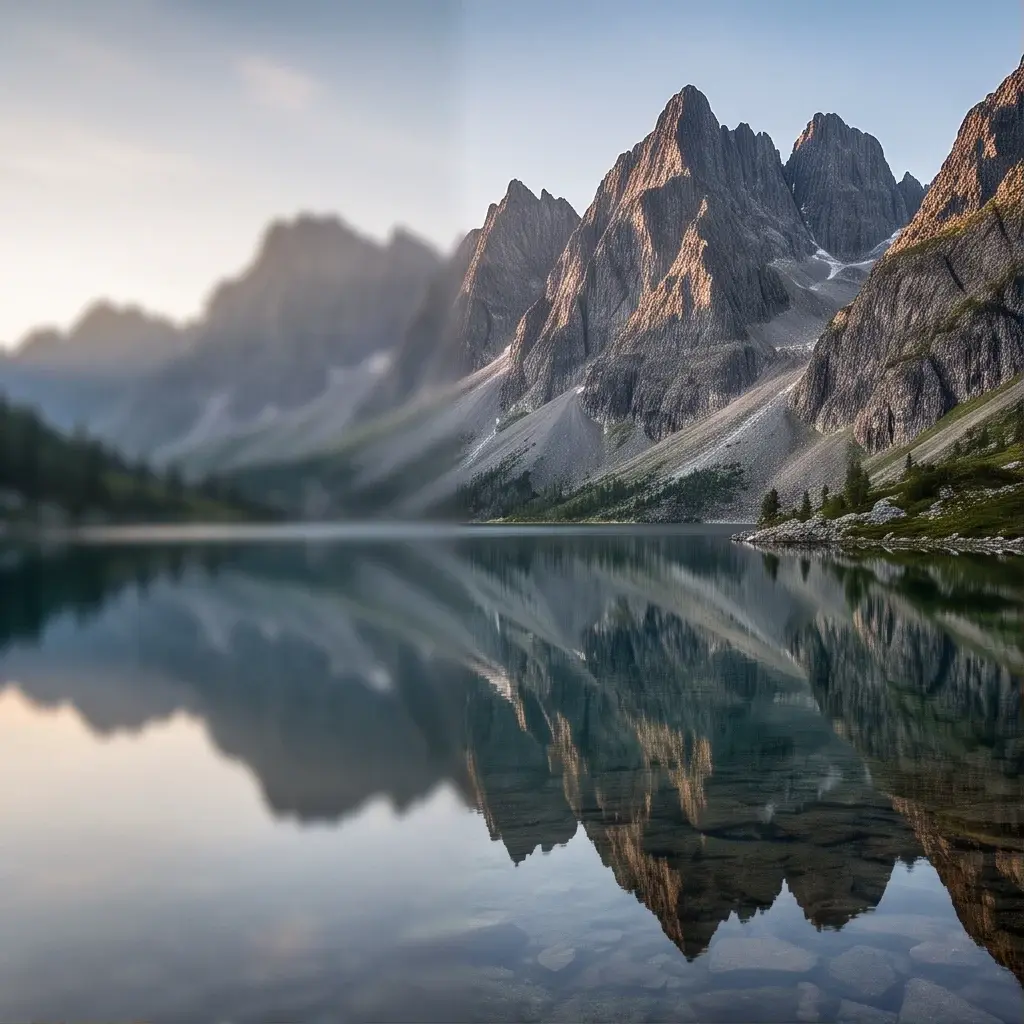
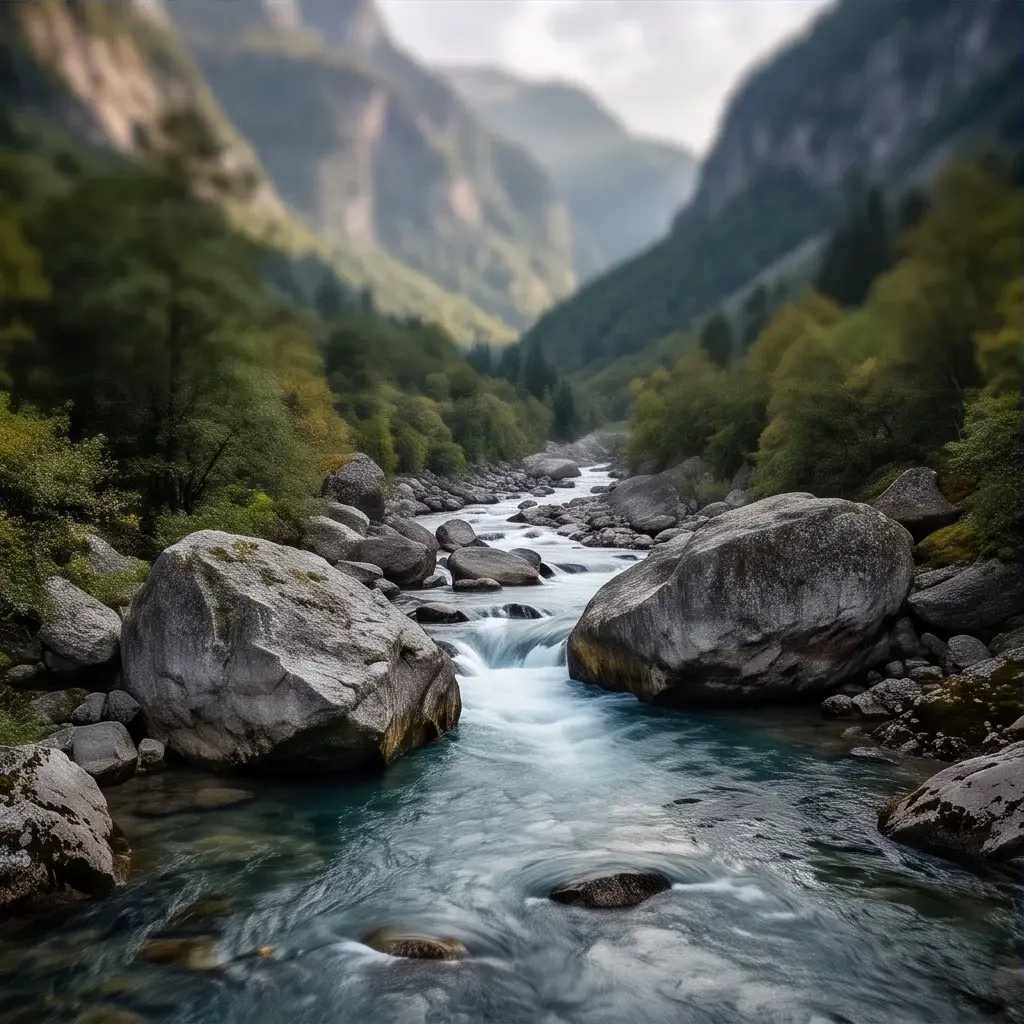
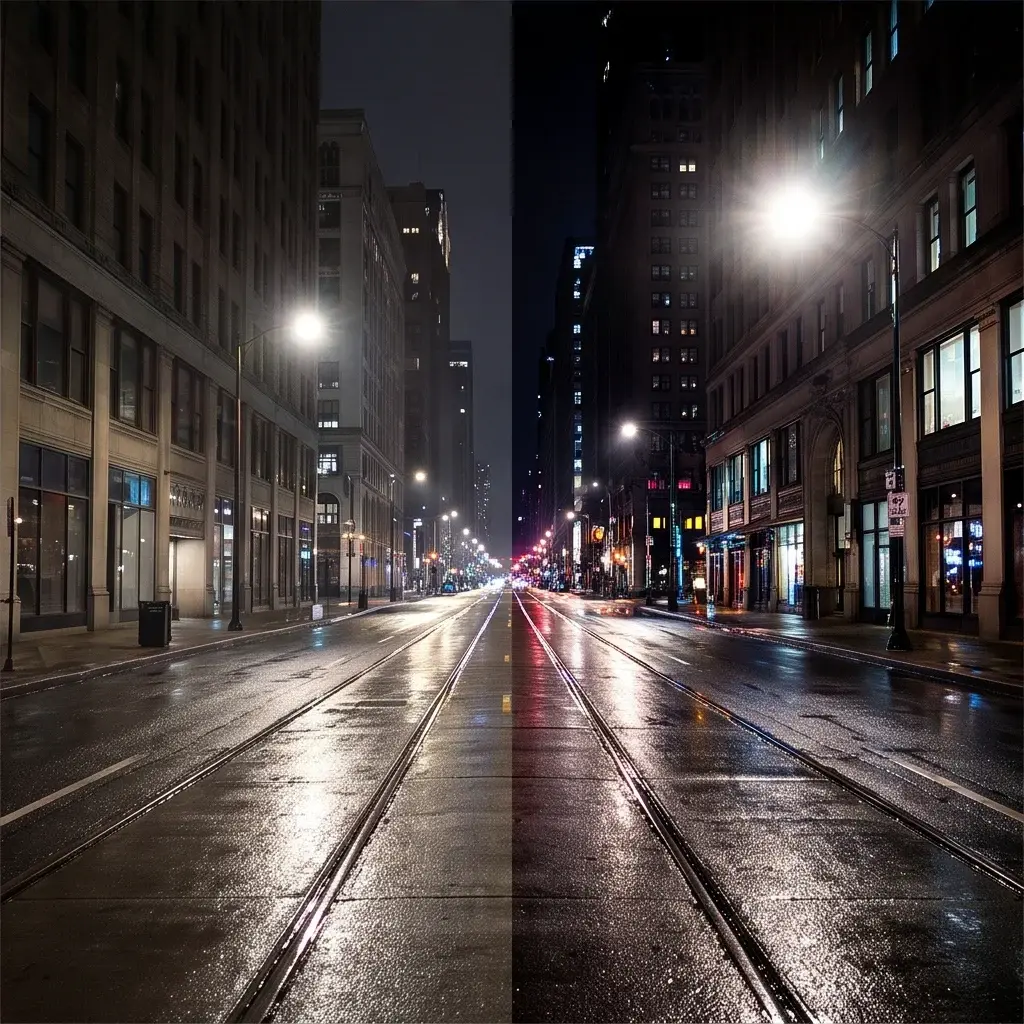
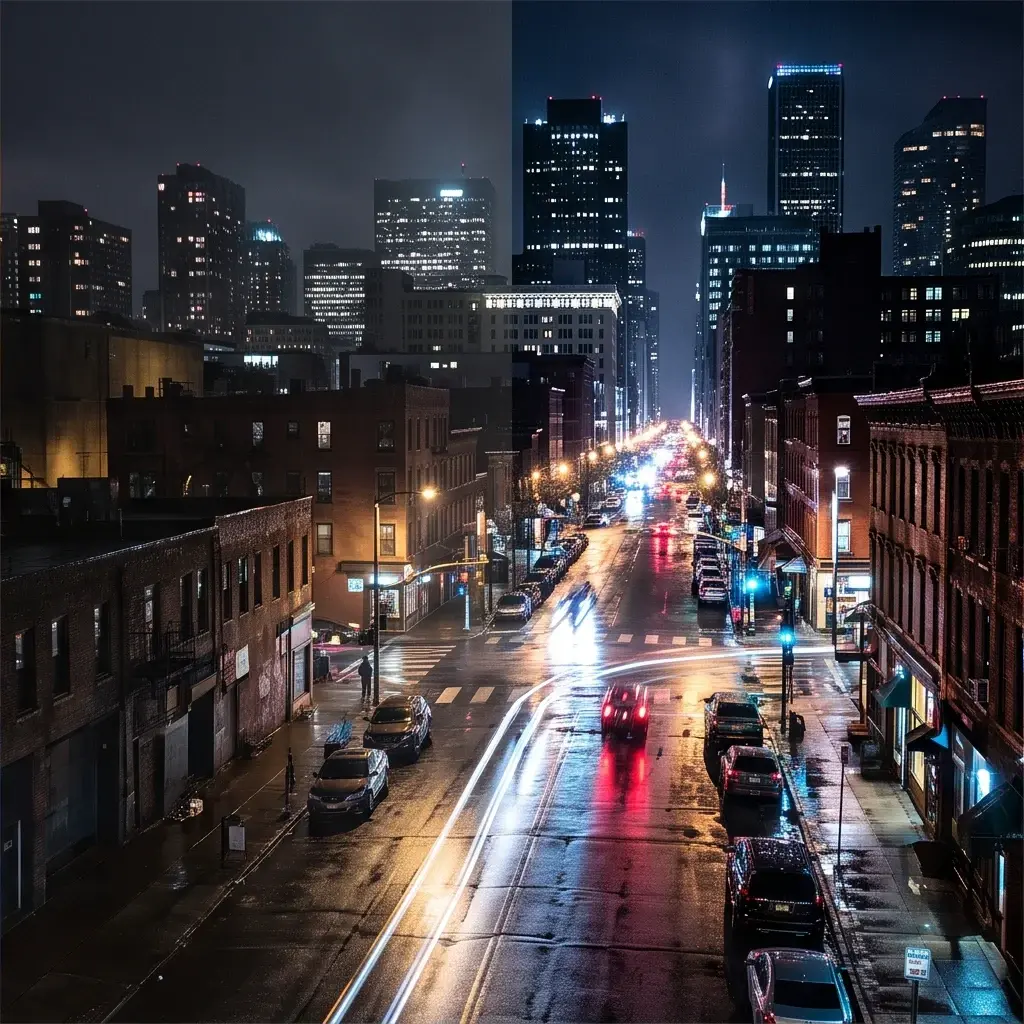
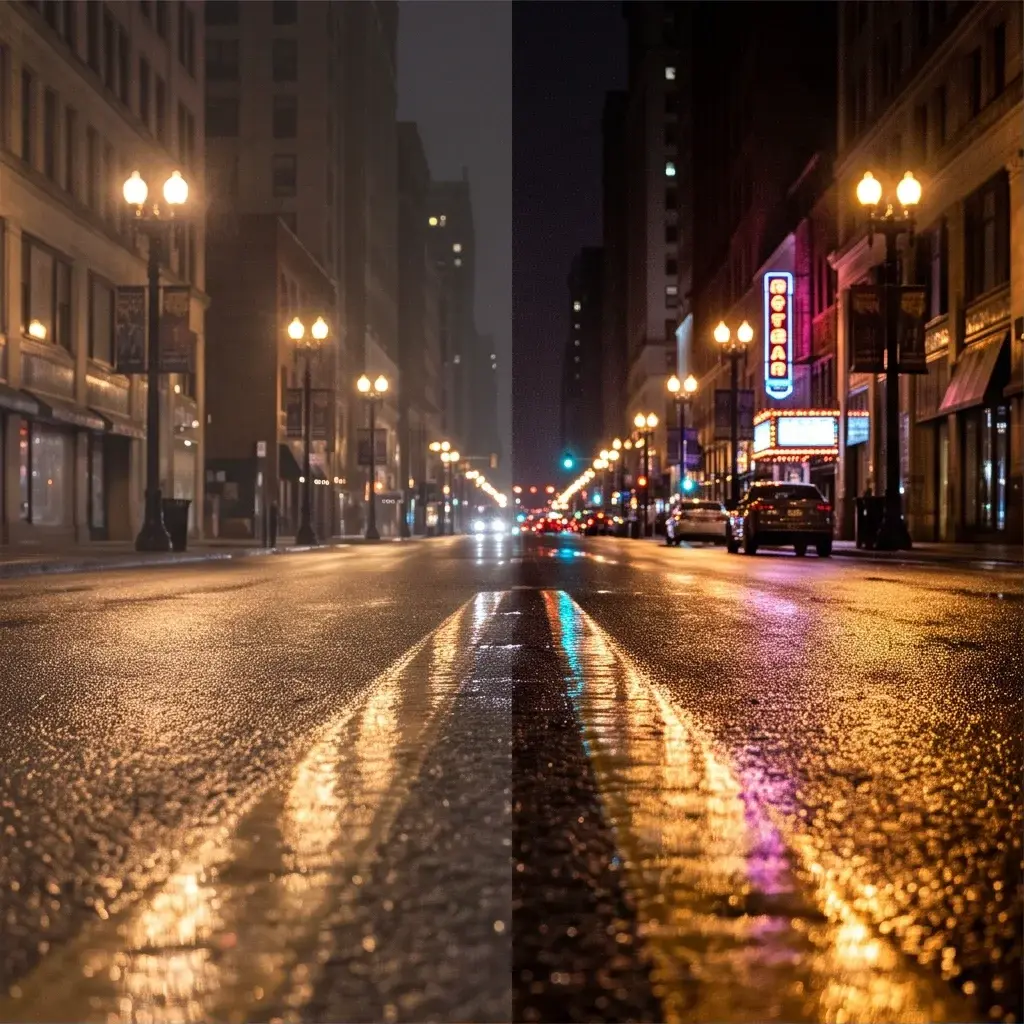

Working with Topaz.
Topaz brings its enhancement models to both media types. Video Upscale raises resolution while maintaining natural motion, clarity and fine detail; Image Upscale enlarges stills while preserving natural detail and texture rather than producing an over-sharpened result.
When to choose Topaz
Choose Topaz when the upscale itself is the deliverable and artefacts would be noticed. Bria Increase Resolution and P-Image Upscale are alternatives for stills; PixVerse 4K Upscale is the option inside a video pipeline.
Choosing between the variants
Video Upscale is for footage and is the one that has to keep motion looking natural across frames. Image Upscale handles single frames and photographs.
Questions about Topaz
The short answers. For anything specific to your setup, talk to our team.
 Talk to an engineerPlan for your expected volume.
It is built to maintain natural motion while raising resolution, which is the hard part of upscaling video rather than stills.
The models aim to preserve natural details and textures rather than adding synthetic sharpening, which is what usually gives an upscale away.
Image Upscale. Video Upscale exists for sequences, where frame-to-frame consistency matters.