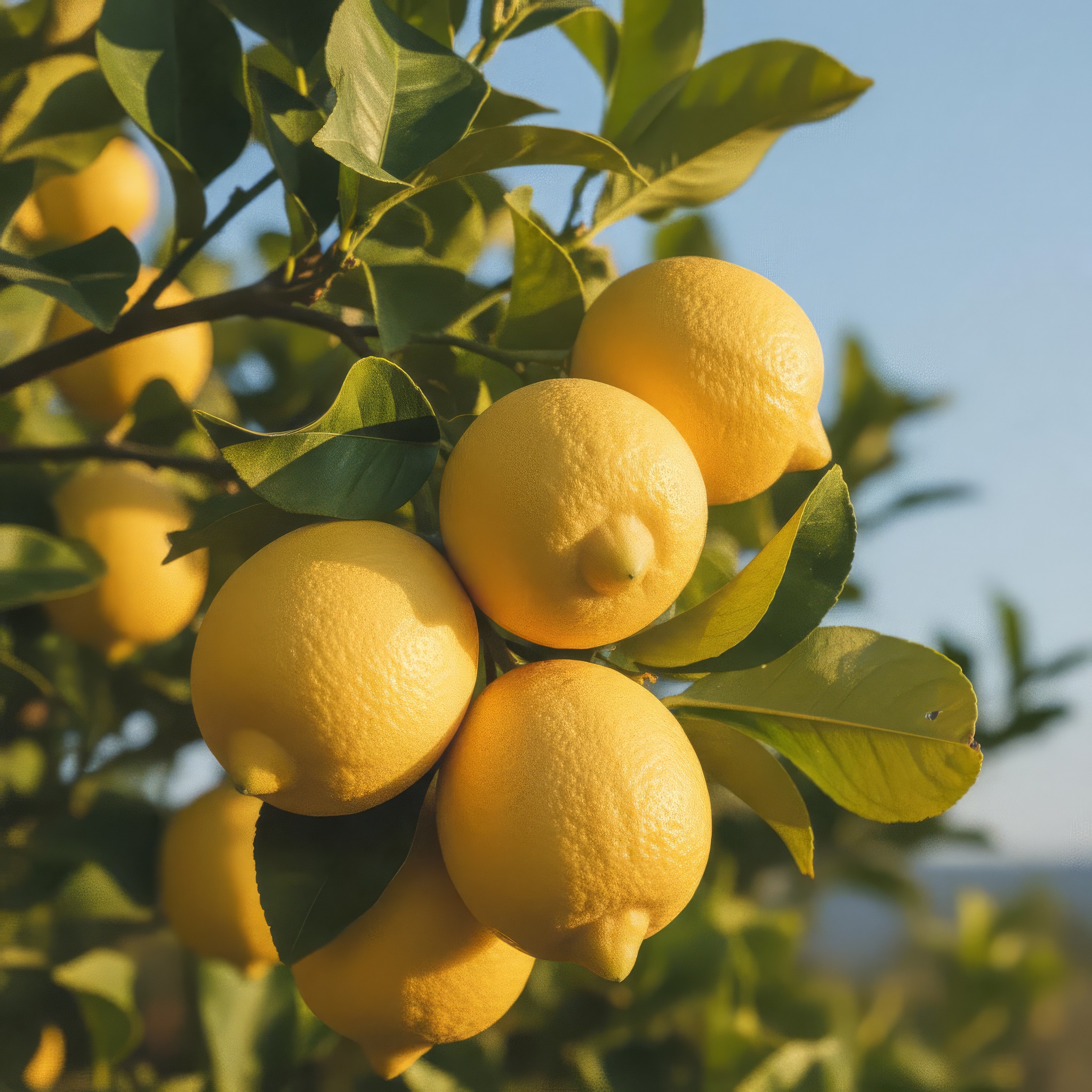

Topaz · Image Upscale
Topaz Image Upscale uses advanced AI models to intelligently enhance image resolution while preserving natural details and textures. It is ideal for upscaling low-resolution images for professional, creative, or restoration purposes without compromising quality.
- Runtime (p50)
- 10s
- Estimated price
- $0.025
Overview
topaz-upscale-image — Image-to-Image AI Model
topaz-upscale-image transforms low-resolution images into high-quality, print-ready visuals using Topaz Labs' advanced AI technology, intelligently reconstructing details like faces, textures, and edges that traditional upscalers blur or distort. Developed by topaz as part of the topaz family, this image-to-image AI model excels at upscaling up to 600% while preserving natural sharpness, making it essential for photographers, designers, and developers seeking AI image upscaling without artifacts. Whether restoring legacy photos or enhancing AI-generated content, topaz-upscale-image delivers results that often surpass originals, powered by specialized models for diverse image types.
Capabilities
- Upscaling Quality: Can upscale images while maintaining or enhancing their quality.
- Special Features: Face recovery, text preservation, and dust & scratch removal.
- Versatility: Suitable for various applications, including large-format printing and digital enhancement.
- Technical Strengths: Advanced AI models for intelligent detail generation.
Use cases
Use Cases for topaz-upscale-image
Photographers restoring legacy photos upload scanned prints or early digital shots to the Low Resolution V2 model, upscaling them 4x with recovered textures and reduced noise for framed prints or albums, eliminating the softness of basic interpolation.
E-commerce developers use topaz-upscale-image for AI image editor API integrations, feeding product photos via URL with target dimensions like "upscale to 4K, Standard V2 model" to create zoomable, high-detail listings that meet platform requirements without new shoots.
3D artists and game developers apply the CGI model to renders, enhancing low-res assets with preserved edges and details for marketing visuals or prototypes, streamlining AI photo editing for e-commerce and digital pipelines.
Designers enhance screenshots or documents with Text Refine, inputting "upscale screenshot to 1080p width 1920, preserve text clarity" to produce readable presentation graphics, perfect for business pros needing sharp, artifact-free outputs.
Tips & tricks
How to Use topaz-upscale-image on Eachlabs
Access topaz-upscale-image seamlessly on Eachlabs via the Playground for instant testing—upload an image URL or file, select a model like Standard V2 or Text Refine, set target dimensions up to 600% upscale, and generate JPEG/PNG outputs in seconds. Integrate the topaz-upscale-image API or SDK into apps for batch processing, with no cold starts and fast inference on enterprise infrastructure, delivering high-fidelity results for any image-to-image workflow.
---Technical spec
What Sets topaz-upscale-image Apart
topaz-upscale-image stands out in the competitive landscape of image-to-image AI models with five specialized enhancement models—Standard V2, Low Resolution V2, CGI, High Fidelity V2, and Text Refine—each trained to handle specific content like compressed photos, digital art, or text-heavy images, unlike generic upscalers that apply uniform processing. This enables users to select the optimal model for their source material, recovering realistic details during upscaling to 4K, 8K, or up to 600% enlargement with minimal artifacts. Face preservation technology ensures portraits retain natural expressions without the unnatural "plastic" effect common in other tools, ideal for professional headshots or e-commerce.
- Flexible dimensions and formats: Specify exact width/height with crop-to-fill, outputting JPEG or PNG, supporting AI photo upscaling for print workflows.
- Face and detail recovery: AI detects and enhances subjects like faces and textures, boosting low-res inputs to production quality in seconds on GPU-accelerated systems.
- Specialized for CGI and text: CGI mode preserves 3D render edges, while Text Refine maintains legibility in documents, differentiating it for developers integrating topaz-upscale-image API.
Things to be aware of
- Experimental Features: Some models may offer experimental or creative modes that can produce varied results.
- Known Quirks: Over-reliance on AI can lead to interpretive outputs rather than strictly accurate ones.
- Performance Considerations: Higher scaling factors require more processing power and time.
- Resource Requirements: More powerful hardware may be necessary for high-resolution tasks.
- Consistency Factors: Results can vary based on the input image quality and chosen model settings.
- Positive Feedback Themes: Users appreciate the ability to enhance images without sacrificing quality.
- Common Concerns: Some users may find the creative outputs too interpretive.
Key considerations
- Quality vs Speed Trade-off: Higher scaling factors provide more detail but require more processing time.
- Best Practices: Start with lower scaling factors to evaluate results before increasing.
- Common Pitfalls: Over-reliance on AI-generated details can lead to interpretive outputs.
- Prompt Engineering Tips: Not applicable for image upscaling models, but choosing the right model (e.g., standard vs high-fidelity) is crucial.
- Resource Requirements: More powerful hardware may be needed for high-resolution upscaling tasks.
Limitations
- Primary Technical Constraints: Higher scaling factors can lead to increased processing time and potentially more interpretive results.
- Main Scenarios Where It May Not Be Optimal: Very low-quality input images may not upscale well, even with advanced AI models.
- Technical Limitations: The model's ability to generate new details can sometimes introduce artifacts if not carefully managed.
Related models
4 models


About Topaz · Image Upscale
What is Topaz Upscale Image?
Topaz Upscale Image is an AI image enhancement model by Topaz Labs that increases photo resolution up to 4x or 8x while sharpening detail and reducing noise. It uses Topaz's specialized upscaling algorithms to produce print-quality output from web-resolution or compressed source images.