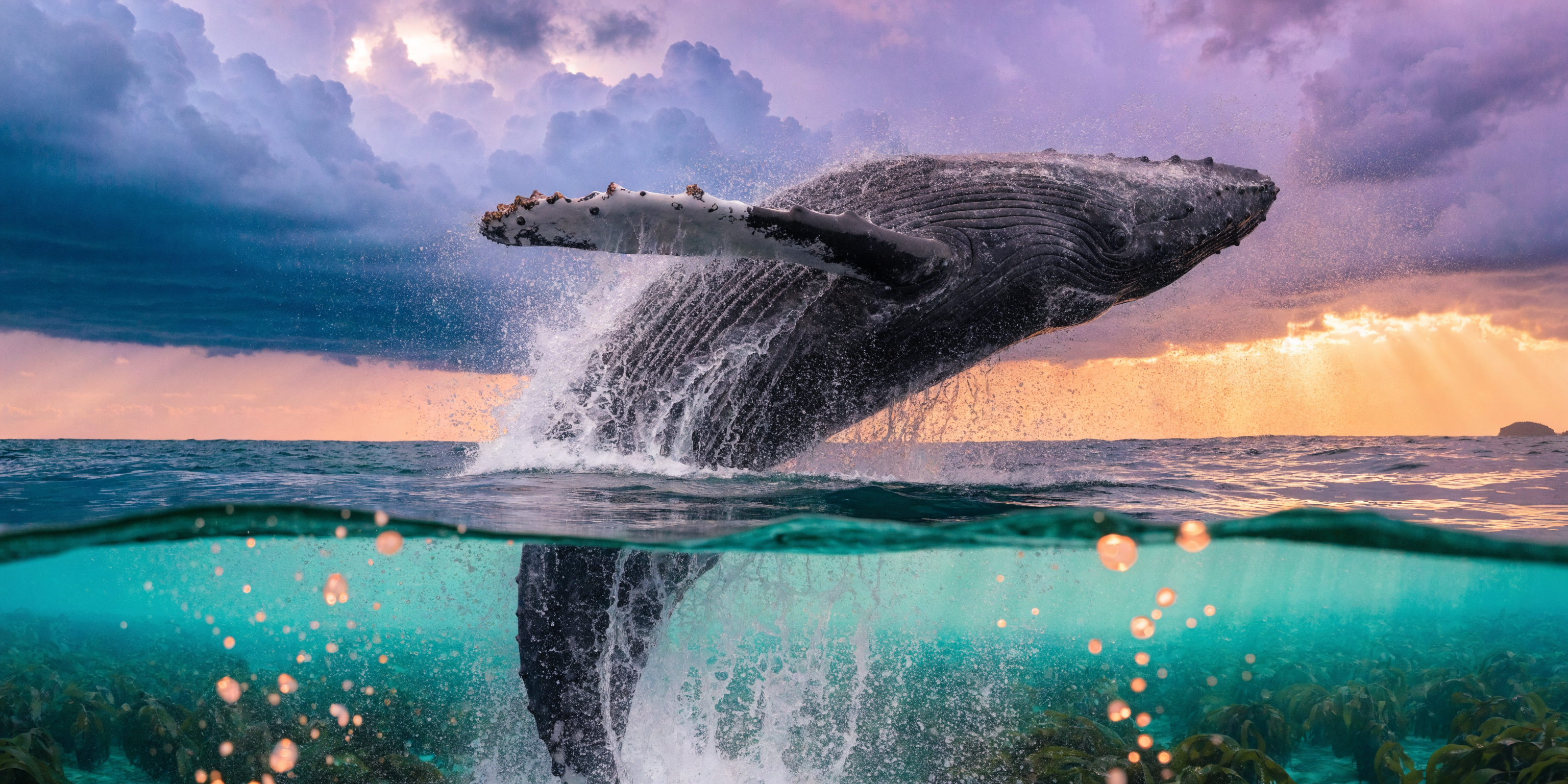
Recraft v4.1 | Pro | Text to Image
Recraft V4.1 Pro generates high-resolution images from text prompts, up to 2048×2048, made for hero visuals, campaign work, and print-ready brand assets.
- Runtime (p50)
- 20s
- Estimated price
- $0.25 per execution
Overview
Recraft v4.1 | Pro | Text to Image Overview
Recraft v4.1 | Pro | Text to Image is an image generation model from Recraft, available on each::labs for turning written prompts into polished visuals. It is built for users who need control, consistency, and production-ready output rather than loose “creative drift.” The most notable differentiator of Recraft v4.1 | Pro | Text to Image is its strong focus on graphic-quality image generation, especially for brand assets, concept art, marketing visuals, and other design-forward outputs. In practice, this makes recraft text-to-image useful when you want prompt-driven generation with cleaner composition and more reliable visual structure than a purely exploratory image tool.
Technical Specifications
- Model type: Text-to-image generation
- Provider: Recraft
- Family: recraft-v4.1
- Input: Text prompt; additional controls may be available through the Recraft API integration on each::labs
- Output: Generated image
- Resolution support: Not publicly confirmed in the sources reviewed for this page
- Aspect ratios: Not publicly confirmed in the sources reviewed for this page
- Processing time: Varies by prompt complexity and platform load; exact average latency is not publicly confirmed
- Format support: Image output suitable for download and downstream design workflows via the Recraft v4.1 | Pro | Text to Image API
Key Considerations
Recraft v4.1 | Pro | Text to Image is a strong fit when you need images that feel structured, intentional, and visually coherent. It is especially useful for design teams and marketers who want prompt-based generation with less manual cleanup. For best results, keep prompts specific about subject, style, layout, and medium. Because text-to-image systems can vary in how they interpret fine detail, users should expect some iteration. If your workflow depends on exact typography, pixel-perfect alignment, or strict brand compliance, plan to review and refine outputs before publishing.
Tips and Tricks
For recraft text-to-image, the best prompts usually describe the subject first, then the visual style, composition, and finish. Add concrete visual constraints instead of vague adjectives. If the model supports extra controls in your workflow, use them to keep outputs aligned across multiple generations. Start with a concise core prompt, then expand only when the image direction is correct. This is especially helpful for brand visuals and design concepts. Example prompts:
“Minimal editorial poster of a white electric scooter on a warm orange background, clean composition, high contrast, modern product advertising style.”
“Flat vector illustration of a SaaS dashboard with floating UI panels, blue and violet palette, crisp lines, presentation-ready layout.”
“Premium skincare product hero image, soft studio lighting, centered composition, subtle shadows, luxury beauty campaign aesthetic.”
Capabilities
- Generates images directly from text prompts
- Supports design-oriented visual creation for marketing and brand assets
- Works well for clean compositions and structured scenes
- Produces concept visuals for ads, decks, and moodboards
- Can be used to prototype illustration and graphic-style imagery
- Useful for rapid visual iteration through prompt refinement
- Accessible through the Recraft v4.1 | Pro | Text to Image API on each::labs
- Suitable for workflows that need prompt-to-image generation rather than manual design from scratch
Use Cases for Recraft v4.1 | Pro | Text to Image
Creators: Generate thumbnails, cover art, and social visuals with a focused prompt like “dynamic creator thumbnail, bold headline space, saturated colors, high-energy composition.” The model’s strength in structured image generation helps keep layouts readable.
Marketers: Build campaign concepts and ad mockups using prompts such as “lifestyle product ad, clean studio backdrop, premium lighting, modern skincare brand palette.” This works well when you need fast visual exploration before final production.
Designers: Explore illustration directions and presentation graphics with prompts like “vector-style data visualization hero image, blue grid background, editorial layout, crisp UI-inspired elements.” Recraft v4.1 | Pro | Text to Image is useful for design-first ideation.
Developers: Prototype visual assets for app onboarding, landing pages, or feature illustrations with prompts such as “friendly SaaS mascot illustration, simple shapes, flat shading, product UI context.” The Recraft v4.1 | Pro | Text to Image API can fit automated content pipelines.
Things to Be Aware Of
Recraft v4.1 | Pro | Text to Image may need multiple attempts when prompts are too broad or when they demand exact text rendering inside the image. Like many image models, it can struggle with highly specific layout rules, fine typography, or tightly constrained branding instructions. Users also make the common mistake of overloading prompts with too many style descriptors, which can reduce clarity. For production use, expect to review outputs for composition, detail accuracy, and brand fit before publishing or handing off to clients.
Limitations
This model is a text-to-image system, so it does not generate video or audio. Publicly verified details for exact resolution, aspect ratio presets, and latency were not confirmed in the sources reviewed here. As with many generative image models, exact text inside images, complex scene logic, and precise object placement can be inconsistent. Recraft v4.1 | Pro | Text to Image is best used for fast visual generation, not guaranteed final artwork without refinement.
Capabilities
Capabilities
- Generates detailed images from natural language prompts, covering illustration, concept art, icons and marketing visuals.
- Supports multiple aspect ratios so users can create assets optimized for social feeds, ads, thumbnails and hero banners.
- Produces clean, design-friendly outputs that integrate well into vectorization and layout workflows inside Recraft.
- Provides stylistic versatility, from flat design and outline icons to painterly and semi-realistic imagery using “recraft text-to-image” prompts.
- Handles brand-centric prompts with consistent color palettes and simple compositions, useful for logos and UI graphics.
- Works with negative prompting to reduce artifacts such as stray text, watermarks or unwanted objects.
- Integrates into back-end systems via the Recraft v4.1 | Pro | Text to Image API, enabling automated asset generation at scale.
- Supports iterative refinement by re-prompting or adjusting parameters to hone in on a desired aesthetic.
Use cases
Use Cases for Recraft v4.1 | Pro | Text to Image
Marketing creatives and ad visuals. Quickly produce on-brand campaign images using the model’s aspect-ratio flexibility. Example: “Lifestyle photo-style illustration of a person using a fitness app at home, 16:9 landscape, bright and energetic, no text.”
Product and UX mockups. Designers can explore interface concepts or product scenes with controlled composition. Example: “Clean illustration of a mobile banking app screen on a smartphone, placed on a desk with coffee, soft shadows, flat design.”
Content and editorial illustration. Publishers use recraft text-to-image prompts to create cover art or blog headers that match article themes. Example: “Conceptual illustration of cybersecurity, glowing shield over city skyline, blue and purple palette, semi-flat style.”
Developer automation pipelines. Engineering teams integrate the Recraft v4.1 | Pro | Text to Image API to auto-generate thumbnails, placeholder artwork or variant testing assets. Example: “Three variations of an abstract geometric background for a SaaS dashboard, gradient colors, minimal detail.”
Tips & tricks
Tips and Tricks
To get the most from Recraft v4.1 | Pro | Text to Image, treat prompts like design briefs. Specify subject, camera angle, style and mood in short clauses, and use negative wording to exclude unwanted elements (for example “no watermark, no text”). The model responds well to style tags such as “flat illustration”, “minimalist vector logo” or “cinematic digital painting”. When using the Recraft v4.1 | Pro | Text to Image API on each::labs, keep a stable “base prompt” for brand consistency and vary only product or scene details between calls.
Example prompts:
- “Flat vector illustration of a person working at a laptop in a modern office, pastel colors, clean background, no text.”
- “Cinematic digital painting of a futuristic city at sunset, wide shot, dramatic lighting, highly detailed, no watermark.”
- “Minimalist icon set of cloud storage, shield security and analytics graph, consistent line weight, monochrome, white background.”
Technical spec
Technical Specifications
- Model type: Text-to-image generative model (Recraft v4.1 Pro family).
- Input: Natural language prompt; optional negative prompt and style / quality parameters (via Recraft interface or API).
- Output: Raster images; Recraft UI can export PNG/JPEG and convert to SVG/vector for many styles.
- Resolution: Supports standard square and rectangular outputs; common presets include social, poster and banner-style formats. Exact pixel limits are defined by the host (e.g., each::labs) configuration.
- Aspect ratios: Multiple aspect ratios (square, portrait, landscape) selectable in the Recraft tools and API parameters.
- Processing time: Typically a few seconds per image on modern GPUs, depending on resolution and concurrency.
- Integration: Accessible via the Recraft v4.1 | Pro | Text to Image API and platform-specific SDKs.
Things to be aware of
Things to Be Aware Of
Like most generative models, Recraft v4.1 | Pro | Text to Image can sometimes misinterpret vague or overloaded prompts, leading to cluttered compositions. It may also struggle with precise typography, small embedded text or intricate logos, so these are better added in a design tool afterward. Users should verify that generated content respects brand and legal guidelines, especially when depicting real people, trademarks or sensitive topics. Higher resolutions or large batch jobs will increase latency and cost on each::labs, so plan background processing where possible and reuse images rather than regenerating near-identical variants.
Key considerations
Key Considerations
Recraft v4.1 | Pro | Text to Image works best when prompts are clear about subject, style and composition. Users should prepare short, focused descriptions rather than long, ambiguous instructions. This model is well suited for marketing creatives, product mockups, editorial illustration and concept art where stylistic control matters more than strict photorealism. Through each::labs, the model’s cost and performance profile will depend on chosen resolution and request volume, so batch generation and caching are recommended for large campaigns. For tasks needing fine-grained layout control or text-heavy graphics, pair the model’s outputs with traditional design tools for final refinement.
Limitations
Limitations
Recraft v4.1 | Pro | Text to Image does not guarantee photorealistic accuracy or faithful reproduction of complex layouts such as dense infographics, fine text or pixel-perfect UI mocks. It cannot serve as a drop-in replacement for professional logo design or legal illustration where exact geometry and trademarks are required. Output resolutions and file formats are bounded by the implementation on each::labs, and extremely long or contradictory prompts may yield inconsistent results. As with other generative models, it should not be relied on for factual visual evidence or identity recognition.
Related models
4 models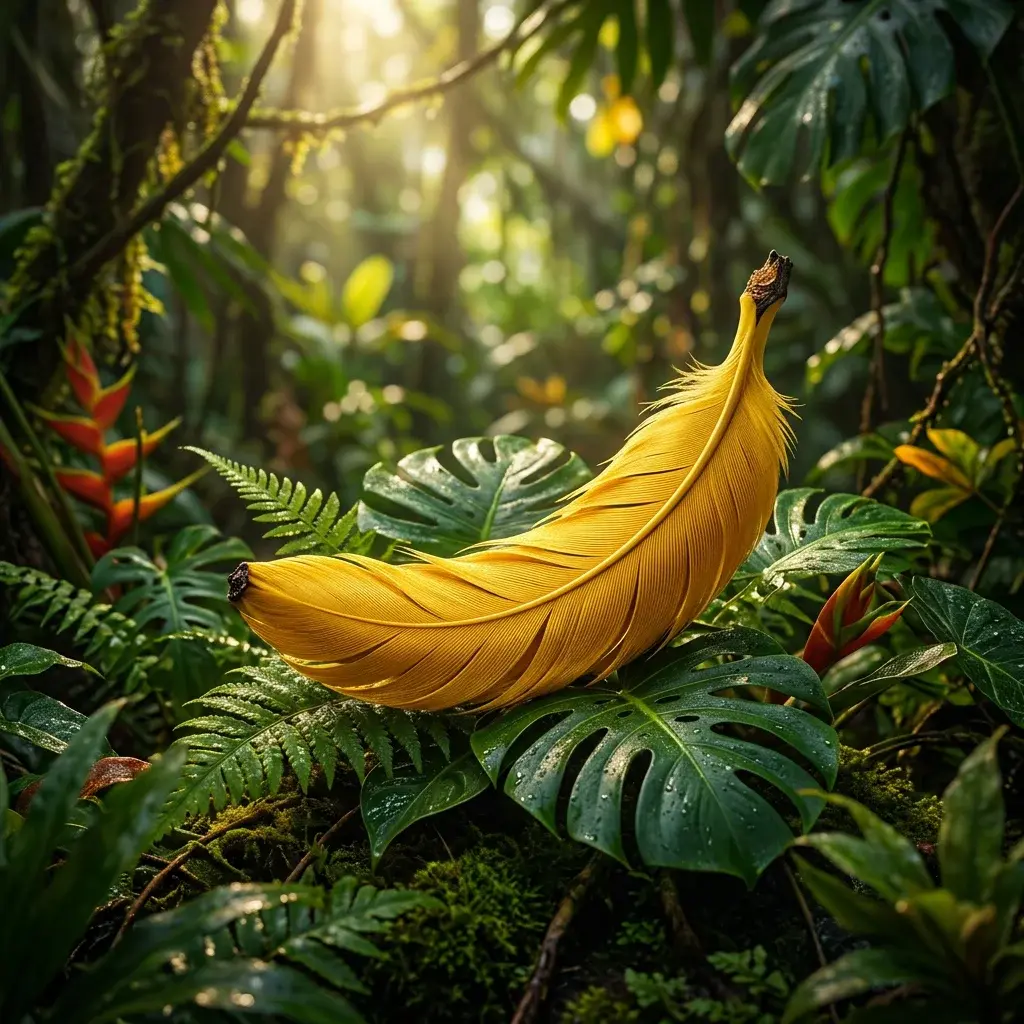
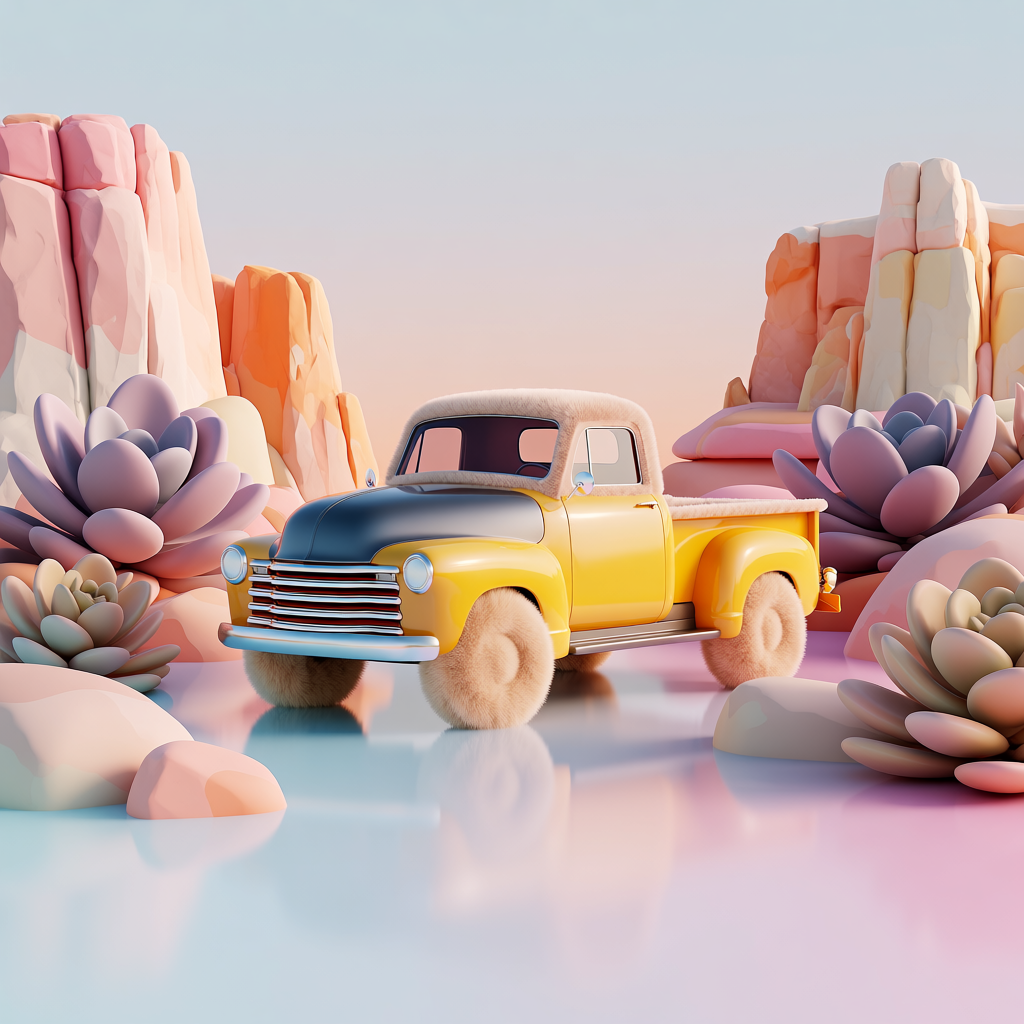
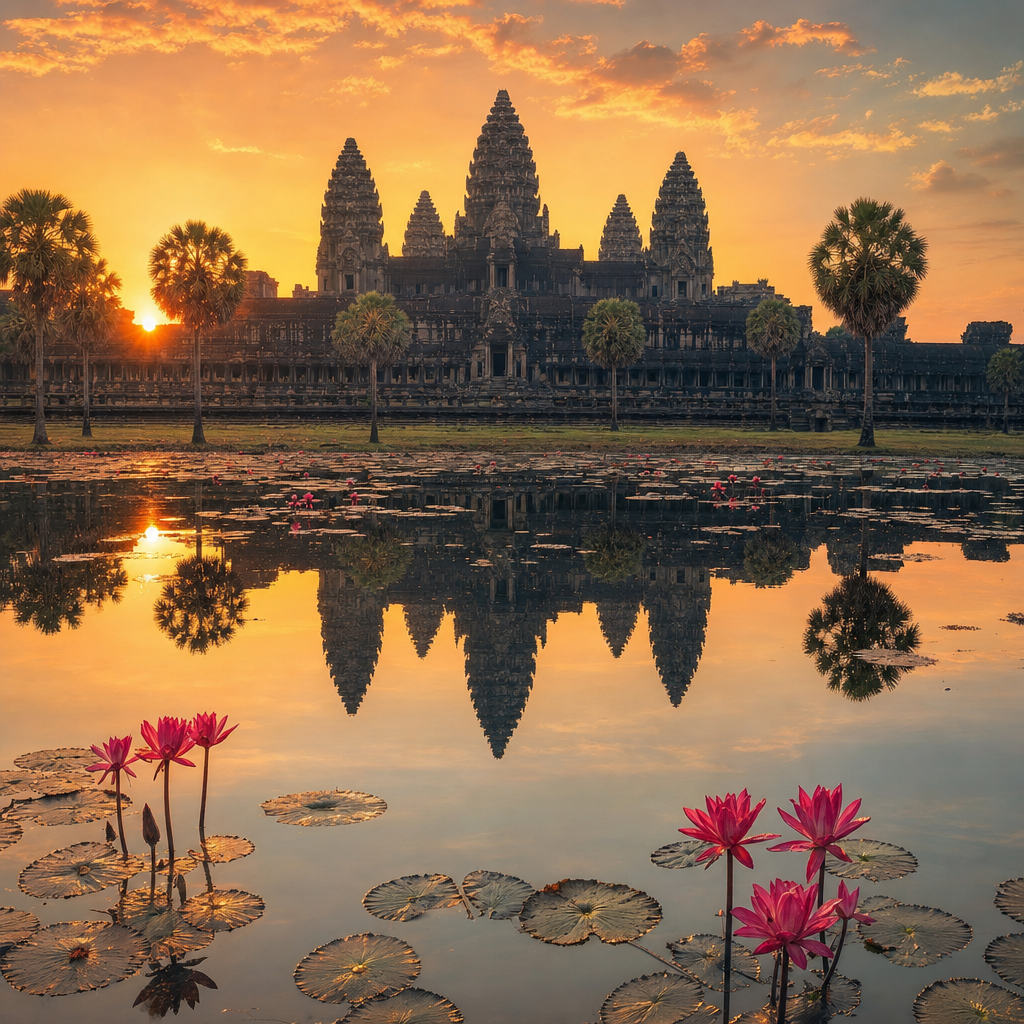
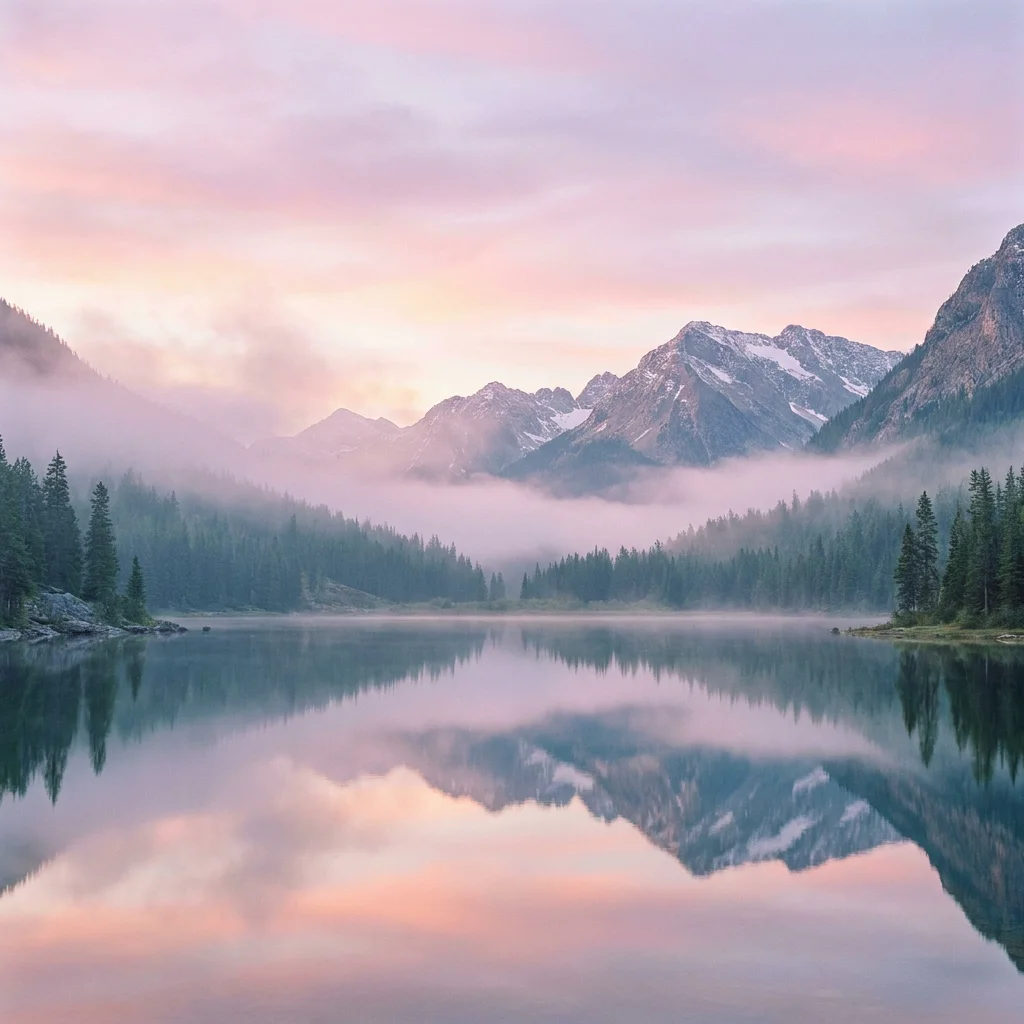
About Recraft v4.1 | Pro | Text to Image
What is Recraft V4.1 Pro text-to-image?
Recraft V4.1 Pro is Recraft's higher-resolution text-to-image model, pushing V4.1 into outputs up to 2048×2048 with ultra-wide formats. It's designed for hero imagery, campaign assets, and print work, with the design-focused photorealism and clean illustration Recraft is known for.