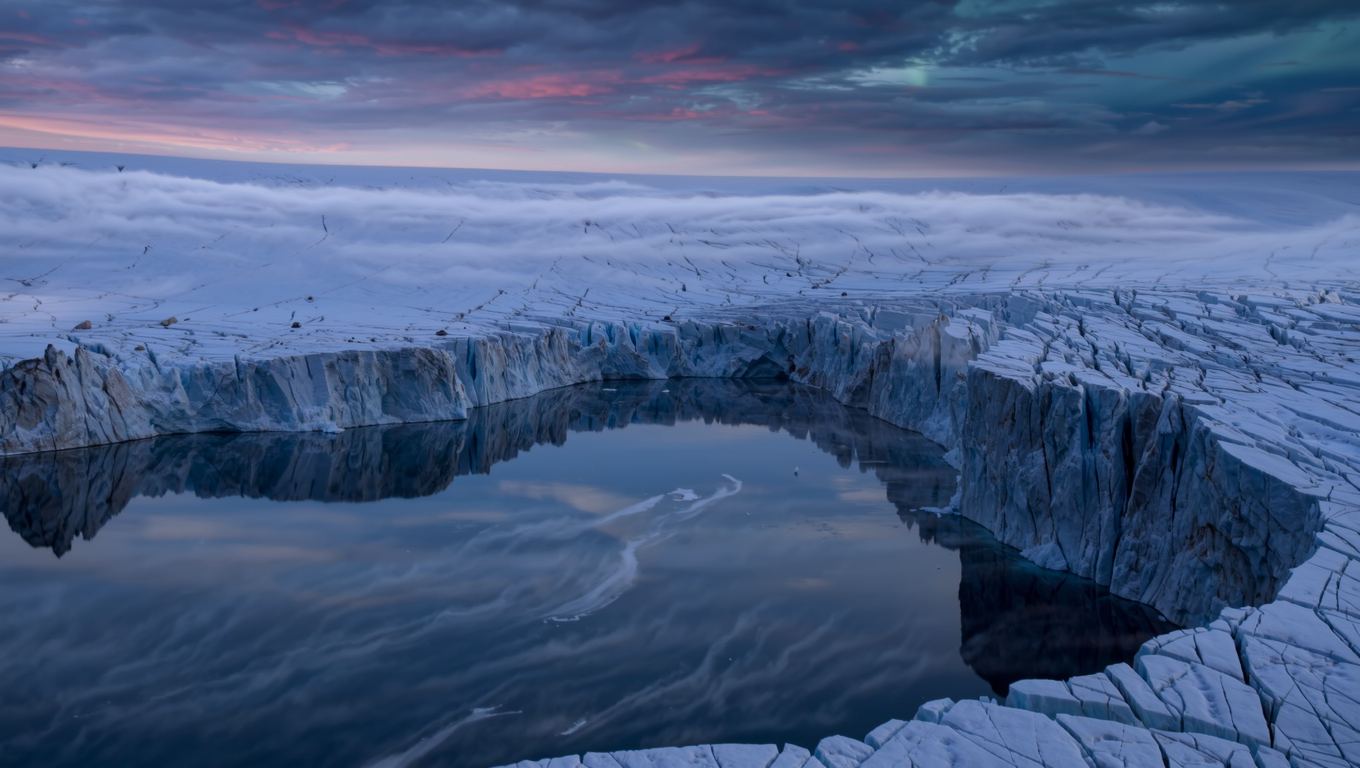
Kling | v3 | Text to Image
Kling V3 is the latest Kling image model, delivering enhanced visual quality, consistency, and detail.
- Runtime (p50)
- 25s
- Estimated price
- $0.028 per image
Overview
Kling | v3 | Text to Image is a cutting-edge text-to-image model from the Kling family by Kuaishou, transforming detailed text prompts into high-fidelity visuals with exceptional realism and detail.
As part of the Kling V3 family released in early 2026, this model addresses the need for print-ready, ultra-high-definition images without upscaling, delivering native 4K output directly. Its primary differentiator lies in enhanced narration and batch optimization capabilities, enabling creators to generate series of cohesive images with superior detail preservation and stylistic consistency. Available through each::labs (eachlabs.ai), Kling | v3 | Text to Image empowers designers, marketers, and developers to produce professional-grade visuals efficiently via the Kling | v3 | Text to Image API. Whether for concept art, product mockups, or marketing assets, it excels in rendering complex scenes with accurate physics, textures, and cinematic quality, streamlining workflows on each::labs.
Capabilities
- Generates native 4K ultra-HD images from text prompts, ideal for print-ready visuals without post-upscaling
- Supports IMAGE 3.0 Omni mode for enhanced narration and storytelling in static visuals with coherent scene composition
- Batch optimization for creating consistent image series, perfect for storyboards or marketing campaigns
- Renders hyper-realistic humans, environments, and macro details with accurate physics and textures
- Multi-prompt handling for complex scenes combining multiple elements seamlessly
- Strong stylistic control, including cinematic, photorealistic, or stylized outputs with precise prompt adherence
- Negative prompt support to exclude unwanted elements like distortions or artifacts
- High detail preservation in close-ups and intricate subjects
Use cases
Graphic Designers Creating Concept Art: Leverage native 4K output and batch optimization to generate cohesive series of product mockups. Example prompt: "Sleek modern smartphone in matte black, floating on gradient blue background, studio lighting, multiple angles in series." This capability ensures print-ready visuals with consistent styling.
Marketers for E-Commerce Visuals: Produce hyper-realistic macro shots of products using enhanced realism features. Prompt: "Luxury watch on velvet surface, intricate engravings visible, soft spotlight, 4K detail." Ideal for creators needing detail-focused assets without photography sessions.
Developers Building UI Prototypes: Utilize multi-prompt support for complex app screenshots. Example: "Dashboard interface with glowing charts, dark mode, futuristic UI elements, high-res photorealistic." Supports rapid iteration via the Kling | v3 | Text to Image API on each::labs.
Content Creators for Social Media: Craft cinematic portraits with narration enhancement. Prompt: "Epic fantasy character portrait, dramatic pose, volumetric fog, ultra-detailed face." Diversifies visuals for thumbnails and posts efficiently.
Tips & tricks
For Kling | v3 | Text to Image, craft prompts with specific lighting, composition, and style references to leverage its enhanced realism—e.g., include "cinematic lighting, sharp details, 4K resolution" for superior outputs. Use batch optimization for generating related image series, specifying "image series mode" to maintain stylistic continuity across multiple visuals.
Optimize parameters by setting higher CFG scale (7-12) for prompt adherence in complex scenes, and incorporate negative prompts like "blurry, low resolution, artifacts" to refine quality. Workflow tip: Start with broad concepts, then iterate with added details for refinement.
Example prompts:
- "A futuristic cityscape at dusk, neon lights reflecting on wet streets, ultra-detailed architecture, cinematic composition, 4K"
- "Close-up portrait of a warrior in ancient armor, dramatic shadows, intricate metal textures, photorealistic, high dynamic range"
- "Vibrant macro shot of a blooming flower in dew, soft bokeh background, hyper-realistic details, natural lighting"
These tips maximize the model's strengths in detail preservation and narrative enhancement on each::labs.
Technical spec
- Output Resolution: Native 2K and 4K ultra HD, supporting print-ready visuals without upscaling
- Aspect Ratios: Flexible support including standard ratios like 16:9, 9:16, and 1:1, optimized for diverse applications
- Input Formats: Text prompts; supports multi-prompt for complex compositions and negative prompts for exclusions
- Output Formats: High-resolution static images in standard web and print-compatible formats
- Processing Time: Efficient inference similar to Kling V3 family averages around 250 seconds for high-quality generations, varying by complexity
- Additional Parameters: Prompt guidance strength (CFG scale), batch optimization for image series, enhanced realism modes
Built on Kling's unified multimodal architecture, it leverages V3 advancements for superior detail and consistency.
Things to be aware of
Kling | v3 | Text to Image may require detailed prompts for optimal complex scenes; vague inputs can lead to less precise compositions. Edge cases like extreme abstractions or heavy text integration perform suboptimally compared to realism-focused prompts.
Common mistakes include overlooking negative prompts, causing artifacts in high-detail generations—always specify exclusions. Resource needs scale with 4K batches, so monitor API usage on each::labs for longer workflows. Test iterations to refine stylistic consistency in series mode.
Key considerations
Before using Kling | v3 | Text to Image on each::labs, ensure prompts are detailed and structured for optimal results, as the model thrives on descriptive inputs with clear subject, style, and composition cues. It suits high-detail scenarios like product visuals or cinematic concepts better than abstract or low-fidelity needs, where simpler models may suffice.
Access via the Kling | v3 | Text to Image API requires an each::labs account; consider compute costs for 4K batches, balancing against its native high-res output that skips upscaling steps. Best for professional workflows needing consistency across image series, with tradeoffs in speed for unmatched detail in realism-focused generations.
Limitations
Kling | v3 | Text to Image focuses on high-res static images, lacking native video or audio output unlike other Kling V3 variants. It struggles with highly abstract or non-photorealistic styles, prioritizing realism over surrealism.
Input restricted to text prompts without direct image conditioning in this mode, and processing times increase for 4K batches. No support for dynamic elements like motion, limiting it to static visuals only.
Related models
4 models
About Kling | v3 | Text to Image
What is Kling V3 Text-to-Image on eachlabs?
Kling V3 Text-to-Image is an AI image generation model available on eachlabs that creates high-quality images from text descriptions. It delivers detailed, photorealistic or stylized visuals with strong prompt adherence, making it ideal for content creation, marketing asset production, concept art, and product visualization workflows via eachlabs' API.