P Video Animate
p-video-animate animates a reference subject with motion and audio from any source video, creating consistent character animation for creators on each::labs.
- Runtime (p50)
- 1m
- Estimated price
- $0.03–$0.06 per second, depending on resolution
Overview
P Video Animate Overview
P Video Animate is an image-to-video model from Pruna AI available on each::labs, designed to turn a still image into a short animated clip. It solves a common production problem: how to add motion, life, and continuity to a single frame without rebuilding the scene from scratch. P Video Animate is positioned within the Pruna AI image-to-video family, and its main value is fast visual animation from an existing image input. For creators and product teams, that makes P Video Animate useful for social content, concept visuals, and motion prototypes where the source image already defines the style and composition.
Capabilities
Capabilities
- Converts a still image into a short animated video clip.
- Supports motion-driven storytelling from a single visual reference.
- Helps create subtle movements such as blinking, breathing, or environmental motion.
- Can be used to add camera movement for a more cinematic feel.
- Useful for stylized outputs where the source image defines the scene and aesthetic.
- Fits rapid concept testing for Pruna AI image-to-video workflows.
- Works well for turning static assets into social-ready motion content.
Use cases
Use Cases for P Video Animate
Creators: Turn a portrait, illustration, or thumbnail into a motion piece with a prompt like, "Animate the character with subtle eye movement and a slow cinematic zoom." This uses the model’s ability to animate a single source image without rebuilding the scene.
Marketers: Add movement to a product hero image for ad previews or landing pages. A prompt such as, "Create a smooth premium product animation with soft reflections and slow camera push-in," takes advantage of P Video Animate’s image-led motion generation.
Designers: Prototype motion concepts from static key art before committing to full video production. Use a prompt like, "Animate this poster with drifting particles and gentle background motion," to test visual rhythm quickly.
Developers: Build an automated content pipeline with the P Video Animate API that turns approved images into lightweight video assets for apps, feeds, or demos.
Tips & tricks
Tips and Tricks
For P Video Animate, start with a clean image that has one clear subject and minimal visual clutter. Keep prompts focused on motion direction, camera behavior, and atmosphere rather than trying to rewrite the whole scene. If the result feels too busy, simplify the prompt and reduce competing motion cues. If the clip feels static, specify a stronger action but keep it believable for the original frame.
Example prompts:
"Animate this portrait with subtle head movement, soft blinking, and gentle hair motion."
"Turn this product image into a premium motion shot with slow camera push-in and light reflections."
"Create a cinematic scene animation with drifting clouds, moving fabric, and a slow parallax camera move."
When using the P Video Animate API, test one motion idea at a time. That makes it easier to judge which prompt phrases improve the output.
Technical spec
Technical Specifications
- Model type: Image-to-video generation
- Provider: Pruna AI
- Family: P-video
- Input: A source image, plus prompt-based motion guidance where supported
- Output: Generated video clip
- Resolution support: Not publicly confirmed in the available documentation
- Maximum duration: Not publicly confirmed in the available documentation
- Aspect ratios: Not publicly confirmed in the available documentation
- Processing time: Varies by queue and generation settings; no verified average was available
- Architecture details: Not publicly confirmed
For P Video Animate API usage, the safest assumption is that the workflow centers on image input and motion guidance rather than full scene reconstruction. Use the exact request schema exposed by each::labs for accepted formats and parameter names.
Things to be aware of
Things to Be Aware Of
P Video Animate can struggle when the source image is crowded, low quality, or missing clear subject separation. Large or conflicting motion requests may produce awkward movement or reduce visual consistency. Hands, faces, text, and fine details often need extra caution because image-to-video models may distort them during animation. If you need exact camera paths or synchronized scene changes, test carefully before using the result in production. For best results, keep prompts concise and use source images that already support motion logically.
Key considerations
Key Considerations
P Video Animate works best when the input image already has strong composition, clear subjects, and visible depth cues. Because it is an image-to-video tool, the quality of the source frame matters more than in text-only generation. The model is a good fit for motion-first use cases such as subtle camera movement, character animation, or stylized scene transitions. It is less suitable when you need strict temporal control, long sequences, or exact physical simulation. As with most Pruna AI image-to-video workflows, expect a tradeoff between speed, consistency, and how much motion you ask the model to create.
Limitations
Limitations
P Video Animate is not a full video editor and cannot reliably reconstruct long narratives or complex multi-shot sequences. It is limited by the source image and may introduce artifacts when asked to animate highly detailed, crowded, or text-heavy visuals. Publicly verified documentation for resolution, duration, and aspect-ratio limits was not available in the research used here, so those constraints should be checked directly in each::labs before deployment.
Related models
4 models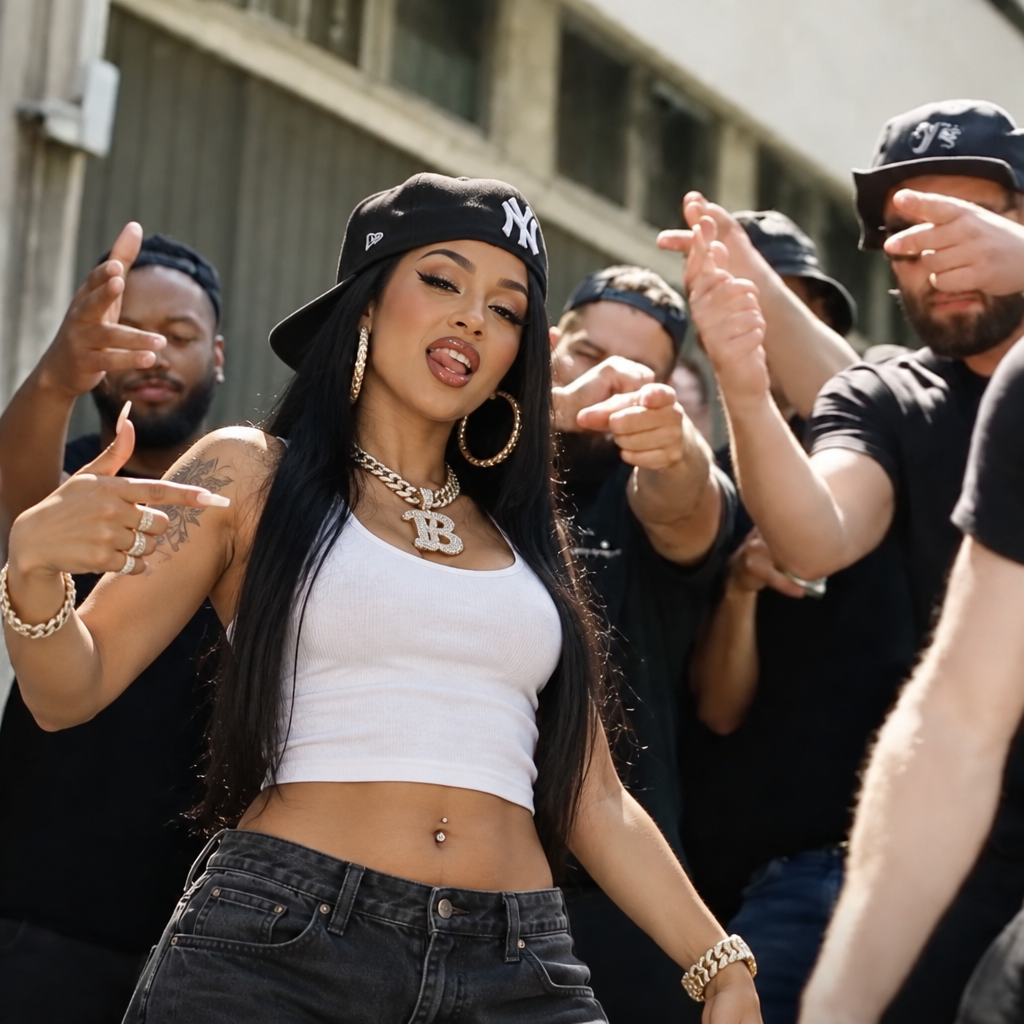
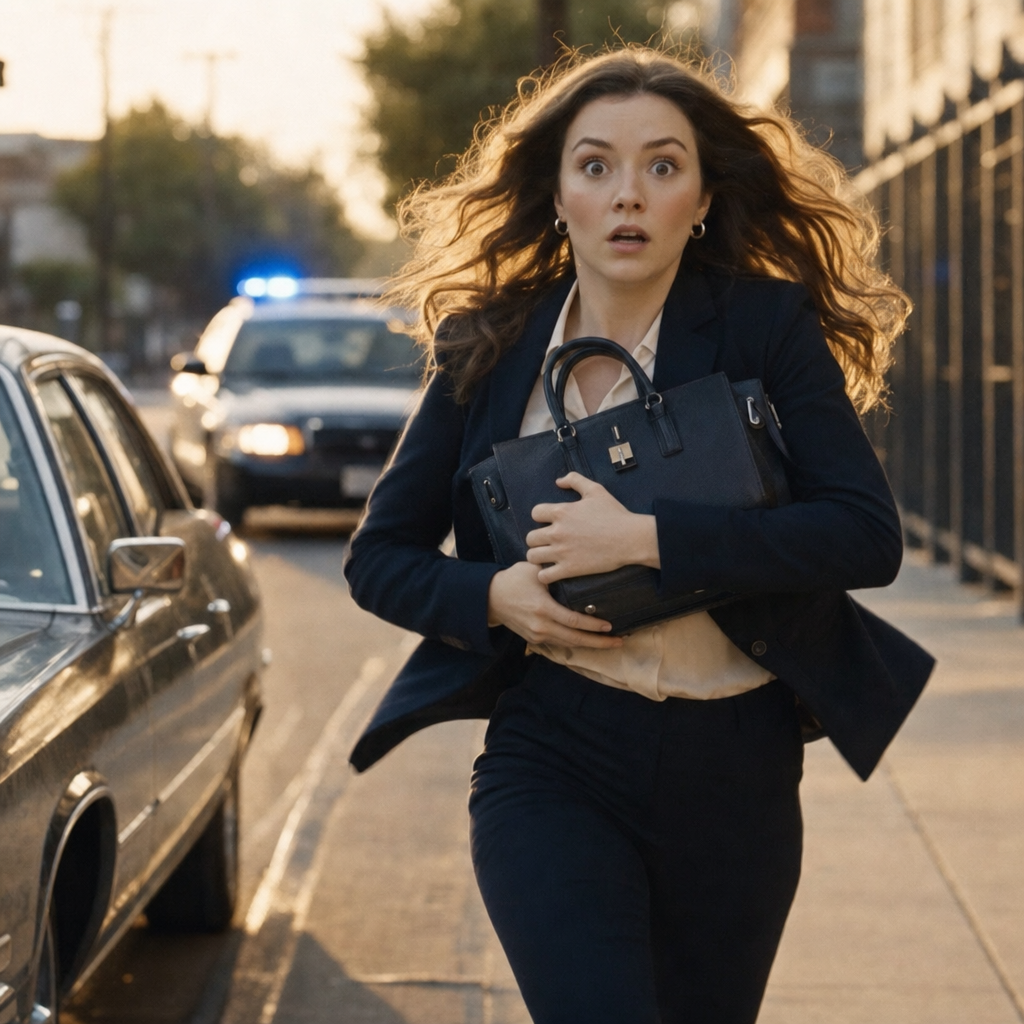
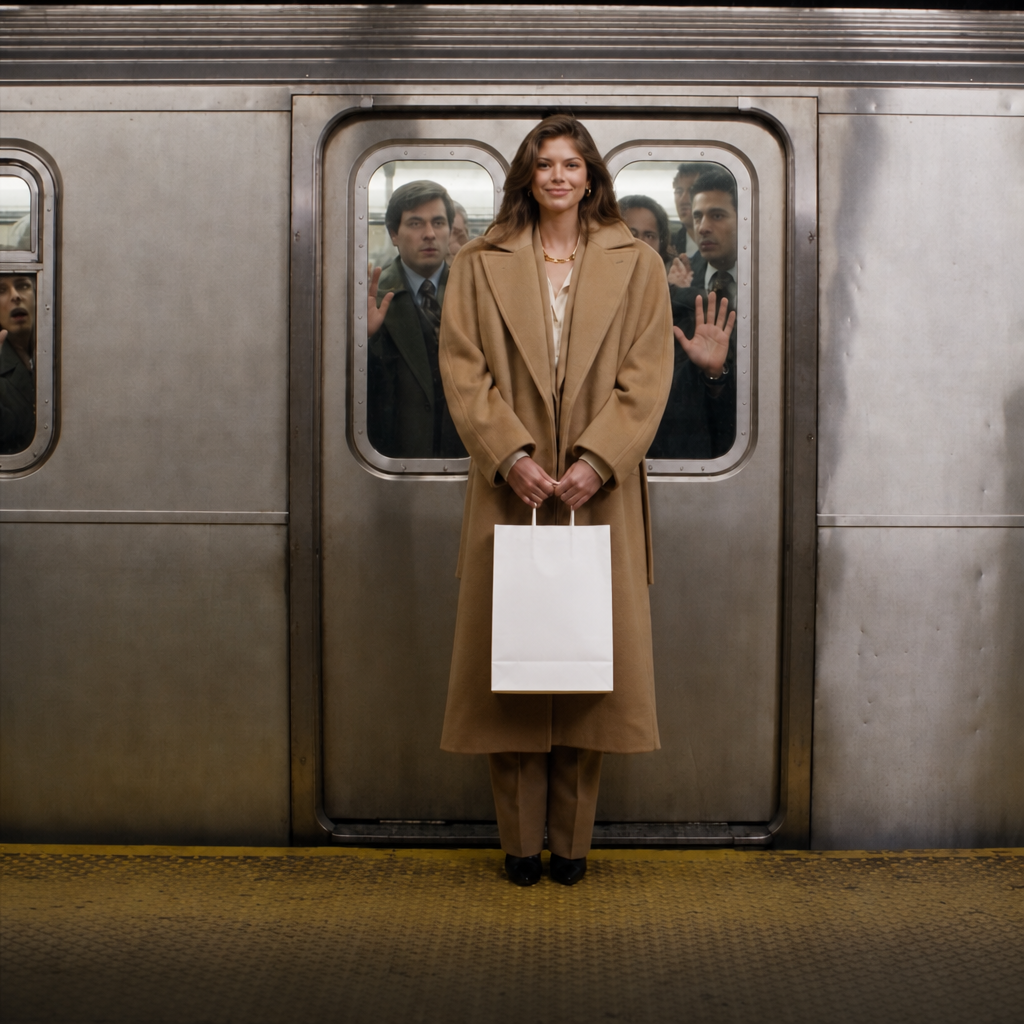
About P Video Animate
What is p-video-animate and how does it work?
p-video-animate is a video animation model that takes a reference image of a subject and a source video, then animates the subject by transferring the motion and audio from that source video. The result is a new video where your reference character or object moves in sync with the original footage.