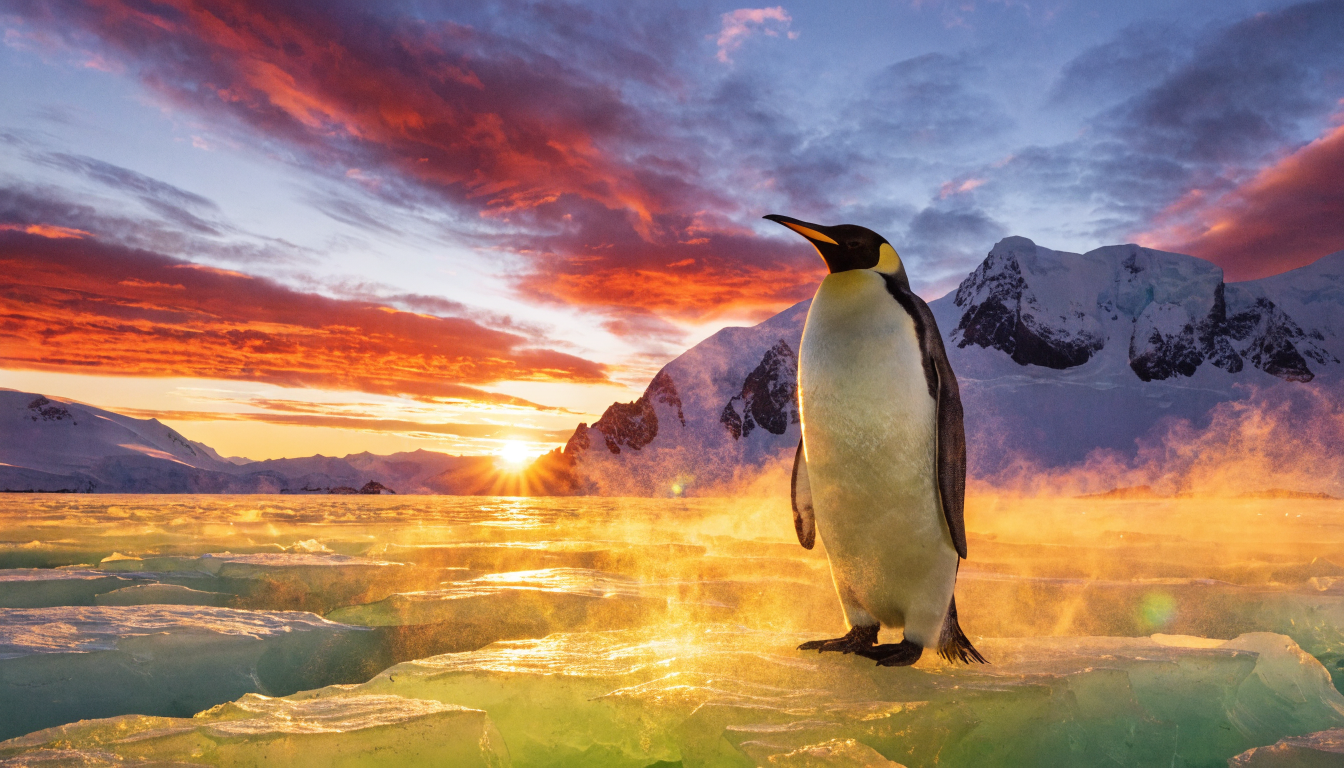
Recraft v4 | Text to Image
Recraft V4 generates design-grade text-to-image visuals with refined composition, accurate typography, and brand color control for marketing on eachlabs.
- Runtime (p50)
- 15s
- Estimated price
- $0.04 per execution
Overview
Recraft v4 | Text to Image Overview
Recraft v4 | Text to Image is a powerful text-to-image generation model from the recraft provider, part of the recraft-v4 family, designed to transform textual descriptions into high-quality visual content via the OpenAPI schema on each::labs. It solves the challenge of creating custom images quickly for designers, marketers, and developers without needing advanced graphic skills. The model's primary differentiator lies in its optimized queue system for reliable, scalable image generation through the Recraft v4 | Text to Image API, enabling seamless integration into workflows on eachlabs.ai.
Available exclusively through each::labs, this recraft text-to-image tool supports creative professionals seeking precise control over outputs. Whether generating product visuals or conceptual art, Recraft v4 | Text to Image delivers consistent results, making it ideal for production environments. Access it effortlessly on eachlabs.ai for fast prototyping and iteration.
Capabilities
Capabilities
- Generates high-fidelity images from natural language prompts with strong adherence to descriptions
- Supports diverse styles including photorealistic, artistic, and illustrative renders
- Handles complex scenes with multiple subjects, lighting effects, and atmospheric details
- Queue-based API for scalable, asynchronous text-to-image processing
- Customizable aspect ratios and resolutions for versatile output formats
- Consistent reproduction via seed parameters for iterative design work
- Optimized for recraft text-to-image tasks like concept art and marketing visuals
Use cases
Use Cases for Recraft v4 | Text to Image
Content Creators: Generate thumbnail art for YouTube videos. Example prompt: "Dynamic gaming thumbnail with explosive action, bold colors, heroic character in foreground." Leverage style control for brand consistency.
Marketers: Create product mockups quickly. Example: "Sleek smartphone on marble surface, studio lighting, floating UI elements, photorealistic." Use the Recraft v4 | Text to Image API for campaign assets on each::labs.
Developers: Prototype app icons and UI elements. Example: "Flat design app icon for weather app, sunny day with clouds, vibrant gradients." Seed reproducibility aids testing.
Designers: Visualize concepts for client pitches. Example: "Modern office interior with ergonomic furniture, natural light, 3D render style." Aspect ratio flexibility supports presentations.
Tips & tricks
Tips and Tricks
For best results with Recraft v4 | Text to Image, use descriptive prompts with specific styles, lighting, and composition details. Include keywords like "photorealistic," "in the style of [artist]," or "high detail" to guide the model. Optimize parameters by setting a fixed seed for reproducible outputs and experimenting with guidance scales around 7-10 for balanced creativity.
Workflow tip: Chain generations by using previous outputs as reference images if supported. Example prompts:
- "A futuristic cityscape at dusk, neon lights reflecting on wet streets, cyberpunk style, ultra-detailed, 8k resolution"
- "Minimalist logo design for a tech startup, geometric shapes, monochromatic blue tones, vector art style"
- "Portrait of a serene mountain landscape with autumn foliage, golden hour lighting, photorealistic, wide angle"
Access these via the Recraft v4 | Text to Image API on each::labs for precise control.
Technical spec
Technical Specifications
- Category: text-to-image
- Resolution Support: Up to 1024x1024 pixels standard, with flexible scaling for custom sizes
- Aspect Ratios: 1:1 square, 16:9 widescreen, 9:16 portrait, and custom ratios
- Input Formats: Text prompts via JSON payload; optional style or seed parameters
- Output Formats: PNG or JPEG images
- Processing Time: Typically 10-30 seconds per image, depending on queue load
- API Access: OpenAPI schema compatible, queue-based inference via recraft-v4/text-to-image endpoint
These specs make Recraft v4 | Text to Image suitable for high-volume tasks on each::labs.
Things to be aware of
Things to Be Aware Of
Recraft v4 | Text to Image performs best with clear, structured prompts—avoid ambiguity to prevent off-topic generations. Queue delays can occur during high demand on each::labs; plan for asynchronous workflows. Common mistakes include overly long prompts, which may dilute focus; keep them under 100 words.
Edge cases like extreme close-ups or highly abstract concepts may require multiple iterations. Resource-wise, standard API calls suit most users, but high-volume tasks benefit from batching.
Key considerations
Key Considerations
Before using Recraft v4 | Text to Image, ensure you have an API key from each::labs for queue access. It's best for scenarios requiring consistent text-to-image outputs in batch processing, outperforming real-time needs. Consider cost per image based on queue usage—ideal for mid-scale projects balancing quality and speed.
Users should prepare detailed prompts for optimal results, as vague inputs may yield generic images. On eachlabs.ai, monitor queue status to avoid delays during peak times. This model excels in creative iteration over ultra-high-resolution demands.
Limitations
Limitations
Recraft v4 | Text to Image does not support video generation or direct image editing inputs. Outputs cap at moderate resolutions, unsuitable for print-quality beyond 2k. It may struggle with hyper-specific historical accuracy or copyrighted character likenesses. Queue-based nature means no guaranteed real-time responses.
---
Related models
4 models
About Recraft v4 | Text to Image
What is Recraft V4 and what does it produce?
Recraft V4 is a text-to-image model from Recraft that generates polished, design-ready visuals from natural-language prompts. It focuses on layout, lighting, materials, and composition that look intentional rather than randomly generated, with accurate in-image text and color palette control for branded output.