Topaz Starlight Precise 2.6: AI Video That Looks Shot
Your AI clip has the shot. It just looks soft and a little plastic. Topaz Starlight Precise 2.6 is the diffusion upscaler built for exactly that last mile.
You finally got the shot. The camera moves the way you asked, the character holds together, the light lands where it should. Then you watch it full screen and something is off. Skin looks waxed. The label on the bottle is a smear. Fine fabric turns into a smooth, vaguely expensive blur. Nothing is wrong with the composition. The surface just doesn't look like anything a lens ever saw.
That last mile is the job Topaz Starlight Precise 2.6 was built for. It's a diffusion video upscaler from Topaz Labs, tuned for footage that is already good but soft: AI generations, live action, and digital video from the 2000s onward. It takes that clip to as much as 4K and rebuilds faces, skin, fabric and small text on the way. It's live on each::labs, and it's the most useful thing you can put at the end of a video pipeline that nobody talks about.
Why AI Video Still Looks Generated
Generation models spend their capacity on the hard problems: motion, physics, identity, the camera. Surface detail gets whatever is left. So most clips come out with a convincing scene and an unconvincing skin. Pores vanish. Hair turns into a single soft shape. Text on a sign has the right number of letters and none of the right ones.
A classic upscaler doesn't fix that. It makes the frame bigger and sharper, which mostly means you now see the plastic look in higher resolution. The missing information was never there, and sharpening a guess is still a guess.
Topaz frames the problem the same way. Its product page pitches Starlight Precise 2.6 for AI footage that "already has strong composition and structure" but "appears soft or slightly artificial," and promises to "remove soft, plastic, or slightly artificial look." That's a narrow, honest promise, and it's the right one. The model isn't there to rescue a bad generation. It's there to finish a good one.
What Topaz Starlight Precise 2.6 Actually Is
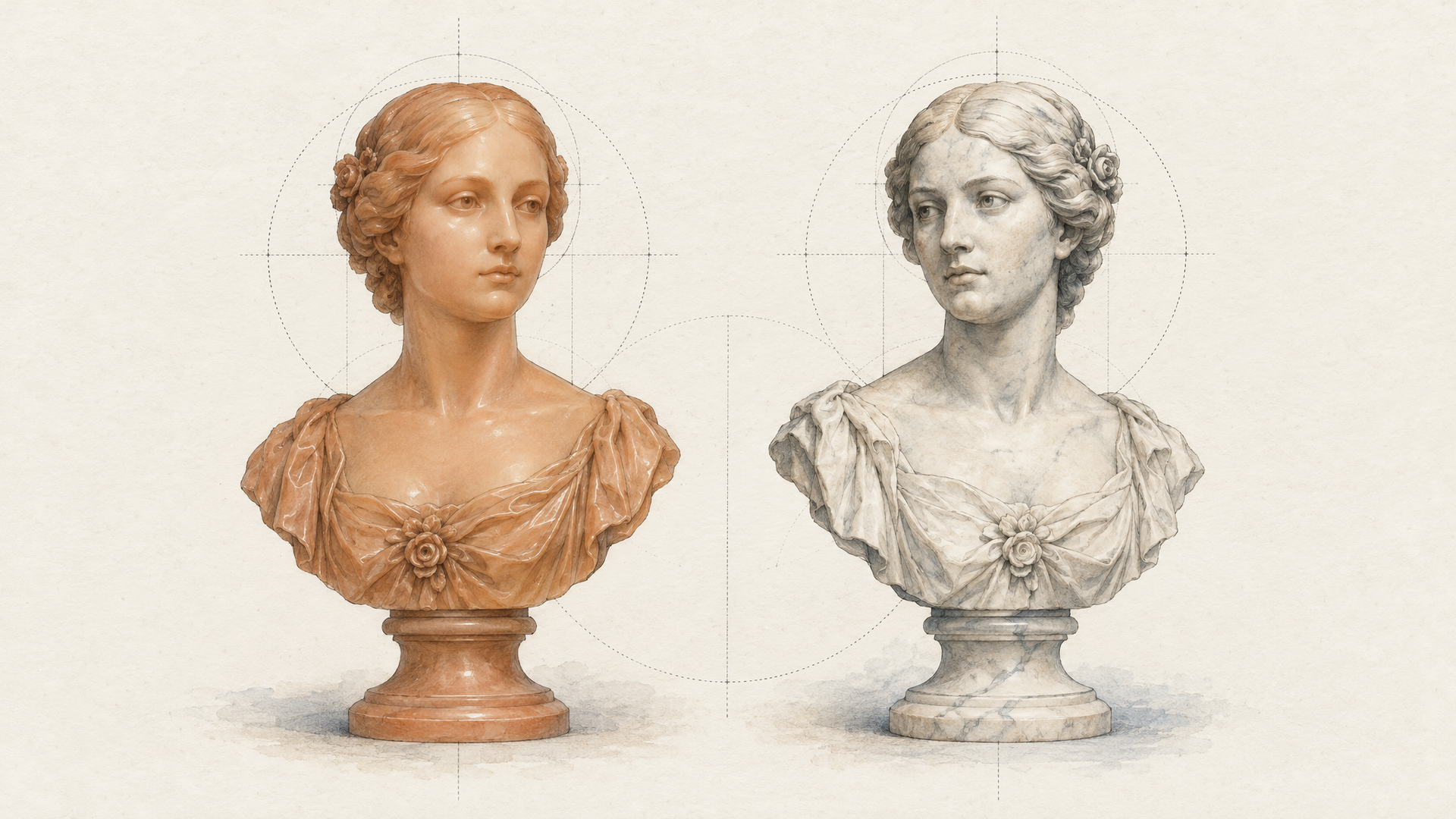
Starlight is Topaz's family of diffusion models for video enhancement. When Topaz introduced Project Starlight in early 2025, it called it the first diffusion model for video enhancement. Instead of sharpening pixels, a diffusion upscaler generates plausible new detail, and the hard part is doing that consistently across frames so a face doesn't shimmer from one frame to the next.
Precise is the quality tier of that family. Version 2.6 reworks Precise 2.5. According to Topaz's model page and API docs, it upscales footage up to 4K, enhances faces, fabrics, materials and textures, and improves the clarity of text, labels, logos and other fine detail. Topaz's August release notes add the three changes that matter most day to day: better temporal consistency (a periodic flicker in 2.5 is fixed), a new sharpness control for when you want a softer finish, and faster renders.
The release notes are also clear about the footage it wants. Precise 2.6 is "specialized for realistic human faces and skin textures" and works for medium to high quality content, "whether this is generative, live action or restoration videos." Topaz says it is not ideal below 480p and not meant for media in very poor condition. Keep that in mind and you'll rarely be disappointed by it.

Faces and Skin: The Detail People Notice First
Viewers forgive a lot. A slightly odd hand in a wide shot, a background that drifts. What they don't forgive is a face that looks like a mannequin, because faces are the one thing every human is trained to read.
This is where Starlight Precise 2.6 spends its effort. Topaz positions it squarely around realistic faces and skin, and the difference shows most in medium and close shots: skin gets texture back, eyes get edges, hair separates into strands instead of a helmet. On a talking head or a UGC style ad, that is the difference between "AI clip" and "clip."
The practical rule follows from that. If your shot has a person in it at any size where you can see their expression, Precise 2.6 is worth running. If it's a wide landscape with no faces and no text, a lighter upscale like Topaz Upscale Video may be all you need.
Text, Labels and Logos That Survive the Upscale
Product video lives or dies on small type. The ingredient line, the model name on a sneaker tongue, the logo on a coffee cup. Generation models often get these close, and close is exactly what makes them look wrong.
Topaz calls out text, labels and logos as one of the areas Precise 2.6 improves over 2.5. That doesn't mean it will invent the correct wording for a label your generator mangled. An upscaler works with what's in the frame. It does mean that type which is legible but soft at 720p stays legible, and gets crisper, at 4K instead of melting into texture. If you need the exact wording right, get it right in the source clip (an image model with strong text, then image-to-video) and let Starlight carry it up.

Precise, Fast or Proteus: Pick the Right Topaz Upscale
Topaz has several video models, and choosing well saves a lot of render time. Here's the short version, drawn from Topaz's own positioning.
Starlight Precise 2.6 is the highest quality generative option for medium to high quality footage, with faces, skin and text as its specialty. Use it for finals: the ad that ships, the hero shot, the clip that will play full screen.
Starlight Fast 3, released by Topaz in September, renders up to four times faster than Precise 2.6 with what Topaz calls comparable 4K quality. Topaz's own advice is Fast 3 for speed and Precise 2.6 for the highest quality. It isn't on each::labs yet, so for now Precise is the Starlight model you can call here.
Topaz Proteus sits in a different family. Topaz files it under precision enhancement rather than generative: it upscales, denoises and sharpens low to medium quality footage, and works especially well on old, grainy or heavily compressed video. It also handles interlaced sources and gives you fine controls for compression recovery, detail, noise and halos. If your source is a rough 2009 phone clip or a broadcast capture, start there.
A good way to think about it: Proteus repairs, Starlight Precise refines. For AI generated video, which is usually clean but soft, refining is what you want.
How to Run Starlight Precise 2.6 on each::labs
The model takes one required input, the URL of your source video, and the rest are finishing choices. Here is what the each::labs endpoint exposes and how to set it.
Output size. Set output_width and output_height. The default is 1920 by 1080. For a 4K landscape finish use 3840 by 2160; for a vertical social cut, 2160 by 3840. Match the aspect ratio of your source so nothing gets stretched.
Sharpness. A value from 1 to 5, default 5. Five is the crispest look, roughly what Precise 2.5 gave you. Drop it to 3 or 4 for skin heavy beauty shots or a filmic look where full sharpness reads as digital. This is the new control in 2.6, and it's the one most people never touch. Touch it.
Frame rate. output_frame_rate defaults to the source frame rate. Leave it unless you have a delivery spec.
Encoding and audio. Choose video_encoder (H265 by default, also H264, AV1, VP9 and ProRes) and the output container (mp4 by default, or mov, mkv, avi, webm). Pick ProRes if the clip is going into an edit for grading. Source audio is copied by default, so your generated soundtrack comes through untouched.
A typical request body for a finished 4K ad looks like this:
{
  "video_url": "https://your-bucket/generated-ad-1080p.mp4",
  "output_width": 3840,
  "output_height": 2160,
  "sharpness": 4,
  "video_encoder": "H265",
  "container_out": "mp4"
}
Because it sits behind the same API as every other model on each::labs, chaining it after generation is one more call, not a new integration. You can also wire it into a visual flow so every clip you generate lands in 4K automatically.
Where Precise 2.6 Fits in a Real Pipeline
The mistake is treating upscaling as a rescue step. It works best as the last step of a pipeline that already made good decisions.
AI ad production. Generate at 720p or 1080p with Seedance 2.5 or Wan 3.0, iterate quickly at that size until the shot is right, then run only the approved take through Starlight Precise 2.6. You spend your waiting time on the one clip that ships, not the twenty you threw away. Our ranking of video generation models by job helps with the first half of that pipeline.
UGC and talking heads. Lipsync and avatar clips are face first by definition, which makes them the best case for a face focused upscaler. Run lipsync at the source resolution, then upscale the result, so the mouth detail the sync model created gets refined rather than invented twice.
Archive and repurposing. Topaz describes Precise 2.6 as great for digital footage from the 2000s onward. Old webinar recordings, event footage, product demos shot on early HD cameras: these are medium quality sources with real faces in them, exactly the profile it wants. Genuinely degraded or very low resolution material is a better fit for Proteus first.
If you're still deciding between image and video upscaling for a project, our guide to how AI video upscalers work covers the basics, and the earlier Topaz upscaler walkthrough covers the image side of the Topaz lineup.
Getting the Best Results From Starlight
Fix composition before resolution. Precise 2.6 refines what's there. A melted hand at 1080p becomes a detailed melted hand at 4K. Get the shot right at low resolution, then finish it.
Feed it 480p or better. Topaz is explicit that it isn't ideal below 480p. If your source is smaller, generate it larger or run a repair pass first.
Deinterlace old footage. Topaz's notes say interlaced video needs deinterlacing before Precise 2.6. Broadcast and DV captures should go through a model that handles interlacing, such as Proteus, first.
Lower sharpness for skin, raise it for products. Beauty and portrait work usually looks best at 3 or 4. Packaging, gadgets and anything with type can take the full 5.
Keep the original audio. Leave audio transfer on Copy. Re-encoding audio you already generated or recorded gains you nothing.
Frequently Asked Questions
Is Topaz Starlight Precise 2.6 good for upscaling AI generated video?
That's its headline use. Topaz built the 2.6 page around AI footage with strong composition that looks soft or slightly artificial, and the model targets the exact things generators miss: faces, skin, fabric and small text. Run it on your approved take, not every draft.
What's the difference between Starlight Precise 2.6 and Topaz Proteus?
One generates detail, the other recovers it. Starlight is a diffusion model that rebuilds realistic texture on medium to high quality footage. Proteus is a precision enhancer for low to medium quality, noisy or compressed sources, with manual controls for noise, detail and halos.
How high can a Topaz upscale with Starlight Precise 2.6 go?
Up to 4K. Topaz lists 4K as the output ceiling for Precise 2.6, and on each::labs you set the exact output width and height, defaulting to 1920 by 1080.
Does Starlight Precise 2.6 keep my audio?
By default, yes. The each::labs endpoint copies source audio unless you tell it to convert or drop it, so a generated soundtrack or voiceover survives the upscale untouched.