Nano Banana Image Editor for Detail-Oriented Edits
So, I've been playing around with this new tool called the Nano Banana Image Editor. It's pretty interesting for when you need to make really small, specific changes to a photo. You know, the kind of stuff that drives you crazy if it's not quite right. It lets you get into the nitty-gritty details, which is great if you're someone who likes things just so. Key Takeaways * The Nano Banana Image Editor allows for detailed adjustments, letting users draw directly onto images and add text for pr
By Bartu Varol · Feb 5, 2026 · 7 min read
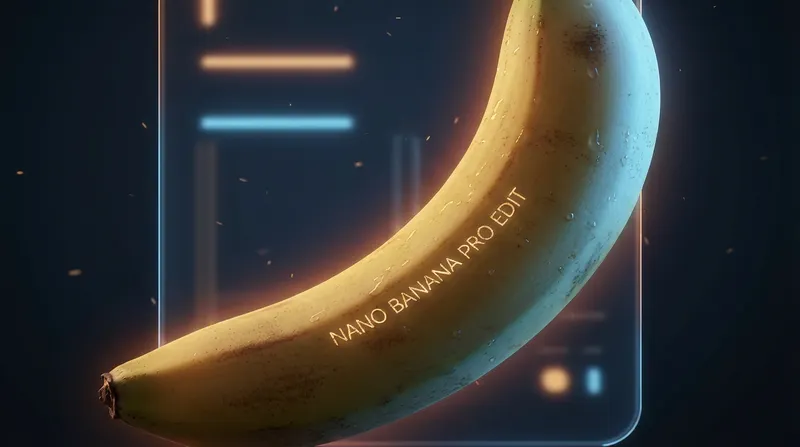
So, I've been playing around with this new tool called the Nano Banana Image Editor. It's pretty interesting for when you need to make really small, specific changes to a photo. You know, the kind of stuff that drives you crazy if it's not quite right. It lets you get into the nitty-gritty details, which is great if you're someone who likes things just so.
Key Takeaways
- The Nano Banana Image Editor allows for detailed adjustments, letting users draw directly onto images and add text for precise edits.
- With Nano Banana Pro, you can completely change an image's mood, adjust camera angles, and fine-tune focus for professional results.
- It's easy to apply styles from other photos, resize images for different platforms without losing quality, and place text exactly where you want it.
Unleashing Precision with the Nano Banana Image Editor
Alright, let's talk about the Nano Banana Image Editor. If you're someone who gets bogged down in the tiny details of your photos, this is probably going to be your new best friend. It’s designed for those moments when you need more than just a quick filter. Think of it as a digital scalpel for your images, letting you get into the nitty-gritty without messing up the rest of the picture.
Doodling Dreams into Reality
This is where things get really interesting. Nano Banana lets you actually draw your edits directly onto the image. Forget fiddly sliders for a moment; you can literally sketch out what you want to change. Want to add a little something to a specific spot? Just doodle it. Need to place some text exactly there? Draw the space for it. The AI then takes your doodle and makes it happen, blending it in naturally. It’s a whole new way to interact with your photos, making edits feel more intuitive and less like a chore. It’s pretty wild to see your rough sketch turn into a polished part of the image. You can even use this for quick mockups or to add specific elements that are hard to describe with just words. For example, if you're trying to create a specific graphic for a social media post, you can doodle the shape you need and then add text to it. It’s a level of control that feels very hands-on, almost like traditional art but with the power of AI. This feature is great for making targeted changes, like adding a small logo or a specific pattern to an object. It’s a big step up from just selecting areas; you’re actively creating within the image itself. It’s a really cool way to bring your ideas to life, especially when you have a clear visual in mind but struggle to explain it. You can find out more about AI image tools on Eachlabs.
Dialing In Every Detail
With Nano Banana Pro, the precision really ramps up. This isn't just about making things look pretty; it's about fine-tuning the entire feel of an image. You can shift the mood, change the lighting, adjust camera angles, and really hone in on the focus. It’s like having a full photo studio in your computer, but way simpler to use. You can take a bright, sunny photo and make it feel like a moody evening shot, or tweak the perspective to make your subject really stand out. The control over focus is particularly neat – you can make sure the most important part of your image is sharp while the background is softly blurred, drawing the viewer's eye exactly where you want it. This level of control is fantastic for photographers, designers, or anyone who wants their images to have that professional polish. It’s not just about making quick fixes; it’s about transforming the entire visual narrative of a photograph. You can experiment with different looks without having to reshoot or start from scratch. It’s about getting that perfect shot, even if you didn’t capture it perfectly in the first place. The ability to adjust these elements means you can salvage photos that might have otherwise been unusable, or simply push your creative vision further than you thought possible. It’s a powerful tool for anyone serious about image quality and artistic expression.
Transforming Images with Nano Banana Pro
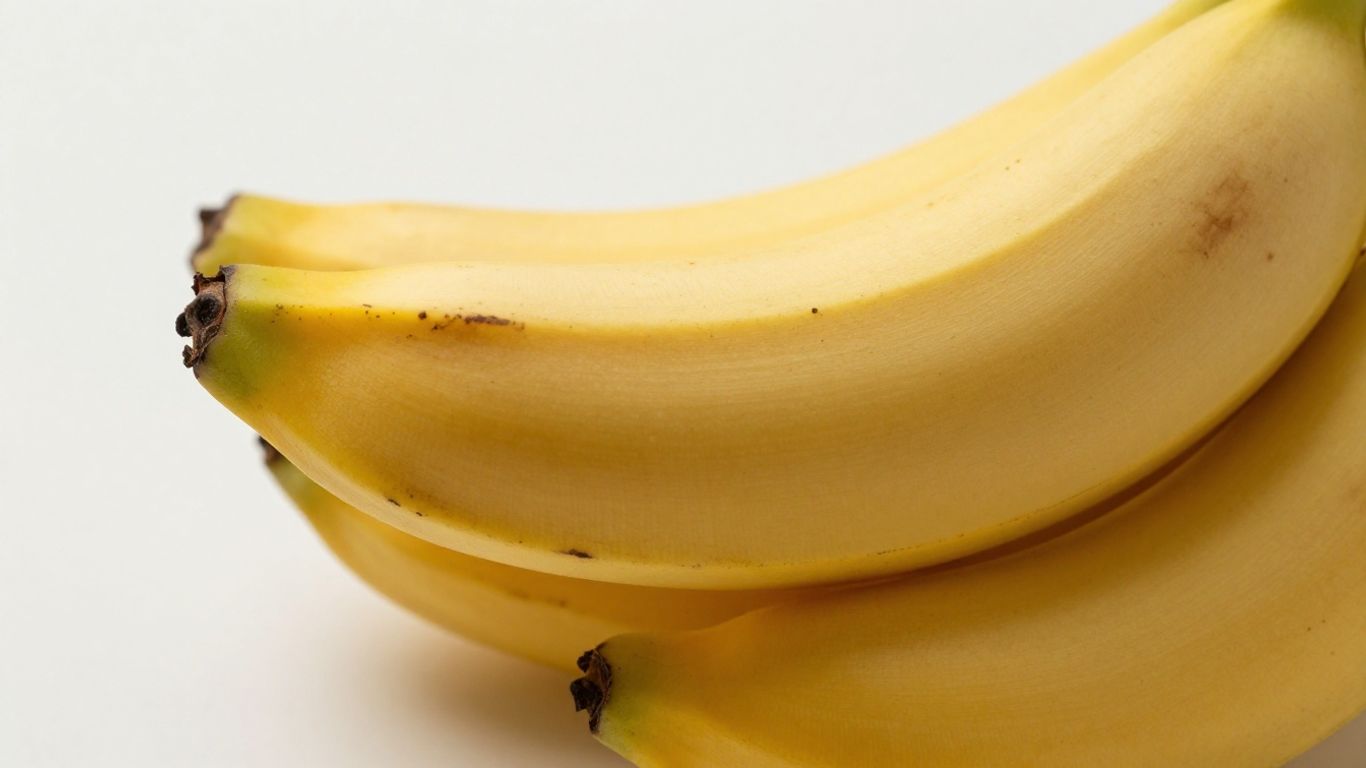
Nano Banana Pro really takes image editing to the next level, letting you completely change the feel of a picture. It’s not just about small tweaks anymore; you can go from a bright, sunny scene to something dark and moody, or even adjust the camera angle to get that perfect shot.
Reimagining Visual Aesthetics
Want your photo to look like a famous painting or a specific style you saw somewhere else? Nano Banana Pro makes it possible. You can grab the texture, color, or overall style from any photo and apply it to your own image. This is super handy for experimenting with different looks without having to start from scratch. It’s like having a mood board for your photos, right at your fingertips.
Seamless Resizing for Every Platform
Getting your images to look good everywhere you post them can be a pain. Nano Banana Pro helps with that by letting you resize your creations instantly to fit any format you need. The best part is that it does this without cutting off the important bits of your image. So, whether it’s for a social media story, a website banner, or a print ad, your picture will fit perfectly and keep all its detail.
The Power of Text and Style in Nano Banana
Adding text and applying unique styles to your images is where Nano Banana really shines, letting you go beyond simple edits. It’s not just about slapping words onto a picture; it’s about making those words a natural part of your design, whether you're creating a poster, a comic, or even just a funny meme.
Your Words, Placed Just Right
Nano Banana makes adding text feel intuitive. You can type out whatever you need, and the editor helps you place it exactly where you want it. Think about making a birthday card – you can add a personal message that flows with the image, not just stuck on top. It supports a bunch of languages too, so you’re not limited if you’re working with different scripts or need to reach a wider audience. This feature is great for:
- Creating custom logos for a small business.
- Designing invitations for parties or events.
- Adding captions or speech bubbles to photos.
- Making informative graphics with clear labels.
The real magic is how the text integrates with the image, making it look like it was always meant to be there.
Applying Styles from Reference Photos
This is where Nano Banana gets really interesting. Ever seen a photo with a look you loved – maybe the colors were super vibrant, or it had a cool, grainy texture? Now you can take that style and apply it to your own images. It’s like having a magic wand that copies the artistic feel from one picture and transfers it to another. This is super handy if you want to:
- Give your photos a consistent aesthetic for social media.
- Experiment with different artistic moods without learning complex software.
- Quickly mock up design ideas by borrowing styles from existing visuals.
This ability to sample and apply styles means you can achieve professional-looking results much faster. Instead of trying to manually recreate a specific color palette or texture, you just point Nano Banana to your reference, and it handles the heavy lifting. It’s a huge time-saver for anyone who needs to produce a lot of visuals quickly.
Discover how the right words and design make a big difference in Nano Banana. It's not just about what you say, but how you say it! Want to see how we bring ideas to life with amazing style? Visit our website to explore more.
Wrapping Up Nano Banana
So, that's the lowdown on Nano Banana. It seems like a pretty neat tool for anyone who really wants to get into the nitty-gritty of their images. Whether you're tweaking a photo for a client or just trying to get that perfect shot for your own project, Nano Banana offers a level of control that's hard to beat. It's not just about making quick fixes; it's about really shaping the image to match your vision. Give it a whirl and see what you can create.
Frequently Asked Questions
What makes Nano Banana special for editing pictures?
Nano Banana is a super smart tool that lets you change images in really detailed ways. You can draw right on your pictures, add text exactly where you want it, and even change the whole mood or look of a photo, like making a sunny day look like a moody night. It's great for making small, precise changes or big transformations.
Can I use my own style on my pictures with Nano Banana?
Yes, you absolutely can! Nano Banana lets you grab the style, colors, or texture from any other picture and put it onto your own image. This is a fantastic way to try out new looks without having to start your picture all over again. It's like having a magic style wand for your photos.
Is Nano Banana good for making pictures look good on different websites or apps?
Definitely! Nano Banana has a feature that lets you resize your pictures perfectly for any place you want to share them, like social media or a website. The best part is that it does this without cutting off the important parts of your image, so your creations always look just right, no matter the size.