How Wan2.2 Improves Visual Continuity in Image-to-Video
So, you've heard about wan2.2 image to video, right? It's pretty neat how it can take a still picture and bring it to life. But honestly, sometimes the results can look a bit jumpy, like the scene can't quite make up its mind. This article is going to look at how wan2.2 image to video works and, more importantly, how we can get it to create videos that actually flow smoothly from one moment to the next. Key Takeaways * Wan2.2 image to video uses specific model setups to turn still pictures i
So, you've heard about wan2.2 image to video, right? It's pretty neat how it can take a still picture and bring it to life. But honestly, sometimes the results can look a bit jumpy, like the scene can't quite make up its mind. This article is going to look at how wan2.2 image to video works and, more importantly, how we can get it to create videos that actually flow smoothly from one moment to the next.
Key Takeaways
- Wan2.2 image to video uses specific model setups to turn still pictures into moving clips.
- To keep things looking consistent, you need to be smart about how you write your instructions (prompts) for the model.
- Paying attention to details like keeping the main subject the same and making sure the scene makes sense helps a lot with visual continuity.
Understanding Wan2.2 Image to Video Capabilities
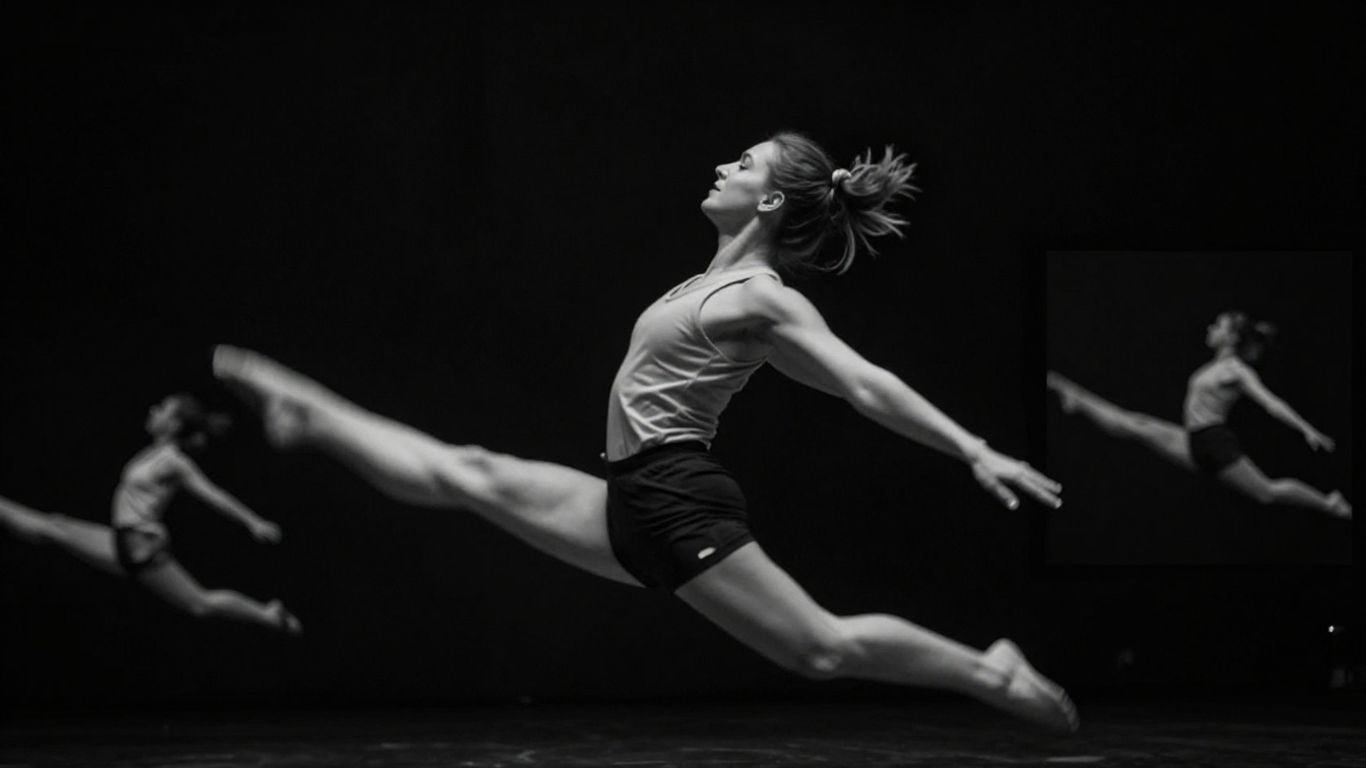
Wan2.2 is making some serious waves in the AI video generation scene, especially when you want to turn a still picture into something that moves. It's not just about making things wiggle; it's about creating videos that feel natural and keep your attention. This model is built with a focus on making the process smoother and the results more believable, moving beyond just simple animations.
Core Functionality of Wan2.2
At its heart, Wan2.2 is designed to take a static image and bring it to life. Think of it like giving a photograph a director and a script. The model analyzes the input image and generates motion that makes sense within that context. This means it can handle a variety of image types, from portraits to landscapes, and animate them in ways that feel appropriate. The key here is its ability to interpret the visual information and add dynamic elements without losing the essence of the original image. It's pretty neat how it can add subtle movements, like wind blowing through trees or a character's slight head turn, making the video feel more alive. This capability is a big step forward for anyone looking to quickly create engaging video content from existing assets, and similar advanced AI models can be explored directly on Eachlabs.
Model Architectures for Video Generation
Wan2.2 uses a couple of different model architectures to achieve its results. There's a dedicated image-to-video model, which is the star of the show for this particular task. It's built with a deep understanding of how objects and scenes behave in motion. The architecture often involves stages of processing, where it first figures out the overall scene and then adds finer details of movement. For instance, it might have a "high noise" stage to establish the basic motion and then a "low noise" stage to refine the details, making the animation look smoother. This layered approach helps in generating videos that are not only dynamic but also maintain a good level of realism. The model's design allows for generating clips of practical lengths, suitable for storytelling rather than just short, abstract loops. This makes it a powerful tool for creators who need more than just a quick animation; they need a scene that feels complete.
Achieving Visual Continuity with Wan2.2
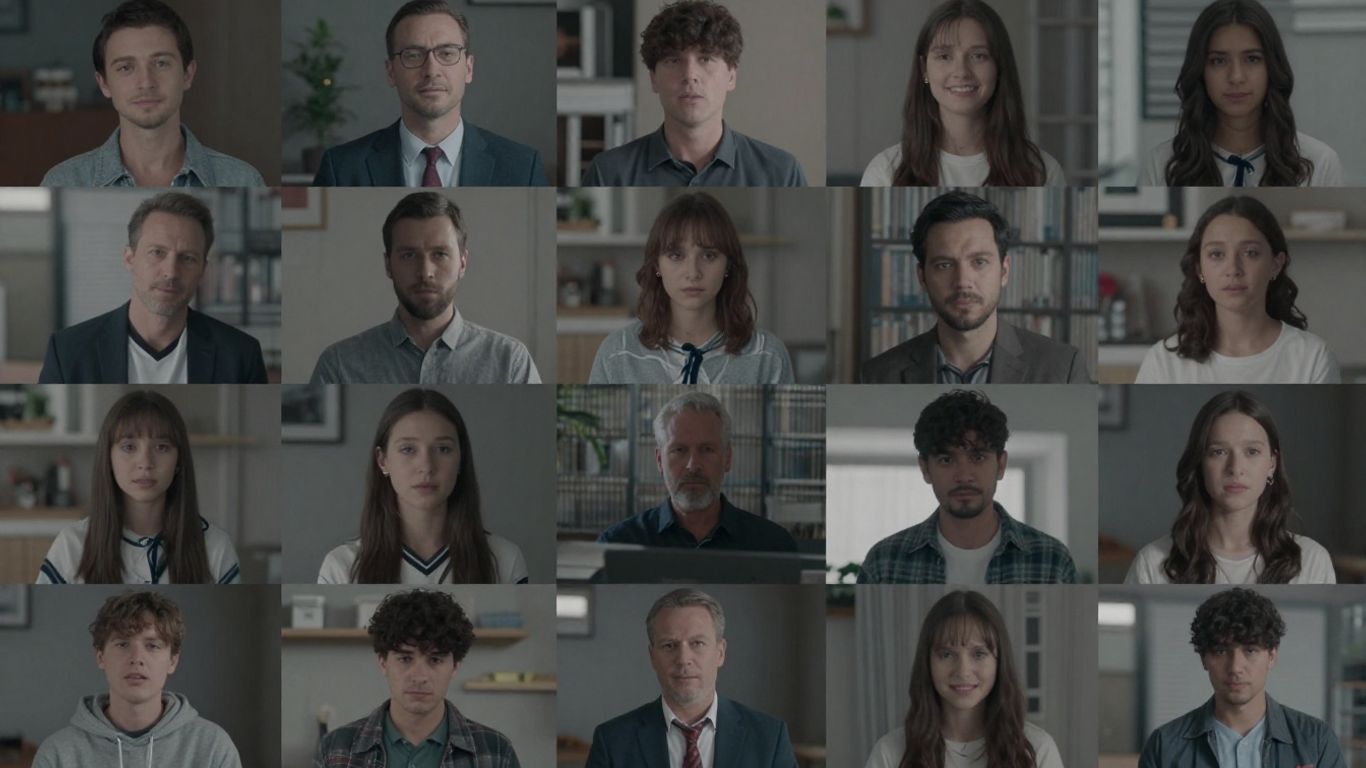
So, you've got your image, and you want Wan2.2 to turn it into a video that actually looks like it belongs together, shot after shot. It's not just about making things move; it's about making them move in a way that feels natural and consistent. Wan2.2 is designed with this in mind, acting more like a virtual cinematographer than just a simple animation tool.
Prompting Strategies for Consistent Imagery
Getting consistent visuals means being really clear with your instructions. Think about what you want to stay the same from one moment to the next. This isn't like older models where you could just throw a bunch of ideas at it and hope for the best. Wan2.2 works better when you focus.
- Keep it simple: Try to focus on one main subject and one primary action. Trying to cram too much into a single prompt can confuse the model, leading to weird visual glitches or shifts.
- Describe the look: Start by setting the overall scene – the lighting, the mood, the general style. Think of this as the global look for your video.
- Specify the action: Then, detail what should happen. What is the camera doing? What is the subject doing? Be specific about movement and timing.
When prompting, it's helpful to think in terms of individual shots rather than a whole scene. Each shot is like a mini-story that needs to be told clearly. This helps Wan2.2 understand the specific action and camera work required for that moment.
Maintaining Subject and Scene Coherence
This is where the 'cinematic' part of Wan2.2 really comes into play. It's about making sure your character, or your main object, doesn't suddenly change appearance or behavior between shots. It also means the environment should feel like the same place.
- Subject Identity: If you have a character, make sure their key features – like clothing, hair, or even their general pose – are consistent unless you're intentionally showing a change. Wan2.2 doesn't automatically assume continuity; you need to guide it.
- Scene Elements: Pay attention to background details. If there's a specific object in the background of one shot, it should ideally still be there in the next, unless the action dictates otherwise.
- Camera Relationship: How the camera relates to the subject is also part of coherence. If the camera is close up in one shot, and then suddenly far away in the next without a clear reason or transition, it can break the feeling of continuity. Wan2.2 responds well when you think about how the camera moves and frames the action.
For example, describing effects like 'water droplets splashing onto the lens' is often more effective than just saying 'water splashes everywhere'. This frames the effect as something happening within the camera's view, which aligns better with how Wan2.2 interprets cinematic actions.
Want to make sure your images look great together? Ready to make your projects shine? Visit our website to learn more and get started.
Wrapping Up: Wan 2.2 and the Future of Video
So, what's the takeaway here? Wan 2.2 really changes the game for making videos with AI, especially when you want things to look consistent from one clip to the next. It’s not just about making pretty pictures anymore; it’s about telling a story with moving images that actually make sense over time. By thinking about how you prompt it, almost like you're planning out a film shoot, you can get some seriously good results. It’s still early days for this tech, and sure, there are things it could do better, but Wan 2.2 is definitely a big step forward for anyone wanting to create more believable and visually connected videos without needing a Hollywood budget.
Frequently Asked Questions
What makes Wan2.2 good at keeping things looking the same from one video clip to the next?
Wan2.2 is designed to pay close attention to details like characters, their clothes, and how they are positioned. When you create multiple video clips, you need to remind the system about these details in each new clip. It doesn't automatically remember everything perfectly, so telling it again helps it keep everything consistent, like a director reminding the crew about the main actor's look.
How can I make sure the people and places in my video stay consistent with Wan2.2?
To keep things consistent, think like a filmmaker planning a shoot. Describe the main subject clearly – what they look like, what they're wearing. Also, describe the setting and how the camera should move. If you want the same character in different clips, you have to describe them again in the prompt for each new clip. It's like giving notes for each scene to ensure everything matches.
Does Wan2.2 understand camera movements well?
Yes, Wan2.2 is built with camera movement in mind. You can tell it to move the camera in specific ways, like zooming in, panning across a scene, or following a subject. By describing the camera's actions clearly, you can guide the video generation to create smoother and more intended visual flows, making the video feel more professional.