Nano Banana 2 Lite: Fast Images That Hold Up
Fast image models are not rare. What's rare is a fast one whose output you'd actually ship. For a long time the deal was simple and a little annoying. You could have quick, or you could have good. Pick quick and you got something that looked like it was made in a hurry: soft edges, mushy detail, a face that almost worked. Pick good and you waited, and you thought twice before running it again, because a slow model quietly teaches you to ration your ideas. Neither habit is much fun when you're t
Fast image models are not rare. What's rare is a fast one whose output you'd actually ship.
For a long time the deal was simple and a little annoying. You could have quick, or you could have good. Pick quick and you got something that looked like it was made in a hurry: soft edges, mushy detail, a face that almost worked. Pick good and you waited, and you thought twice before running it again, because a slow model quietly teaches you to ration your ideas. Neither habit is much fun when you're trying to make a lot of things and keep only the best ones.
Nano Banana 2 Lite is Google's attempt to make that trade less painful. It's the lighter, faster member of the Nano Banana image family. The word "Lite" is honest about what it gives up, which we'll get to, but the interesting part is what it holds onto. It stays quick and undemanding while the images still come out looking like something you meant to make. On a marketplace with no shortage of fast image models, that particular combination is the reason to pay attention.

What Nano Banana 2 Lite Actually Is
Nano Banana 2 Lite is a stripped-down version of the full Nano Banana image model, tuned to generate quickly and run light. Same family, same visual sensibility, fewer moving parts. It comes as two models on Eachlabs: a text-to-image model that builds a picture from a written prompt, and an edit model that takes an existing image and changes it.
The pitch isn't that it's the most capable image model in the world. It plainly isn't, and the name says so. The pitch is that it lands in a spot most models miss. Fast and featherweight usually means the image quality drops off a cliff. Here it mostly doesn't. You get speed and efficiency without the picture falling apart, and that middle ground is more useful than it sounds.
So here's the question worth sitting with. Are you crafting one hero image where every pixel has to be perfect, or are you running a pipeline where you need a hundred solid options and the freedom to throw ninety of them away? Nano Banana 2 Lite is built for the second person, and if that's you, the speed changes how you work.
Two Ways In: Generate and Edit
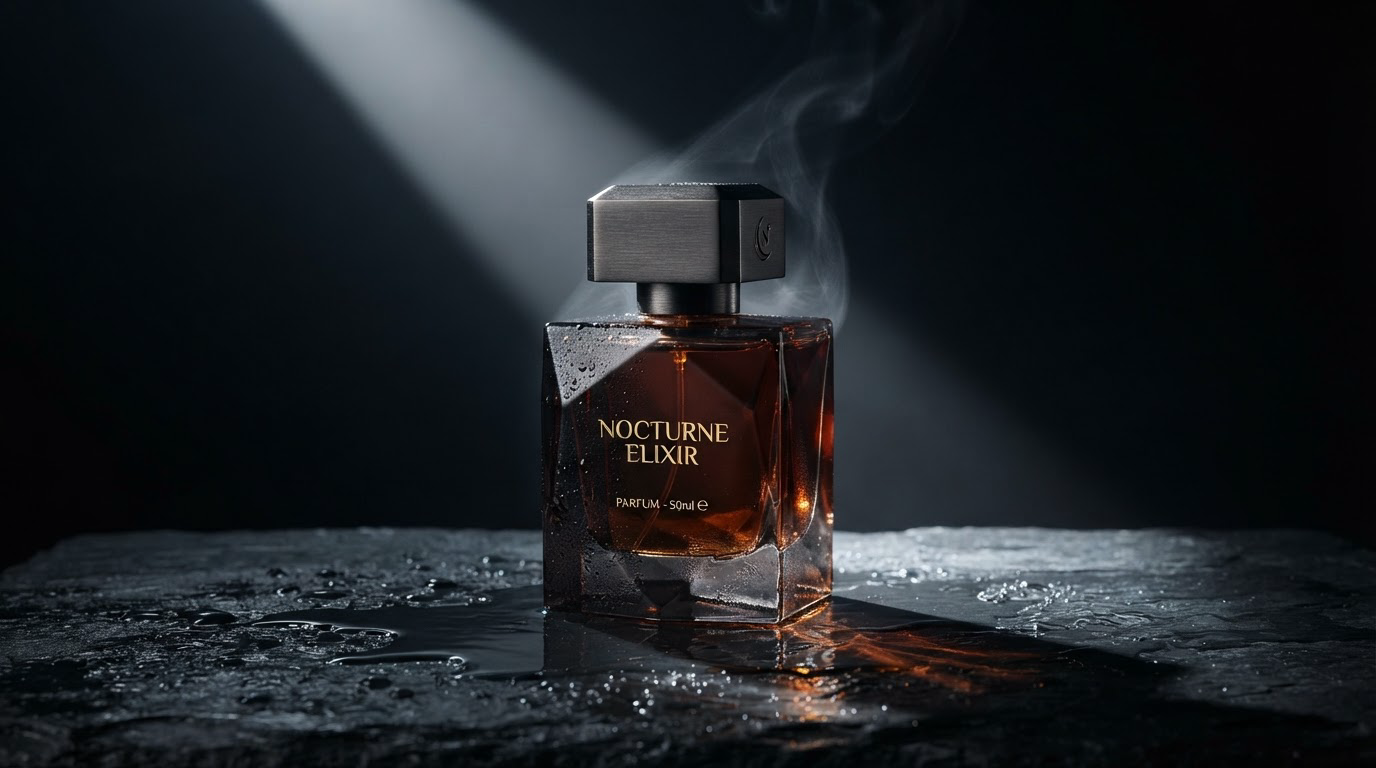
The text-to-image model is the blank-page tool. You describe what you want and it renders it. Because it's light, the loop between typing a prompt and seeing a result is short enough that you stop treating each generation as precious. You try a phrasing, look, adjust, and go again, and the whole thing feels closer to sketching than to waiting on a render.
The edit model is the one that quietly earns its place in real work. You hand it an image you already have and tell it what to change. Recolor something, swap a background, adjust a detail, extend a composition. Instead of regenerating from scratch and hoping the new version keeps what you liked about the old one, you keep the image and move one thing. For anyone who iterates, and that's most people, that's the difference between polishing and starting over.
What ties the two together is temperament. Neither model asks you to babysit it. Both are built to be run often, which matters more than it looks when your job is volume.
Lighter on Its Feet, and Honest About the Trade
Here's the trade, stated plainly, because it's the whole reason the model exists. Nano Banana 2 Lite understands prompts a little less deeply than the full Nano Banana. Hand it a long, layered instruction with a dozen conditions and some clauses will slip. It's a smaller brain doing a faster job, and it reads your intent with slightly less nuance.
What surprises people is how little that hurts the image itself. Prompt comprehension and pixel quality are not the same axis. The Lite model can miss a subtle instruction and still hand you a clean, sharp, believable picture. So the failure mode is usually "it made a great image of not quite the thing I asked for," not "it made a muddy mess." That's a much more workable kind of wrong, because you fix it with a clearer prompt or a quick pass through the edit model, not by abandoning the result.
Understanding that one distinction is most of what it takes to use this model well. You're not lowering your quality bar. You're keeping your prompts simple enough that a lighter model can follow them.
Where People Actually Use Nano Banana 2 Lite
Anyone generating at volume is the obvious fit. A social team that needs forty on-brand variations for a campaign, not four, and needs them today. A store owner spinning up product imagery across a big catalog. A designer generating dozens of quick concept frames to find a direction before committing real time to the winner.
It also fits the exploratory phase of almost any project. Early on you don't need the perfect image, you need many rough-but-real images to react to. A light, quick model lets you generate freely, react fast, and only reach for a heavier tool once you know exactly what you're after. Game artists mocking up environments, marketers testing thumbnail directions, illustrators hunting for a composition all live in that phase, and it's exactly where speed beats polish.
The edit model shows up in a different place: the last mile. You've got an image that's ninety percent right and one thing bugs you. Rather than roll the dice on a whole new generation, you nudge the one detail and keep everything else.
Nano Banana 2 Lite vs. the Full Model
The comparison that matters isn't against some rival on another site. It's against its own heavier sibling. The full Nano Banana reads complicated prompts more faithfully and handles dense, intricate instructions with more grace. If a single image has to nail a long list of specific conditions, that's the one you reach for.
Nano Banana 2 Lite makes the opposite bet. It gives up some of that comprehension to move fast and stay light, and it keeps the visual quality close enough that the trade is worth it for a huge share of everyday work. Think of them as two tools for two moods. One for the careful hero shot, one for the fast, high-volume grind where you'd rather generate ten options than agonize over one. Most people need both at different moments, and knowing which mood you're in is the whole skill.
Using Nano Banana 2 Lite on Eachlabs
Both models live on Eachlabs. Pick text-to-image when you're starting from nothing and want a picture out of a sentence, or the edit model when you already have an image and want to change part of it. Write your prompt, run it, and because it's quick, run it again with a tweak. The intended rhythm is iteration, not one careful shot, so lean into that. Generate more than you think you need and keep the ones that land.

Getting Better Results Out of Nano Banana 2 Lite
Keep prompts clean and direct. This is the big one. A lighter model follows a focused instruction better than a sprawling one. Say the important things clearly and drop the decorative clauses. If you have five requirements, consider whether three of them are doing the real work.
Generate in batches, then curate. The model's speed is the feature, so use it. Run a prompt several times, look at the spread, and pick. You'll often get a better final image by choosing from ten fast tries than by laboring over one.
Fix with the edit model instead of re-rolling. When a result is close but one detail is off, don't regenerate the whole thing and risk losing what worked. Take it into the edit model and change just that piece.
Split complex asks into steps. If you need a lot of specific things in one image, get the composition right first, then use the edit model to layer in the details one at a time. It suits the model's temperament better than one overloaded prompt.
The Honest Limitations
I don't want this to read like a brochure with the rough edges sanded off, so here they are.
The prompt understanding is the real ceiling. Long, nuanced, condition-heavy instructions will lose something in translation. If your work depends on the model catching every subtle requirement in a single pass, the Lite model will frustrate you, and that's by design, not a bug you can prompt your way around entirely.
Simplicity is a discipline, not a convenience. Getting good results means writing tighter prompts and working in steps, which is a small shift in habit. People who paste in a paragraph of requirements and expect all of it to land will be disappointed. People who work iteratively will feel right at home.
And like any image model, it has edges it handles worse than others: intricate hands, lots of small legible text in the frame, highly specific spatial relationships between many objects. The images are genuinely good for how light and fast the model is. That framing matters. It punches well above its weight class, not a replacement for the heaviest, most faithful models when a job truly demands one.

Wrapping Up
Most models make you choose two out of three: fast, good, or easy to run a lot. Nano Banana 2 Lite's whole reason for existing is refusing to make that choice quite so sharply. It stays quick and light, and the pictures still hold up. What you give up is some prompt nuance, and for a large amount of real work, that's a trade worth making.
If your work looks like volume and iteration more than a single perfect frame, this is a tool that fits the shape of the job. You can try both Nano Banana 2 Lite models on Eachlabs and keep the heavier ones in your back pocket for the shots that need them.
Frequently Asked Questions
What does the "Lite" in Nano Banana 2 Lite actually change?
It's lighter and faster than the full Nano Banana, and the thing it gives up is depth of prompt understanding, not image quality. It reads complex instructions with a bit less nuance, but the pictures it produces stay clean and sharp. You trade comprehension for speed, not quality.
When should I use Nano Banana 2 Lite instead of the full model?
Reach for Lite when you're generating at volume, exploring directions, or iterating fast and want many solid options quickly. Reach for the full model when a single image has to faithfully satisfy a long, detailed, condition-heavy prompt. Most workflows use both, at different stages.
How do I get the best results out of Nano Banana 2 Lite?
Keep prompts focused, generate several times and curate rather than laboring over one shot, and use the edit model to fix small details instead of regenerating. Simple, direct instructions play to its strengths; overloaded ones expose its main limit.