MiniMax H3 Image Use Cases: 7 Jobs, 7 Prompts
Seven jobs MiniMax H3 Image does well, from 21:9 billboards to label localization and storyboards for H3 video. Each comes with a workflow and a copyable prompt, and three were run on each::labs.
By Eftal Yurtseven · Nov 16, 2026 · 9 min read
Nobody needs another model that makes a pretty picture. What a team needs is a model that does a specific job on a Tuesday afternoon: the hero shot for the product page, the billboard that has to read from across a road, the label in four languages by Friday. That's the honest test for MiniMax H3 Image use cases, and it's the test we set ourselves for this post.
MiniMax H3 Image is the new open-weight image model from MiniMax, and its pitch is resolution you don't have to fake: around 16 megapixels straight out of the model, no upscaler in the chain. We already covered what it is in our native 4K test. This one is about who should open it, for what, and with which prompt. Seven jobs, seven workflows, three of them run on each::labs this morning.
MiniMax H3 Image Use Cases Start With the Pixel Count
Every job below leans on three facts. According to MiniMax's Hugging Face model card, the core is a 33.1B-parameter diffusion transformer distilled to six sampling steps with no classifier-free guidance. Output lands around 16 MP at every listed aspect ratio, from 4096x4096 square to 5472x3072 at 16:9 and 6272x2688 at 21:9. Generation and editing share one checkpoint, and editing takes up to 16 reference images, which the prompt can call by upload order as <Picture 1>, <Picture 2> and so on.
On each::labs it runs as four pages. Text to Image and Image to Image are the Standard mode, and Highspeed Text to Image and Highspeed Image to Image are the fast one. The request is short: a prompt up to 32,000 characters, 1 to 10 images in a call, JPEG, PNG or WEBP, and a size field with presets up to 4096x4096, 5472x3072 and 3072x5472, plus auto, which lets the model choose the shape at its default 4K area. Text to image also has a switch to turn off prompt enhancement (it needs a fixed size when you do). Image to image always enhances.
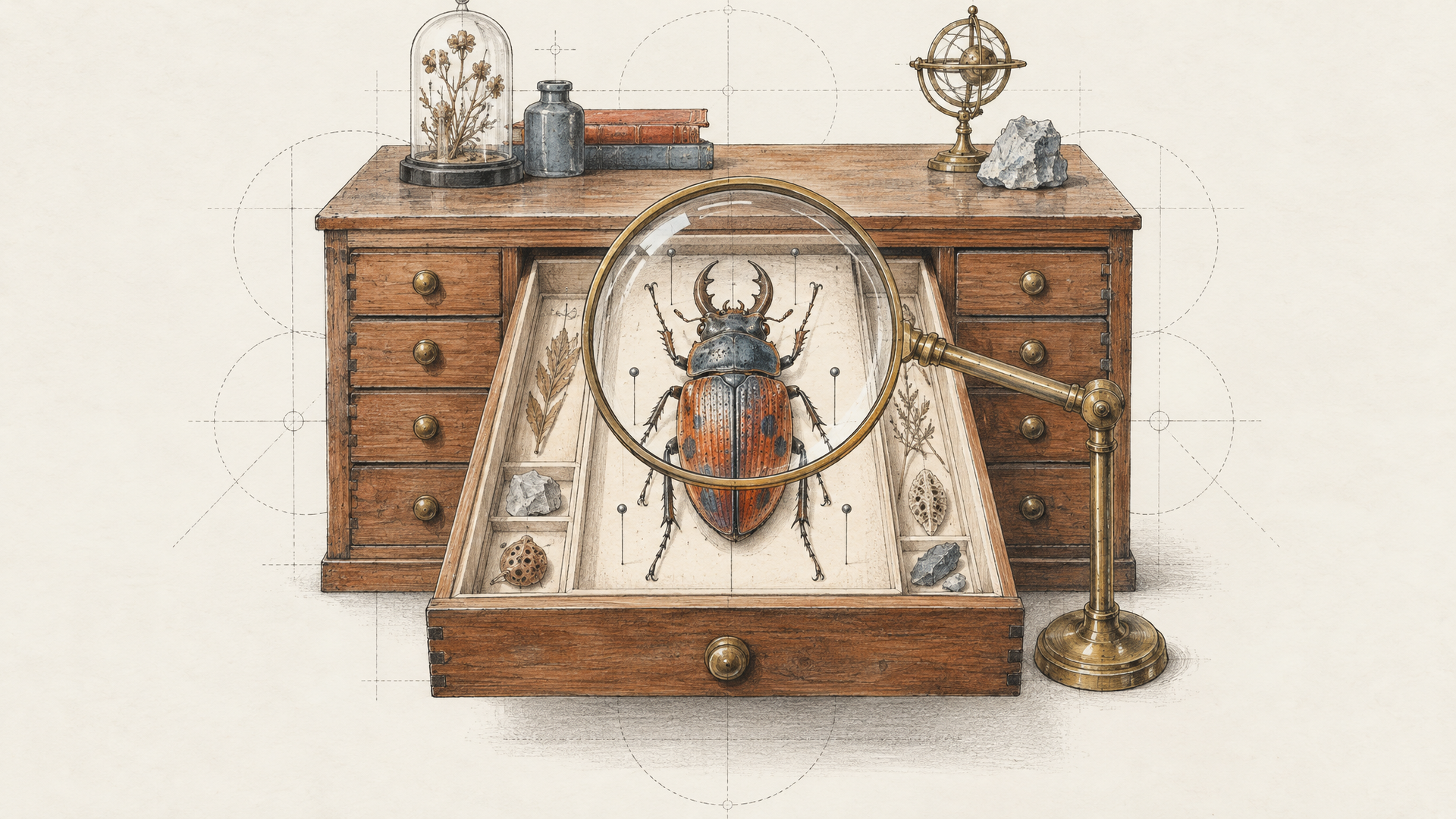
Job 1: The E-commerce Lead Who Needs One Shot to Cover Every Crop
Meet the person who runs the catalog for a small homeware brand. Their problem isn't making a nice image. It's that one image has to become a square tile, a vertical story, a wide category banner and a zoomed detail on the product page, and every crop exposes how few pixels the original really had.
Sixteen megapixels changes that math. Generate once at 4096x4096 and you can cut a 9:16 story and a 16:9 banner from the same frame without either looking soft. The workflow we'd use: photograph the real product on a plain table with a phone, feed it to Image to Image as <Picture 1>, and let the model build the set around it. The product stays the product. The scene is what you're generating.
Keep the linen throw pillow from <Picture 1> exactly as it is: same rust color, same stitched border, same tassels. Place it on a low oak bench in a sunlit Scandinavian living room, white plaster wall behind, a ceramic jug of dried grasses to the right. Morning light from a tall window on the left, soft shadow falling right. Leave generous empty floor and wall around the bench so the frame can be cropped square, vertical or wide. Editorial interior photography, 50mm, natural color.
If you know you'll crop, tell the model to compose with air around the subject. A centered product with breathing room survives every crop. A tight, clever composition survives one.
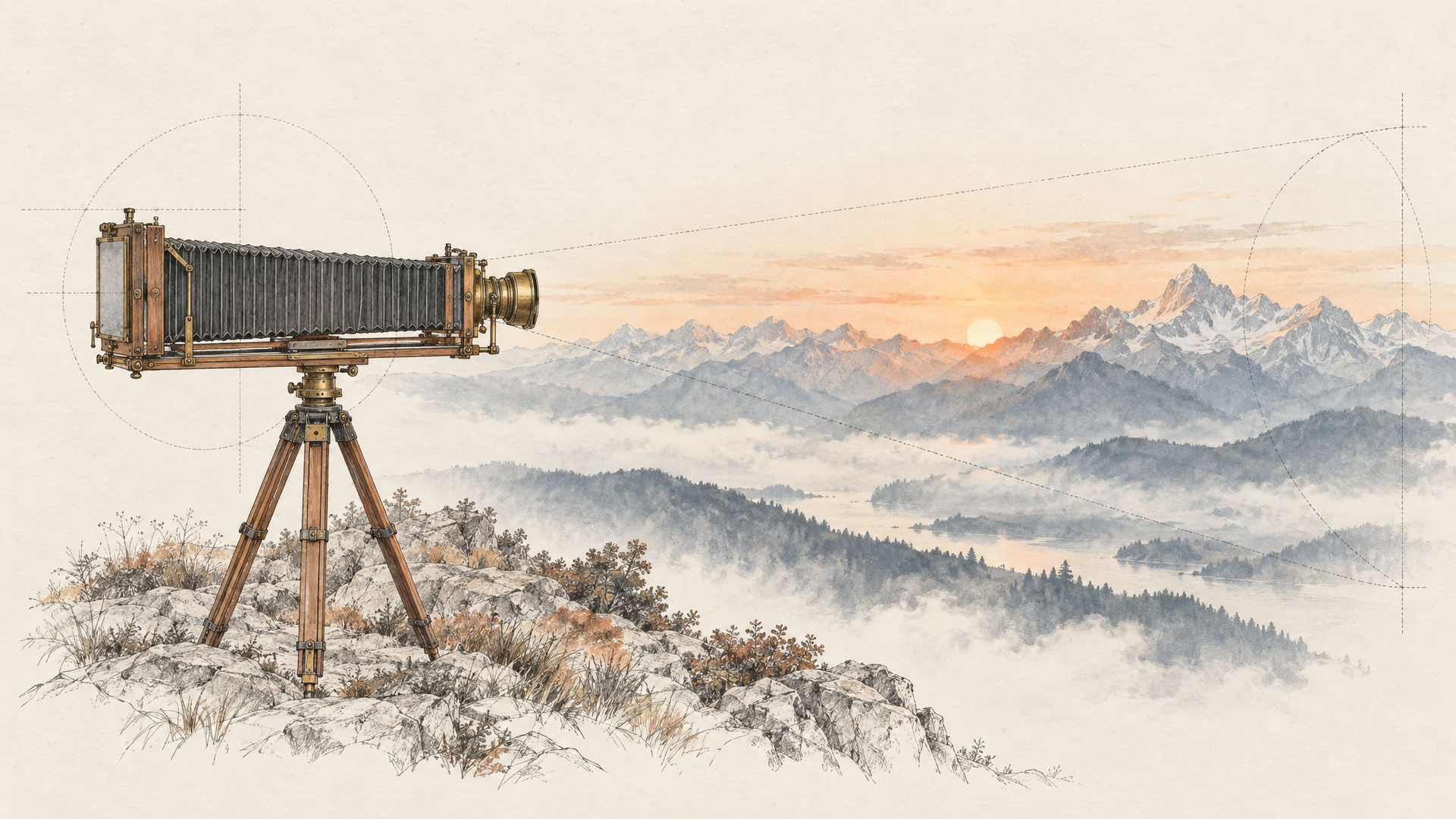
Job 2: The Media Buyer Filling a 21:9 Billboard
Out-of-home and website hero banners are the most awkward format in advertising: absurdly wide, copy added later, and a stretched 16:9 image looks exactly like what it is.
The widest size preset on each::labs is 16:9, but auto lets the prompt choose the canvas. We set size to auto on Standard Text to Image and named the ratio in the first words of this prompt:
Ultra-wide 21:9 billboard photograph for an outdoor running shoe launch: a lone trail runner mid-stride on a ridge line at golden hour, placed on the left third of the frame, a long empty sweep of soft gradient sky and distant blue mountain ridges filling the center and right two thirds as clean space for a headline. Low camera angle, warm rim light on the runner, dust kicked up behind the heel, crisp detail on the shoe's orange mesh. Anamorphic look, no text.
It came back at 6272x2688, the model card's 21:9 resolution, in about 17 seconds end to end with our polling included. The layout followed the brief closely: runner on the left third, dust behind the heel, bright orange shoes, and two thirds of clean sky fading from amber to deep blue over layered ridges. Our takeaway: describe the empty space as carefully as the subject, because on a billboard the empty space is the product.
Job 3: The Packaging Designer Who Wants the Shelf Before the Print Run
Packaging teams live in mockup purgatory. Nobody can judge a label until it sits on a shelf in real light, and a photographic mockup with readable text gets the room to a decision a week earlier.
We drafted this one on Highspeed Text to Image at 2736x1536, because a mockup round is about speed of opinion:
Packaging mockup photograph of a matte kraft paper coffee bag with a folded top and a round tin tie, standing on a pale oak shelf. The front label is a cream rectangle with the words "NORTH SLOPE" in bold condensed serif capitals and a smaller line beneath reading "Single Origin, Medium Roast" in a clean sans-serif. A small illustrated pine tree sits above the words in dark green ink. Soft window light from the left, gentle shadow to the right, shallow depth of field, a few roasted beans scattered in front. Commercial product photography, 70mm lens.
About 8 seconds end to end. Both lines of text came back spelled correctly, comma included, with the pine tree above them and the beans in front. One miss: we asked for a round tin tie and got a metal band clipped over the fold. Close enough for a first review, wrong if the closure is part of the design, so name the exact closure and where it sits when it matters.
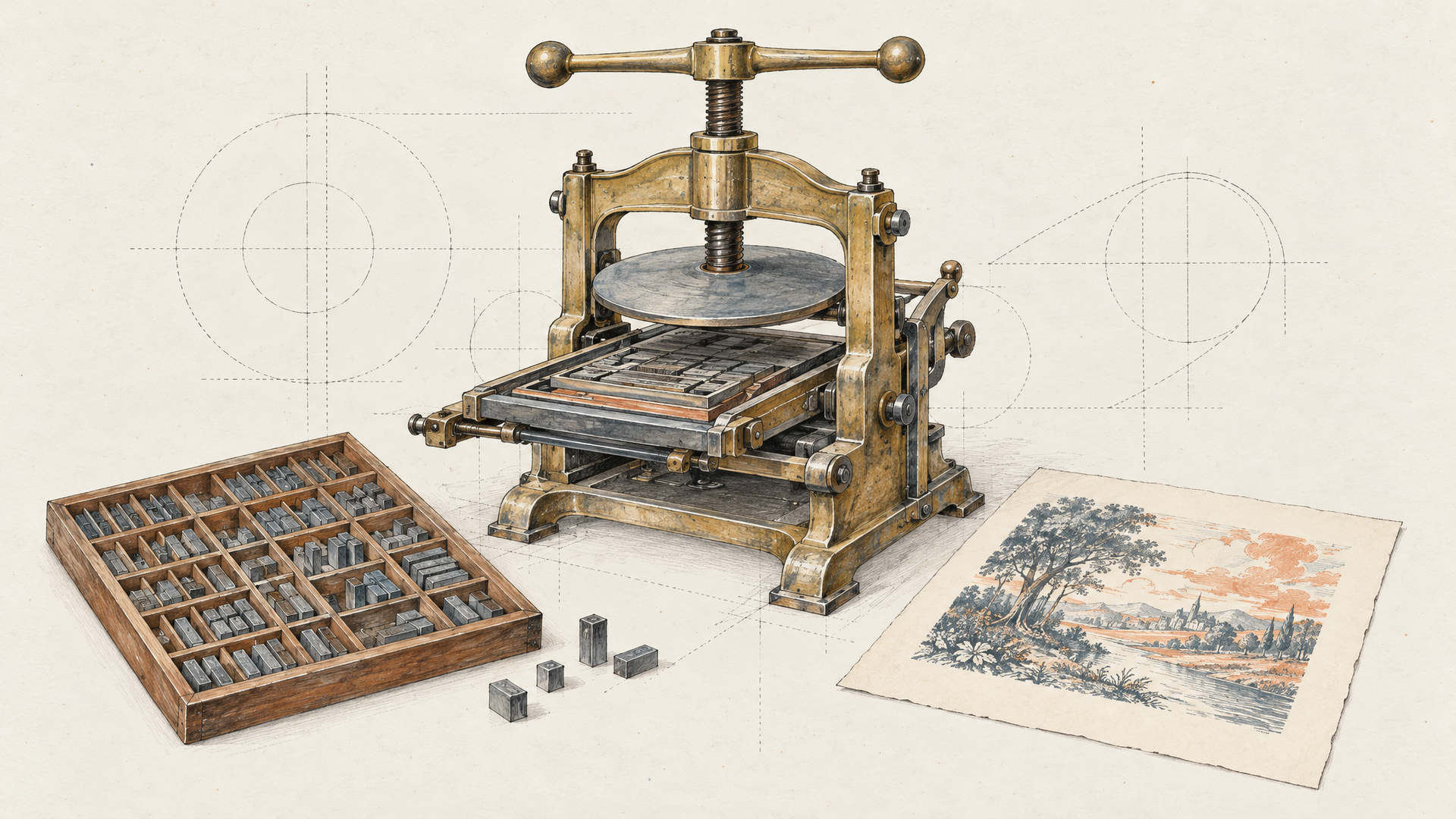
Job 4: The Growth Marketer Localizing One Ad Into Five Markets
This is the job we'd bet on most. A campaign is approved in English and now needs Spanish, German, Turkish and Japanese versions where nothing moves except the words. Regenerating gives you five different photos. Editing gives you one photo in five languages.
We took the English coffee bag from Job 3, passed it to Standard Image to Image as the only reference, and asked for a text swap:
Keep the coffee bag from <Picture 1> exactly as it is: same kraft paper, shape, tin tie, pine tree illustration, typeface, layout, shelf and light. Change only the label text: the large line now reads "VERTIENTE NORTE" and the small line reads "Origen Único, Tueste Medio".
About 25 seconds end to end, and the result was the one we hoped for. Both Spanish lines were spelled correctly, accent on the Ú included, in the same serif and sans-serif pairing, same green, same position on the label. The bag, the clip, the shelf and the scattered beans stayed where they were. The only drift we spotted was a slightly more mottled kraft texture.
The workflow scales from there: run the same edit prompt once per market with the translated strings, and keep the English original as <Picture 1> every time so each version descends from the approved master, not from the previous edit.
Job 5: The Art Director Commissioning Editorial Illustration
Magazine and newsletter art directors need conceptual images: an idea, not a product. The trap with an image model is literalism, where "remote work burnout" becomes a sad person at a laptop. The useful move is to write the metaphor yourself and let the model handle the craft.
Here the prompt enhancement switch earns its keep. With a loose concept, leave it on and let the expander fill the scene. With a tightly art-directed brief, turn it off on Text to Image, pick a fixed size such as 3072x5472 for a portrait page, and the model reads your words as written.
Editorial illustration for a long-read about information overload: a tiny lighthouse keeper standing on a rock in a sea made entirely of folded paper letters and envelopes, waves of paper curling and crashing around the lighthouse, a single warm beam cutting through the dusk. Gouache and colored pencil texture, visible paper grain, limited palette of indigo, cream and signal orange, generous sky at the top for a headline, magazine cover composition.
Resolution matters here too: a 16 MP illustration prints as a full-bleed page, grain and all.
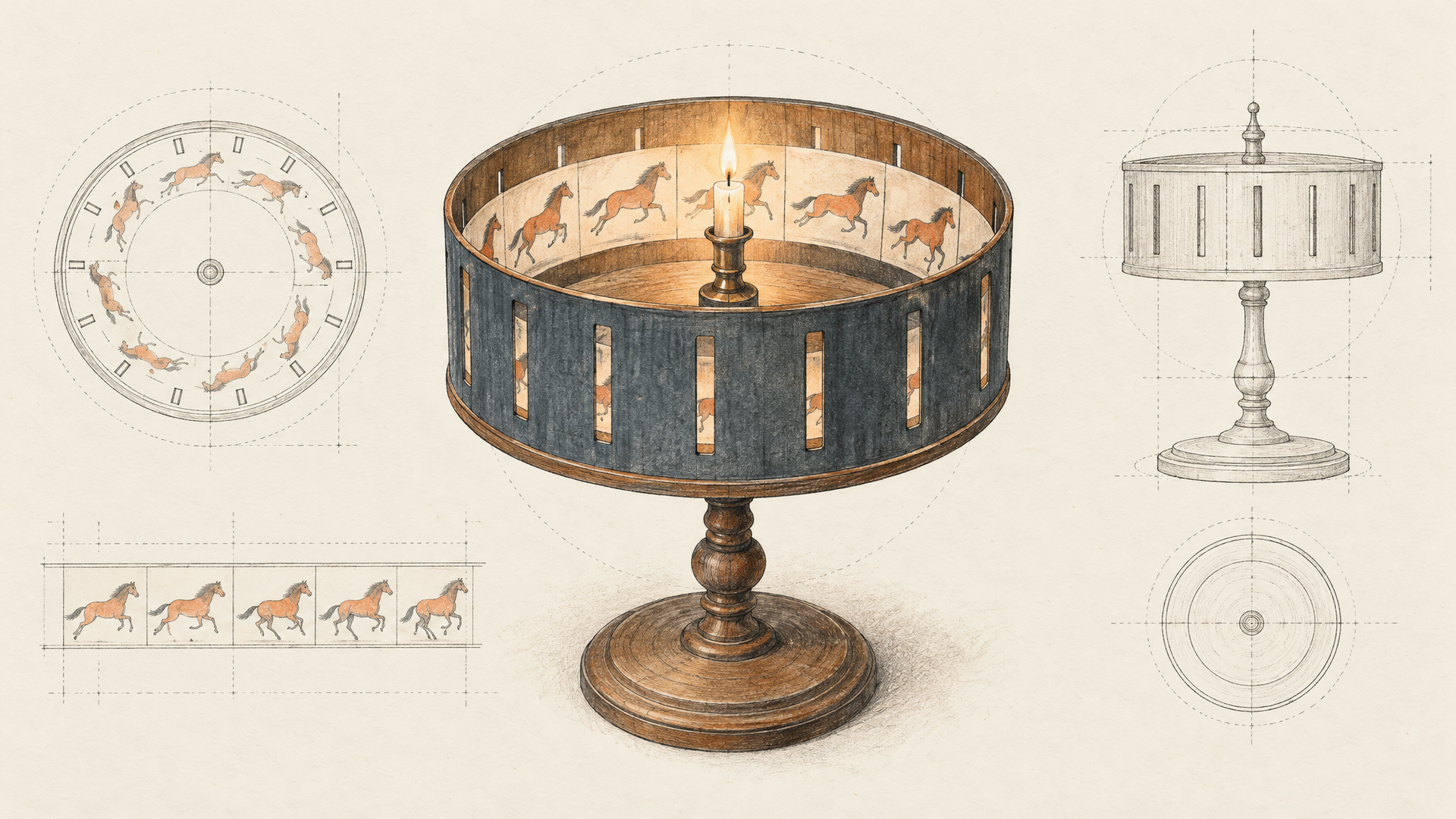
Job 6: The Storyboard Artist Feeding MiniMax H3 Video
Storyboards used to end at the pitch deck. Now a good frame is the first frame of the shot. Make the stills with H3 Image, then animate them with MiniMax H3 Image to Video, which takes a first frame and an optional last frame, runs 4 to 15 seconds at 768P or 2K, and adapts its aspect ratio to the opening image.
The workflow: generate a character sheet first, then use it as <Picture 1> on Image to Image for every board frame, so the face and wardrobe hold from panel to panel. Pick the two frames that open and close a shot and hand them to the video model as first and last frame.
Storyboard frame, wide shot: the courier from <Picture 1>, same face, yellow rain jacket and messenger bag, pausing at the top of a steep cobbled street in Lisbon at blue hour, tram lines curving down the hill, warm shop windows glowing on both sides. Camera at knee height looking up the slope, light rain, wet reflections on the stones. Cinematic still, 16:9, 35mm lens.
If a character has to survive many more shots than two frames can carry, MiniMax H3 Reference to Video takes the image set directly. We covered why that reference-first approach matters in MiniMax H3 Speaks Your Visual Language.
Job 7: The Team That Drafts on Highspeed and Finishes on Standard
The last job is a habit every role above should pick up. Highspeed and Standard share the same inputs, so a prompt moves between them untouched. MiniMax's launch post describes Highspeed as its fast mode, and our Highspeed mockup in Job 3 was back in about 8 seconds, polling included. That's fast enough to treat a generation like a thumbnail sketch.
So split the work. Draft on Highspeed at 2736x1536 with n set to 4 or 6, which returns that many variations in one request. Argue about composition, wording and color on the drafts. Once the room agrees, send the winning prompt to Standard at full size for the final. It's the photographer's rhythm: test shots first, then the hero frame.
Hero image for a boutique hotel's homepage: an empty rooftop pool at dawn, still turquoise water reflecting a pink sky, a single folded white towel on a teak lounger, terracotta rooftops and a distant cathedral dome below. Calm, symmetrical composition, soft diffused light, quiet luxury mood, architectural photography, 24mm tilt-shift lens.
Wire the Seven Jobs Into One Pipeline
Most real projects use three or four of these jobs in a row. A launch might draft on Highspeed, finalize on Standard, localize with Image to Image and animate the keeper with H3 video. On each::labs every one of those steps is the same API call with a different model name, so the chain is plumbing, not integration work.
If you'd rather not write the plumbing, build it as a flow on each::labs AI Flows: product photo in, localized hero stills and a short clip out. And when a job needs a different look, compare against the rest of the text-to-image models on the same prompt before you commit.
Frequently Asked Questions
What are the best MiniMax H3 Image use cases?
Anything that gets cropped, printed or edited after generation. Native 16 MP output makes e-commerce heroes, billboards and print illustration practical from one frame, and editing with up to 16 references covers localization, packaging variants and consistent storyboard characters.
Can MiniMax H3 Image make 21:9 images on each::labs?
Yes, through auto. The widest fixed preset is 16:9, but with size set to auto and "21:9" in the prompt, our billboard test came back at 6272x2688.
How accurate is MiniMax H3 Image with text on labels?
In our two text tests on each::labs, every requested line came back spelled correctly, including an accented Spanish character in the edit. Put each string in straight quotes and say where it sits on the design.
Should I use Highspeed or Standard?
Both, in that order. Highspeed for drafts and batches while ideas are still moving, Standard for the final render at full size. The inputs are identical, so the winning prompt moves across unchanged.