Krea 3: Edits in Seconds That Keep Your Product Intact
Krea's new editing model changes what you ask for, keeps labels, faces and rooms where they were, and answers in seconds at native 2K. It's live on each::labs now.
The slow part of image work was never the first picture. It's the twelfth: "love it, can we make the bottle a little bigger, warmer light, and lose the chair?" Every one of those notes used to mean another wait, another reroll, and another round of checking whether the label on the product still says the right thing.
Krea 3 is built for that loop. Krea calls it its new image editing model, and the pitch on its launch post is blunt: edits in under 8 seconds at native 2K, with products and characters that stay consistent. It's live on each::labs now, and after weeks of writing about it from teasers, we finally get to talk about the real thing.
Here's what it is, what it's for, and how to run it without wasting a single edit.
What Krea 3 Actually Is
Krea introduced the model on October 15 in a post titled "Introducing Krea 3". It generates natively at 2K, and Krea says most edits finish in under 8 seconds end to end, with its fastest setup landing around 4 to 5 seconds. Krea is also clear that it "isn't real time yet" and that it wants to push those numbers lower. On the same day Krea opened the beta, and it says the final release, with more benchmarks, follows next week.
The speed claim comes with a comparison Krea ran on its own platform: median time from request to finished image, queue included, over a week in late September. Krea 3 came in under 8 seconds, against 27 for Nano Banana 2, 33 for Nano Banana Pro and 90 for GPT Image 2. Treat that as Krea's measurement on Krea's setup, not a universal law. The point it makes still stands. An edit that comes back before you've finished your sip of coffee is a different tool from one that comes back after you've opened Slack.
Krea 3 doesn't replace Krea 2. Krea 2 is still the model for exploration, the one that spreads a loose prompt into genuinely different directions. Krea 3 is the one you hand the keeper to when the notes start coming in.
Keep the Product, Change the World
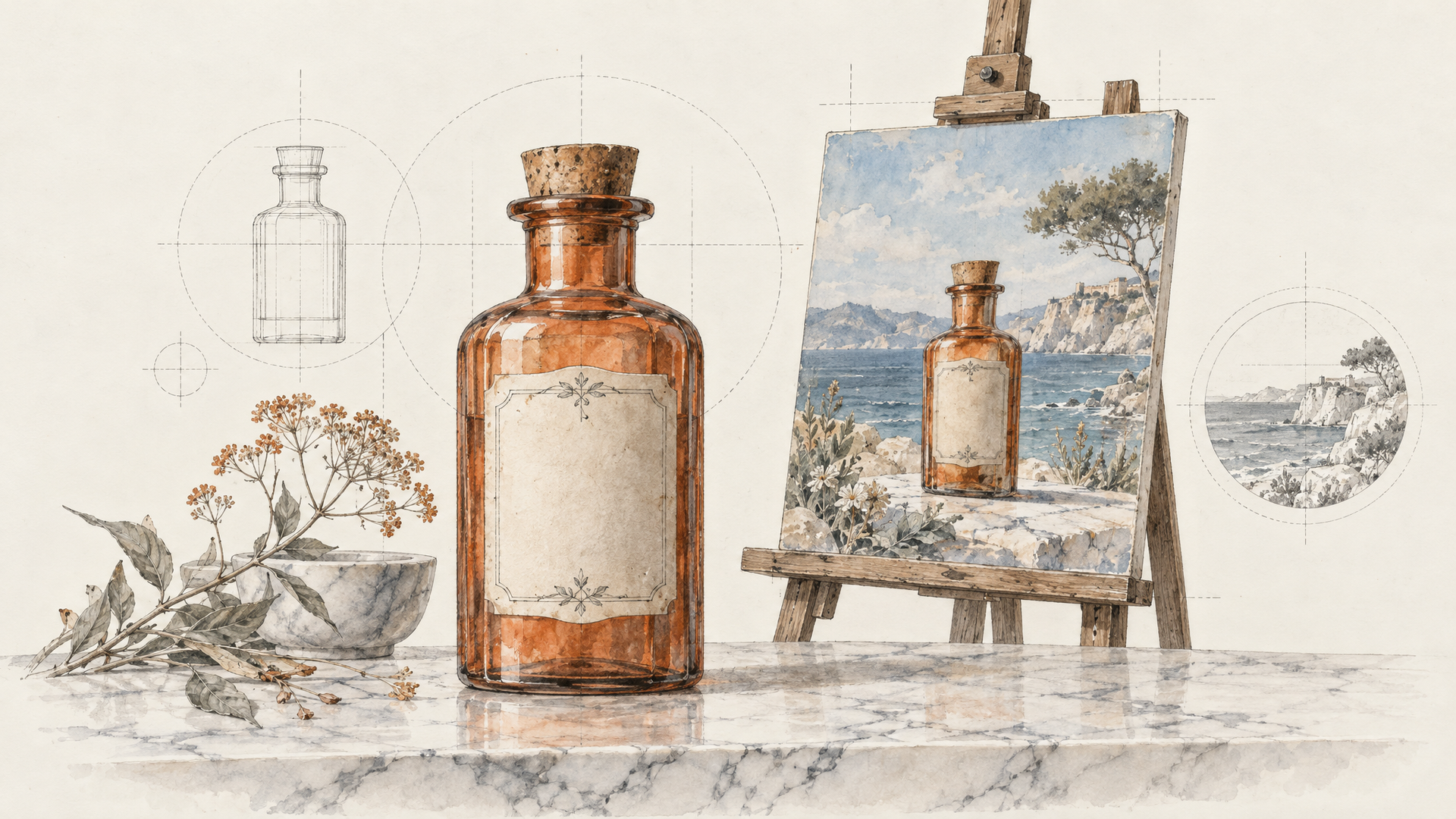
The use case Krea leads with is the one every ecommerce team will recognise. Take a plain packshot and build a campaign photo around it, while the product itself, label and logo included, stays intact. That last clause is the whole game. A beautiful scene with a slightly melted logo is a scene you can't ship.
Krea's own example makes the discipline visible: in a living room shot, the sofa, chairs and table get replaced while the rug, the room and the seated woman stay exactly where they were. Krea 3 changes what you asked for and leaves the rest alone.
So prompt it that way. Name the change, then name what stays. The each::labs request schema gives the same advice in its own words: say what must change and what must stay the same, from subject and composition to lighting and background.
Place the perfume bottle from the first image on a wet black rock at the edge of the sea at dusk, low warm sidelight, soft spray in the background. Keep the bottle, its label and its cap exactly as they are.
Characters That Don't Need Reintroducing
Consistency isn't only for products. Krea says Krea 3 keeps people and characters consistent across new scenes, poses and lighting, and that style references help a whole series keep one look. For a brand mascot, a recurring model in a lookbook or the lead in a storyboard, that means you stop re-describing the face every time and start directing the scene around it.
The practical habit: keep one clean, well-lit reference of the character and send it with every edit. Refer to it by position, as the schema suggests ("the person in the first image"), so the model never has to guess which face you mean when a second reference contains people too.
The woman from the first image, now seated at a café table by a rain-streaked window, holding a cup with both hands, soft overcast light, 35mm film look. Same face, same hair, same coat.
Sketches, Paintings and Moodboards Become Briefs
This is the part that quietly changes who can use an image model. Krea says Krea 3 works on paintings, vector art and ink drawings while keeping each in its own medium, so an edit to a watercolour stays a watercolour. It also goes the other way: line drawings with flat colour palettes, marker sketches, moodboards and faded photos can become finished photographs.
That turns a designer's thumbnail into an actual input. Sketch the layout, block in the colours you want where you want them, and let the model render it. Krea says it follows detailed briefs with each specified colour placed where the brief indicates, which is exactly what an art director needs from a rough.
Turn the marker sketch in the first image into a finished product photograph. Keep the layout and the colour placement from the sketch: terracotta wall on the left, sage green chair in the centre, brass lamp on the right. Natural window light.
How Krea 3 Works on each::labs
On each::labs you run it through Krea 3 Image Edit, and the controls are worth knowing before you start.
Inputs first. Give it one image to edit it, two or more to combine them (a product and a scene, say), up to eight in a single request. Leave the image list empty and it makes a new image from the prompt alone, so the same endpoint covers text to image too.
Then the model variant. Berry is the default, tuned for the highest image quality. Jam is tuned for speed with quality close to Berry, and it's the one to reach for when many fast iterations matter more than the last bit of detail.
Thinking mode decides how much the model plans before it edits. Fast is the default and returns in about 3 to 8 seconds, good for most edits. High plans more for complex edits with many changes and takes about 10 to 30 seconds. Ultra plans the most for the hardest edits, is the slowest, and works only at 2K.
Resolution is 2K by default, about 2048 pixels on the long side, with 1K available for previews. There are ten aspect ratios from square through 4:5, 3:4, 2:3 and 9:16 portraits to 5:4, 4:3, 3:2, 16:9 and an ultra-wide 21:9. Leave it empty and an edit keeps the shape of the input image. A seed lets you repeat a result with the same inputs.
A Revision Loop That Fits in a Meeting
Put those settings together and you get a workflow, not just a model. Iterate on Jam with Fast thinking at 1K while the client is still talking. Each note becomes a single short edit, and you can show the result before the next note arrives. Once a direction is approved, rerun the winning prompt on Berry at 2K, and switch to High thinking only for the edits that stack several changes at once.
Two habits keep the loop clean. Make one change per edit when precision matters, because a four-part instruction that goes wrong gives you no idea which part broke. And chain edits from the latest approved image rather than the original, so every step builds on a version someone already said yes to.
When the still is final, it doesn't have to stay still. Send it to one of the image to video models on each::labs for motion, or wire the whole chain together in each::labs flows.
Krea 3 Next to the Edit Models You Know
Krea positions Krea 3 against the strongest editors around, and on its launch day Krea's team said it matches the quality of Nano Banana Pro and GPT Image 2.5. We'll let our own tests and Krea's promised benchmarks settle that. What's already clear is the trade Krea is making: speed as a first-class feature, without giving up native 2K output.
That makes the choice fairly practical. If your job is fast, high-volume revisions of brand assets where the product must survive every edit, start with Krea 3. If you need very long multi-turn conversations or extreme aspect ratios, Nano Banana 2.1 is worth a side-by-side. For the full field, browse the image to image models and run the same prompt through two of them. On each::labs that's a model-id change, not a new integration.
If you followed our earlier coverage, the Krea 3 use cases we mapped before launch now point at a live model page, and the launch preview has the backstory on how Krea 3 builds on Krea 2's taste.
Frequently Asked Questions
When did Krea 3 come out?
Krea published "Introducing Krea 3" and opened the beta on October 15, 2026, and it's on each::labs now. Krea says the final release, with more benchmarks, comes the following week.
How fast is Krea 3 at editing?
Krea measures most edits at under 8 seconds end to end at native 2K, around 4 to 5 seconds on its fastest setup. On each::labs, the Fast thinking mode returns in about 3 to 8 seconds; High takes about 10 to 30 for complex edits.
How many images can Krea 3 combine?
On each::labs, up to eight input images per request. One image edits it; two or more combine them, for example a product shot and a location.
Can Krea 3 make images from text alone?
Yes. Leave the image list empty and the same Krea 3 endpoint on each::labs generates a new image from the prompt, square by default unless you pick an aspect ratio.