How to Turn Images into Videos with AI
So, you've got a great picture, but you're thinking, 'How can I make this move?' Well, turns out, there's a pretty neat way to do that now using AI. It's not like Hollywood magic, but it's gotten really good, really fast. You can take a photo and give it some life, making it do things like zoom, pan, or even just subtly shift. This whole image to video AI thing is changing how people make content, from quick social media posts to more involved projects. It's simpler than you might think to get s
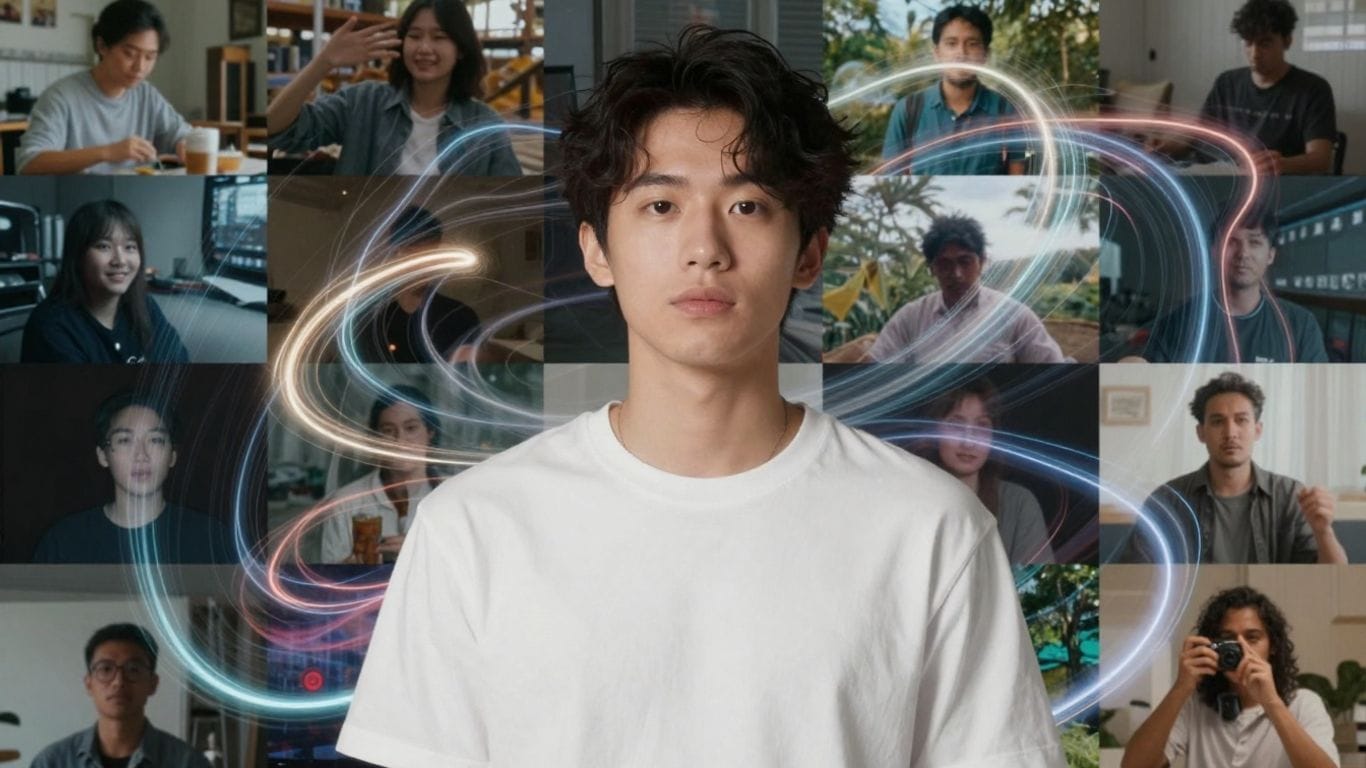
So, you've got a great picture, but you're thinking, 'How can I make this move?' Well, turns out, there's a pretty neat way to do that now using AI. It's not like Hollywood magic, but it's gotten really good, really fast. You can take a photo and give it some life, making it do things like zoom, pan, or even just subtly shift. This whole image to video AI thing is changing how people make content, from quick social media posts to more involved projects. It's simpler than you might think to get started.
Key Takeaways
- AI tools can now turn your still images into short videos, adding motion and life.
- You usually upload an image and then give the AI a text prompt to describe the movement you want.
- These tools are useful for making social media content, product ads, and digital art more engaging.
- When picking a tool, look at its features, costs, and any rules about how you can use the videos.
- You can control video start and end points, try different styles, and even get multiple video options from one image.
Understanding Image To Video AI Generators
What Is An Image To Video AI Generator?
So, you've got a cool picture, right? Maybe it's a photo you took, a piece of digital art, or even just a graphic. Now, imagine if you could make that picture move, like a short video clip. That's pretty much what an image-to-video AI generator does. It's a type of artificial intelligence that takes a still image and adds motion to it, turning it into a dynamic video. Think of it as giving your photos a little life of their own. It's a way to make static content more engaging without needing to be a video editing pro.
Key Features Of AI Image To Video Tools
These AI tools come with a few handy features that make them easy to use. Most of them let you upload common image types like JPG or PNG. Then, you usually get to describe the kind of movement you want. This could be anything from a slow zoom or a gentle pan across the image to something more specific like a character nodding. Some tools even let you control the start and end points of the animation, giving you a bit more say in the final video.
Here's a quick rundown of what you'll often find:
- Image Upload: Supports standard formats (JPG, PNG, WebP).
- Motion Prompts: Text descriptions to guide the animation.
- Customization Options: Control over camera movement, style, and effects.
- Video Output: Generates short video clips in common formats.
Benefits Of Using AI For Image To Video Conversion
Why bother with this tech? Well, it's pretty straightforward. First off, it saves a ton of time. Instead of spending hours editing, you can get a moving image in minutes. This is a big deal for social media, where you need to grab attention fast. Plus, you don't need to learn complicated software. Anyone can use these tools to make their content pop. It's also a great way to experiment with creative ideas without a big investment of time or money. You can try out different animations and see what looks best for your project.
Transforming Your Images Into Videos
So, you've got a great still image, but you're thinking, 'How can I make this pop more?' That's where AI image-to-video tools come in. They're pretty neat for taking something static and giving it some life. It's not like you need to be a Hollywood director or anything; these tools are designed to be pretty straightforward.
Uploading Your Image For Animation
The first step is usually just getting your image into the system. Most tools have a simple upload button. You just click it, find the picture on your computer or phone, and upload it. Some advanced tools might let you specify a starting and ending frame, which is kind of like telling the AI where you want the animation to begin and finish. Think of it like setting the scene before the action starts.
Crafting Effective Prompts For Motion
This is where you get to be a bit creative. After uploading your image, you'll typically write a text prompt. This is your chance to tell the AI what kind of movement you want. Do you want the camera to slowly pan across a landscape? Maybe you want a character in the image to subtly move their head, or perhaps you're looking for a more abstract effect, like a shimmering light. The more specific you are, the better the AI can interpret your vision. For example, instead of just saying 'make it move,' try something like 'gentle breeze rustling leaves' or 'camera slowly zooms out from the subject.'
Generating And Downloading Your Video
Once you've uploaded your image and written your prompt, it's time for the AI to do its magic. You'll usually click a 'Generate' or 'Create' button. The tool then processes your request, and within a few minutes, you'll have a video. It's pretty cool to watch it come together. After it's done, there will be an option to download the video file. You can then use it however you like – share it on social media, use it in a presentation, or just keep it for yourself.
Creative Applications For AI Image To Video
So, you've got this cool image, right? Maybe it's a product shot, a piece of art, or just a photo you really like. Now, what can you actually do with it using AI to make it a video? Turns out, quite a lot. It's not just about making a picture wiggle; it's about giving it a new kind of life for different purposes.
Enhancing Social Media Content
Social media is all about grabbing attention, and let's be honest, static images can get lost. Turning your photos into short, dynamic clips is a game-changer. Think about it: a product photo that subtly zooms in, or a graphic that animates slightly. This can make your posts pop in the feed. It's a way to make your brand look more modern and engaging without needing a whole film crew. You can even take existing brand visuals and client assets and quickly turn them into videos ready for platforms like Instagram or TikTok. It really helps content creators make eye-catching reels or ads.
Creating Dynamic Product Showcases
For anyone selling something, showing it off well is key. Instead of just a flat picture of your product, imagine a video where the camera slowly circles it, or a key feature is highlighted with a subtle animation. This gives potential customers a better feel for the item. It's perfect for e-commerce sites, showing off new arrivals, or creating quick ads. You can even take lifestyle shots and add a bit of motion to make them more relatable. This approach can really make your product listings stand out from the crowd.
Bringing Digital Art to Life
Artists, this is for you too. If you create digital art, AI can add a whole new dimension. Imagine your illustration having a gentle breeze move through it, or a character subtly blinking. It's a way to present your portfolio or individual pieces in a more captivating way. You can animate cover art for musicians, or even turn a logo into a short, animated intro. It's a fantastic way to explore new creative avenues and share your work in a fresh format. You can even use tools like Kling AI to blend different styles and create truly unique visual experiences.
Choosing The Right Image To Video AI Tool
So, you've got your images ready and you're excited to bring them to life with AI. That's awesome! But with so many tools out there, picking the right one can feel a bit like trying to find a specific needle in a haystack. Don't worry, we'll break it down.
Evaluating AI Models And Features
When you're looking at different AI image-to-video tools, it's not just about how many bells and whistles they have. Think about what you actually need them to do. Some tools are really good at making a camera zoom or pan across a photo. Others can add more complex movements, like making a person in a picture appear to nod or walk. It's worth checking out what kind of animations each tool specializes in. Also, consider the quality of the output. Does the video look smooth, or is it jerky and weird? Some AI models are better at creating realistic motion than others.
Here's a quick look at what to compare:
- Animation Style: Does it do simple pans and zooms, or more complex character movements?
- Output Quality: How realistic and smooth are the generated videos?
- Customization: Can you control the speed, direction, or intensity of the motion?
- Input Formats: What kind of image files can you upload (JPG, PNG, etc.)?
Understanding Usage Guidelines And Limitations
Before you get too deep into creating, take a moment to read the fine print. Every tool has rules about what you can and can't do. Generally, you can't use these tools to create anything harmful, illegal, or that infringes on someone else's rights. This means you should only use images you have permission to use. Don't try to make fake news or defame people. Also, be mindful of privacy. Some tools might have limits on how long your generated videos can be, or the resolution they can output, especially on free tiers. It's always a good idea to check their terms of service so you don't run into any surprises down the line.
Advanced Techniques For Image To Video AI
Controlling Video Start And End Frames
So, you've got your image and you've typed in a prompt, but what if you want a bit more control over how the whole thing starts and finishes? Some AI tools let you get specific about the very first and last moments of your video. Think of it like setting the scene and then the final curtain call. You might upload your main image, and then also provide a 'start frame' image and an 'end frame' image. This helps the AI understand the exact visual transition you're aiming for. It's not just about making things move; it's about guiding the narrative from point A to point B. This is super handy if you're trying to match a specific aesthetic or create a particular emotional arc. For instance, you could start with a close-up of a flower bud and end with it fully bloomed, using those reference images to guide the AI's animation.
Applying Viral Trends And Effects
Want your AI-generated video to feel current and grab attention? Tapping into viral trends is a smart move. This means looking at what's popular on platforms like TikTok or Instagram and seeing how you can adapt those styles. Maybe it's a specific type of zoom, a glitch effect, or a particular color grading. Some AI platforms are starting to build these popular effects right into their tools, or you can describe them in your prompts. For example, you could ask for a "VHS tape effect" or a "dramatic slow-motion pan." It’s about making your content feel familiar and engaging to audiences already accustomed to these visual cues. Keep an eye on what's trending, and don't be afraid to experiment. You might even find that describing a popular dance move or a common meme transition can yield interesting results. Remember, the goal is to make your video stand out, and using recognizable effects can help with that.
Generating Multiple Video Variations
Sometimes, the first try isn't quite perfect, and that's totally okay. A really useful feature in advanced AI image-to-video tools is the ability to generate several different versions of your video from the same input. This means you can upload your image, write your prompt, and then instead of just getting one video back, you might get three or four options. These variations could differ slightly in motion speed, camera angle, or even the subtle interpretation of your prompt by the AI. It's like having a few different takes from a film shoot. You can then pick the one that best fits your vision or even combine elements from different versions. This iterative process saves a lot of time compared to manually tweaking settings or re-prompting multiple times. It gives you a better chance of landing on that perfect animation without a ton of extra work. For example, if you asked for a "person walking," you might get variations showing different gaits or speeds. This approach is also great for A/B testing different video styles to see which performs better with your audience. You can explore different AI models and features to see which one produces the most compelling results for your specific needs, like those offered by PixVerse 5.5. It's all about exploring the possibilities and finding the best fit for your project.
Integrating AI Image To Video Into Your Workflow
So, you've got these cool AI tools that can make your pictures move. That's great, but how do you actually make them part of what you do every day? It’s not just about making a fun little clip; it’s about making your work faster and maybe even better. Think about it – instead of spending hours editing, you can get a moving visual in minutes. This really changes things for businesses and creators alike.
Streamlining Content Creation For Businesses
For businesses, time is money, right? If you're in marketing or social media, you need content, and you need it fast. AI image-to-video tools can take your product photos, your brand graphics, or even just a cool picture you found, and turn it into something dynamic for your social feeds. Imagine turning a static product shot into a short promo video for Instagram or TikTok without needing a whole video production team. It’s about making more content, more often, with less hassle. You can quickly create:
- Short promotional clips for new products.
- Animated graphics for social media posts.
- Engaging visuals for email newsletters.
- Quick explainers for services or features.
This means you can keep your brand looking fresh and active online without breaking the bank or your schedule.
Empowering Creators With New Tools
If you're a content creator, whether you're a photographer, artist, or just someone making videos for fun, these tools open up new possibilities. You can take your existing photos and give them a new life. Maybe you have a portrait that you want to make a bit more engaging, or a piece of digital art that you want to see subtly animate. You can also use these tools to create quick intros, outros, or transitions for your longer videos. It’s like having a magic wand for your visuals. You can experiment with different styles and movements, all from a single image. It’s a way to add a professional touch without needing to learn complex animation software.
Accelerating Video Production For Agencies
Agencies, this is a big one for you. You're often juggling multiple clients and tight deadlines. AI image-to-video generators can significantly speed up parts of your video production process. Need some quick B-roll? Have a client’s logo that needs a bit of animation? Instead of starting from scratch or searching through stock footage, you can generate custom animated clips from existing assets. This frees up your editors to focus on the more complex, creative aspects of a project. It’s about efficiency. You can take client photos – think real estate shots, event pictures, or product images – and quickly turn them into client-ready videos. This means faster turnaround times and potentially more projects handled.
The key is to see these AI tools not as replacements for human creativity, but as assistants. They handle the repetitive or time-consuming parts, letting you focus on the bigger picture and the creative direction. Think of it as having a super-fast intern who's really good at making pictures move.
Wrapping Up
So, there you have it. Turning a simple picture into a moving video used to be a big deal, needing fancy software and a lot of skill. But now, with these AI tools, it's pretty straightforward. You just upload your image, tell the AI what kind of movement you're going for, and boom – you've got a video. It's a neat way to make your photos pop, whether for social media, a quick ad, or just for fun. It really cuts down the time and hassle, letting you focus more on the creative side of things. Give it a try; you might be surprised at what you can create.
Frequently Asked Questions
What exactly is an AI tool that turns pictures into videos?
Think of it like a magic paintbrush for your photos! An AI image-to-video generator is a smart computer program that takes a still picture you give it and makes it move, like a short video clip. It can add actions, camera movements, or special effects, all based on what you tell it to do.
Which is the coolest AI for making videos from photos?
There are many great ones out there, and the 'best' really depends on what you want to do! Some are super easy to use for quick social media clips, while others offer more control for professional projects. It's a good idea to try out a few free options to see which one feels right for you and your projects.
How do I actually change a picture into a video?
It's usually pretty simple! First, you upload the photo you want to animate. Then, you type in a description of the movement you want – like 'the camera zooms in slowly' or 'the person waves their hand.' Finally, you click a button to let the AI do its magic and create the video for you.
Is this AI tool good for making social media posts?
Absolutely! Static pictures can get lost in busy social media feeds. Turning your photos into short, moving videos makes them much more eye-catching. You can create exciting product ads, fun intro clips, or just add some life to your regular posts to grab more attention.
Do I need to be a video editing expert to use this?
Nope, not at all! These AI tools are designed to be super user-friendly. You don't need to know complicated editing software. The AI handles most of the hard work. You just need to upload your image and give simple instructions, and the AI creates the video for you.