AI Video Editing: How Creators Edit Videos Faster
Remember those days spent wrestling with video editing timelines, hoping the software wouldn't crash before you hit save? It felt like a huge time sink, right? Well, things are changing fast. AI video editing is here, and it's making a big difference for creators. It's not about replacing your unique style; it's about giving you superpowers to produce more content, faster and better. Whether you're a solo creator, a marketer with tons of demands, or just someone who likes making videos, AI is be
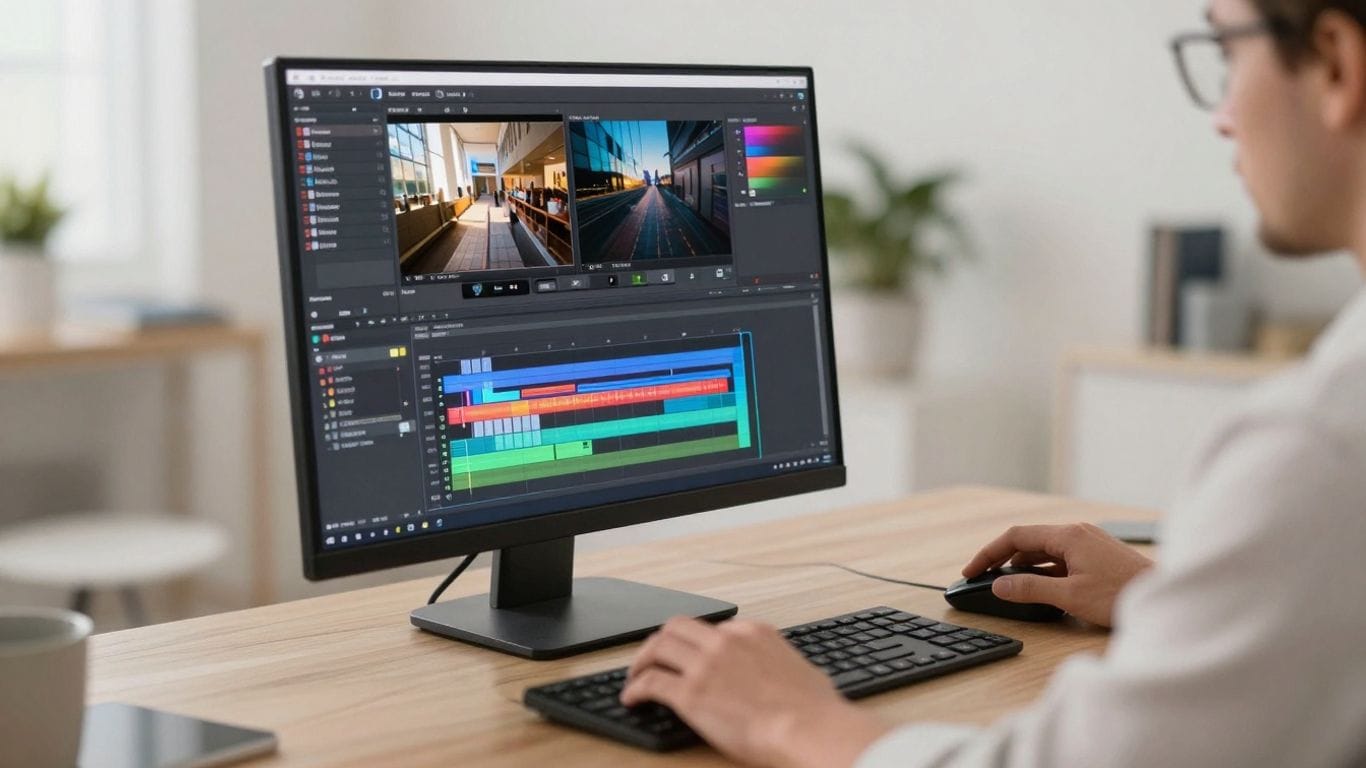
Remember those days spent wrestling with video editing timelines, hoping the software wouldn't crash before you hit save? It felt like a huge time sink, right? Well, things are changing fast. AI video editing is here, and it's making a big difference for creators. It's not about replacing your unique style; it's about giving you superpowers to produce more content, faster and better. Whether you're a solo creator, a marketer with tons of demands, or just someone who likes making videos, AI is becoming your new best friend. Let's look at why AI video editing is a game-changer and how it can help you.
Key Takeaways
- AI video editing automates time-consuming tasks like cutting clips, adding captions, and selecting music, freeing up creators to focus on creative ideas.
- It significantly speeds up the video production process, allowing creators to produce more content consistently without sacrificing quality.
- AI tools lower the barrier to entry, making professional-looking video creation accessible to individuals without extensive technical editing skills.
- These tools help maintain brand consistency across multiple videos and platforms by automatically applying logos, colors, and fonts.
- The future of AI video editing promises even more advanced features like real-time collaboration, emotion-aware adjustments, and automated content pipelines.
Understanding The Power Of AI Video Editing
The Traditional Video Editing Struggle
Remember spending entire weekends hunched over a computer, wrestling with editing software that seemed determined to crash right before you hit save? Yeah, me too. For a long time, video editing felt like a necessary evil. You'd meticulously arrange footage, cut out every unwanted second, smooth out transitions, tweak colors until they looked just right, and then wrestle with audio levels. And don't even get me started on adding captions and figuring out the right export settings for YouTube, Instagram, or TikTok. It felt like most creators spent their energy editing rather than creating. You know, the whole reason you got into this in the first place. Video content isn't just a nice-to-have anymore; it's expected everywhere. If you're not making videos regularly, you might as well be invisible.
What Makes AI Video Editing Distinct
So, what's changed? AI video editing isn't just about doing things faster; it's a fundamentally different approach. Think of it like this: traditional editing is like building a house brick by brick, manually placing each one. AI editing, on the other hand, is like having an advanced construction system that understands your vision and handles much of the heavy lifting. You still make the big decisions – the creative direction, the story you want to tell – but the AI takes care of the tedious, repetitive tasks. It uses machine learning and computer vision to understand your footage, making intelligent choices that save you hours. This shift allows creators to focus on the art of storytelling rather than getting bogged down in technical minutiae.
Key AI Video Editing Features Explained
AI tools are packed with features that used to take ages to implement manually. Here are a few that really change the game:
- Smart Scene Detection and Auto-Clipping: AI can analyze your raw footage and automatically identify different scenes or segments. It can even cut out dead air, awkward pauses, or filler words like 'um' and 'uh', saving you from scrubbing through hours of tape.
- Automated Captioning and Transcription: Forget typing out captions word-by-word. AI can transcribe your audio and generate perfectly timed captions in minutes. Some tools even offer stylish, trend-aware caption designs.
- Intelligent Music Selection and Audio Enhancement: Need background music? AI can suggest tracks that match the mood of your video and automatically adjust the volume so your voiceover or dialogue remains clear. It can also help clean up audio issues.
- One-Click Reformatting: Need to turn a horizontal YouTube video into a vertical TikTok or Instagram Reel? AI can reframe your content for different aspect ratios, keeping the most important action in view without you having to manually crop or re-edit everything.
The real magic isn't just that AI can do these things, but that it can make sense of the content. It understands context, which allows it to make editing decisions that feel natural and align with your creative goals.
Why AI Video Editing Is Essential For Creators
Let's be real, editing videos the old way can be a real drag. You spend hours sifting through footage, cutting out pauses, smoothing transitions, and fiddling with audio levels. Then there's the whole captioning and exporting for different platforms thing. It's a lot, and honestly, most of us got into creating because we have something to say, not to become timeline wizards. Video content is everywhere now, and if you're not putting out videos regularly, you're practically invisible. That's where AI steps in, making things way more manageable.
Achieving Speed Without Compromising Quality
This is a big one. AI tools can take over those tedious, repetitive tasks, like cutting out dead air or syncing captions. This means you can get a rough cut done in a fraction of the time it used to take. Think about it: what might have taken you four hours manually could now take less than an hour. And this isn't about rushing and producing sloppy work. It's about freeing up your time so you can focus on the creative stuff – the story, the pacing, the overall message. You can produce more polished content more consistently. This consistency is key for building an audience; posting good videos every week beats posting one perfect video a month.
Lowering The Barrier To Entry For New Creators
Remember when learning video editing felt like needing a degree in computer science? You had to get your head around layers, keyframes, and all sorts of technical jargon. AI is changing that. Now, you can often just tell the software what you want – like "make this feel more energetic" or "add bold captions" – and the AI figures out how to do it. This makes video creation accessible to so many more people. Small business owners, teachers, coaches, or anyone with a story to tell can now create professional-looking videos without spending months learning complex software. It really opens the door for more voices to be heard.
Maintaining Brand Consistency At Scale
For businesses or creators managing multiple projects or platforms, keeping everything looking and sounding consistent can be a huge challenge. AI tools can help here too. They can apply specific color grading presets, use brand fonts for captions, or even select music that fits your brand's vibe, all automatically. This means you can produce a high volume of content without sacrificing your brand's identity. Imagine being able to reformat a YouTube video for TikTok or Instagram Reels with just a few clicks, keeping your branding intact. It makes scaling your content production much more realistic.
Leveraging AI Tools For Efficient Workflows
Okay, so we've talked about why AI editing is a big deal. Now, let's get into the nitty-gritty of how these tools actually make your life easier. It's not just about magic; it's about smart automation that handles the grunt work so you can focus on the creative stuff. Think of it as having a super-fast, super-organized assistant who never complains.
Smart Scene Detection And Auto-Clipping
Remember spending ages scrubbing through footage, trying to find the perfect clip or cutting out all the awkward pauses? AI can do that for you, and it's pretty darn good at it. Tools can analyze your video, identify key moments, and automatically create shorter clips or remove dead air. This means you spend less time on tedious cuts and more time shaping the narrative. It's like having a first pass done for you, saving you hours right off the bat.
Automated Captioning And Transcription
If you're making videos for online platforms, captions are a must. Not only do they help with accessibility, but they also boost engagement, especially when people watch with the sound off. AI can transcribe your audio and generate captions in minutes. Some tools even let you edit the text directly, and the video will update accordingly. This used to be a super manual process, but now it's almost a background task. It's a huge time-saver, and honestly, it makes your content reach more people.
Intelligent Music Selection And Audio Enhancement
Finding the right background music can be a rabbit hole. AI tools are starting to get smart about this. They can analyze the mood and pacing of your video and suggest music that fits. Beyond just music, AI can also clean up your audio, reduce background noise, and even balance levels. Getting your audio sounding professional used to be a big hurdle, but AI is making it much more accessible. This means your videos will sound better without needing a dedicated sound engineer.
AI isn't just about cutting and pasting; it's about intelligent assistance. These tools can analyze content, suggest improvements, and automate repetitive tasks, freeing up your creative energy for what truly matters: storytelling and artistic vision. It's about working smarter, not just faster.
Here's a quick look at what these features can do:
- Scene Detection: Automatically identifies distinct segments or shots within your footage.
- Auto-Clipping: Generates shorter video clips based on detected scenes or spoken dialogue.
- Silence Removal: Finds and removes empty spaces or long pauses.
- Caption Generation: Creates text overlays from spoken words with high accuracy.
- Audio Noise Reduction: Cleans up unwanted background sounds.
- Music Matching: Recommends royalty-free music based on video content and mood.
Transforming Content For Multiple Platforms
So, you've got this awesome video, right? But now you need it for YouTube, then maybe a shorter version for Instagram Reels, and a super-quick clip for TikTok. Doing that manually means editing the same thing over and over, which is a huge time sink. AI video editing tools can take your single video and automatically adapt it for different platforms without you having to do all the repetitive work. It’s like telling the same story, but in a way that fits each platform's vibe and format. This is a game-changer, especially if you're trying to keep up with posting everywhere.
One-Click Reformatting For Different Aspect Ratios
Think about it: YouTube likes horizontal (16:9), Instagram Stories and TikTok prefer vertical (9:16), and feeds might use square (1:1). Manually resizing and reframing each shot for every platform is tedious. AI can analyze your video and automatically adjust the aspect ratio. It's smart enough to keep the main action centered, so you don't lose what's important. You can often choose from presets or let the AI figure out the best crop. This means you're not just cutting down your video; you're intelligently reframing it for each specific screen. Tools like PixVerse 5.5 are making this process much smoother.
AI-Powered Visual Storytelling
Beyond just changing the size, AI can help tailor the storytelling for different platforms. For instance, a fast-paced, energetic edit might work best for TikTok, while a more in-depth explanation suits YouTube. AI can help identify the most engaging moments in your original video and suggest ways to re-edit them for maximum impact on a specific platform. It can even suggest adding different B-roll footage or graphics that align with the platform's typical content style. This isn't just about format; it's about making sure your message lands effectively everywhere.
Customizable Templates That Maintain Brand Identity
Keeping your brand looking consistent across all platforms is super important. AI tools often come with customizable templates. You can set up your brand's colors, fonts, logo, and even intro/outro sequences. Then, when the AI reformats your video for different platforms, it automatically applies these brand elements. This saves you from having to manually add your logo or change fonts every single time. It ensures that even though the video format changes, your audience always knows it's from you. This kind of automation is key for businesses that need to produce a lot of content without losing their visual identity.
Exploring The Future Of AI Video Creation
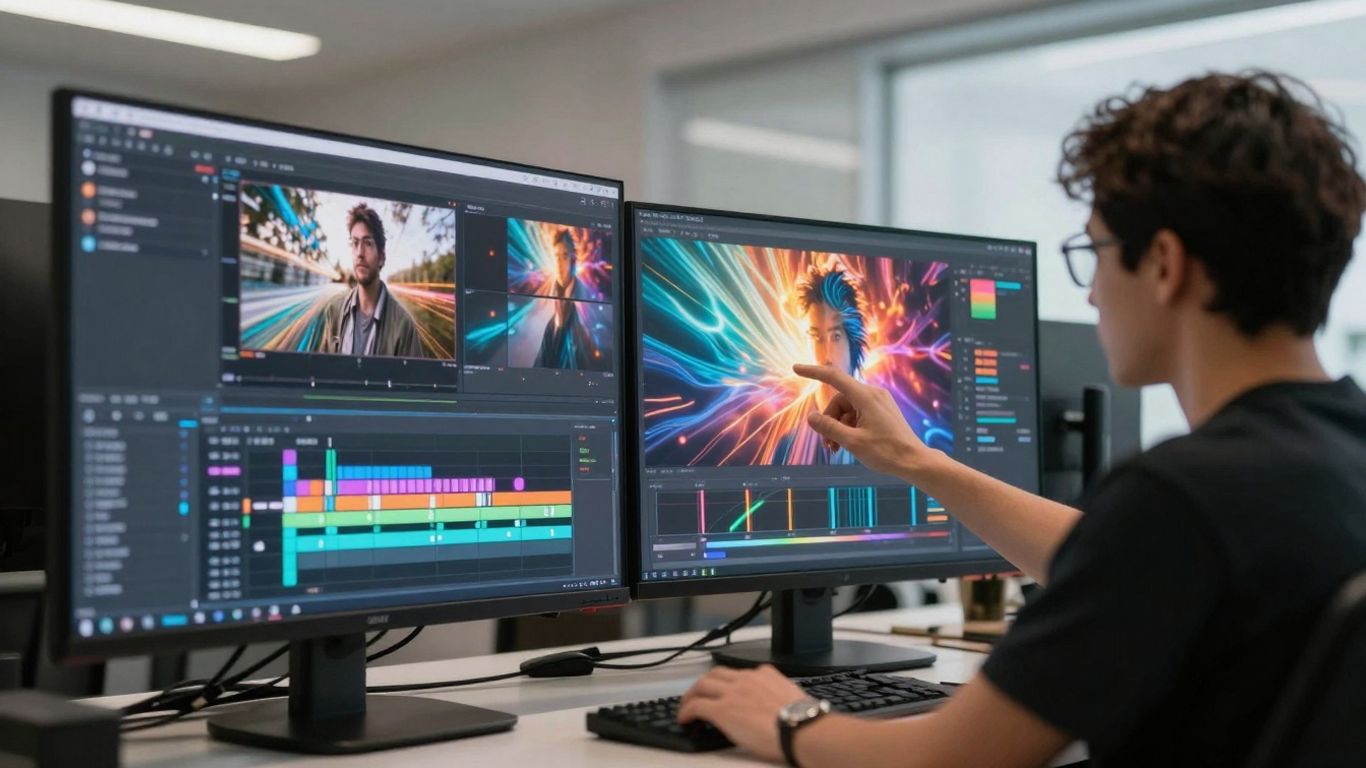
So, what's next for AI in video editing? It's honestly pretty wild to think about. We're not just talking about faster edits anymore; we're looking at tools that will feel like having a super-smart assistant right there with you. Imagine editing a video and having the AI chime in, "Hey, this section feels a bit slow, want me to trim it?" or "This color doesn't quite match your brand, should I adjust it?" That kind of real-time help is closer than you think.
Real-Time AI Collaboration And Suggestions
This isn't just about suggestions; it's about a partnership. The AI will learn your style and preferences, offering proactive ideas. It might suggest B-roll that perfectly fits the mood or even propose alternative cuts you hadn't considered. It's like having a seasoned editor looking over your shoulder, but one that never gets tired and has access to a massive library of content. Tools are already emerging that can generate a full video from a simple text prompt, like promoting a new app, making the initial creation phase incredibly swift.
Emotion-Aware Editing Capabilities
This is where things get really interesting. Future AI will be able to read the emotional tone of your footage and adjust the video's pacing, music, and even visual style to amplify that feeling. If you're aiming for an inspiring video, the AI could build up the music and use cuts that create a sense of momentum. Conversely, for a somber piece, it might slow things down and use more subdued visuals. It's about making the video feel the way you intend it to.
Advanced Voice And Face Manipulation For Corrections
We've all been there: you finish editing, only to realize you mispronounced a word or blinked at the worst possible moment. The future holds tools that can fix these minor hiccups with uncanny accuracy. Imagine regenerating a sentence in your own voice if you flubbed a line, or having the AI subtly adjust your facial expression to look more natural. These aren't science fiction anymore; they're becoming more accessible and refined.
The Rise Of Fully Automated Video Pipelines
For businesses and creators needing to produce a high volume of content, fully automated pipelines are on the horizon. This means you could potentially feed raw footage into a system, and the AI handles everything from initial cuts and color correction to adding captions and exporting for multiple platforms. It's about creating a streamlined process where the AI manages the repetitive tasks, freeing up human creators for higher-level creative decisions. This allows for consistent output without the massive time investment previously required.
Getting Started With AI Video Editing
So, you're ready to jump into the world of AI video editing. It might seem a bit daunting at first, like trying to learn a new language, but honestly, it's more about getting comfortable with a new set of tools. Think of it like this: you wouldn't try to build a whole house with just a hammer, right? AI editing gives you a whole toolbox, and the trick is figuring out which tool to grab for which job.
Choosing The Right AI Video Editing Tool
This is probably the biggest first step. There are a lot of AI video tools out there now, and they all do slightly different things. Some are great at automatically cutting out all the awkward pauses and filler words, while others really shine when it comes to generating captions or even suggesting music. You don't need to try them all at once. Pick one that seems to fit what you do most often. If you make a lot of talking-head videos, a tool that's good at cleaning up speech and adding captions might be your best bet. If you're more about dynamic, fast-paced content, maybe look for something with smart scene detection. Don't get bogged down in the details; just pick one and start playing.
Embracing New Features And Experimentation
Once you've picked a tool, the next step is to actually use it. Your first few attempts might not be perfect. You might end up with a cut that feels a little off, or captions that miss a word here and there. That's totally normal. The AI is learning, and you're learning how to guide it. Treat it like a collaborator. Try different settings, see what happens when you adjust a parameter, and don't be afraid to redo a section if it doesn't feel right. The more you experiment, the better you'll understand what the AI can do and how to get the results you want.
Prioritizing Your Creative Vision Over Technicalities
This is where AI editing really shines. Instead of spending hours meticulously trimming clips or trying to sync audio perfectly, you can let the AI handle a lot of that grunt work. This frees you up to focus on the bigger picture: the story you're telling, the message you want to convey, and how you want your audience to feel. Think about what makes your content unique. Is it your sense of humor? Your unique perspective? Your ability to explain complex topics simply? AI can help you get that message out faster, so you can spend more time refining your creative ideas and less time wrestling with software.
The goal isn't to let the AI take over your creative process, but to use it as a powerful assistant. It handles the repetitive, time-consuming tasks, allowing you to concentrate on the aspects of video creation that truly require your human touch and artistic judgment. This partnership lets you produce more content, more efficiently, without sacrificing the soul of your work.
Here's a quick rundown of what to keep in mind:
- Start Simple: Don't try to master every single AI feature on day one. Focus on one or two that will make the biggest difference to your workflow.
- Iterate and Learn: Expect to make mistakes. Each edit is a learning opportunity. Review what worked and what didn't.
- Trust Your Gut: While AI can suggest edits, always use your own judgment. If something doesn't feel right creatively, change it.
- Stay Curious: The AI landscape changes fast. Keep an eye on new tools and updates that could further speed up your process.
Your Creative Future Starts Now
So, AI video editing isn't about replacing your creative spark; it's about giving it more room to breathe. For the first time, your ability to make cool videos isn't held back by how much time you have or how well you know complex software. AI can handle the tedious parts, leaving you free to focus on what really matters: your ideas, your stories, and connecting with people. Whether you're already a pro creator looking to do more, or someone who's always been a bit scared of editing, AI tools make it simpler. It's not really about the AI being the secret weapon; it's about what you do with the extra time and creative energy it gives you. While others might still be stuck doing things the old way, you can be out there creating, trying new things without worry, and building an audience that actually pays attention. This is where video making is headed – smarter, faster, and way more creative. And the best part? You don't need a special invitation. Pick a tool that looks interesting, jump in, and see what you can make. That next video you create might just be the one that changes everything.
Frequently Asked Questions
What is AI video editing and why is it better than editing by hand?
AI video editing uses smart computer programs to help you make videos faster. Instead of doing every little step yourself, like cutting clips or adding captions, the AI does a lot of the hard work for you. This means you can spend more time on the creative parts, like telling your story, and less time on boring tasks. It's like having a helpful assistant that makes editing much quicker and easier.
Is AI video editing only for experts?
Nope! AI video editing is actually making it easier for *everyone* to create videos. You don't need to be a tech whiz or spend years learning complicated software. Many AI tools are simple to use – you might just type in what you want, and the AI figures out how to do it. This opens up video creation to more people, like small business owners or teachers.
How does AI help make videos for different social media sites?
Making a video for TikTok is different from making one for YouTube. AI can automatically change your video's size and shape to fit each platform perfectly. It knows what's important in your video and keeps it centered, so you don't have to re-edit everything from scratch for each site. It's like getting multiple videos from one edit!
Will AI take over the creative jobs of video editors?
AI is more like a tool to help creators, not replace them. It handles the repetitive and time-consuming tasks, freeing up editors to focus on the artistic and storytelling aspects. Think of it as a super-powered assistant that lets creators be more imaginative and efficient, rather than taking their jobs away.