Pixverse v5.5 | Text to Video
PixVerse v5.5 generates high-quality video clips directly from text prompts, delivering smooth motion, sharp details.
- Runtime (p50)
- 1m
- Estimated price
- $0.00627 / credit
Overview
pixverse-v5.5-text-to-video — Text to Video AI Model
Developed by Pixverse as part of the pixverse-v5.5 family, pixverse-v5.5-text-to-video transforms text prompts into high-quality 1080p video clips up to 10 seconds long, featuring automatic multi-shot sequences and native audio synchronization for cinematic storytelling without post-production.
This text-to-video AI model stands out by generating dynamic narratives with seamless camera transitions like wide shots to close-ups, plus synced background music, sound effects, and dialogue—all from a single prompt—making it ideal for creators seeking efficient, professional-grade video production.
Whether you're producing social media content or marketing videos, pixverse-v5.5-text-to-video delivers smooth motion, realistic physics, and temporal consistency in around 30 seconds, outpacing many competitors in speed for high-volume workflows.
Capabilities
- High-quality text-to-video generation with strong visual fidelity and relatively sharp frame details for short clips.
- Robust image-to-video and reference-guided generation, including character retention and style consistency when given a good reference image.
- Support for start/end frame conditioning and video extension, enabling controlled transitions and longer continuous sequences from static images or initial clips.
- Smooth and natural motion with improved physical and environmental believability compared to earlier PixVerse versions, especially for human body language and object dynamics.
- Effective handling of cinematic camera moves and scene transitions when such behaviors are described explicitly in the prompt.
- Strong applicability to product/ecommerce scenarios: realistic product rotations, close-ups, and lifestyle scenes that align closely with the textual brief.
- Competitive generation speed relative to other contemporary video models, enabling rapid iteration cycles for creative and commercial workflows.
- 1080p native generation with optional 4K upscaling for high-end delivery use cases such as advertising, brand videos, and detailed product showcases.
- Versatile support for different visual styles, from photorealistic to more stylized outputs, when guided with appropriate prompts and references.
Use cases
Use Cases for pixverse-v5.5-text-to-video
Content creators producing viral social media reels use pixverse-v5.5-text-to-video's multi-shot capabilities to generate engaging clips with automatic transitions and synced audio. For instance, input a prompt like "A barista crafts latte art in a bustling cafe, wide shot to close-up on steam rising, with espresso machine sounds and soft chatter," yielding a 10-second ready-to-post video without editing.
Marketers turn product images into multi-angle promotional videos via Pixverse text-to-video, applying Magic Brush for precise camera movements like smooth rotations. This eliminates studio shoots, creating e-commerce ads with realistic lighting and motion in seconds for landing pages or marketplaces.
Developers integrating pixverse-v5.5-text-to-video API into apps leverage its 20+ camera controls and effect templates for customized outputs. Build tools for stylized animations or cyberpunk scenes with consistent physics, serving high-volume content needs like app demos or game trailers.
Filmmakers experiment with 63 creative effects for thematic transformations, such as turning characters into robots with native SFX. The model's intelligent modes balance speed and quality, streamlining prototyping for short-form storytelling projects.
Tips & tricks
How to Use pixverse-v5.5-text-to-video on Eachlabs
Access pixverse-v5.5-text-to-video seamlessly through Eachlabs Playground for instant testing, API for production apps, or SDK for custom integrations. Provide a detailed text prompt specifying scenes, camera moves, and styles—optionally add images—select resolution (up to 1080p), duration (8-10s), and aspect ratio, then generate high-quality MP4 videos with multi-shots and audio in ~30 seconds.
---Technical spec
What Sets pixverse-v5.5-text-to-video Apart
pixverse-v5.5-text-to-video excels with automatic multi-shot storytelling, creating videos that transition between camera angles like wide to close-up in one generation. This enables users to produce full cinematic sequences without manual editing, perfect for dynamic narratives in Pixverse text-to-video applications.
Native audio synchronization generates dialogue, sound effects, and background music perfectly timed with visuals, including lip-sync accuracy. Developers and creators save hours on post-production, delivering ready-to-post clips directly.
With over 20 cinematic camera controls (push-in, pan, tilt, zoom) and 63 effect templates for stylization like 3D or zombies, it offers pixel-level precision unmatched in short-form video tools. This supports photorealistic to animated styles with enhanced character consistency across frames.
- Max resolution: 1080p (8 seconds) or 720p (10 seconds), aspect ratios 16:9, 9:16, 1:1.
- Generation time: ~30 seconds in V5Fast mode for rapid pixverse-v5.5-text-to-video API iterations.
- Superior temporal consistency reduces motion artifacts, ideal for complex scenes in AI video generators.
Things to be aware of
- Experimental behaviors:
- Some users report that complex multi-object scenes with intricate interactions can produce occasional artifacts or unstable motion, especially when prompts are vague or overstuffed with details.
- Interpolations between very different start and end frames may yield unexpected intermediate content if perspective and lighting are not aligned.
- Quirks and edge cases:
- Very long prompts with many competing style or motion instructions can confuse the model, leading to less coherent motion or diluted visual style; concise, prioritized instructions work better.
- Fast, erratic camera moves are harder to control; the model tends to favor smoother, cinematic motion unless very explicitly instructed otherwise.
- Performance considerations:
- Higher resolutions and longer durations increase generation time and compute; users aiming for rapid experimentation typically stay at shorter lengths and standard resolution, only upscaling final selections.
- 4K upscaling adds another processing step, so workflows should account for this when planning production timelines.
- Resource requirements:
- While exact hardware requirements are not disclosed, user experiences indicate that higher-resolution and extended-length generations are more demanding and can take noticeably longer to complete than short, standard-resolution clips.
- Consistency factors:
- Character consistency is generally strong when using a reference image, but may degrade across extended or chained clips if references and prompts are not carefully reused.
- Lighting and background details can drift slightly over longer sequences, so users often constrain environments (e.g., studio backgrounds) for mission-critical shots.
- Positive feedback themes:
- Many users and reviewers highlight the smoothness of motion, strong prompt adherence, and high perceived visual quality as standout aspects compared with older PixVerse versions and several contemporaries.
- The ability to mix text prompts with reference images and frame controls is frequently cited as a major advantage for practical workflows, especially in ecommerce and advertising.
- Generation speed is often praised as enabling iterative creative exploration within typical production schedules.
- Common concerns or negative feedback:
- As with other video models, occasional temporal inconsistencies (minor flicker, small geometry shifts) can appear, particularly in busy scenes or longer sequences.
- Extremely fine-grained control over exact frame-by-frame choreography is limited; users must often iterate and accept near-miss results rather than pixel-perfect motion control.
- Official low-level technical documentation (architecture, training data details, quantitative benchmarks) is relatively sparse, which can be a concern for teams requiring deep model interpretability or strict compliance documentation.
Key considerations
- The model is optimized for short to medium-length clips (on the order of several seconds); for longer narratives, users often chain multiple generations or use the extend function iteratively.
- Character and style consistency improve when users supply a clear reference image or consistent descriptive attributes across prompts, rather than relying solely on brief text prompts.
- Highly complex multi-object scenes may require more careful prompt structuring (e.g., specifying foreground/background, camera behavior, and subject priority) to avoid cluttered or unstable motion.
- There is a quality vs speed trade-off: higher resolutions, longer durations, and more advanced options (e.g., upscaling, multi-stage refinement) can increase generation time, so users should balance iteration speed with final fidelity.
- Text prompts that explicitly describe camera motion (e.g., “slow dolly in,” “orbiting camera,” “steady handheld shot”) tend to yield more controlled and cinematic results, according to user demonstrations and blog examples.
- Users report that realistic lighting and physically plausible motion are strengths, but extremely stylized or abstract prompts may need additional guidance (e.g., style tags or reference imagery) to converge to the desired aesthetic.
- For ecommerce or product shots, clear specification of product color, material, environment, and desired motion (e.g., “360-degree spin on a reflective surface”) significantly improves output reliability.
- As with most large video models, outputs can vary between runs; setting a fixed random seed (if exposed) and reusing similar prompt structures helps with reproducibility and batch consistency.
Limitations
- Limited transparency about internal architecture, parameter count, and training data, which may be a constraint for highly regulated or research-focused environments needing detailed technical disclosures.
- Best suited for short to medium-length clips; for long-form narratives or precise frame-level control, users must chain generations and rely on external editing, which can introduce consistency and workflow complexity challenges.
- While strong at realistic and cinematic content, highly abstract, heavily stylized, or extremely complex multi-entity scenes may require significant prompt engineering and still not reach the same reliability as more grounded, physically plausible scenarios.
Related models
4 models
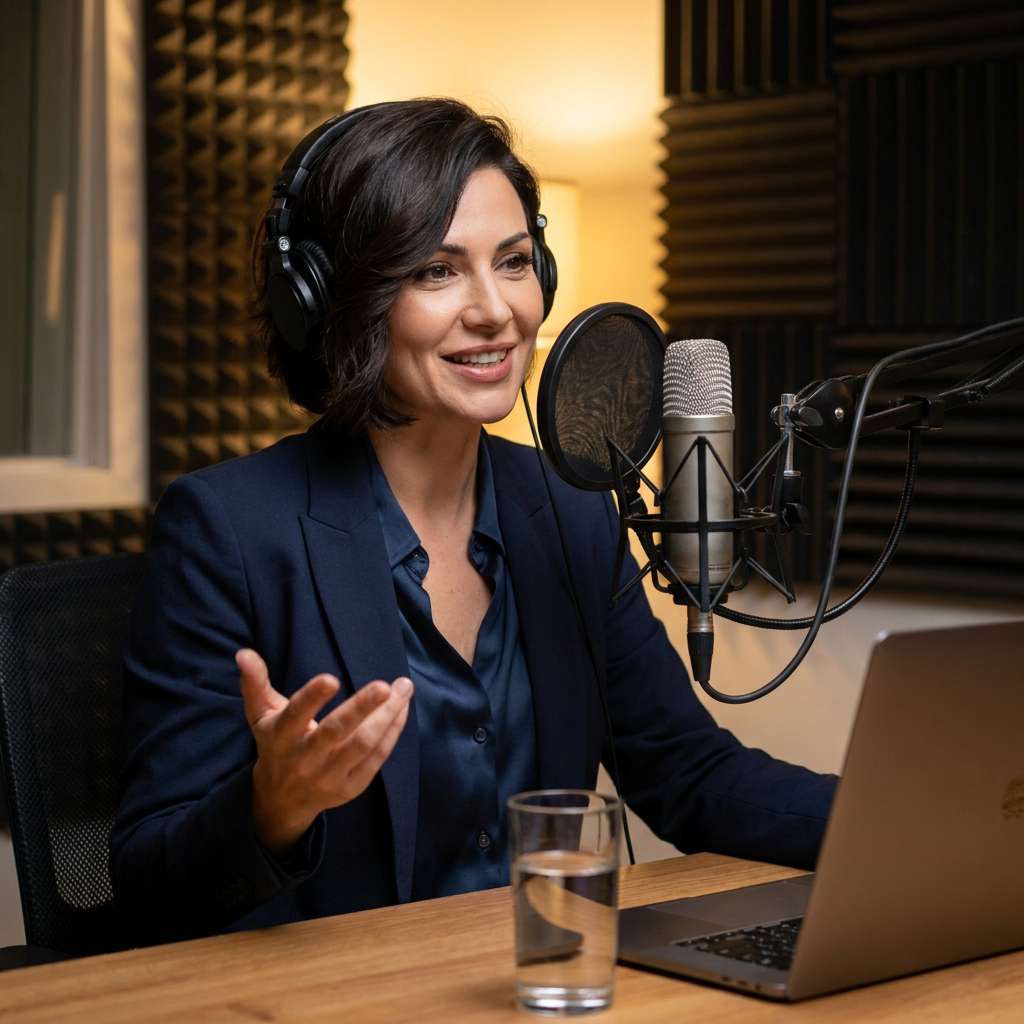


About Pixverse v5.5 | Text to Video
What is PixVerse v5.5 text-to-video and what video quality does it deliver?
PixVerse v5.5 text-to-video is PixVerse's latest generation text-to-video model that generates high-quality video clips directly from natural language prompts. Version 5.5 delivers improved motion realism, better prompt-to-scene accuracy, and enhanced visual consistency compared to earlier versions, supporting cinematic short-form video for marketing and creative applications.