Genie 4 Is Coming: Google's World Model Learns to Talk
Google DeepMind's Genie 4 builds worlds you can walk through, steer with words and, for the first time, hear. Here's what's confirmed, what's missing, and how to get ready on each::labs.
By Eftal Yurtseven · Oct 28, 2026 · 7 min read

Every AI video you've made so far has the same shape. You write, you wait, you watch. The clip plays, it ends, and if the camera should have turned left at second four, you go back to the text box and start again. You were never inside the scene. You were reviewing it.
Genie 4 is Google DeepMind's argument that this shape is temporary. Announced on October 27, 2026, it's a real-time world model: you describe a place, it starts running, and you can walk through it, change the weather, drop in a character and hear the result while it's happening. For the first time in the Genie line, the world has sound. It isn't on each::labs yet, and it isn't broadly available anywhere. But it's built on a model you can already run here, and that's where getting ready starts.
What Google Actually Announced
The announcement lives on the Google DeepMind blog, in a post by Raia Hadsell, Diego Rivas and Hang Qi titled "Genie 4: a new generation of world simulation." The headline claim is short. Genie 4 is "natively multimodal," and DeepMind calls it its "first real-time world model to generate audio natively": music, ambient noise and interactive dialogue, generated alongside the world instead of laid over it afterwards.
It's a successor to Genie 3, which DeepMind introduced in August 2025. The post doesn't line the two up feature by feature, so we won't either. What it does make clear is the direction: more photorealism, more fluid movement, characters that respond, and a world you can steer with plain language while it runs.
Right now Genie 4 is a research preview for trusted testers across creative industries, journalism, education, gaming and engineering. Nobody else can use it yet.

Genie 4 Isn't a Video Model. That's the Point.
It's tempting to file this next to every other video release. Don't. A video model produces a finished clip from a prompt. A world model produces a place that keeps going, and responds when you push on it.
DeepMind's examples show the difference. Navigation and camera control run on standard keyboard controls, the way they would in a game. Text prompts steer the scene while it renders: make it rain, move the camera, add a person, add an object. In one showcase the camera "can freely explore the entire environment," moving independently of the characters in it. That isn't a shot list. It's a set you can walk around.
Here's the position worth taking early: the interesting question about Genie 4 isn't how good one frame looks. It's how long the world holds together while you mess with it. A pretty world that forgets where the door was after thirty seconds is a demo. One that remembers is a tool.
Sound Is the Real Upgrade
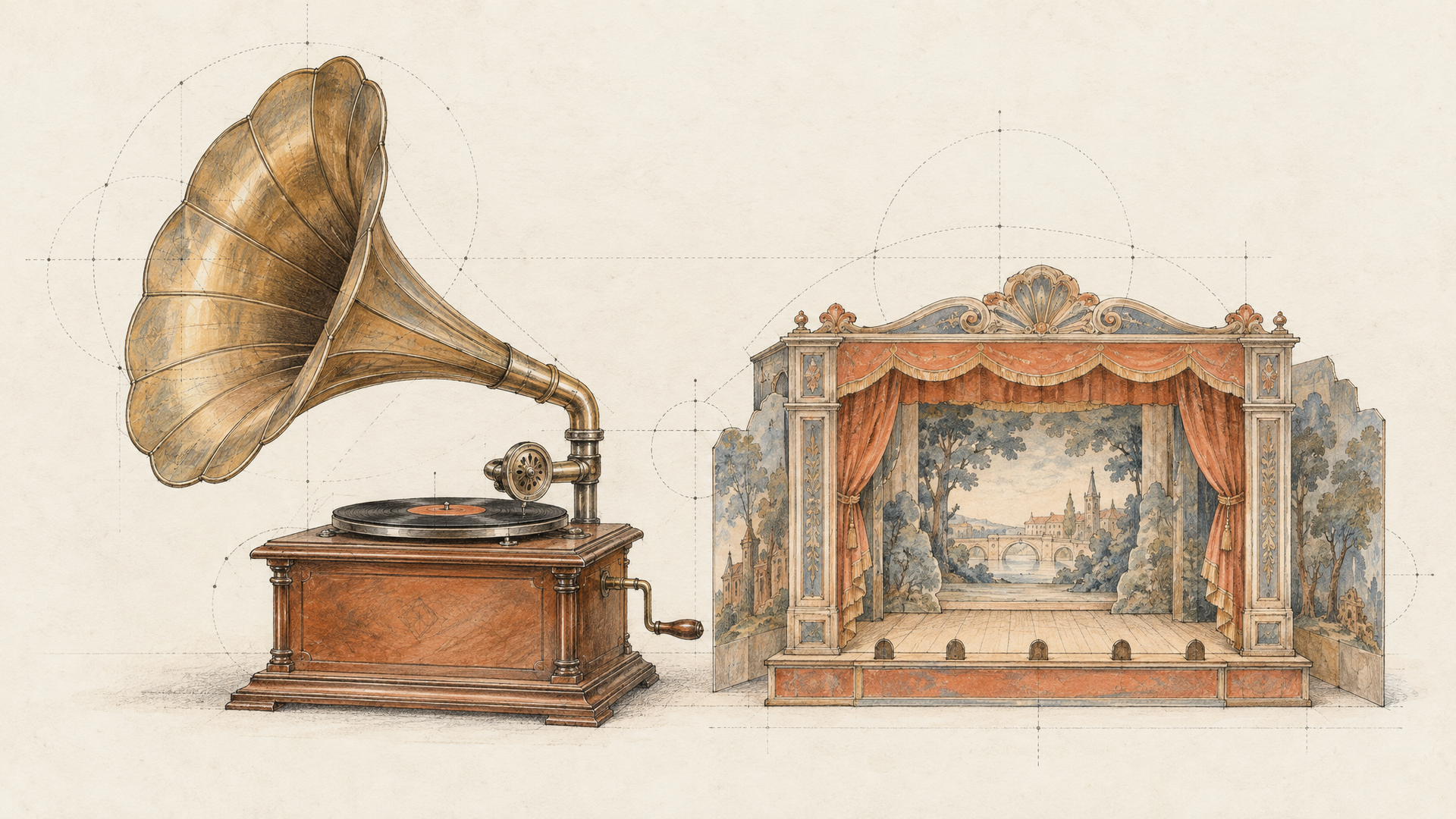
Silent worlds were always a strange compromise. You could explore a beautiful Genie 3 landscape and hear nothing, which made every scene feel like a screensaver with a camera. Genie 4 fixes that at the source.
According to DeepMind, audio is generated with the world: ambient sound, music and dialogue. Characters converse and react to your inputs and to events in the scene, in real time. That's a different job from adding a soundtrack in post. If a character turns toward you because you walked into the room, the sound has to know that too, and DeepMind says it does.
For anyone building games, training simulations or interactive stories, that's the part to watch. Picture is now table stakes. A world that sounds right while you change it is the hard thing.
How You'll Steer a Genie 4 World
From the examples in the announcement, a Genie 4 session starts from a text prompt, sometimes split into an environment prompt and a character prompt, with an optional reference image used as the first frame. Testers also describe turning a single archival 2D photograph into a world you can step into. Text captions can be interleaved while the world renders, which is how you change things mid-session.
The showcase scenes give a feel for the range: a stained-glass landscape, dragon racing, a hot-air balloon over Antarctica, a 1980s Japanese train station, a crowned crane in snow, and physics tests with a watermelon and falling maple seeds. Those last two matter more than the dragons. DeepMind says Genie 4 simulates aerodynamics and collisions, and that people in the world "move naturally, respond organically to their environments, and can be interactively steered in real-time."
If you've written prompts for Gemini Omni 1.1 Flash, the split between environment and character will feel familiar. You describe the place and the people separately, then direct the action.
Environment: a 1980s Japanese commuter train station at dusk, wet platform, warm vending machine light, a departure board ticking over.
Character: a young office worker in a grey suit, holding a folded newspaper, waiting near the yellow line.
Then: "the train arrives", "it starts to rain harder", "the camera follows her onto the train"
That's an illustration of the structure DeepMind shows, not an official template. Google hasn't published Genie 4 prompting docs yet.
Gemini Is Running the Scene
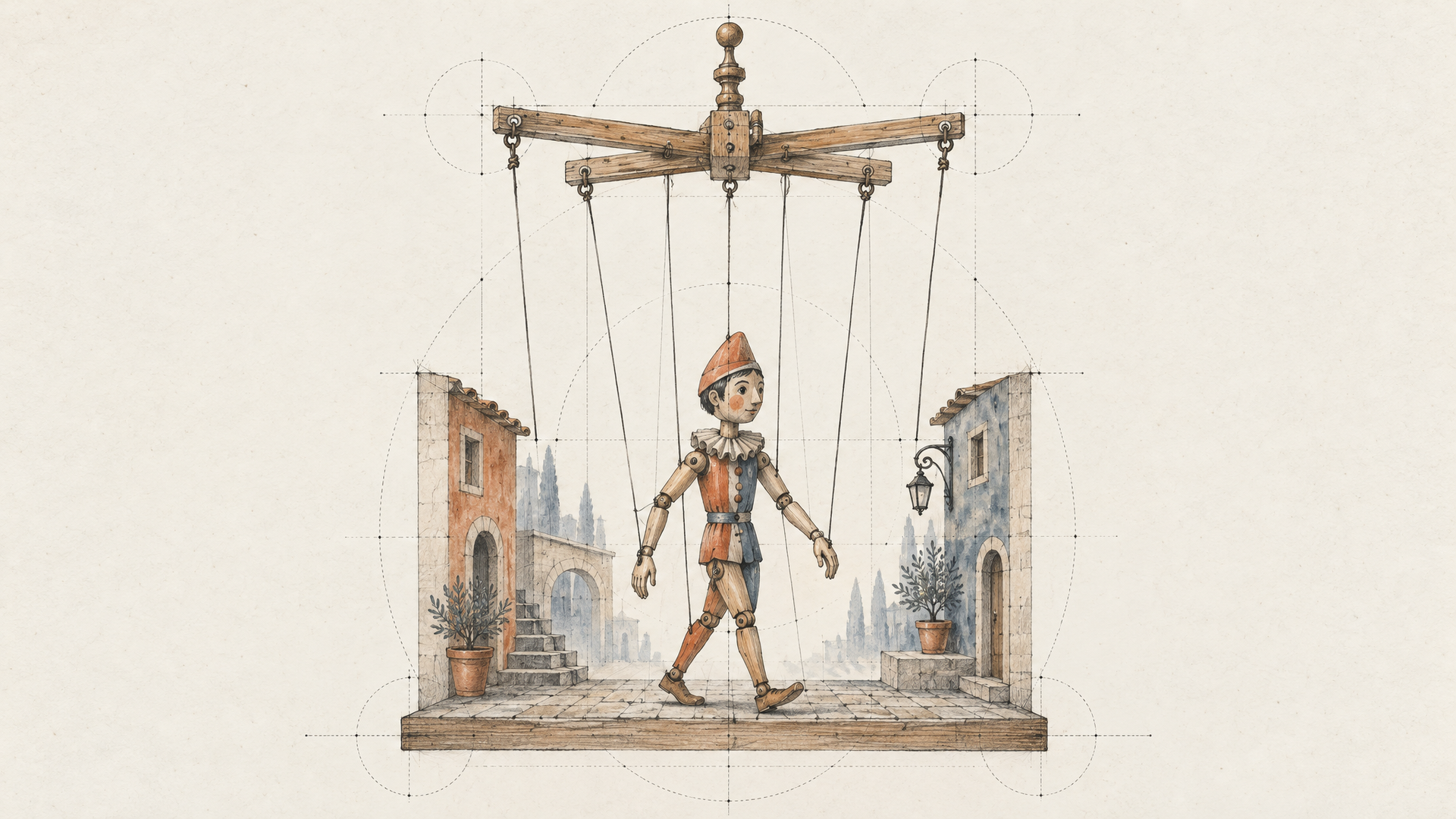
The architecture is the most interesting part of the post, and the part that explains how Genie 4 keeps a world coherent. It doesn't work alone. DeepMind says "Gemini Omni anchors the simulations in real-world appearance and behavior," while other Gemini models handle reasoning for coherence and continuity.
Specifically, "Gemini 3.8 Flash serves as a guiding agent in the loop." It watches the scene, breaks a goal into steps, checks frames to verify each step happened, and adapts its plan when the world changes or you intervene. When you type "make it snow," Gemini adapts that instruction to the scene and keeps steering between your inputs.
DeepMind also shows robotics experiments pairing Gemini 4 Argon with Genie 4: Argon breaks a checkers task into steps and Genie renders them, with Apptronik's Apollo humanoid as the subject. The authors call this direction "hybrid world models": language models plan the structure and the story, the world model handles how it looks, sounds and responds.
That's a useful frame for creators too. The reasoning model is the director. Genie is the stage.
What Google Hasn't Said Yet
A launch post is a promise, not a spec sheet, so it's worth being clear about the gaps. DeepMind gives no resolution, no frame rate, no maximum session length, no latency figure and no model size. Some coverage repeats session-length numbers that don't appear in the official post; we're leaving those out until Google confirms them.
DeepMind is also candid that this is "an early, evolving area of research." Coherence holds over short sessions, but visual details and object permanence can drift over longer ones, after several edits or while you navigate. Text inside the world, spatial accuracy and real-time audio accuracy are listed as active research. Plan short, focused sessions when access opens, not hour-long epics.
On safety, the post says Genie 4 ships with strict guardrails, went through internal safety evaluations before the preview, and that all video and audio it generates will carry SynthID watermarking.
Genie 4 Release Date and Access
There's no public date. DeepMind says access is "coming soon" to Google AI Ultra subscribers in Project Genie, and to early-access partners of the Gemini API and Google AI Studio. A waitlist for Project Genie is open now.
That second group is the one to watch. A Gemini API path is what turns a consumer demo into something developers can build on, and it's the path that would bring Genie 4 to each::labs. We'll write about it again the moment there's something real to run, and we'll tell you plainly what changed.
Get Ready on each::labs Today
You can't run Genie 4 yet. You can run the model Google says anchors it. Gemini Omni Flash is live on each::labs in text-to-video, image-to-video, reference-to-video and video editing versions, and it's the closest thing to rehearsal you'll get.
Three habits carry over directly. First, separate place from people. Write the environment as one block and the characters as another, the way DeepMind's examples do. Second, think in edits, not rerolls. The Gemini Omni 1.1 Flash editing guide shows how to change one thing in a clip and keep the rest, which is exactly the muscle you'll use to steer a live world. Third, start from a reference image. Genie 4 can take one as its first frame, and building a library of strong opening frames now with the image models on each::labs means you'll have worlds to enter on day one.
If you're new to the Omni family, How to Write Better Gemini Omni Prompts is the place to start, and the full set of text-to-video models is there for comparison. Keep an eye on the Google models on each::labs for when Genie 4 arrives.
Frequently Asked Questions
What is Genie 4?
Think of it as a place generator rather than a clip generator. Google DeepMind's Genie 4 builds an interactive world from a prompt and keeps it running in real time, with native audio, physics and characters you can steer with plain language and keyboard controls.
When is the Genie 4 release date?
Google hasn't set one. It's a research preview for trusted testers today, with access "coming soon" for Google AI Ultra subscribers in Project Genie and for early-access partners of the Gemini API and Google AI Studio. You can join the Project Genie waitlist now.
Can I use Genie 4 on each::labs?
Not yet. It isn't available through a public API. You can already run Gemini Omni Flash on each::labs, the model DeepMind says anchors how Genie 4 worlds look and behave, and you'll be able to run Genie 4 here once Google opens access.
How is Genie 4 different from Genie 3?
Sound is the clearest change. DeepMind calls Genie 4 its first real-time world model with native audio, including dialogue, and pairs it with Gemini Omni for appearance and Gemini 3.8 Flash as a planning agent. Google hasn't published a side-by-side spec comparison.


