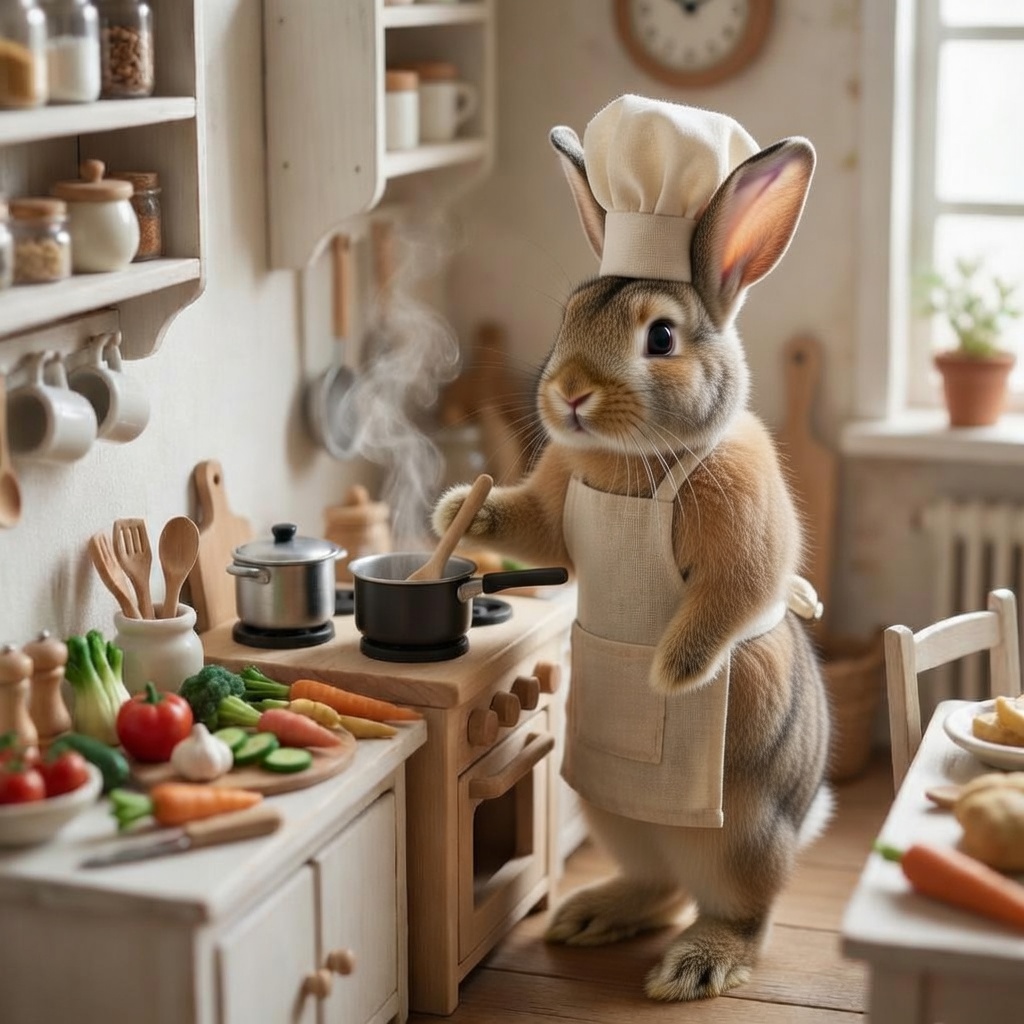
XAI | Grok | Imagine | Image Edit.
- xAI
- Image to Image
- $0.022–$0.03 per image, depending on input images
- ~10 sec average
See what Grok Imagine image editing can do: prompt-guided edits, style changes, object swaps and background replacement.
What XAI | Grok | Imagine | Image Edit is good at.
 Best for
Where it fits
Designers can upload a product image and use prompts such as:
 Limits and tips
You can test the model instantly in the Playground.
Upload an image, enter a prompt such as “change the car color to red,” and review the edited result before writing any code.
 Related modelView model
GPT Image | v2.5 | Sunburst | Edit
Run it on the same input to compare output, speed and price.
Model documentation
About this model
See what Grok Imagine image editing can do: prompt-guided edits, style changes, object swaps and background replacement. Run it via the each::labs API pay per run, no subscription.
Overview
Grok Imagine Image Edit AI Image Editing API
Developed by xAI as part of the Grok Imagine family, this model edits existing images using natural language prompts while preserving the original structure and visual quality.
Its image-editing capabilities include object replacement, style transfer, background replacement, lighting adjustments, and multi-turn editing for iterative refinements within a single workflow.
Run Grok Imagine Image Edit on each::labs with one API key. Pay only for the runs you make, with no subscription or X Premium account required.
Capabilities
- Precise image editing: Add, remove, replace, or refine objects while maintaining the original structure.
- Style transformation: Change the visual style, mood, or color palette of an image.
- Background replacement: Replace the background while preserving the main subject.
- Lighting and color adjustments: Relight scenes or correct colors without manual masking.
- Consistency across edits: Preserve characters, subjects, and visual details throughout chained editing workflows.
- Scalable performance: Support low-latency, concurrent, and batch-based image-processing pipelines.
Use cases
What Can Grok Imagine Image Edit Be Used For?
Product and E-commerce Visuals
Designers can upload a product image and use prompts such as:
“Place this shoe on a wooden floor with soft studio lighting.”
This can generate photorealistic product compositions while reducing the need for traditional production and editing workflows.
Image-to-Image Applications
Developers building image-editing applications can take advantage of multi-turn workflows.
For example:
- “Add a cyberpunk city background.”
- “Enhance the neon glow.”
- “Make the lighting more cinematic.”
The model can maintain visual consistency while progressively refining the image.
Marketing Campaigns
Marketers can transform campaign assets using style-transfer prompts such as:
“Render this product photo as bold pop art with halftone dots.”
Batch generation can then be used to create multiple variations for creative testing and A/B experiments.
Content Creation
Content creators can transform landscapes and other visuals through chained prompts such as:
- “Convert this image into an anime-style illustration.”
- “Add dramatic sunset clouds.”
This approach allows creators to modify the image gradually while preserving important details.
Tips & tricks
How to Use Grok Imagine Image Edit on each::labs
You can test the model instantly in the Playground. Upload an image, enter a prompt such as “change the car color to red,” and review the edited result before writing any code.
For production use, call the API with a single each::labs API key. You can specify parameters such as aspect_ratio or n for batch generation and receive outputs as URLs or base64 data ready for integration.
An X or Twitter subscription is not required. Through the each::labs API, you can access Grok Imagine directly and pay only for the runs you make.
Technical spec
Grok Imagine Image Editing Capabilities
Grok Imagine provides natural language-driven image editing across a wide range of use cases. It supports multi-turn workflows in which each generated output becomes the input for the next prompt, allowing users to progressively refine an image without restarting the process.
You can begin with a base image and iteratively add details, modify elements, or correct previous results.
The model supports various aspect ratios, including 16:9, 1:1, 4:3, and ultra-wide 20:9. It can also generate up to 10 variations in a single batch.
Inputs can be provided as an image URL or base64-encoded image alongside a text prompt. Outputs are returned as temporary URLs or base64 data for direct integration.
Key Considerations
- Prompt-guided editing: Describe the requested change in plain language while preserving the original composition.
- Multi-turn editing: Chain prompts such as “add sunglasses” followed by “change the background to a beach” for progressive refinements.
- Style transfer: Apply visual styles ranging from pop art to pencil sketches using simple text descriptions.
- Object editing: Add, remove, replace, or modify elements without manual masking.
- Batch generation: Produce up to 10 variations in a single request.
- Aspect ratio flexibility: Generate images in formats suitable for social media, banners, smartphones, and other layouts.
Things to be aware of
- Complex edits involving several elements may require multiple iterations.
- Results may be less predictable when making extreme changes to the entire scene.
- Prompt phrasing has a significant effect on the output. Combine the requested action with clear preservation instructions.
- For example: “Replace the background with a sunset while keeping the foreground unchanged.”
- As a newer model, Grok Imagine currently has fewer community-created prompt resources than more established image editors.
- Requests that fall outside xAI’s content policies may be refused.
- Grok Imagine’s text-to-video and image-to-video capabilities are available through separate video model variants on each::labs.
Key considerations
- Use one main change per prompt. A focused instruction such as “replace the sky with a sunset” usually performs better than a paragraph containing several edits.
- Specify what should remain unchanged. Mention elements that must be preserved, such as “keep the subject and framing unchanged.”
- Be specific about the visual style. Use descriptions such as “35mm film photography with warm tones” instead of general requests like “make it better.”
- Use high-quality source images. Clear and detailed inputs improve the preservation of structure and visual details.
- Iterate gradually. Apply a second edit to the generated output instead of combining every instruction into one large prompt.
- Follow content policies. All generations are subject to xAI’s acceptable-use policies, and unsupported requests may be refused.
Limitations
- Long editing chains may gradually drift away from the original composition.
- For a cleaner result, restart the workflow from the original source image when necessary.
- Extreme structural transformations, such as completely rebuilding a scene, are less predictable than targeted edits.
- Editing is governed by xAI’s acceptable-use policies, meaning certain content categories may not be supported.
Questions about this model
The short answers. For anything specific to your setup, talk to our team.
 Talk to an engineerPlan for your expected volume.
Grok Imagine edits existing images from a text prompt: style changes, object add/remove/replace, background swaps, and lighting or color adjustments - all while preserving the original composition.
Run it on each::labs with one API key: send your image and prompt to the endpoint and get the edited image back. Pay per run, with the playground available for quick tests before you integrate.
No. Through the each::labs API you access Grok Imagine directly - no X Premium account required, no monthly subscription, you only pay for the runs you make.
Yes. Every model page on each::labs includes a playground where you can upload an image, type a prompt and see the edited result before writing any code.