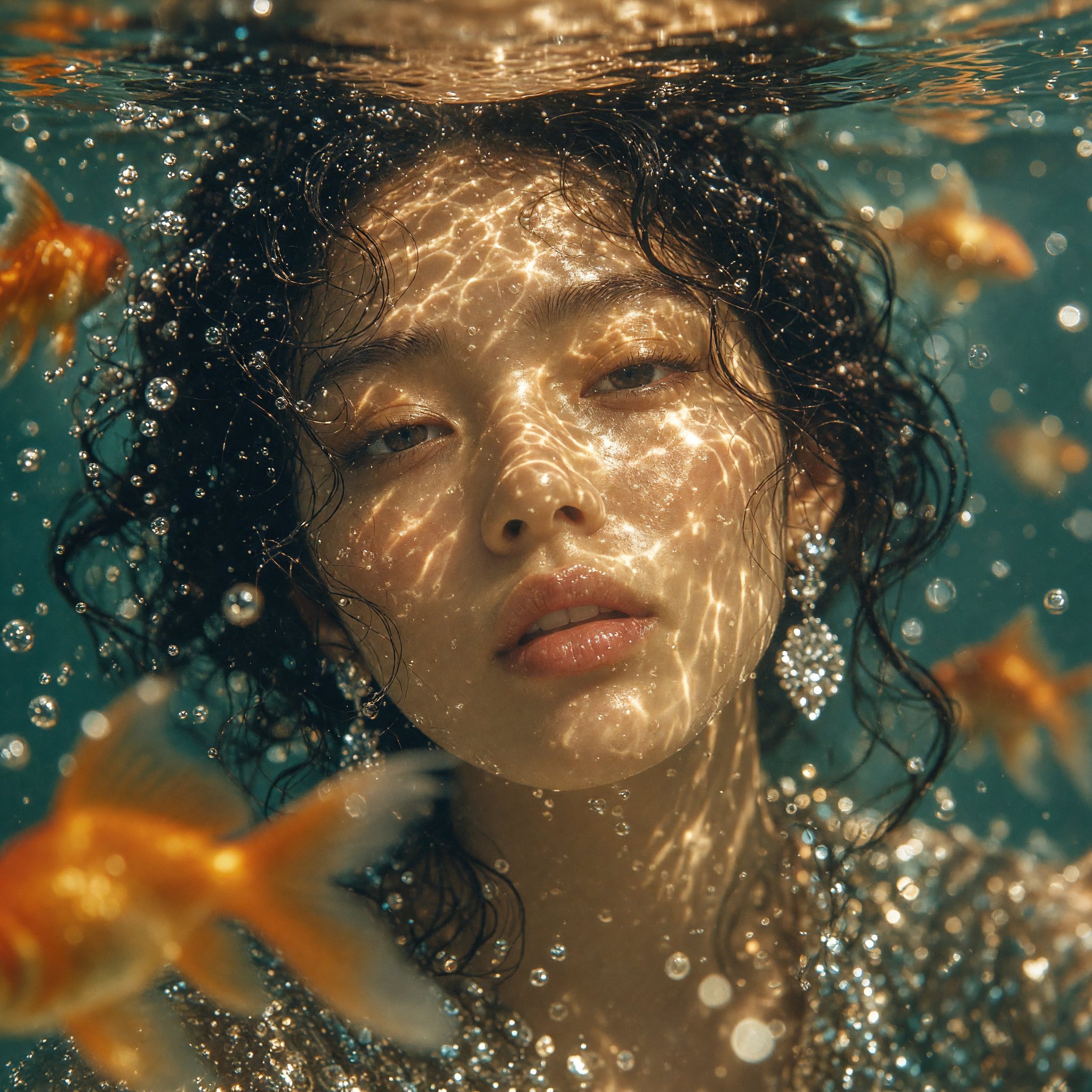
XAI | Grok | Imagine | 2.0 | Text to Image
Grok Imagine Image 2.0 generates images from text prompts with selectable aspect ratio, resolution, quality, and batch size.
- Runtime (p50)
- 1m
- Estimated price
- $0
Overview
XAI | Grok | Imagine | 2.0 | Text to Image Overview
XAI | Grok | Imagine | 2.0 | Text to Image is xAI’s image generation and editing model for turning prompts into still images, with a stronger emphasis on controlled composition than one-shot generation. It is designed for creators who want to generate images from text while also steering layout, subject placement, and output framing. In xAI’s Imagine family, Image 2.0 is positioned as a “Quality Mode” image model and adds precision-focused tools such as region edits, segmentation, background removal, and multi-reference workflows. That makes XAI | Grok | Imagine | 2.0 | Text to Image especially useful when the goal is not just to create an image, but to refine one with more direct control over the result.
Capabilities
Capabilities
- Generates still images from text prompts in the xAI text-to-image workflow.
- Supports quality-focused image generation in the Grok Imagine family.
- Uses selectable aspect ratios for different creative outputs, including square, landscape, and portrait formats.
- Supports 1k and 2k image presets for different fidelity needs.
- Enables region-specific edits with a magic wand-style workflow.
- Supports segmentation for precise local changes to selected areas.
- Can remove backgrounds for compositing and transparent cutouts.
- Supports multi-reference image workflows for more controlled visual consistency.
Use cases
Use Cases for XAI | Grok | Imagine | 2.0 | Text to Image
Designers can use XAI | Grok | Imagine | 2.0 | Text to Image to create product mockups and refine them with background removal or region edits. Example prompt: “clean studio mockup of wireless earbuds on a soft gray surface, centered, premium lighting.”
Marketers can generate campaign visuals in multiple aspect ratios for ads, landing pages, and social posts. Example prompt: “vertical lifestyle ad image for a skincare brand, bright natural light, minimal bathroom setting, elegant composition.”
Creators can produce editorial-style concept art and then adjust specific parts without regenerating the whole image. Example prompt: “cinematic city alley scene, neon reflections, rain, subject in red coat, wide composition.”
Developers building image workflows on the XAI | Grok | Imagine | 2.0 | Text to Image API can use multi-reference inputs to keep characters, props, or brand assets visually aligned across outputs. Example prompt: “combine this product reference, this background reference, and this style reference into a polished hero image.”
Tips & tricks
Tips and Tricks
For better results with XAI | Grok | Imagine | 2.0 | Text to Image, write prompts that define subject, setting, lighting, camera angle, and style in a compact sequence. When you need compositional control, describe the framing and the object relationship explicitly instead of relying on vague aesthetic language. If you are using references, keep them consistent in style and purpose so the model does not receive conflicting visual signals.
Useful prompt patterns include: “studio product photo of a matte black bottle, white seamless background, soft shadow, centered composition” and “editorial portrait, neutral expression, shallow depth of field, warm window light, vertical framing.” For editing workflows, try “replace the background with a clean gradient while keeping the subject unchanged” or “change only the jacket color while preserving the face and pose.” These patterns fit the region-editing and background-focused strengths of xAI text-to-image workflows.
Technical spec
Technical Specifications
- Model type: Text-to-image generation and image editing within the Grok Imagine family.
- Input: Text prompts; supported workflows also accept reference images for editing and compositing.
- Output: High-resolution still images suitable for creative, marketing, and product workflows.
- Resolution support: 1k and 2k presets are reported for the image model; exact pixel dimensions are not published.
- Aspect ratios: Multiple aspect ratios are supported, including 1:1, 16:9, 9:16, 4:3, 3:4, 3:2, 2:3, 2:1, 1:2, and auto.
- Processing time: xAI does not publish a formal average processing time for the image model in the sources reviewed.
- Architecture: Public documentation emphasizes product features and workflows rather than a detailed architecture description.
Things to be aware of
Things to Be Aware Of
XAI | Grok | Imagine | 2.0 | Text to Image works best when the prompt and references are consistent. If you mix conflicting style cues, the output may drift toward a compromise instead of following one clear direction. Users also make the common mistake of asking for too many independent objects or changes in one pass, which can reduce clarity in the final image. Because xAI does not publish detailed timing or full architectural documentation for the image model in the sources reviewed, production teams should test latency and visual reliability in their own workflow before relying on it for repeatable delivery.
Key considerations
Key Considerations
XAI | Grok | Imagine | 2.0 | Text to Image is best used when you need controlled image generation, not just fast concept art. The model is especially relevant for product visuals, compositing, and targeted edits because xAI emphasizes region-based changes and multi-reference workflows. If your workflow depends on exact pixel-level replication or highly deterministic outputs, you should plan to review and refine results manually. For teams using the XAI | Grok | Imagine | 2.0 | Text to Image API, the most practical advantage is the ability to combine prompt-based generation with editing-oriented controls in a single image pipeline. In competitive image workflows, its differentiator is the editing-first design rather than simple prompt rendering.
Limitations
Limitations
The reviewed sources do not confirm a public text-to-image benchmark suite, so quality claims should be treated as workflow-specific rather than universal. Public documentation also does not provide a detailed specification for average generation time, exact pixel dimensions, or internal architecture for the image model. While XAI | Grok | Imagine | 2.0 | Text to Image is strong at controlled editing, it is not described as a guarantee for exact reproduction, and complex multi-object scenes may still need manual iteration.