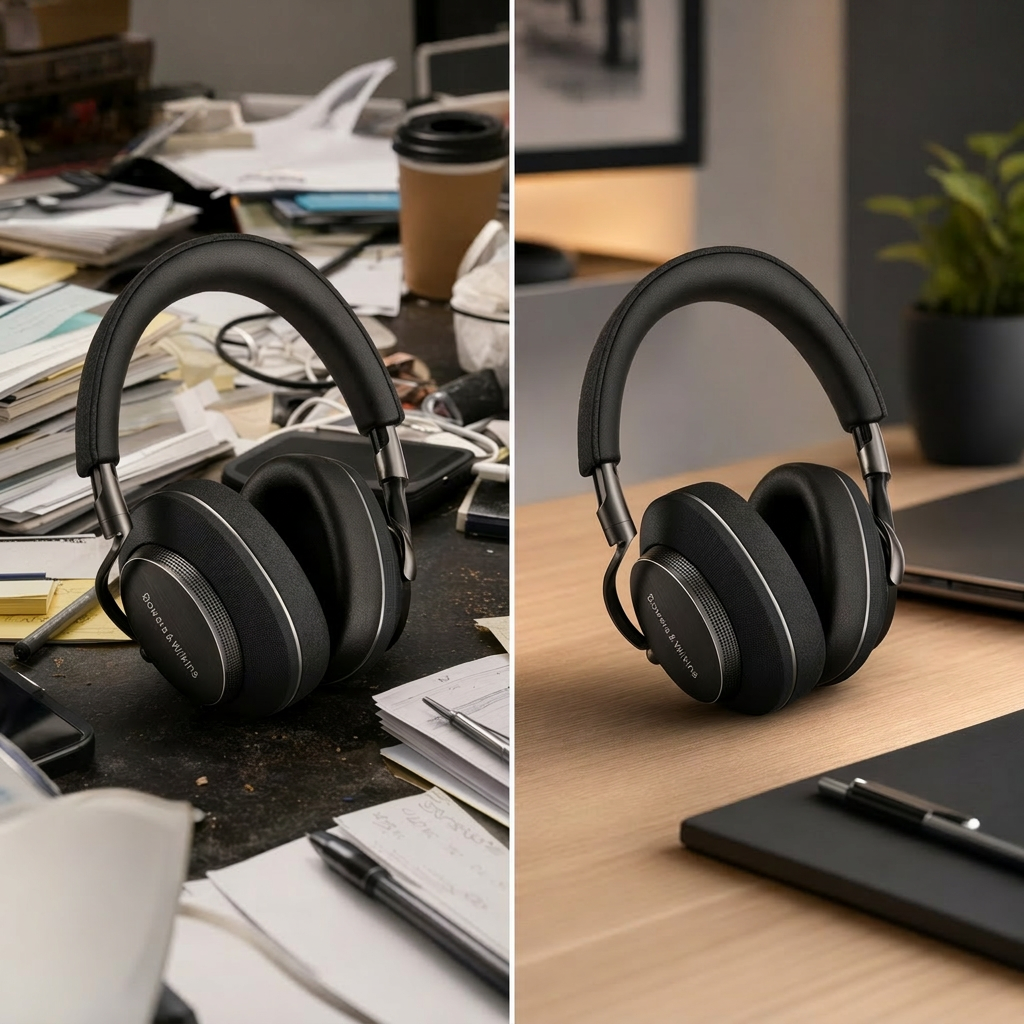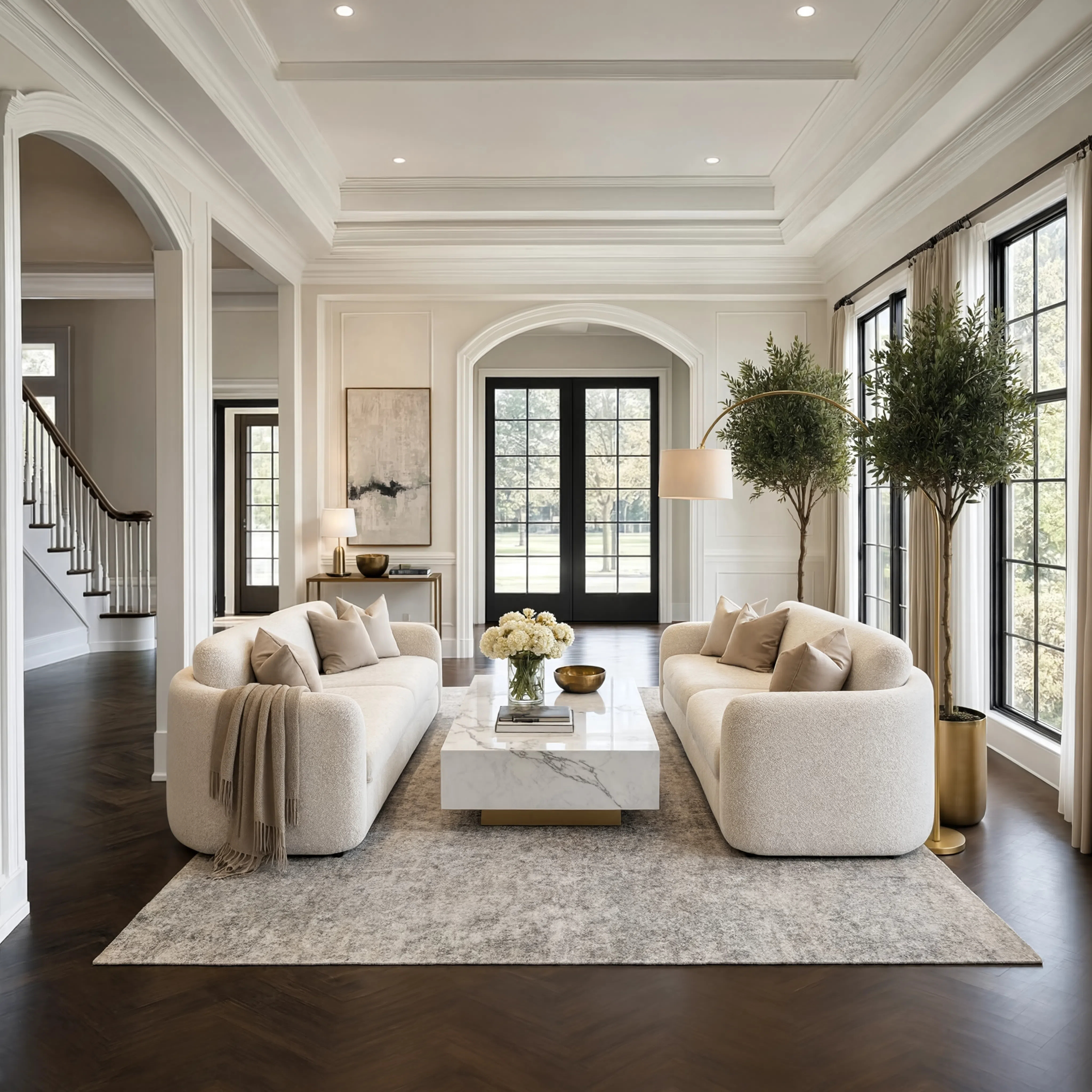
Reve 2.1 Edit
Reve 2.1 edits your images from text prompts, offering strong layout control, accurate text rendering, and configurable aspect ratio and output format.
- Runtime (p50)
- 1m
- Estimated price
- $0.25 / image
Overview
Reve 2.1 Edit Overview
Reve 2.1 Edit is an advanced image-to-image model from Reve AI’s Reve Image family, designed for high-fidelity image editing driven entirely by text prompts. Built on the layout-first architecture introduced with Reve Image 2.x, Reve 2.1 Edit plans every image as a structured, addressable layout before rendering pixels, giving users precise control over composition, typography, and element placement. Its primary differentiator is native 4K editing with reliable, readable text rendering inside images, including foreign scripts, making it particularly strong for marketing materials, posters, and packaging mockups. On each::labs, Reve 2.1 Edit connects this capability to a streamlined image-to-image workflow, so you can upload an existing asset, describe the changes in natural language, and receive print-ready outputs with accurate layout and text.
Capabilities
Capabilities
- Edit existing images from text prompts while maintaining overall composition and high visual fidelity, thanks to the Reve Image layout-first architecture.
- Produce native 4K image edits with crisp edges, detailed textures, and print-ready quality for marketing and design assets.
- Render readable, accurate text and typography inside images, including foreign-language and non-Latin scripts.
- Offer strong layout control by planning images as structured, addressable layouts before pixel generation, enabling precise positioning of elements.
- Respect aspect ratio and resolution settings so outputs can be aligned with specific formats such as social posts, banners, posters, or packaging dielines.
- Interpret complex, multi-part prompts more reliably than earlier Reve versions, improving compositional accuracy and world-knowledge-driven edits.
- Integrate via the Reve 2.1 Edit API for programmatic image-to-image editing workflows, suitable for batch asset updates or automated creative pipelines.
- Support multimodal Reve Image use cases where visual reasoning and text alignment are central, such as labeled diagrams or content-heavy graphics.
Use cases
Use Cases for Reve 2.1 Edit
Marketing teams can use Reve 2.1 Edit to localize existing campaign assets into multiple languages while preserving layout and brand consistency, leveraging its strong foreign-text rendering and typography control. For example: “Translate the headline to Spanish, keep the logo placement the same, and update the call-to-action button text only.”
Designers can adapt posters and packaging mockups to new aspect ratios or formats, relying on the model’s layout-first planning and native 4K output for print-ready results. Example: “Convert this square poster into 16:9, keep all main elements visible, and move the event details into a bottom banner.”
Creators and social media teams can refresh thumbnails and social graphics from existing templates using structured prompts that describe new text, objects, and placements. Example: “Update the title text to ‘Episode 10’, change the background to a subtle gradient, and add a small icon in the top-right corner.”
Developers can integrate the Reve 2.1 Edit API into content pipelines to automatically generate variant assets, taking advantage of reliable prompt understanding and consistent layout behavior for batch edits. Example: “For each input image, overlay sale text with product-specific discount percentages in a top banner.”
Tips & tricks
Tips and Tricks
To get the most from Reve 2.1 Edit, treat your prompt as a mini design brief: describe the target layout, key visual elements, and exact text you want rendered in the image. The model’s layout-first planning works best when you explicitly call out regions (“top banner”, “left column”, “footer bar”) and how objects and text should be arranged. Include typography cues (font style, weight, alignment) and color or branding constraints if those matter for your use case. For complex edits, break instructions into short, declarative sentences rather than a single long paragraph.
Example prompts:
- “Replace the product on the table with a matte black smartphone, add a centered white headline at the top that reads ‘Reve 2.1 Edit Launch’, and include a small logo bottom-right.”
- “Rework this poster into a vertical 9:16 layout, keep the person in the center, add Japanese text across the top in bold, legible typography, and move the date to the lower-left corner.”
- “Transform this packaging mockup with a cleaner minimalist design, white background, thin black outline, and a large brand name in the center using modern sans-serif text.”
Technical spec
Technical Specifications
- Model family: Reve Image — proprietary 4K text-to-image and image-editing models from Reve AI.
- Specialization: image-to-image editing with structured, layout-first planning and precise typography control.
- Resolution: native 4K output (16-megapixel), designed to generate at high resolution instead of upscaling.
- Aspect ratio: configurable aspect ratios; typical options include 1:1, 16:9, 9:16, 3:2, and other standard photography and design ratios.
- Input formats: existing raster images (e.g., PNG, JPG) plus a text edit prompt; optional parameters for aspect ratio and resolution tiers where supported.
- Output format: high-resolution raster images suitable for digital campaigns and print-ready workflows.
- Architecture: diffusion-style image generator with a large-scale transformer backbone, using a layout-first, code-like planning phase before pixel rendering.
- Latency: hosted as a proprietary Reve 2.1 Edit API; practical latency varies by integration, but is optimized for interactive use.
Things to be aware of
Things to Be Aware Of
Reve 2.1 Edit’s strengths appear when prompts clearly specify layout, text, and object relationships; vague or underspecified instructions can lead to generic or misaligned changes. Highly unconventional or abstract compositions may require iterative prompting to achieve the desired structure, even with its improved prompt understanding. Because the model is proprietary and served through the Reve 2.1 Edit API, you depend on the provider’s hosting environment and cannot self-host weights. Extremely dense text, fine-print legal copy, or microscopic UI elements may not render with the same clarity as larger typographic treatments, so it is wise to validate outputs at full resolution before final use.
Key considerations
Key Considerations
Reve 2.1 Edit is best used when you need precise, text-guided changes to existing images while preserving sharp detail and layout fidelity. Because the model plans images as editable layouts, it performs especially well when prompts specify spatial relationships, typography requirements, or detailed composition constraints (e.g., “headline centered, logo bottom-right”). You should be prepared to provide clear, structured edit prompts and, where available, aspect ratio and resolution settings to align outputs with your design or marketing specs. Cost on the underlying Reve 2.1 Create/Edit endpoints scales mainly with resolution and usage volume, so 4K edits may be best reserved for assets that truly need print-level quality.
Limitations
Limitations
Reve 2.1 Edit is optimized for high-resolution image-to-image editing but does not generate long-form video or audio; it focuses strictly on static image outputs within the Reve Image family. While its typography and layout handling are strong, it may still struggle with extremely complex documents, dense tables, or highly technical diagrams that require exact pixel-perfect alignment. The model’s weights and low-level configuration details are closed, so fine-grained architectural tuning is not available to end users. Finally, cost and latency for 4K outputs can be higher than lower-resolution edits, making careful selection of assets important for large-scale deployments via the Reve 2.1 Edit API.