
Recraft v4 | Text to Vector
Recraft V4 Text-to-Vector generates editable SVG graphics from text prompts, producing clean scalable paths for logos, icons, and brand illustrations.
- Runtime (p50)
- 30s
- Estimated price
- $0.08 per execution
Overview
Recraft v4 | Text to Vector Overview
The Recraft v4 | Text to Vector model from Recraft transforms text prompts into high-quality vector graphics, enabling scalable designs without pixelation. This recraft ai-models solution addresses the need for precise, editable vector outputs in design workflows, distinguishing itself through superior text rendering and complex shape generation directly from natural language descriptions. Part of the Recraft v4 family, it leverages advanced diffusion techniques optimized for vector formats like SVG, making it ideal for logos, icons, and illustrations that require infinite scalability.
Available via the Recraft v4 | Text to Vector API on each::labs, this model empowers designers and developers to generate production-ready vectors efficiently. Unlike raster-based tools, it outputs clean, path-based graphics that maintain quality at any size, streamlining from concept to final asset.
Capabilities
Capabilities
- Generates fully editable SVG vectors from text prompts
- Precise text integration within graphics, supporting multiple fonts and layouts
- Complex shape decomposition into optimized Bezier paths
- Style control for icons, logos, patterns, and illustrations
- Seamless tiling and pattern generation for backgrounds
- Gradient and stroke variation with color palette adherence
- High fidelity to prompt details like symmetry and proportions
- API integration for batch vector creation
Use cases
Use Cases for Recraft v4 | Text to Vector
Designers: Create custom icons rapidly. Prompt: "Battery icon at 50% charge, outline style, green accent"—leverages precise path optimization for UI kits.
Marketers: Generate scalable logos. Prompt: "Startup logo with rocket and star, modern sans-serif text 'LaunchAI', metallic gradients"—ensures brand assets scale perfectly across media.
Developers: Automate app graphics via Recraft v4 | Text to Vector API. Integrate for dynamic SVGs in web apps, using tiling for infinite patterns.
Print Professionals: Produce vector patterns. Prompt: "Geometric mandala in earth tones, repeatable tile"—ideal for packaging where raster limits fail.
Tips & tricks
Tips and Tricks
For best results with Recraft v4 | Text to Vector, use specific style descriptors like "flat design" or "line art" to guide vector style. Structure prompts as "subject + action + style + details" for precision. Optimize via the Recraft v4 | Text to Vector API by setting negative prompts to avoid raster-like artifacts.
Example prompts:
- "A minimalist mountain logo in blue gradients, sharp edges, isometric view"
- "Tech icon of a circuit board, monochromatic line art, highly detailed paths"
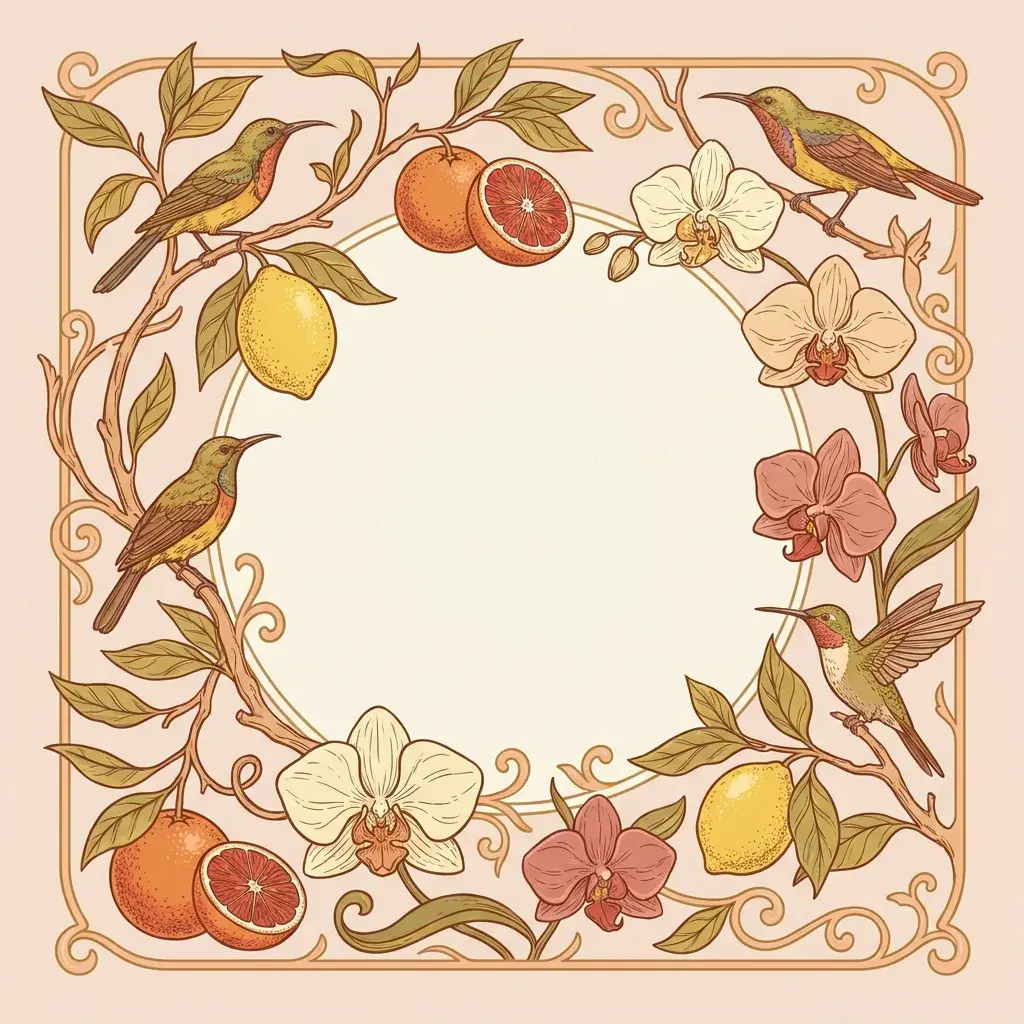
- "Floral pattern border, vector illustration, gold foil effect, seamless tileable"
Combine with post-processing in tools like Illustrator for fine tweaks. Experiment with prompt length—longer ones (100+ words) enhance complexity.
Technical spec
Technical Specifications
- Output Format: SVG vector graphics (scalable without loss)
- Input: Text prompts via API; supports natural language descriptions up to 500 tokens
- Resolution Support: Infinite scalability as vectors; viewport sizes from 64x64 to 4096x4096 pixels for preview
- Aspect Ratios: Customizable (1:1, 16:9, 9:16, arbitrary via prompt control)
- Processing Time: 10-30 seconds average on each::labs infrastructure
- Architecture: Diffusion-based vector generation with path optimization
- Max Output Complexity: Up to 10,000 paths per graphic
Things to be aware of
Things to Be Aware Of
Recraft v4 | Text to Vector may simplify highly intricate scenes, reducing path count for performance. Common mistakes include overly abstract prompts leading to ambiguous outputs—always specify style and composition. Edge cases like photorealism or heavy textures default to stylized vectors. Monitor API rate limits on each::labs during high-volume use. Resource needs are minimal, but complex prompts increase processing time.
Key considerations
Key Considerations
Before using Recraft v4 | Text to Vector, ensure prompts are descriptive for optimal results, as vague inputs yield simpler outputs. Access requires an each::labs account with API credits; no local setup needed. This model excels in clean, minimalist designs over photorealistic scenes, offering better performance-to-cost ratio for vector-specific tasks compared to general image generators.
Factor in queue times during peak usage—prioritize via each::labs for faster rendering. Ideal for UI/UX elements where editability matters most.
Limitations
Limitations
Recraft v4 | Text to Vector cannot produce raster images or animations—strictly static vectors. Struggles with hyper-detailed realism, favoring illustrative styles. Input prompts over 500 tokens may truncate. No native 3D extrusion or animation paths. Output path count caps at 10,000, limiting ultra-complex scenes. Dependent on API availability via each::labs.
Related models
4 models

About Recraft v4 | Text to Vector
What is Recraft V4 Text-to-Vector?
Recraft V4 Text-to-Vector is a model from Recraft that turns text prompts into native SVG vector graphics. Output is real vector paths, not raster images traced afterward, so the result stays sharp at any size and is ready to drop into design tools and brand systems.