Recraft v4 | Pro | Text to Vector
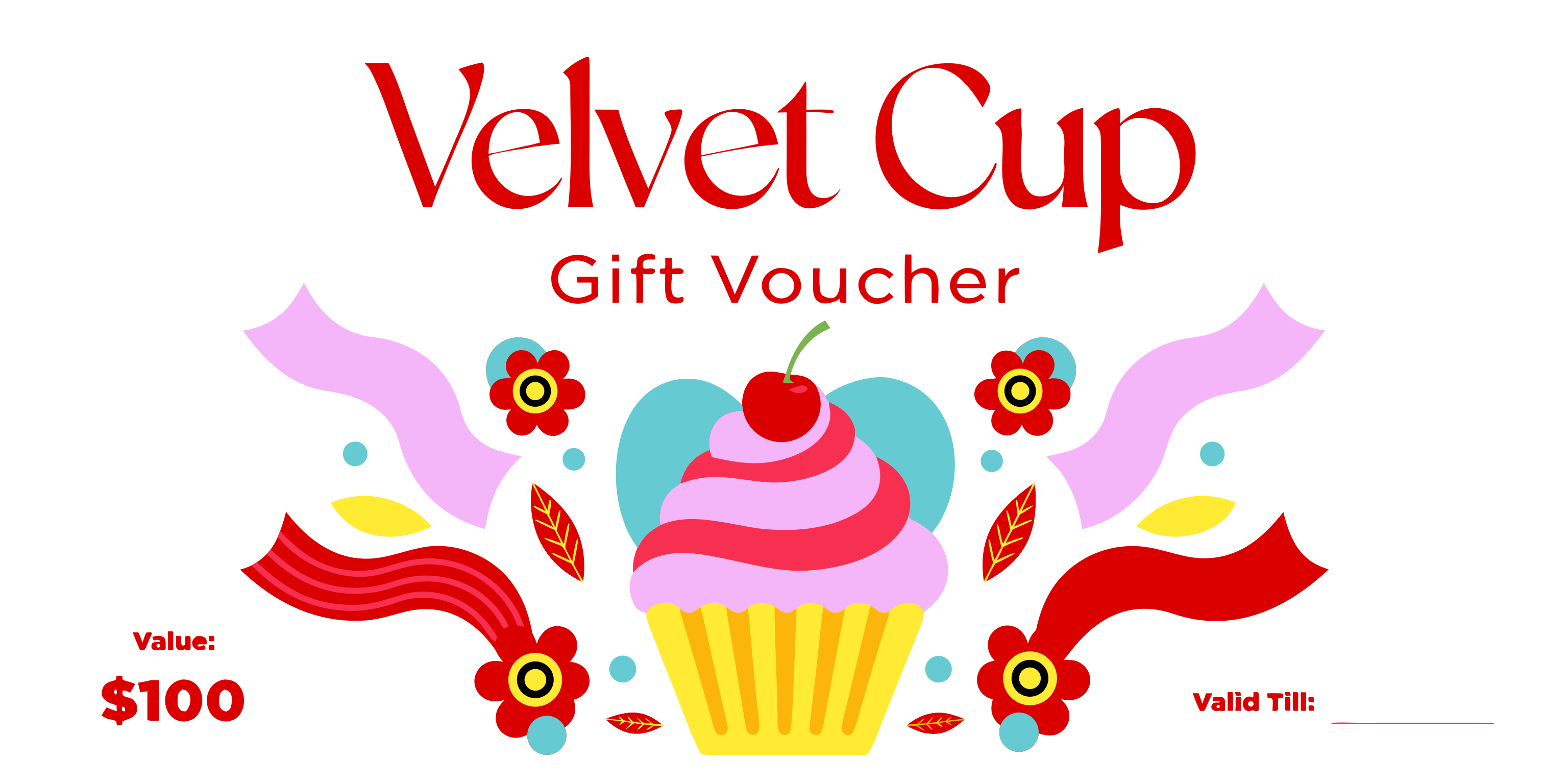
Recraft V4 Pro Text-to-Vector creates premium SVG graphics from text with precise color control for logos, icons, and brand-grade design on eachlabs.
- Runtime (p50)
- 1m
- Estimated price
- $0.30 per execution
Overview
Recraft v4 | Pro | Text to Vector Overview
Recraft v4 | Pro | Text to Vector transforms text prompts into high-quality vector graphics, enabling designers to generate scalable SVG outputs directly from descriptions. Provided by Recraft within the recraft-v4 family, this model excels in creating precise, editable vector illustrations ideal for logos, icons, and UI elements that maintain quality at any size. Its primary differentiator is the native production of vector formats, bypassing raster limitations common in traditional text-to-image tools.
Available through the Recraft v4 | Pro | Text to Vector API on each::labs, it supports professional workflows requiring crisp, resolution-independent assets. Users benefit from seamless integration into design pipelines, where text descriptions yield production-ready vectors without manual tracing or conversion steps. This positions Recraft v4 | Pro | Text to Vector as a go-to for recraft text-to-image applications focused on vector precision.
Capabilities
Capabilities
- Generates fully editable SVG vectors from text prompts, preserving paths and fills
- Supports diverse styles: flat design, line art, illustrative, and geometric patterns
- Handles complex compositions with multiple elements, layers, and precise alignments
- Customizable aspect ratios and color palettes via prompt control
- Produces scalable graphics suitable for web, print, and app icons without quality loss
- Integrates negative prompting to exclude specific shapes or styles
- Optimizes for logo and icon creation with clean, stroke-based outputs
- API-driven batch generation for high-volume design tasks
Use cases
Use Cases for Recraft v4 | Pro | Text to Vector
Designers creating logos: Generate scalable brand icons quickly. Example: "Tech startup logo with circuit patterns and globe, metallic gradients, circular format" – leverages vector editability for client revisions.
Marketers producing social media graphics: Craft custom vector illustrations for campaigns. Example: "Vibrant infographic icon of growing chart, flat design, green accents" – ensures crisp rendering across platforms.
Developers building UI elements: Produce app icons and buttons. Example: "Minimalist play button icon, rounded edges, blue monochrome SVG" – supports direct SVG integration into codebases.
Creators prototyping patterns: Design repeatable vector textures. Example: "Seamless hexagonal grid pattern, futuristic neon colors" – ideal for backgrounds and textiles via Recraft v4 | Pro | Text to Vector API.
Tips & tricks
Tips and Tricks
Optimize prompts for Recraft v4 | Pro | Text to Vector by including style references like "flat design icon" or "minimalist line art" to guide vector simplicity. Use specific colors (e.g., "vibrant blue #007BFF") and shapes ("geometric triangle composition") for precise outputs. Structure prompts as "subject + action + style + details" for best results.
Leverage API parameters for negative prompts to avoid unwanted elements. Test iterations with slight variations to refine paths. Workflow tip: Generate via each::labs, then edit SVGs in tools like Adobe Illustrator.
Example prompts:
- "A modern logo of a rocket ship launching, flat vector style, bold lines, primary colors"
- "Abstract geometric pattern with interlocking circles, minimalist black and white SVG icon"
- "Detailed floral illustration, watercolor vector style, soft gradients, square format"
Technical spec
Technical Specifications
- Output Format: SVG vector graphics (scalable, editable paths)
- Input: Text prompts via API; supports natural language descriptions
- Aspect Ratios: Flexible, including 1:1 square, 16:9, 9:16, and custom ratios
- Resolution Support: Infinite scalability as vectors; no pixel limits
- Processing Time: Typically 10-30 seconds per generation depending on prompt complexity
- API Endpoint: OpenAPI schema for fal-ai/recraft/v4/pro/text-to-vector queue
- Max Output Size: Up to 4096x4096 equivalent in vector complexity
Things to be aware of
Things to Be Aware Of
Recraft v4 | Pro | Text to Vector may produce overly complex paths for highly detailed prompts, increasing file sizes. Edge cases like photorealistic requests yield stylized approximations rather than exact replicas. Common mistake: Vague prompts lead to generic outputs; always specify vector-friendly details.
Server queue times peak during high demand; monitor each::labs status. Intricate text rendering within vectors can appear jagged if not prompted for outlines. Resource needs are minimal client-side, but API rate limits apply.
Key considerations
Key Considerations
Before using Recraft v4 | Pro | Text to Vector, ensure access via each::labs API credentials for the recraft-v4 queue. It performs best with detailed, descriptive prompts specifying style, colors, and composition. Ideal for vector-specific needs like branding over photorealistic raster images.
Cost scales with usage through each::labs credits; prioritize it for scalable graphics rather than pixel art. No local hardware requirements, as processing occurs server-side. Compare performance tradeoffs: faster than manual vector design but prompt-dependent for intricate details.
Limitations
Limitations
Recraft v4 | Pro | Text to Vector does not support raster outputs or animations; strictly SVG vectors. Struggles with hyper-detailed realism or photography-style prompts, favoring illustrative aesthetics. Input limited to text; no image conditioning. Max complexity constrained by prompt length and queue processing.
Color accuracy depends on prompt specificity; gradients may simplify in minimalist modes. Not optimized for 3D or extruded shapes.
Related models
4 models

About Recraft v4 | Pro | Text to Vector
What is Recraft V4 Pro Text-to-Vector?
Recraft V4 Pro Text-to-Vector is the premium SVG generation tier from Recraft. It produces clean vector paths from text prompts with stricter quality, sharper detail, and tighter color palette control, so the output is ready for high-stakes brand and design deliverables out of the box.