Recraft v4.1 | Text to Image
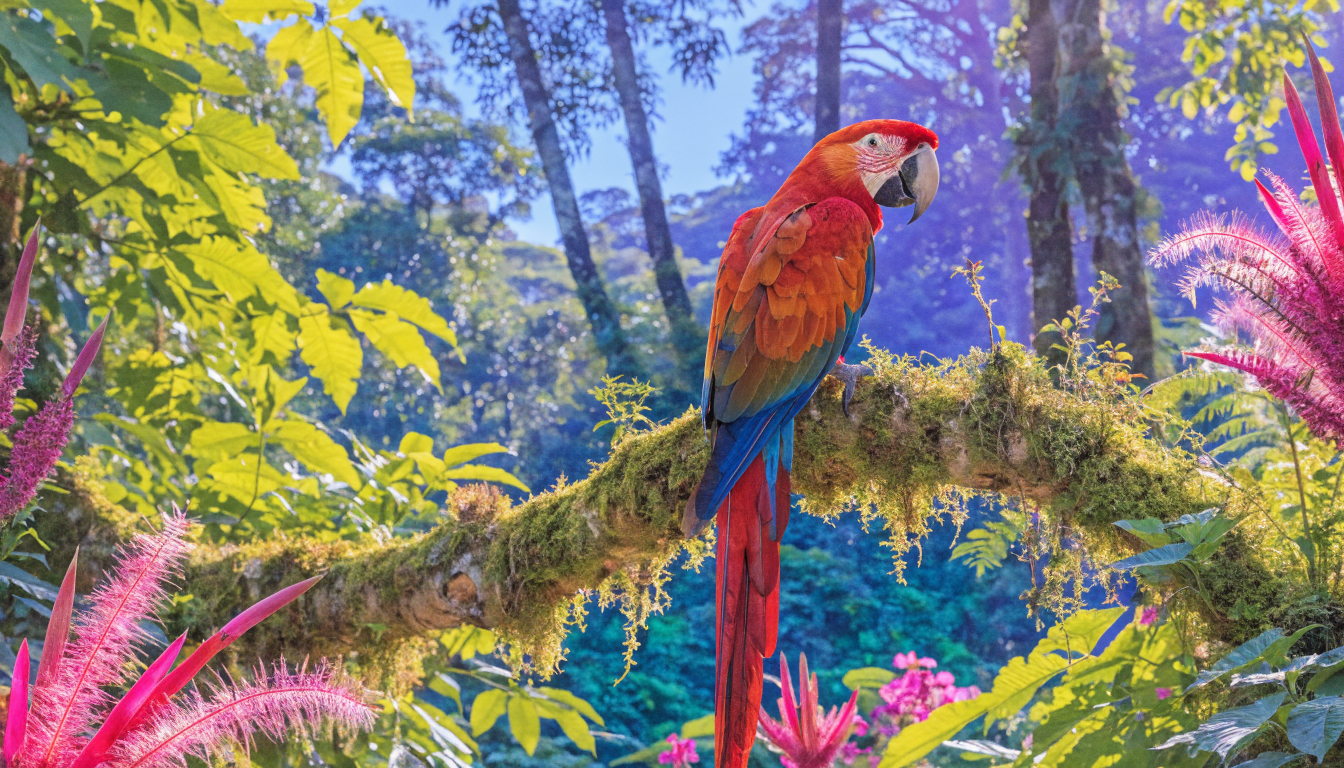
Recraft V4.1 generates design-first raster images from text prompts, with cleaner photorealism, sharper lines, and improved illustration for brand work.
- Runtime (p50)
- 15s
- Estimated price
- $0.04 per execution
Overview
Recraft v4.1 | Text to Image Overview
Recraft v4.1 | Text to Image is a diffusion-based generative model from Recraft, designed to transform natural language prompts into high-quality images, illustrations, and design assets. It focuses on clean, vector-friendly outputs and brand-ready visuals, making it especially useful for designers, marketers, and product teams who need production-grade graphics rather than purely artistic experiments. Within the recraft text-to-image family, this version is known for strong style control, crisp line work, and solid typography rendering. Integrated via the Recraft v4.1 | Text to Image API on each::labs, it helps teams rapidly prototype visuals, generate social and marketing assets, and explore visual directions without leaving their existing workflows.
Capabilities
Capabilities
- Generates high-quality illustrations, icons, and branded graphics from natural language prompts.
- Produces crisp line work and stylized imagery suitable for UI, marketing, and product design.
- Handles multiple visual styles, including flat illustration, 3D render-like art, isometric graphics, and minimal icons.
- Supports flexible aspect ratios for social posts, banners, and presentation slides.
- Captures simple text and logos in images reasonably well, enabling logo-like marks and labeled mockups.
- Works effectively with design-oriented prompt vocabularies (e.g., “vector,” “brand palette,” “grid-based layout”).
- Integrates via the Recraft v4.1 | Text to Image API on each::labs for automated or large-scale image generation.
- Useful for rapid prototyping of visual directions before handing assets to human designers for refinement.
Use cases
Use Cases for Recraft v4.1 | Text to Image
Marketing teams: Quickly create campaign creatives, social posts, and ad concepts by leveraging the model’s strong stylized illustration capabilities. For instance: “Instagram post illustration of a person scheduling social media, bold flat colors, room for headline text at top.”
Product and UX designers: Generate UI illustrations and icons using its clean line work and vector-friendly outputs. Example: “Set of 6 onboarding illustrations showing users using a finance app, consistent character style, muted palette.”
Brand and visual designers: Explore logo directions and brand motifs with design-specific prompts like: “Abstract logo mark inspired by waves and data streams, minimal, blue and teal, on white background.”
Developers: Integrate the Recraft v4.1 | Text to Image API through each::labs to auto-generate visuals inside apps, such as blog cover images or internal dashboards. Example: “Blog cover image about machine learning in healthcare, modern flat style, medical icons, blue and green theme.”
Tips & tricks
Tips and Tricks
Recraft v4.1 | Text to Image responds best to concise but structured prompts. Start with the subject, then specify style, medium, color, and framing. For example: “a friendly robot mascot, flat vector illustration, bold colors, simple background, front view”. Include design-specific language such as “icon set”, “UI illustration”, “isometric”, or “brand style guide” to steer outputs toward design-ready assets. If you need consistent characters or a recurring mascot, repeat key descriptors (color, shapes, outfit) in every prompt and keep the composition similar.
Example prompts:
- “Minimalist outline icon of a cloud server, monochrome, pixel-perfect, for app toolbar.”
- “Landing page hero illustration of a creative team collaborating with AI, flat 2D style, pastel palette, white background.”
- “E-commerce product mockup of a coffee bag with abstract geometric label, modern branding, centered on clean studio background.”
Technical spec
Technical Specifications
- Model type: Diffusion-based text-to-image generator in the recraft-v4.1 family.
- Inputs: Text prompt, optional style descriptors (e.g., “flat illustration”, “3D render”, “minimalist icon”).
- Outputs: Raster images suitable for web and design workflows; can be exported or post-processed into vector in downstream tools.
- Typical resolutions: Supports standard square and rectangular formats (e.g., 1:1, 9:16, 16:9); exact limits depend on deployment, so check the Recraft v4.1 | Text to Image API settings on each::labs.
- Aspect ratios: Flexible, with good performance on social-media and poster-style dimensions.
- Processing time: Usually a few seconds per image on modern GPU-backed infrastructure, depending on resolution and queue load.
- Formats: Standard image formats such as PNG/JPEG, appropriate for design tools and web use.
Things to be aware of
Things to Be Aware Of
Recraft v4.1 | Text to Image may struggle with highly detailed photorealistic scenes or complex text-heavy layouts, as its strengths lean toward stylized, design-centric imagery. Very long or ambiguous prompts can confuse the model, so avoid mixing too many unrelated styles or instructions in one request. For consistent branding, keep seed prompts and key descriptors documented and reused across generations. When calling the recraft text-to-image API from each::labs, monitor resolution, batch size, and rate limits to avoid unexpected latency or cost spikes. Always review outputs for brand safety and legal compliance before publishing.
Key considerations
Key Considerations
Recraft v4.1 | Text to Image is optimized for clean, stylized imagery, icons, and branded assets rather than photorealistic photography. Users typically get the best results when they specify style, color palette, and composition in the prompt. Because quality and speed depend on resolution and batch size, large runs of high-resolution images may require more time or credits. When integrating the Recraft v4.1 | Text to Image API through each::labs, ensure your application validates prompt input and enforces content policies, especially for commercial or user-generated workflows. For hyper-realistic photos, you may want to compare outputs from other specialized models alongside this one.
Limitations
Limitations
Recraft v4.1 | Text to Image is not a one-to-one replacement for expert human designers, especially for final brand identities or production packaging. Photorealism, accurate rendering of small text, and intricate multi-object compositions can be inconsistent. The model’s outputs are raster images, so advanced vector editing still requires downstream tools. As with most generative systems, it cannot perfectly reproduce specific copyrighted logos, characters, or proprietary styles on demand, and such use may be restricted by policy. Users should treat generations as creative starting points rather than finished, print-ready assets.
Related models
4 models
About Recraft v4.1 | Text to Image
What is Recraft V4.1 text-to-image?
Recraft V4.1 text-to-image is Recraft's design-first image generation model. It produces raster images from text prompts with quieter photorealism, smoother gradients, sharper illustration linework, and improved short-prompt adherence, keeping in-image text legible across editorial work, brand systems, and marketing assets.